
Close the loop: from detection to fix, automatically
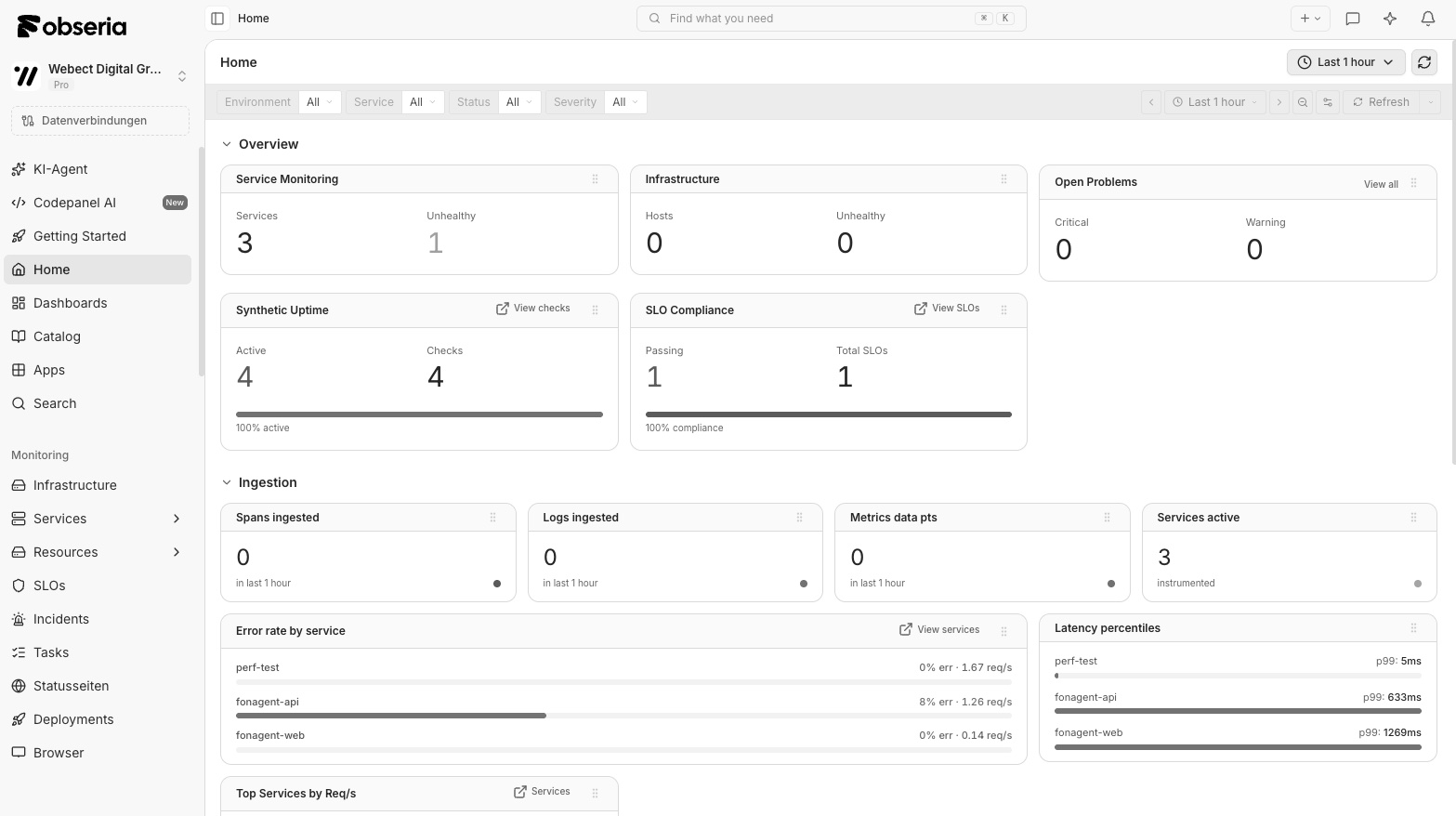
Workflows connect Obseria Intelligence to your incident, deployment and collaboration tools so engineers only get paged for what the platform cannot resolve itself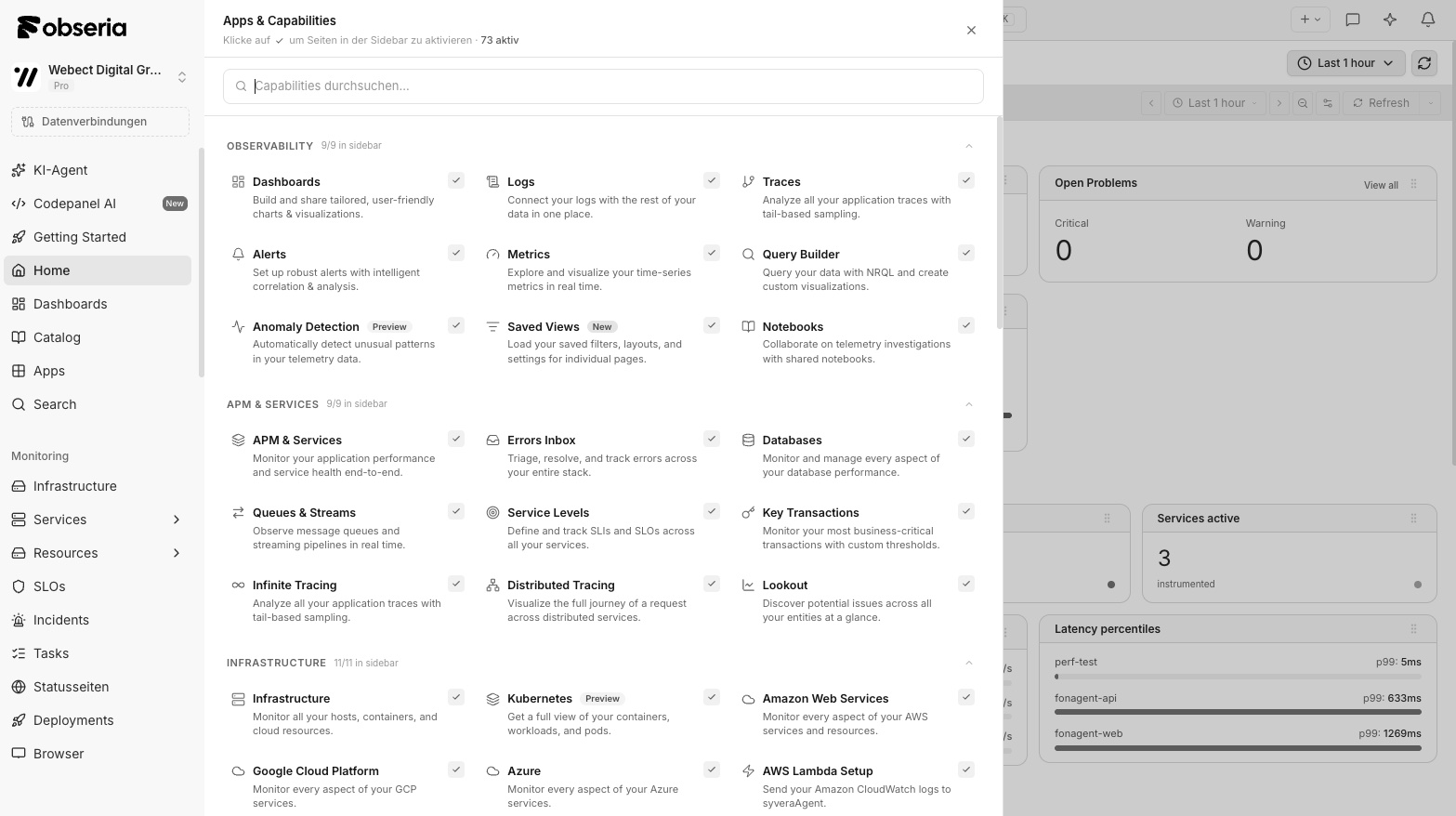














Self-healing systems: 12 workflows every SRE team needs
From OOM restarts to rollbacks: proven automations as code.
Read nowAutomation you can trust
Every automation starts with an explained cause and ends with a verified result.Workflows as code
Define automations in YAML or TypeScript, version them and roll them out via CI/CD. With test mode, approval steps and a full audit trail.
Integrated into your toolchain
PagerDuty, Opsgenie, Jira, ServiceNow, Slack, Teams, GitHub, GitLab, Argo CD, Terraform and 100+ other tools as actions and triggers.
Triggered by causality
Workflows react to root causes, not symptoms. A memory leak triggers a rollback, not ten alerts on ten services.
80% of incidents resolved without human intervention
Northwind Energy fixes standard incidents fully automatically via runbook.
Read the Northwind story312 automatic rollbacks per quarter
Deltaforge stops faulty releases based on SLO violations before customers are affected.
Read the Deltaforge story0 night pages for known causes
Kestrel Mobility only wakes on-call for unknown problems.
Read the Kestrel story2 weeks to the first production automation
Brightline Logistics started with ticket routing and expanded step by step.
Read the Brightline storyEmpower your business with AI-driven observability
Harness trusted answers instead of alert floods, for measurable business outcomes at scale
Explore the Obseria approachFrom signal to answer in three steps
- Step 1
Pick a trigger
Start workflows from root causes, SLO violations, deployments, schedules or webhooks.
- Step 2
Define actions as code
Write workflows in YAML or TypeScript, or start from templates, with approvals and test mode.
- Step 3
Close the loop
Roll back, scale, restart or open tickets automatically, with a full audit trail.
What's included
- Workflows as code with version control
- 100+ integrations as triggers and actions
- Approvals and simulation mode
- Auto-remediation and rollbacks
- Incident enrichment with root cause
- Complete audit trail
Explore capabilities in detail
Products for production operations
Infrastructure Observability
Automatically discover and monitor hosts, containers, Kubernetes and multi-cloud.
Application Observability
Distributed tracing with code-level context for every transaction.
Log Analytics
Store logs without schemas or indexes and analyze them in seconds.
Digital Experience
Real user monitoring, session replay and synthetic monitoring.
AI Observability
Monitor LLMs, agents and RAG pipelines with cost, quality and guardrails.
Obseria Intelligence
Causal AI for root cause analysis, predictions and automated remediation.
Automation use cases with Obseria
Fix known problems automatically
Restart pods, roll back deployments, clear caches or add capacity as soon as Obseria Intelligence has confirmed the cause. With optional approval in Slack.
Explore workflowsTickets with context instead of empty alerts
Incidents in PagerDuty, Jira or ServiceNow contain root cause, affected services, deployments and links to traces and logs. Status and resolution flow back.
See integrationsProgressive delivery with SLO gates
Canary and blue-green rollouts are evaluated on error rate, latency and business KPIs. On degradation, Obseria stops the rollout automatically.
Application ObservabilityRemove unused resources automatically
Detect idle clusters, oversized pods and orphaned volumes and scale or shut them down via workflow, with proof of the savings.
Infrastructure ObservabilityWorks with your stack
Connect the technologies you already run. 700+ integrations, discovered and put into context automatically.


Leading organizations that run on Automation
Get started with Automation training and documentation
Automation FAQ
Every workflow can run in simulation mode, request approvals and be limited to environments, services and time windows. All actions are auditable and reversible.
Problems and root causes from Obseria Intelligence, SLO violations, deployments, schedules, webhooks and manual starts.
No. Workflows are described in YAML or programmed in TypeScript. A visual editor and templates for common cases are included.
Automation workflows are included in every account at no extra cost.
Ready for observability that delivers answers?
Take the first steps toward reliable operations