
Observability for SRE: reliability you can measure
SLOs instead of gut feeling, alerts that page only when users are affected, and incidents that end with learnings instead of blame. Obseria gives SRE teams the measurements, workflows and automation to run reliable services at scale.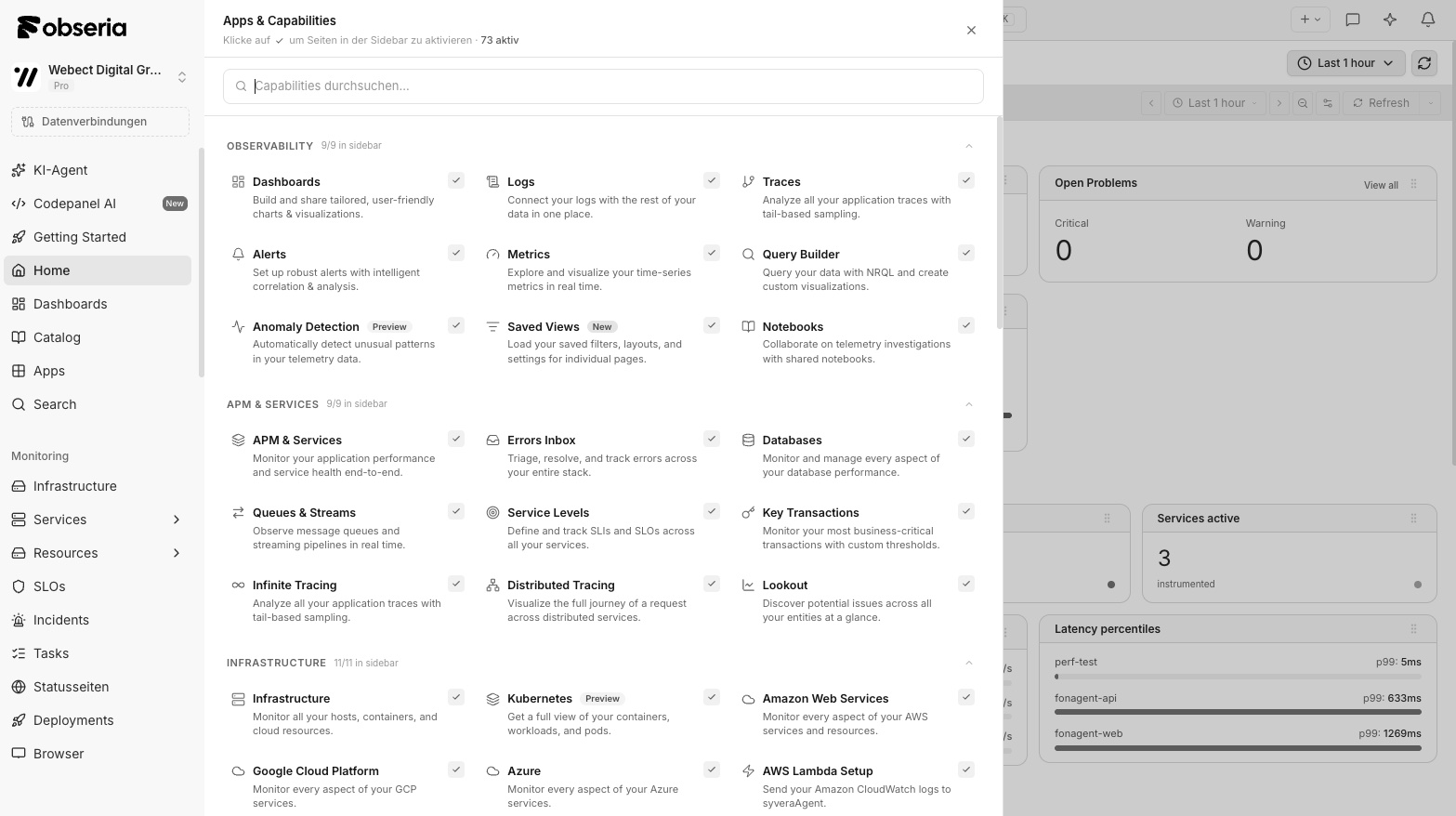
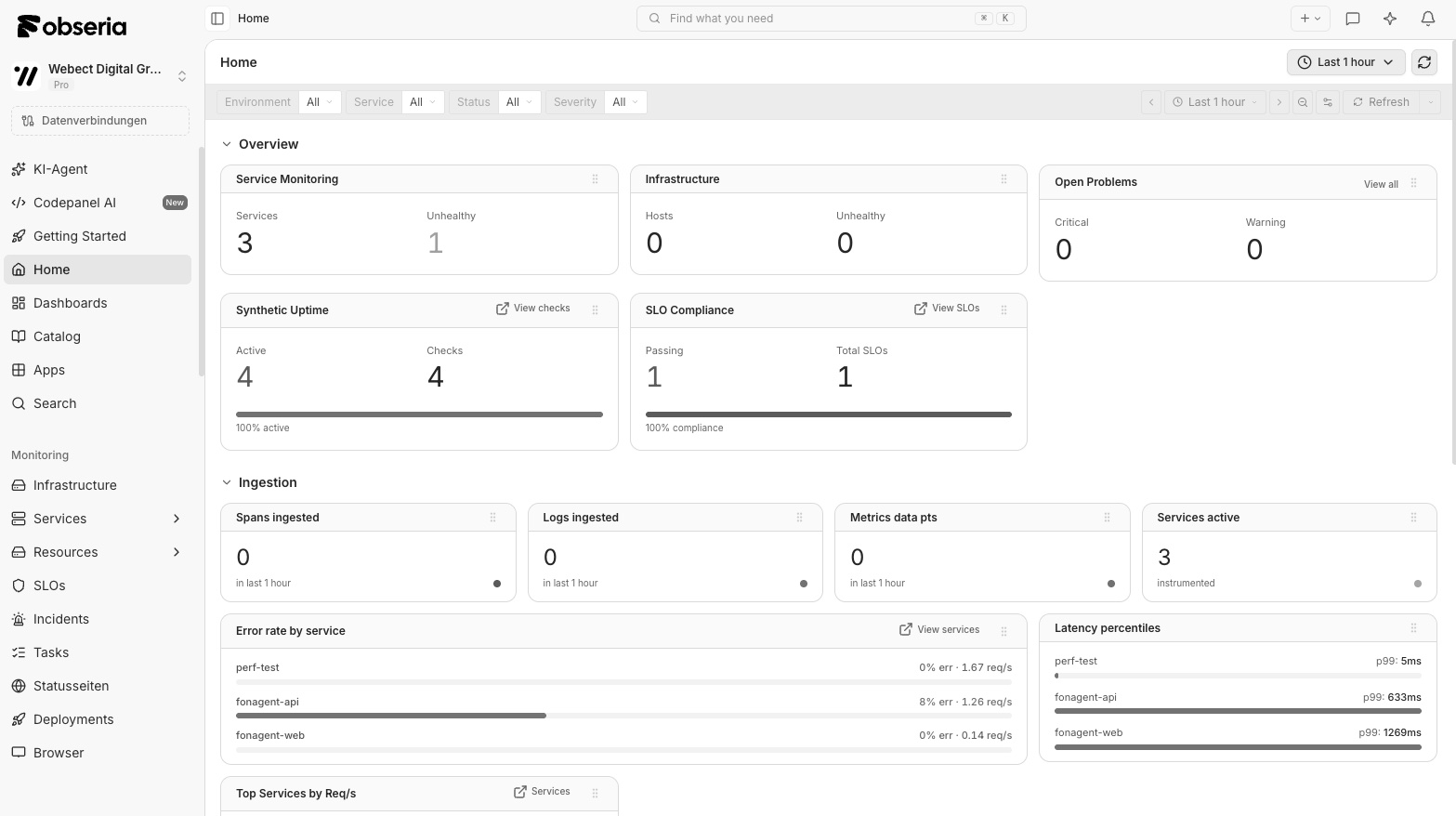
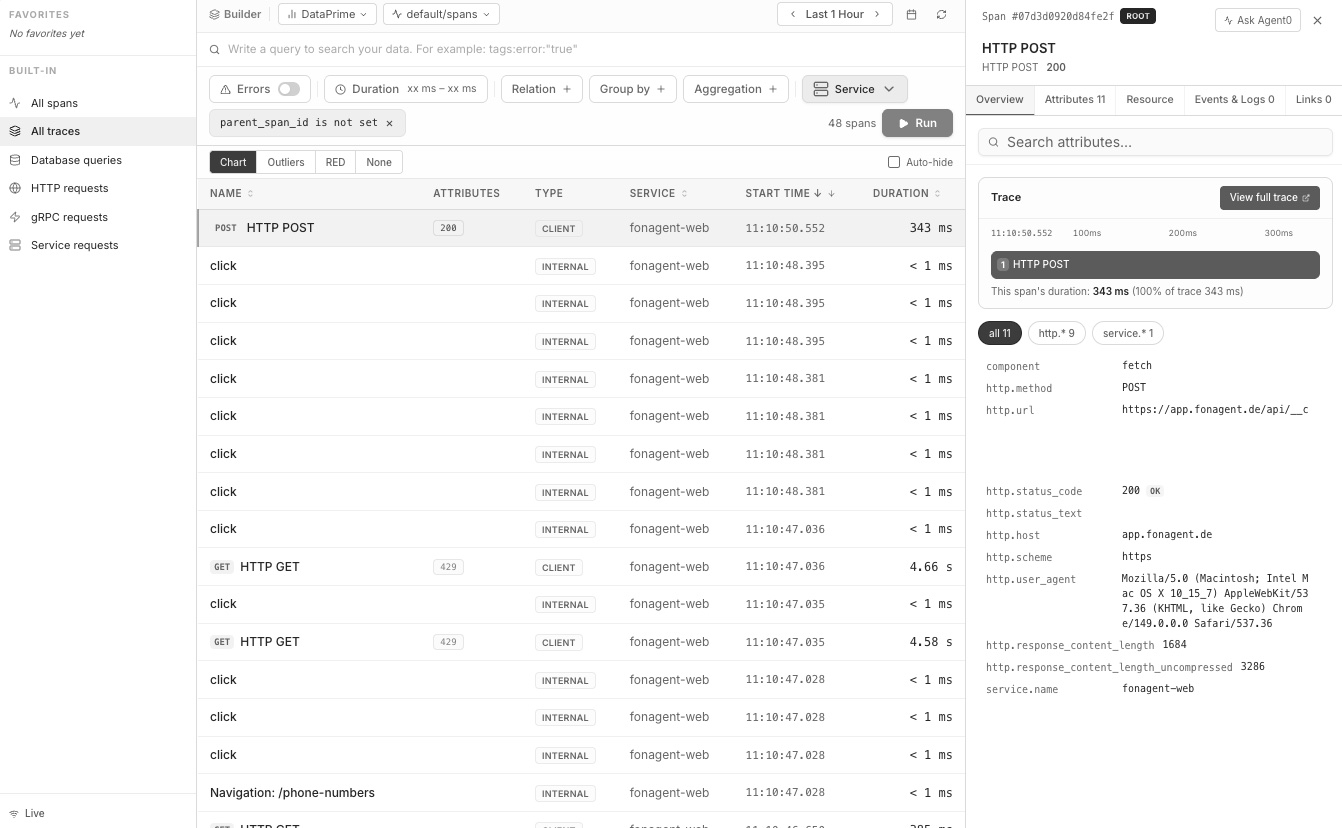














From reactive firefighting to engineered reliability
Site reliability engineering turns availability into an engineering problem with clear targets. Obseria provides the building blocks: service level objectives, actionable alerts, structured incidents and automation that removes toil.SLOs and error budgets
Define SLIs on any signal, track error budgets over rolling windows and make reliability a shared target with product teams.
Burn-rate alerting
Multi-window burn-rate alerts page only when the error budget is at real risk, which reduces noise significantly.
On-call and incidents
Routing, escalation, incident timelines and status pages on the same data as your dashboards.
Postmortems
Timelines, evidence and action items collected during the incident, ready for a blameless review.
Toil reduction
Runbooks and workflows automate recurring diagnostics and remediation steps.
AI SRE agent
The Obseria AI Agent investigates incidents, proposes remediation and acts only after approval or within your policies.
Agree on what reliable means, then measure it
Without a target, every incident is either a catastrophe or nothing. Obseria lets you define service level indicators on metrics, traces or logs, for example the share of successful checkout requests or the share of requests faster than 300 milliseconds. Objectives are evaluated over rolling windows, and the remaining error budget shows how much risk a team can still take. This makes reliability a concrete conversation between SRE, development and product rather than an abstract goal.
- SLIs from metrics, traces or logs via PromQL, OQL or SQL
- Rolling windows and calendar-based objectives
- Error budget tracking per service and team
- SLOs defined as code and versioned in Git
# slo.yaml: availability SLO with multi-window burn-rate alerts
apiVersion: obseria/v1
kind: SLO
metadata:
  name: checkout-availability
spec:
  service: checkout
  objective: 99.9
  window: 28d
  sli:
    good: sum(rate(http_requests_total{service="checkout",code!~"5.."}[5m]))
    total: sum(rate(http_requests_total{service="checkout"}[5m]))
  alerts:
    - name: fast-burn
      burnRate: 14.4
      windows: [1h, 5m]
      severity: page
    - name: slow-burn
      burnRate: 6
      windows: [6h, 30m]
severity: ticketPage people only when users are affected
Threshold alerts on CPU or single error spikes are one of the main causes of alert fatigue. Burn-rate alerts measure how fast the error budget is being consumed. A fast burn over a short and a long window pages immediately, a slow burn creates a ticket for working hours. Obseria evaluates these multi-window rules continuously, groups related alerts and attaches the relevant traces, logs and recent deployments so the on-call engineer starts with context.
- Multi-window, multi-burn-rate alert rules
- Paging for fast burns, tickets for slow burns
- Alert grouping and deduplication
- Context from traces, logs and deployments on every alert
One place from the first page to the postmortem
When an incident starts, the team needs a clear owner, a shared timeline and a way to inform stakeholders. Obseria routes alerts to the right on-call rotation, escalates when nobody responds and opens an incident with severity, roles and a timeline that records alerts, actions and messages automatically. Status pages keep customers informed. After resolution, the collected evidence forms the basis for a blameless postmortem with tracked action items.
- On-call routing and escalation policies
- Incident roles, severity levels and timelines
- Status pages for customers and internal stakeholders
- Postmortems with evidence and tracked action items
Automate the work that does not need a human
Toil is manual, repetitive work that grows with the size of the system: restarting a stuck worker, clearing a queue, collecting the same diagnostics for every incident. Obseria Automation turns these steps into workflows and runbooks that run on a trigger, on demand or as part of an incident. Every run is logged, so you can see which automations save time and where manual work is still needed.
- Runbooks and workflows triggered by alerts or incidents
- Approval steps for actions with impact
- Audit trail of every automated action
- Integrations with ticketing and chat tools
An investigator that works the incident with you
The Obseria AI Agent builds on Obseria Intelligence and TopoGraph. When an incident opens, it checks recent changes, correlated anomalies and dependencies, and presents a root-cause hypothesis with a chain of evidence your engineers can verify. It can propose remediation such as a rollback or a scaling change, but it acts only after approval or within policies you define. The agent supports your on-call engineers; it does not replace their judgment.
- Causal root-cause analysis with evidence
- Remediation proposals linked to runbooks
- Actions only after approval or within policies
- Findings added to the incident timeline
A practical path to SLO-based operations
- Step 1
Pick critical journeys
Start with the two or three user journeys that matter most, such as login or checkout.
- Step 2
Define SLIs and SLOs
Choose indicators that reflect user experience and agree on objectives with product owners.
- Step 3
Switch to burn-rate alerts
Replace noisy threshold alerts with multi-window burn-rate rules for those services.
- Step 4
Close the loop
Run blameless postmortems, track action items and automate recurring remediation steps.
Frequently asked questions
SLIs can be defined on metrics, traces or logs. Typical examples are the ratio of successful requests, the share of requests below a latency threshold or the freshness of data in a pipeline. Queries can be written in PromQL, OQL or SQL.
It compares how fast the error budget is consumed over a long and a short window at the same time. The long window ensures the problem is significant, the short window ensures it is still happening. This combination pages quickly for severe issues and avoids alerts for short, harmless spikes.
Obseria includes alert routing, escalation, incident management and status pages. Teams that already use a dedicated on-call tool can keep it and send Obseria alerts there through webhooks and integrations.
During an incident, alerts, actions, messages and AI findings are recorded on a timeline. After resolution, this timeline and the linked evidence form the starting point for a blameless postmortem, and action items can be tracked until they are done.
Only if you allow it. The Obseria AI Agent investigates and proposes remediation. It executes actions only after approval or within policies you define, and every action is logged.
Metric retention in Obseria is 13 months, so you can compare reliability over quarters and see whether improvements from postmortems actually had an effect.
Fewer than you think. Two or three SLOs for the most important user journeys are usually enough to change how a team prioritizes work. Each SLO should have a clear owner and a policy for what happens when the error budget is exhausted, for example pausing risky releases. More SLOs can follow once the first ones are trusted and actually used in planning.
That is a decision for your organization, ideally written down as an error budget policy before it happens. Common responses are freezing non-critical releases, prioritizing reliability work in the next sprint or requiring additional review for risky changes. Obseria shows the remaining budget and its trend, and release gates in your pipeline can enforce the policy automatically.
By grouping related alerts, attaching context from traces, logs and deployments, and automating recurring diagnostic and remediation steps with runbooks. The AI agent can collect evidence and propose a root cause while the engineer is still opening the incident. Every automated step is logged, which also helps to identify which tasks are still done manually and are worth automating next.
Yes. Incident timelines record when a problem was detected, acknowledged and resolved. From these timestamps Obseria derives metrics such as mean time to detect and mean time to restore per service and team, so you can see whether changes to alerting or runbooks actually shorten incidents.
Make reliability measurable.
Define your first SLOs, switch to burn-rate alerts and see how much quieter on-call can be.