
Build apps in a chat with AI
Describe the app and the AI writes a complete React and TypeScript project, checks that it builds and fixes its own errors. A plan mode discusses changes without touching files.
We use essential functions to operate this website. With your consent, we would also use services for statistics and marketing. You decide which categories you allow and can change your choice at any time via “Cookie settings” in the footer. More in our privacy notice.
Obseria Consent Management · Your choice is stored for 12 months
Describe the app you need and let AI write it: internal tools, customer portals, dashboards and websites as real React code, on your Obseria data, connected to your workflows and published with one click.
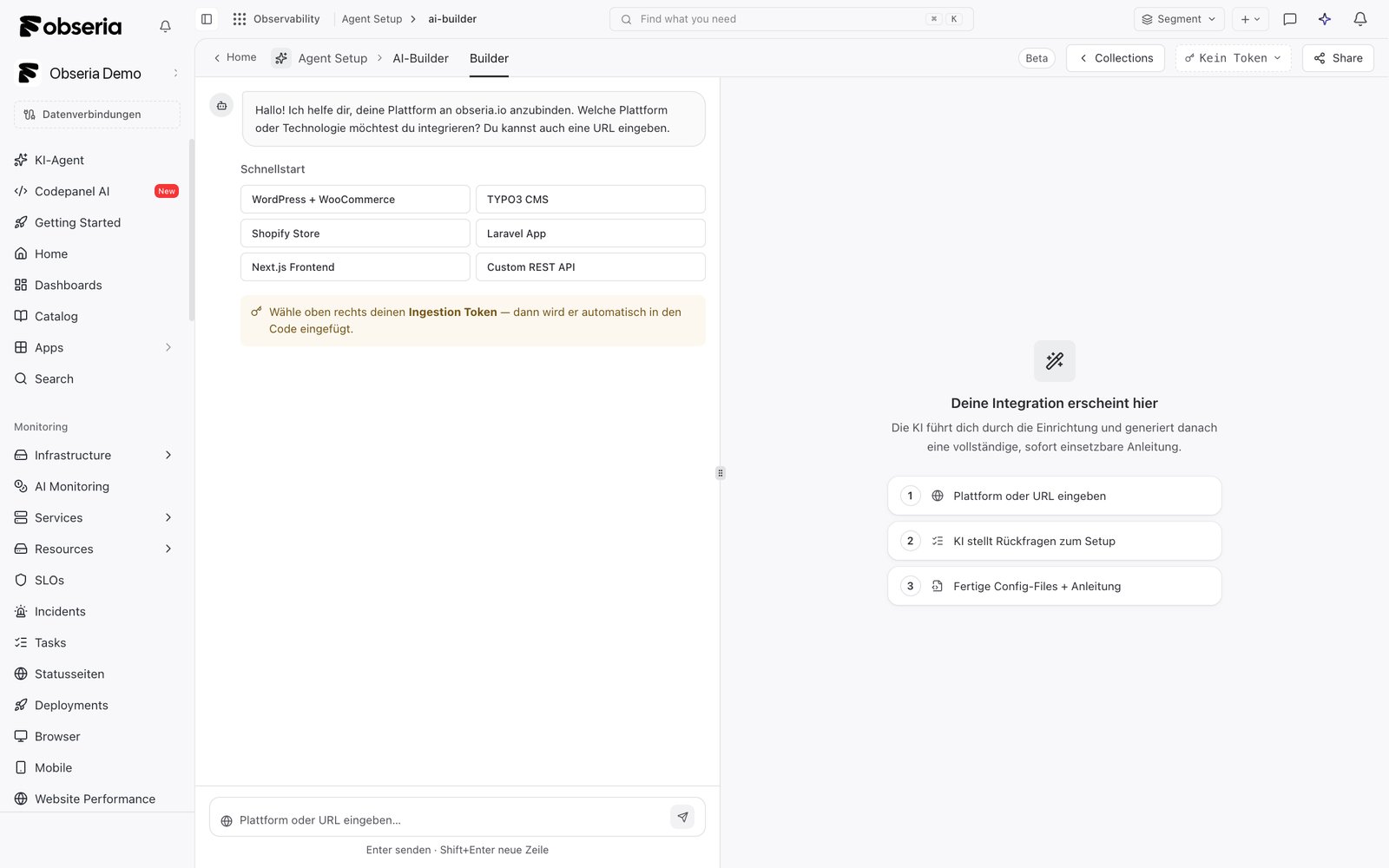
The screenshot shows the AI builder for integrations in Obseria, with quick-start options and a result pane. The Build editor follows the same idea: you describe the app in the chat, and the live preview of the generated React app appears next to it.
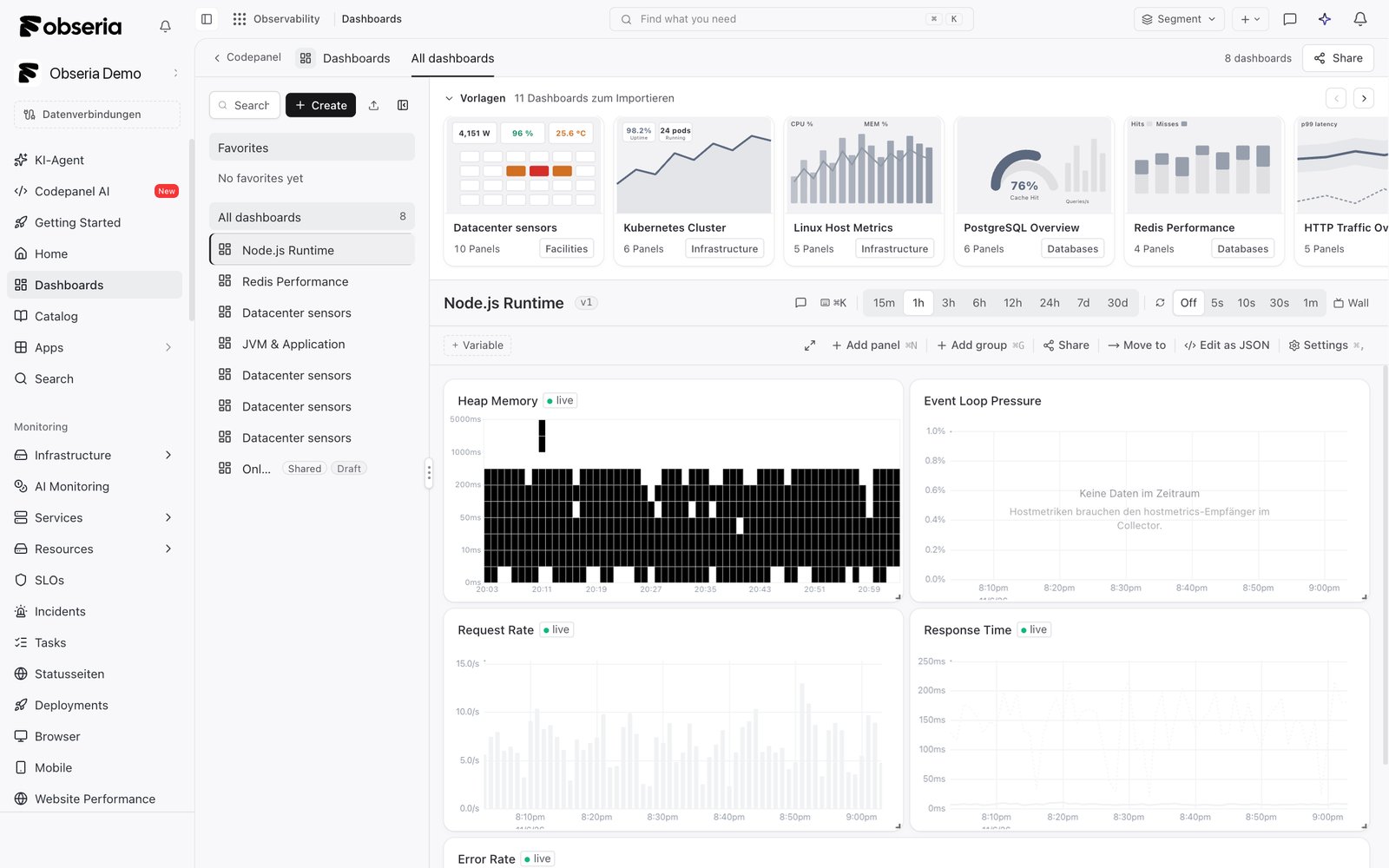
The screenshot shows dashboards in Obseria. A Build app can show figures like these in its own layout: error rates and response times, open incidents, security findings, software spend and renewals, workflow runs and saved Data queries.
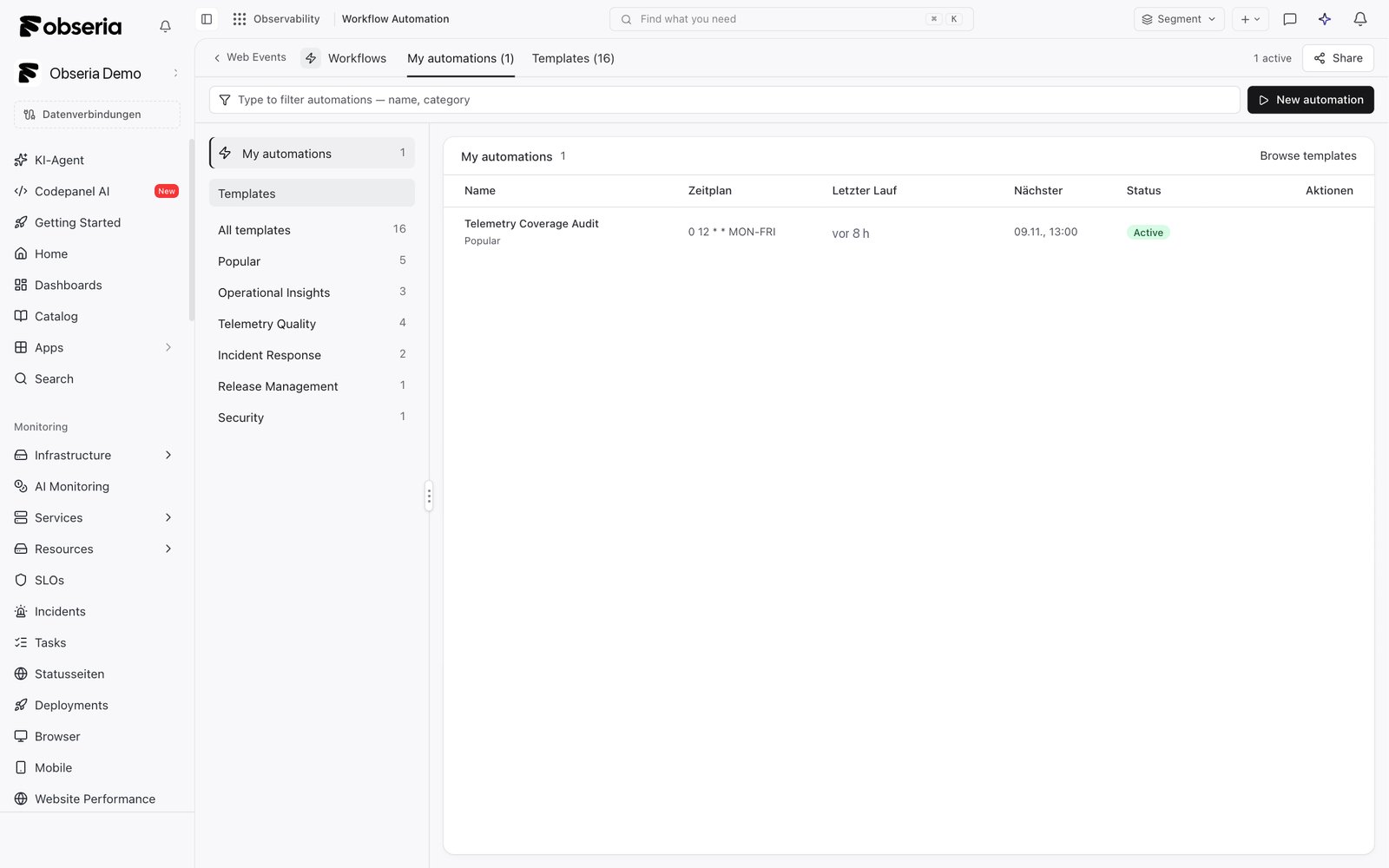
The screenshot shows the workflow list in Obseria. A Build app starts active workflows that you shared with it, for example to send an e-mail, start an approval or create a record in the CRM, using connections stored in Obseria.
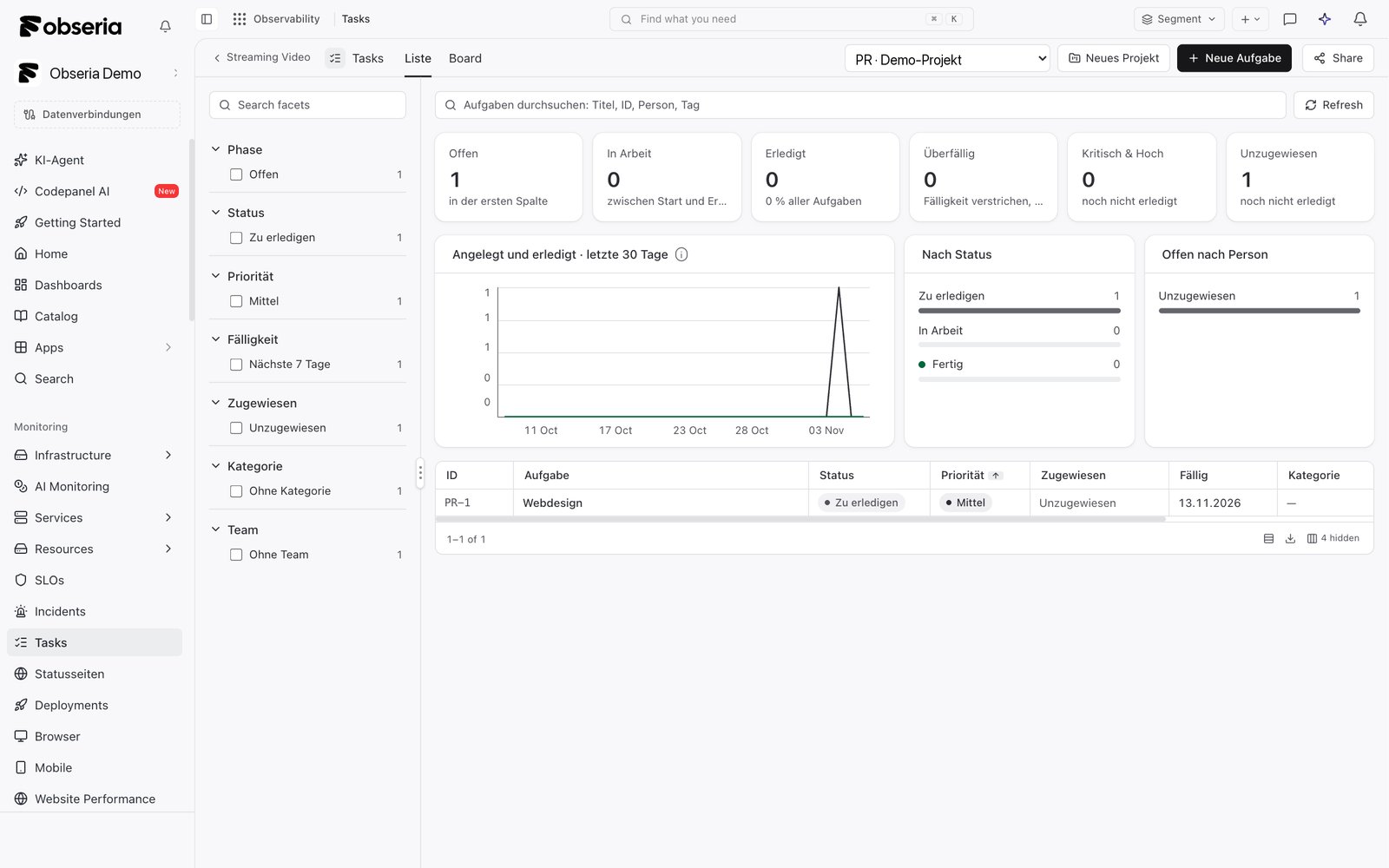
The screenshot shows tasks in Obseria with status, priority and assignee. The Build inbox works in a similar way for everything visitors send through your apps: filter open, mine and done, assign a colleague and add internal notes.
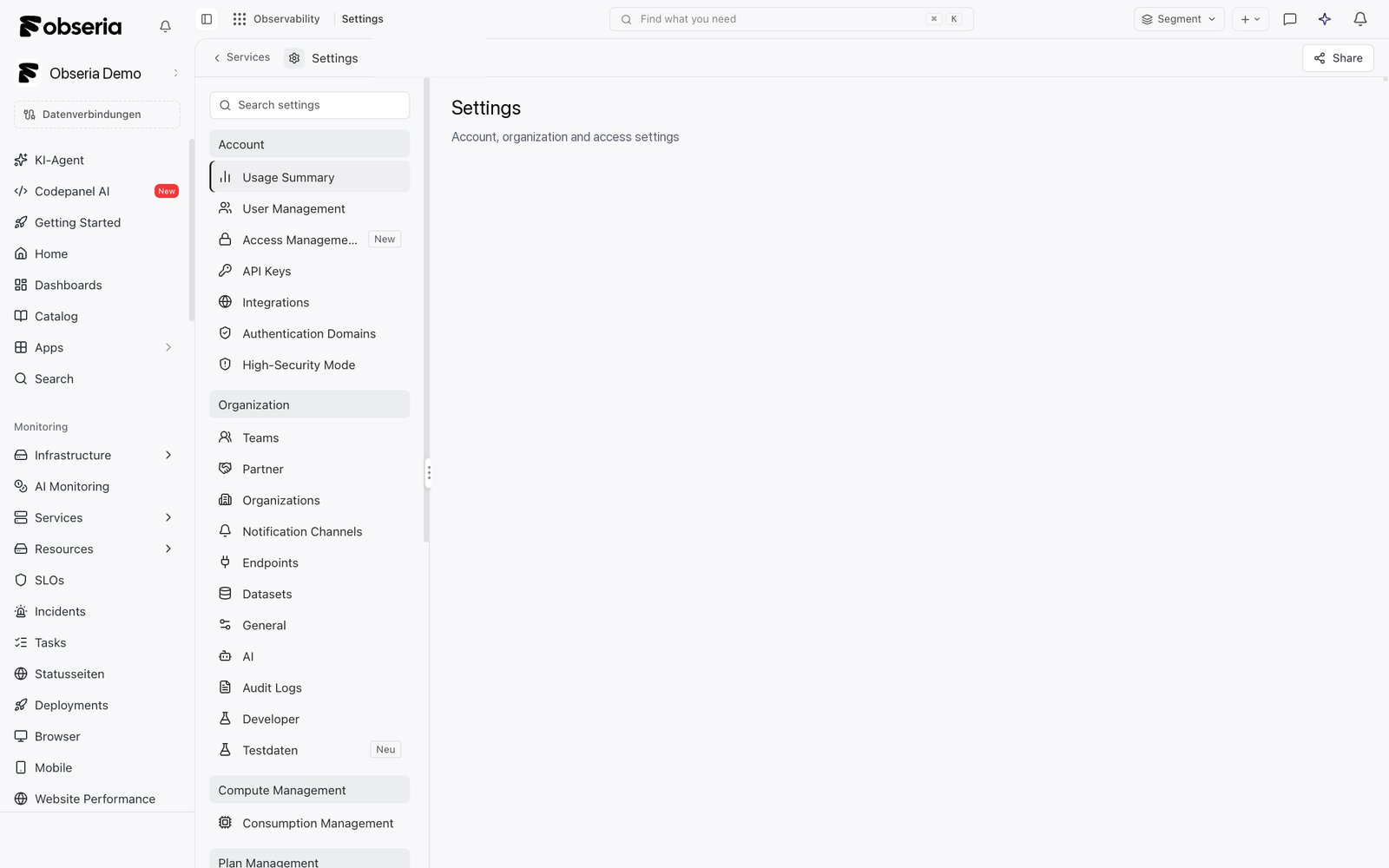
The screenshot shows the organisation settings in Obseria with users and teams. Team-only Build apps are available to exactly these members after sign-in; public apps run in a sandbox, optionally on your own domain.
Describe the app and the AI writes a complete React and TypeScript project, checks that it builds and fixes its own errors. A plan mode discusses changes without touching files.
Download the app as a standalone Vite project with React, TypeScript, Tailwind and a Dockerfile, or commit it to a GitHub repository. The exported app keeps working with its data and workflows.
Apps read tables from Obseria Data and live data points from Observability, Security, Shadow IT, Workflow and saved Data queries. Personal data columns are never delivered.
An app starts active workflows and gets back what their Respond step returns, so e-mails, approvals and API calls run with stored connections and no keys in the browser. New records can start a workflow or send an e-mail.
Write what the app should do or start from a template such as customer portal, management cockpit, vacation requests or landing page.
The AI writes the project, checks that it builds and repairs its own errors. You see the result in the preview and keep refining by chat.
Add collections with fields, import a CSV, and share Obseria Data tables, live data points and workflows with the app.
Publish a fixed version, choose public or team-only access, connect your domain and add SEO, imprint and privacy policy.
Form submissions arrive in the Build inbox and can send an e-mail or start a workflow. Visitor stats show what is used.
Every project starts as a complete Vite project with React, TypeScript and Tailwind, plus a small component kit and an app shell, so generated apps look consistent. You describe the app in your own words or pick one of the starting templates, for example a management cockpit, an IT status page, a customer portal, a sales dashboard, vacation requests, an inventory app, a landing page, an event registration, a task board or service tickets.
The AI reads all project files and what your organisation has in Obseria, such as Data tables with their columns, workflows and the app's own collections. It writes or changes files, checks that the project builds and, if not, tries to fix the errors itself. Each answer lists the changed files and the lines added and removed, and suggests sensible next steps. In plan mode the AI only discusses and proposes a plan; nothing is changed until you say so. A running answer can be stopped without touching any file.
In the preview you switch between desktop, tablet and phone sizes, open a console and pick an element on the page to change it by chat. The code view shows every file and lets you edit or add files by hand. Before every AI change the previous state is saved as a checkpoint, and restoring one is itself reversible.
Each app has its own database. In the data pane you create collections such as customers, orders or tickets with typed fields: text, long text, number, money, date, date and time, yes/no, selection, e-mail, URL and phone, each optionally required. Records can be added, searched and edited there, and a CSV import checks every row and reports errors with row numbers. Per collection you decide who may use it: only team members, everyone reads, or everyone may submit new records, for example for sign-ups and contact forms.
Beyond its own database, an app can read tables from Obseria Data and live data points: request and error figures, response times, open incidents and SLOs from Observability, findings from Security, software in use, spend and renewals from Shadow IT, workflow runs and every saved Data query. On a published app, only the tables and data points you shared answer, and columns with personal data never leave Obseria.
Workflows are the backend. An app can start any active workflow you shared with it and gets back what the workflow's Respond step returns. That is how an app sends e-mails, starts approvals or calls an ERP, CRM or payment API with connections stored in Obseria, without any key in the browser. In addition, every new record can trigger an e-mail to fixed recipients or start a workflow, for example to create a contact in the CRM.
Publishing is only possible when the app builds without errors. Each publish freezes a version, and you can switch the live app back to any earlier one or take it offline. The live app runs isolated in a sandbox with its own origin, so it never has access to your Obseria sign-in, and public endpoints are rate-limited.
Access is public or only for team members. A team-only app is opened through its Obseria link; signed-in members of your organisation get a short-lived app token, everyone else sees a sign-in notice. Your own domain is connected with a DNS TXT or CNAME record and checked from the app; after the check an HTTPS certificate is issued.
For public sites, Build adds what usually comes last: search title, description and share image, automatic robots.txt and sitemap.xml with an option to stay out of search engines, uploads for logo, photos and PDFs, and an imprint and privacy policy generated from your company details as files in the project. The legal texts are a template, not legal advice.
Everything visitors submit through the forms of any app arrives in the Build inbox. You filter by open, assigned to me, done or all, search, set a status, assign a colleague and keep internal notes that only your team sees. Spam can be deleted.
The apps overview shows one row per app: live or draft, visitors and page views over 7 and 30 days, the main referrers, open requests and a go-live checklist for images, logo, SEO, legal pages and notifications. Visitors are counted on the server without cookies and without stored IP addresses; a visitor is only recognised within one day, and bots are not counted.
The code is yours. You can download the app as a ZIP or commit it to a GitHub repository through a GitHub connection. The export is a standalone Vite project with package.json, README, Dockerfile and nginx configuration, and a runtime that keeps talking to the app's database, shared tables and workflows under the same access rules.
 GitHub
 React
 Docker
 nginx
 Slack
 Microsoft Teams
 PostgreSQL
An AI app builder turns a description in plain language into a working web application. Instead of dragging boxes onto a form designer, you write what the app should do: who uses it, which data it shows, what happens when someone submits a form. The AI writes the code, you look at the result, and you change it in the same conversation until it fits.
The difference to a classic no-code tool is what comes out. A no-code tool keeps the app inside its own format. A good AI app builder produces ordinary source code that developers can read, change and take elsewhere. The difference to an AI coding assistant is everything around the code: a preview, a place for the data, sign-in, publishing and a way to handle what users send in.
Most apps that companies need are small and specific, and that is exactly where an AI app builder saves the most time:
Large products with complex permissions, offline use or many integrations in the browser are still better built as a classic software project. The exported code of an AI-built app is a good starting point for that too.
To build internal tools with AI well, the description matters more than the tool. A good first prompt answers four questions:
Then work in small steps. Ask for one change at a time, check the preview on a phone size as well, and let the AI explain a plan before larger changes. Every change should be reversible, so trying an idea costs nothing.
Apps need data in two forms. Existing business data, such as customers, orders or prices, should stay where it is maintained and be read by the app. Data the app collects itself, such as contact requests, bookings or tickets, needs its own small database with fields, required values and rules for who may read and write.
Keep personal data out of public apps unless it is really needed, and decide per collection whether visitors may only read, only submit or nothing at all. Imports from CSV help to start with real data instead of sample rows.
A customer portal builder has to cover more than pages. A useful portal lets customers find information without calling, submit requests in a structured form and get an answer. Behind it, the team needs one place where all requests arrive, with status, responsibility and internal notes, plus notifications so nothing waits unseen.
Clarify early whether the portal is public or needs individual customer accounts. Public portals with request forms are quick to build. Portals in which every customer only sees their own orders need a user management for customers and are a larger project.
Generated code should be treated like any code from outside: it must not get more rights than it needs. Three rules help:
The biggest risk of app builders is lock-in. Ask whether you can download the complete project, whether it builds with standard tools and whether it can live in your own Git repository. If the answer is yes, the builder is a fast start, not a dependency.
Before an app is shared outside the team, a few things should be in place: a domain that belongs to the company, a page title and description for search engines and link previews, a logo and real photos, and for public websites in Germany an imprint and a privacy policy. Generated legal texts are a starting point and should be checked. Finally, someone must be notified when a form is submitted.
Limits today: there are no separate accounts for your customers; team-only apps are for members of your Obseria organisation. Apps have no server code of their own, backend logic runs in workflows. A project holds up to 120 files, and an app database up to 50,000 records.
The part of Obseria for building apps with AI: internal tools, customer portals, dashboards and websites. You describe the app in a chat, the AI writes a React and TypeScript project, and you publish it with its own database, your Obseria data and your workflows as the backend.
No. Apps are built and changed in a conversation, and the preview shows the result. If you or your developers want to, every file can be edited in the code view, and the project can be exported.
Yes, for portals with information, search, detail pages and request forms; submissions land in the Build inbox. Separate accounts for your customers are not available yet: an app is either public or only for members of your Obseria organisation, so a portal in which every customer sees only their own data cannot be built today.
Its own app database with collections and fields, tables from Obseria Data and live data points from Observability, Security, Shadow IT, Workflow and saved Data queries. On a published app, only the tables, data points and workflows you shared answer, and personal data columns are never delivered.
Through Obseria Workflow. An app starts an active workflow and gets back what its Respond step returns; the workflow uses connections stored in Obseria. New records can also send an e-mail or start a workflow automatically.
Yes. You can download the app as a ZIP or commit it to a GitHub repository. The export is a standard Vite project with React and TypeScript, a Dockerfile and a README, and keeps working with the app's data and workflows.
Build has no meter of its own in the price list. The AI work behind the assistant is billed as AI agent credits at $0.60 per credit. See pricing for all meters.
No separate accounts for your customers; team-only apps are for members of your Obseria organisation. No server code inside the app, backend logic runs in workflows, which must be active. A project holds up to 120 files, an app database up to 50,000 records, and media up to 5 MB per file and 100 MB per project.
Approvals, e-mails and API calls that apps start as their backend functions.
→Business tables, syncs and saved queries that apps read and show.
→AI workers on the server that answer requests and watch incidents, contracts and reports.
→Observability, Security, Shadow IT and the live figures apps can display.
→In 30 minutes we show you how Obseria works in your environment and answer your questions on setup, privacy and pricing.
