
 PagerDuty
 Opsgenie
 Jira Service Management
 incident.io
Access reviews
Campaigns that ask per person and app whether access is still needed, with last use, licence and permissions as evidence, decisions with name and date and a CSV export.
We use essential functions to operate this website. With your consent, we would also use services for statistics and marketing. You decide which categories you allow and can change your choice at any time via “Cookie settings” in the footer. More in our privacy notice.
Obseria Consent Management · Your choice is stored for 12 months
Run access review campaigns for all apps, one app, a department or only high-risk apps, let managers or app owners keep or revoke each access with evidence in front of them, and export every decision for your audit.
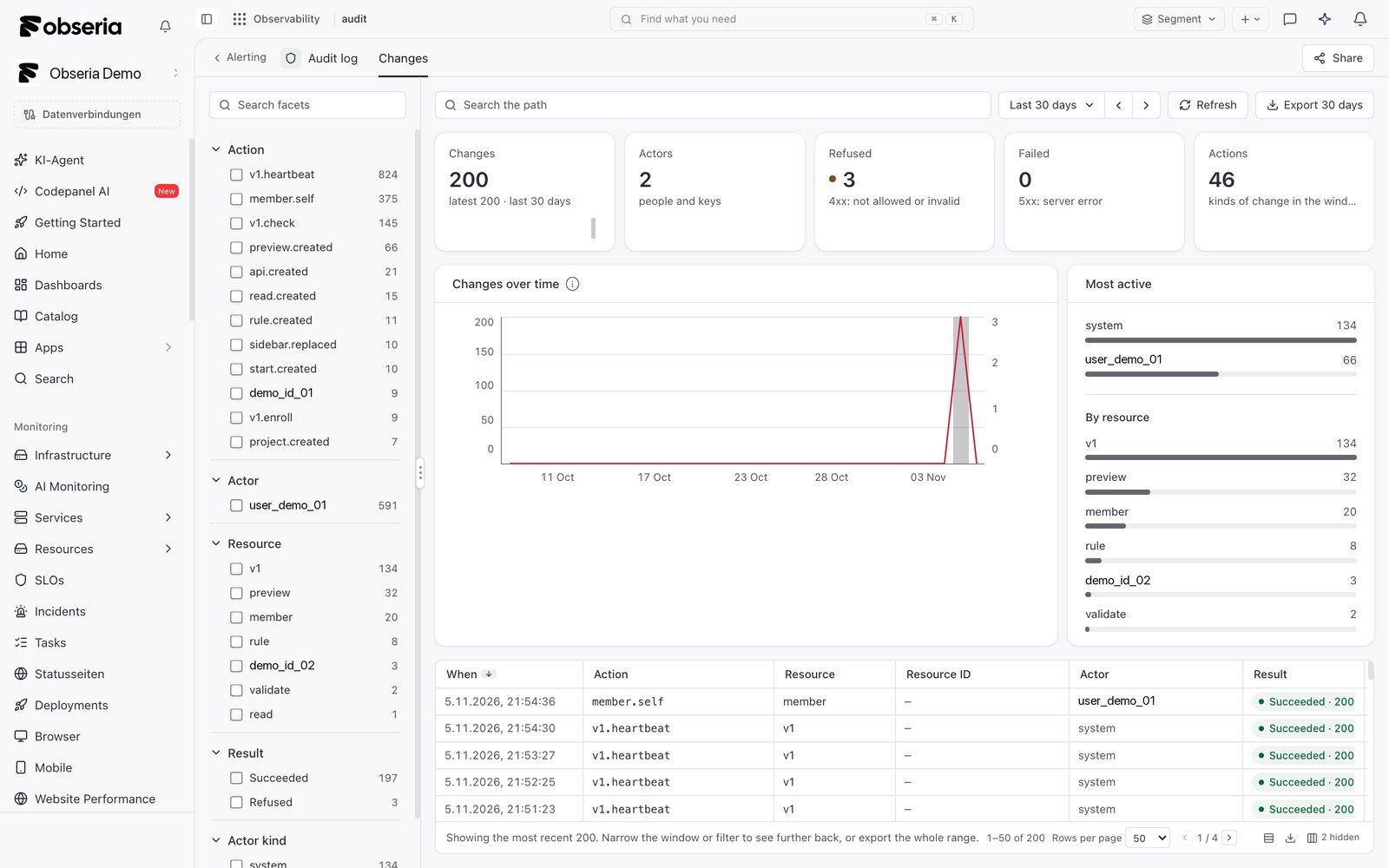
The platform audit log records changes with actor, resource and result and can be exported. Access review decisions are additionally kept per item with name, date and note.
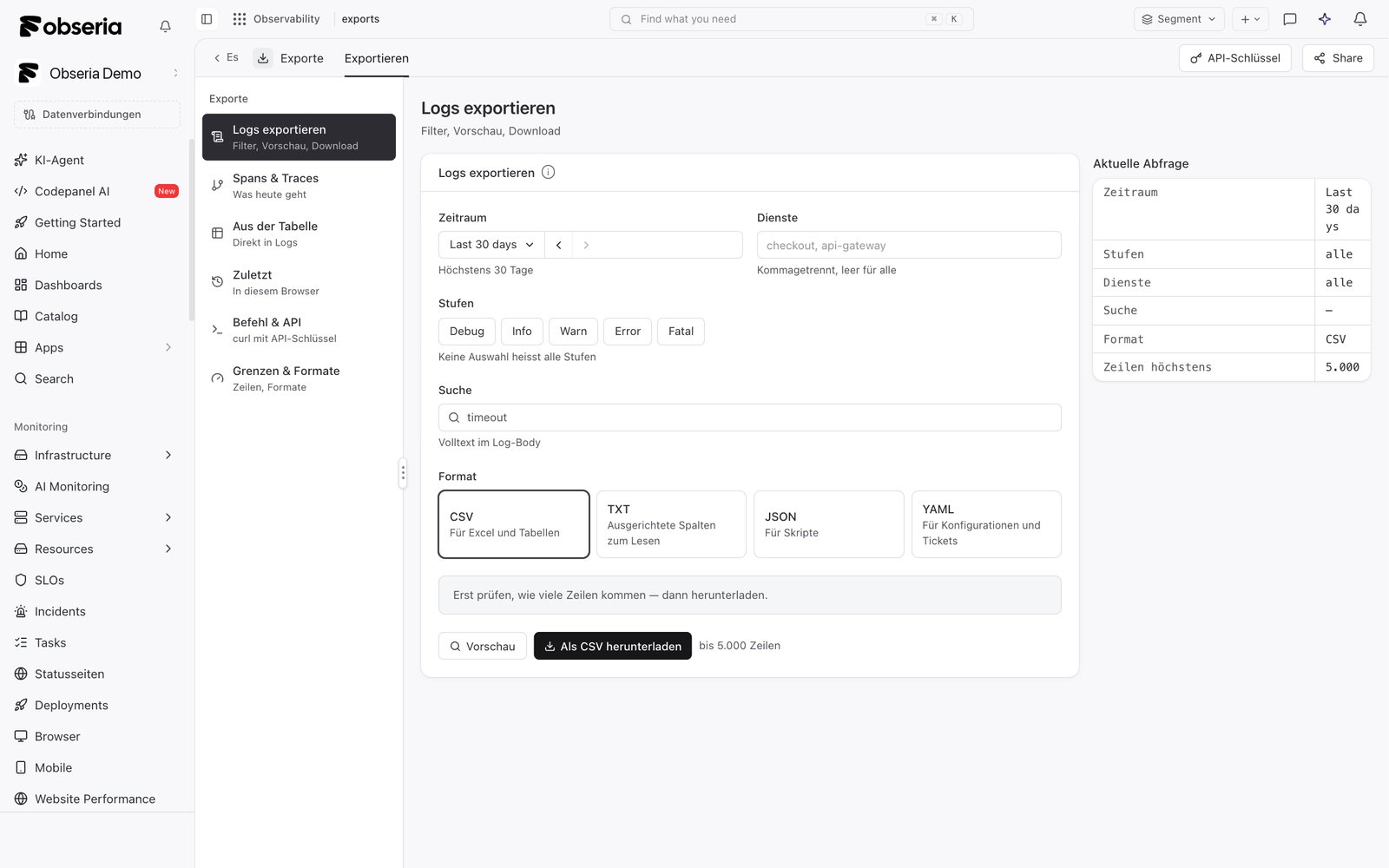
This is the platform's data export. Access reviews have their own CSV export with one row per person and app, including decision, reviewer and evidence.
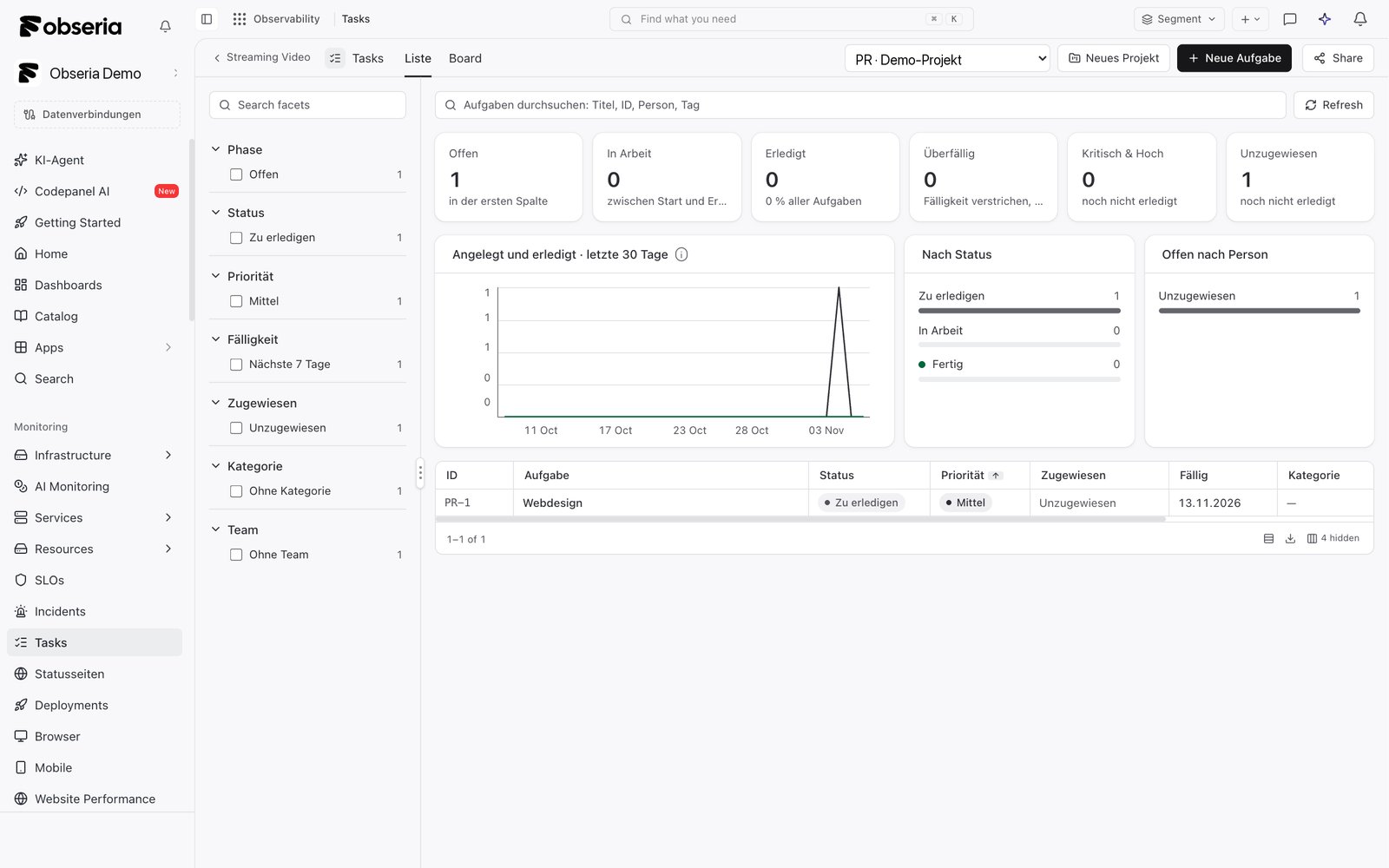
This is the platform's task list. In Shadow IT, every revoke in an access review likewise becomes a task for the app owner, due in seven days, to remove the account at the vendor.
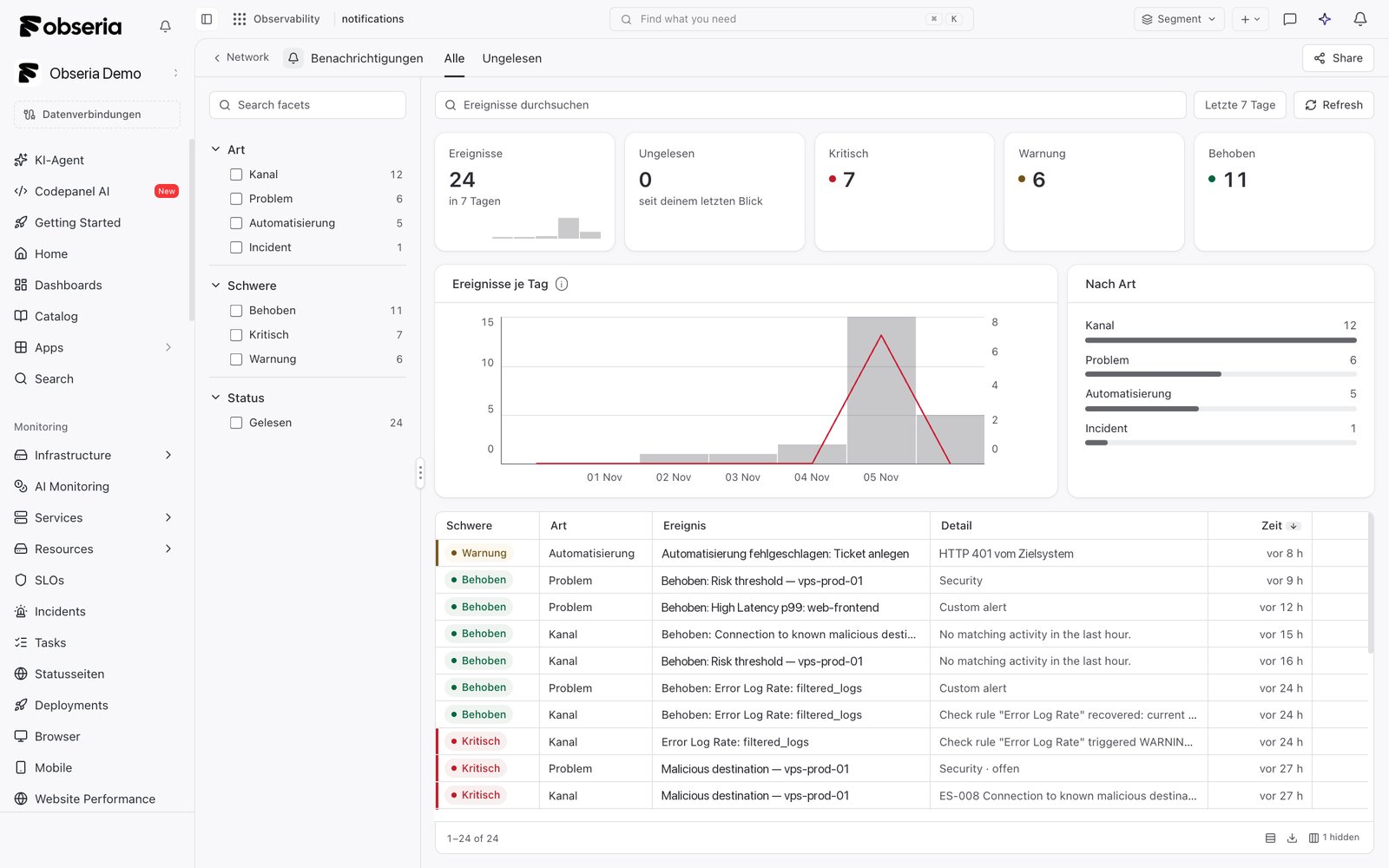
Obseria sends its messages through your notification channels. When a campaign starts, each reviewer is told how many items wait for them, with a link and the due date.
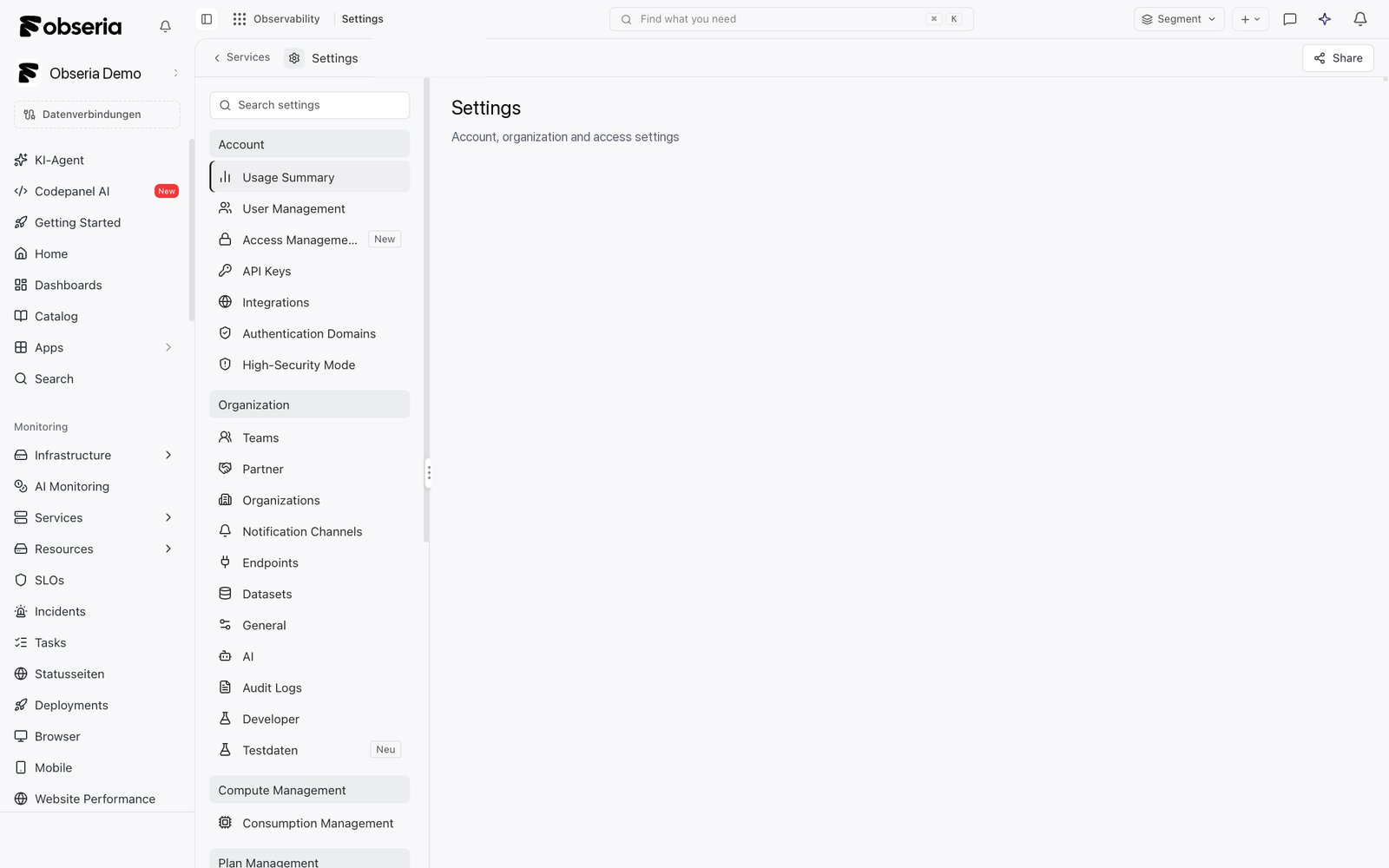
Account and organisation settings in Obseria: user management and access management for Obseria itself. Access reviews in Shadow IT cover the SaaS apps your people use.
Campaigns that ask per person and app whether access is still needed, with last use, licence and permissions as evidence, decisions with name and date and a CSV export.
A score from 0 to 100 per app, built only from known facts: OAuth permissions granted, review status, former employees with access, phishing reports and app category.
Learn more →Name the campaign, choose the scope and who reviews, and set a due date.
Obseria creates one item per person and app from licences, browser and SSO use and OAuth grants.
Each reviewer is told how many items wait for them, with a link to their list.
Keep or revoke each item with the evidence in view, one by one or in bulk.
When every item is decided the review closes; export the CSV for ISO 27001 or SOC 2.
A campaign has a name, a due date and notes. The scope is all apps, one app, one department as recorded in the directory, or only high-risk apps with a computed risk score of 60 or more.
Reviewers are the person's manager from their profile, the owner of each app, or one fixed reviewer for everything. Items without a manager or owner can be decided by anyone with access, so nothing is stuck.
Overview tiles show open and overdue campaigns, pending decisions and your own open items.
Each item shows what Obseria knew when the campaign was created: whether the person has a licence, when the app was last seen in use and by which source, the OAuth permissions granted, the department and whether the person is suspended in Google Workspace or Microsoft 365.
The list itself comes from licence assignments, browser and SSO sightings and OAuth grants, so apps outside single sign-on are included.
If nobody in scope has known access, Obseria says so instead of creating an empty campaign.
Reviewers decide each item with keep or revoke and an optional note. Several items can be decided at once, and a decision can be undone while the review is open.
Revoke takes effect at once: the licence assignment ends and the app owner gets a revoke access task, due in seven days, to remove the account at the vendor and in Google or Microsoft. Obseria itself writes nothing there.
The review closes when every item is decided, or can be closed early.
The export contains one row per item: review, person, app, reviewer, decision, decided by, decided at, note and the evidence the reviewer saw.
That is the record ISO 27001 (control A.5.18) and SOC 2 ask for: regular confirmation of access rights, with names and dates.
Deleting a campaign removes its decision records, while revocations already made stay in effect. Export first.
 Slack
 Microsoft Teams
 Google Chat
 Discord
A user access review, also called access recertification or entitlement review, is the regular check whether people still need the access they have. A reviewer, usually the person's manager or the owner of the application, looks at each access and decides: keep it, or revoke it. The decisions are recorded with name and date.
Access tends to grow. People change teams and keep their old tools, projects end and their workspaces stay, contractors leave and their accounts remain. Without a periodic review, nobody notices until an audit or an incident.
ISO 27001 asks for access rights to be provided, reviewed and removed according to a policy (control A.5.18 in the 2022 version). SOC 2 auditors look for evidence that access is reviewed periodically and that inappropriate access is removed. In both cases the question is the same: can you show who reviewed which access, when, and what they decided?
The evidence is what makes a review count. A spreadsheet that was mailed around and answered with "looks fine" is weak evidence. A list of every person and app in scope, each with a decision, a name, a date and the facts the reviewer saw, is strong evidence.
For SaaS, the hardest part of an access review is building the list of who has access to what. Directory groups cover apps behind single sign-on, but many tools are used with their own logins or through "sign in with Google or Microsoft" grants. Obseria builds the list from everything Shadow IT knows:
Each combination of person and app in scope becomes one item to review.
A reviewer should not decide blind. Every item carries the facts Obseria had when the review was created: whether the person holds a licence, when the app was last seen in use and through which sources, which OAuth permissions were granted, the department and whether the person is suspended in the directory. A suspended person with an active OAuth grant to a file-sharing tool is an easy revoke; an active user with a licence and use last week is an easy keep.
Revoking takes effect immediately in Obseria: the licence assignment ends and a revoke access task is created for the app owner, due in seven days. The account at the vendor and in Google Workspace or Microsoft 365 has to be removed by hand, because Obseria's connections are read-only. The task makes sure it happens, and that someone is responsible for it.
Whatever tool you use, a user access review template needs the same fields: the campaign and its period, the person, the application, the reviewer, the evidence the reviewer saw, the decision, who made it and when, and a note for exceptions. Add one more column after the review: whether a revoked access was actually removed at the vendor. In Obseria that last step is the app owner's task, so you can check that every revoke has been carried out before you file the evidence.
Obseria reviews whether a person needs an app at all, not the roles or permissions inside that app. Campaigns are started by hand; there is no automatic schedule yet. And revoking does not remove the account at the vendor or in your identity provider: it ends the assignment and gives the app owner a task.
A regular check whether people still need the access they have. A reviewer, usually a manager or app owner, keeps or revokes each access, and the decisions are recorded with name and date as evidence.
You choose per campaign: each person's manager, each app's owner, or one fixed reviewer for everything. Items without a manager or owner can be decided by anyone with access.
From licence assignments in Obseria, browser use seen by Obseria Guard, sign-ins from Google Workspace or Microsoft 365 and OAuth grants to third-party apps. Each person and app in scope becomes one item.
No. Revoking ends the assignment in Obseria and creates a task for the app owner, due in seven days, to remove the account at the vendor and in Google or Microsoft. Obseria's connections are read-only.
The CSV shows every item with decision, name, date, note and evidence, which is the record auditors ask for. Whether your review rhythm and scope meet your policy is for you and your auditor to decide.
Not yet. Campaigns are started by hand, for example at the start of each quarter. Due dates and an overdue view help keep them on track.
Discovery, inventory, risk, contracts, licences, spend and access reviews.
→The 0 to 100 score that defines high-risk apps for a campaign.
→Remove a leaver's access app by app, with tasks and due dates.
→Find who uses which app, from sign-ins, OAuth grants and the browser.
→Every change in Obseria with actor, action and result.
→In 30 minutes we show you how Obseria works in your environment and answer your questions on setup, privacy and pricing.
