
Runbooks
Step-by-step instructions for specific alerts, kept as articles in the knowledge base.
We use essential functions to operate this website. With your consent, we would also use services for statistics and marketing. You decide which categories you allow and can change your choice at any time via “Cookie settings” in the footer. More in our privacy notice.
Obseria Consent Management · Your choice is stored for 12 months
Keep step-by-step instructions for specific alerts as articles in the Obseria knowledge base, assigned to services and tagged, and see which services do not have a runbook yet.
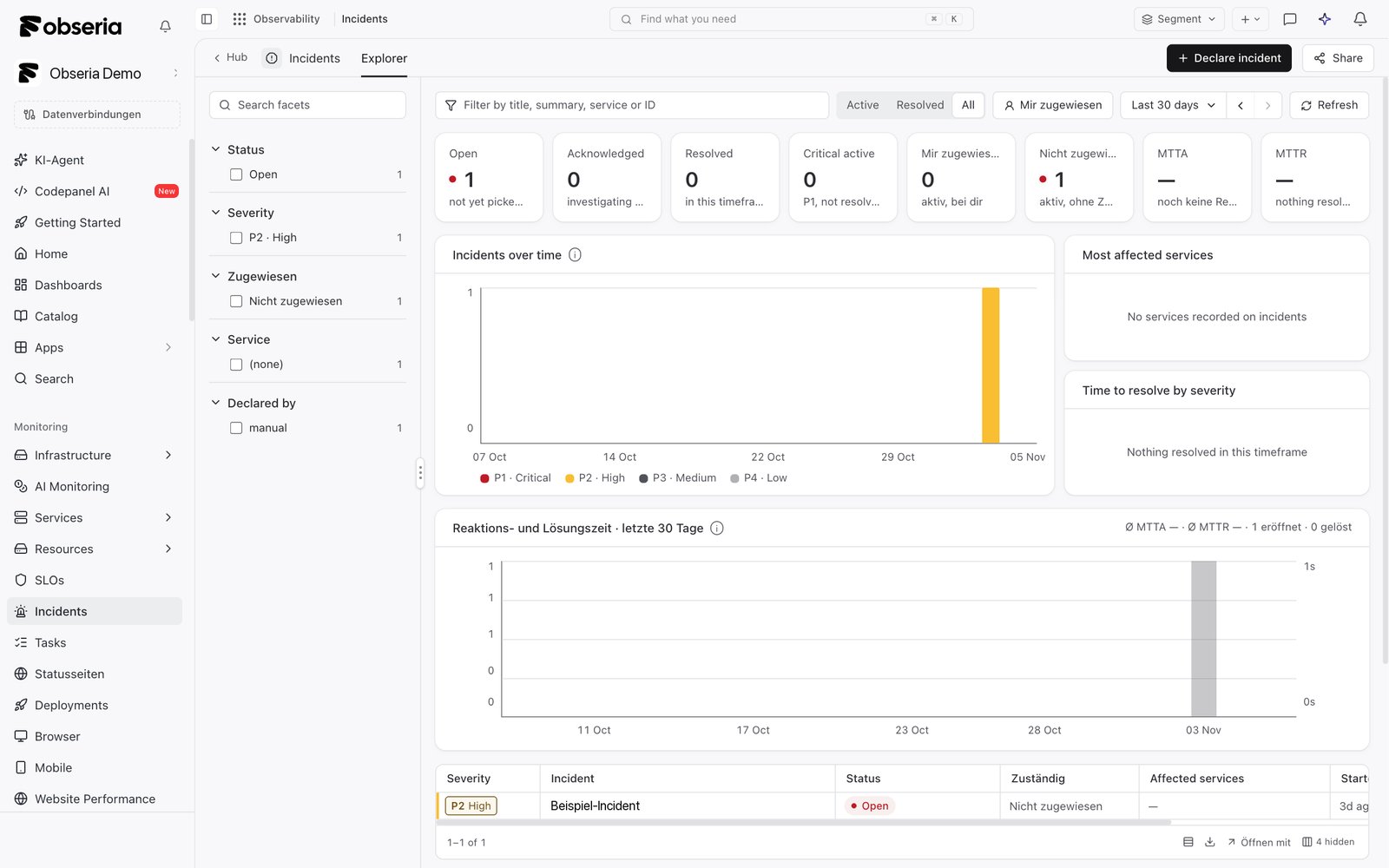
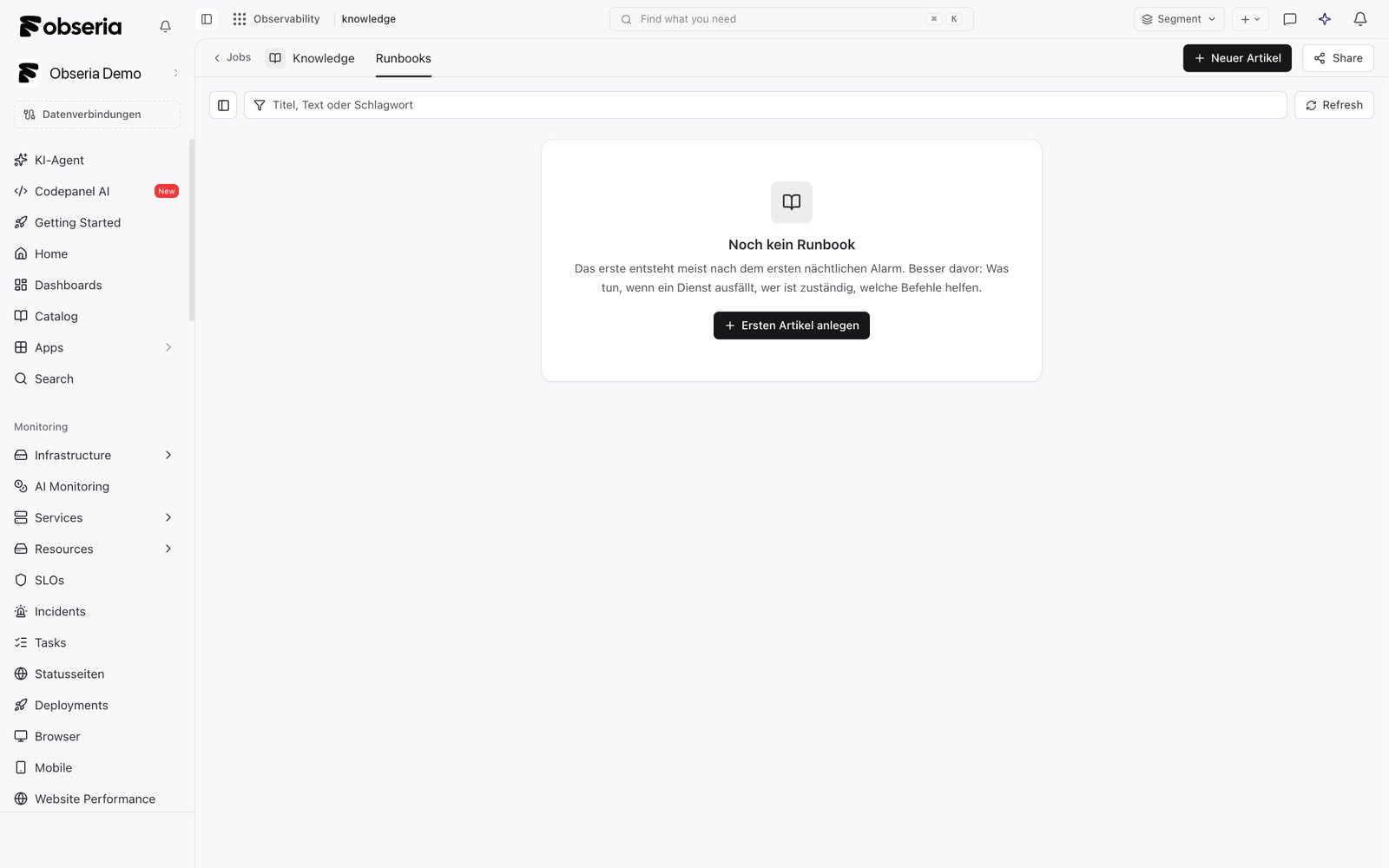
A Runbooks view next to general knowledge, a search by title, text or tag, and a new article in one click. This is how it looks before the first runbook.
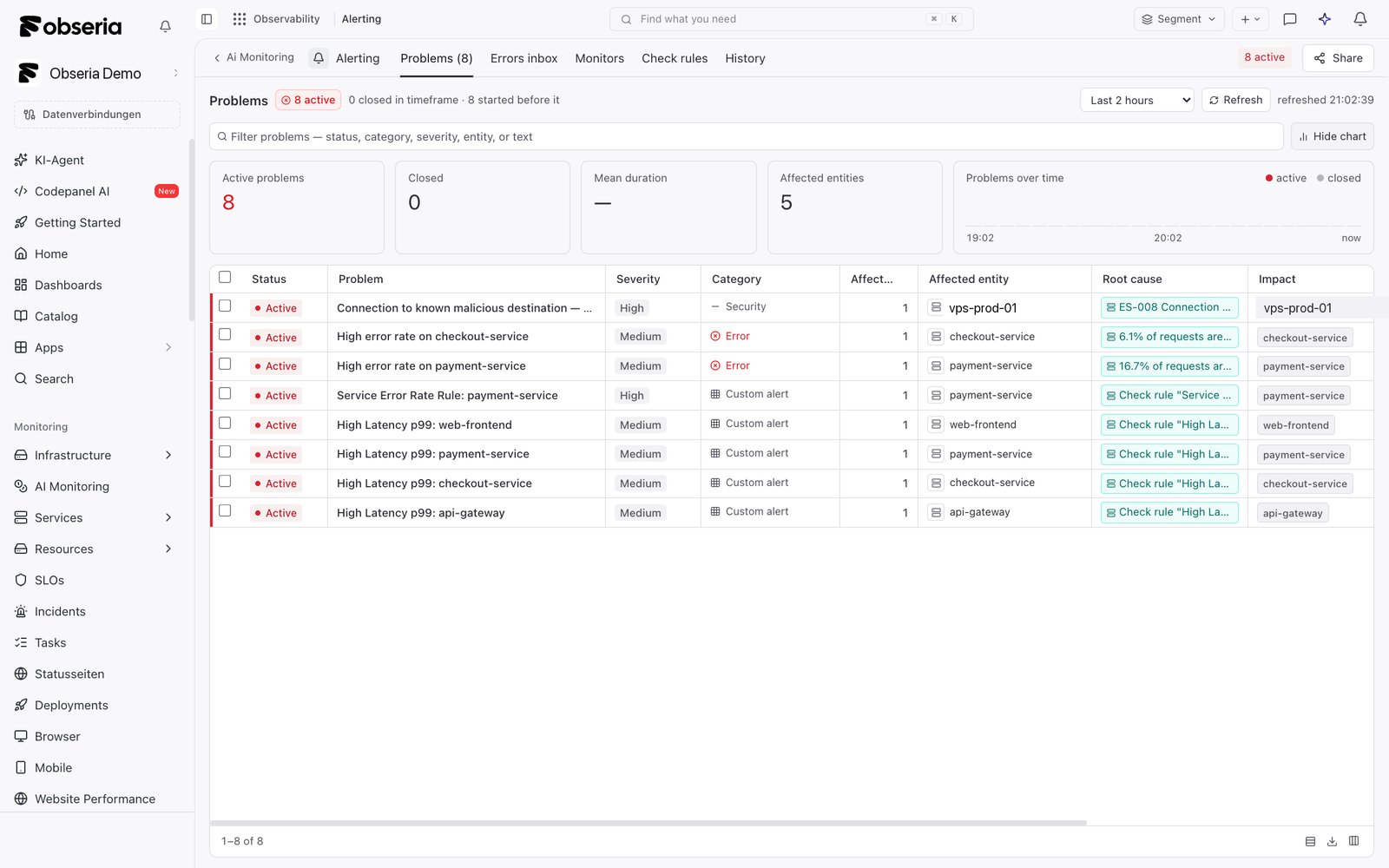
Each problem names severity, affected entity and likely root cause, so you know which service's runbook to open.
While an incident with severity P1 to P4 and an owner is coordinated, the responder follows the runbook of the affected service.
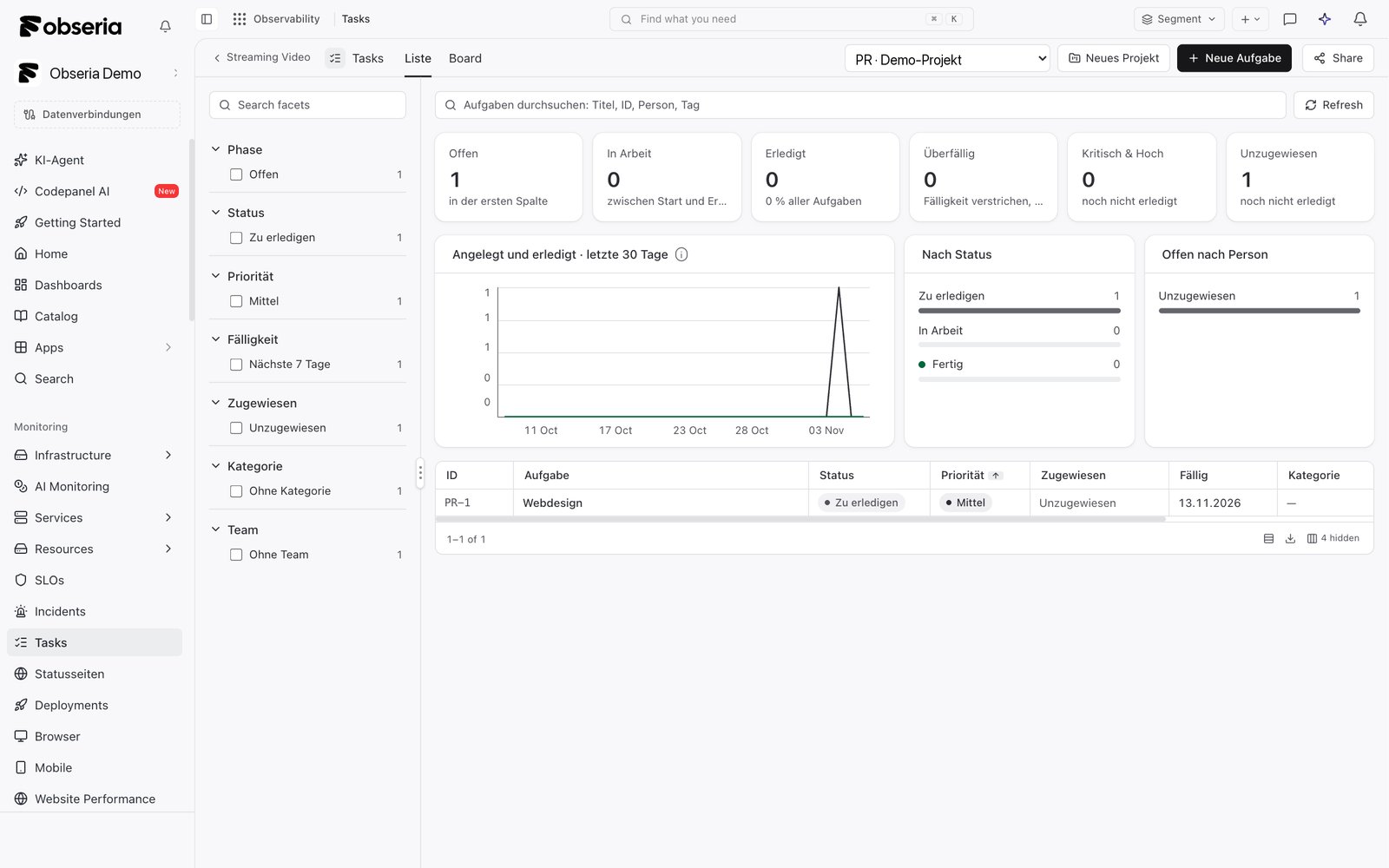
Missing runbooks and needed updates become tasks with priority, assignee and due date, in a list or on a board.
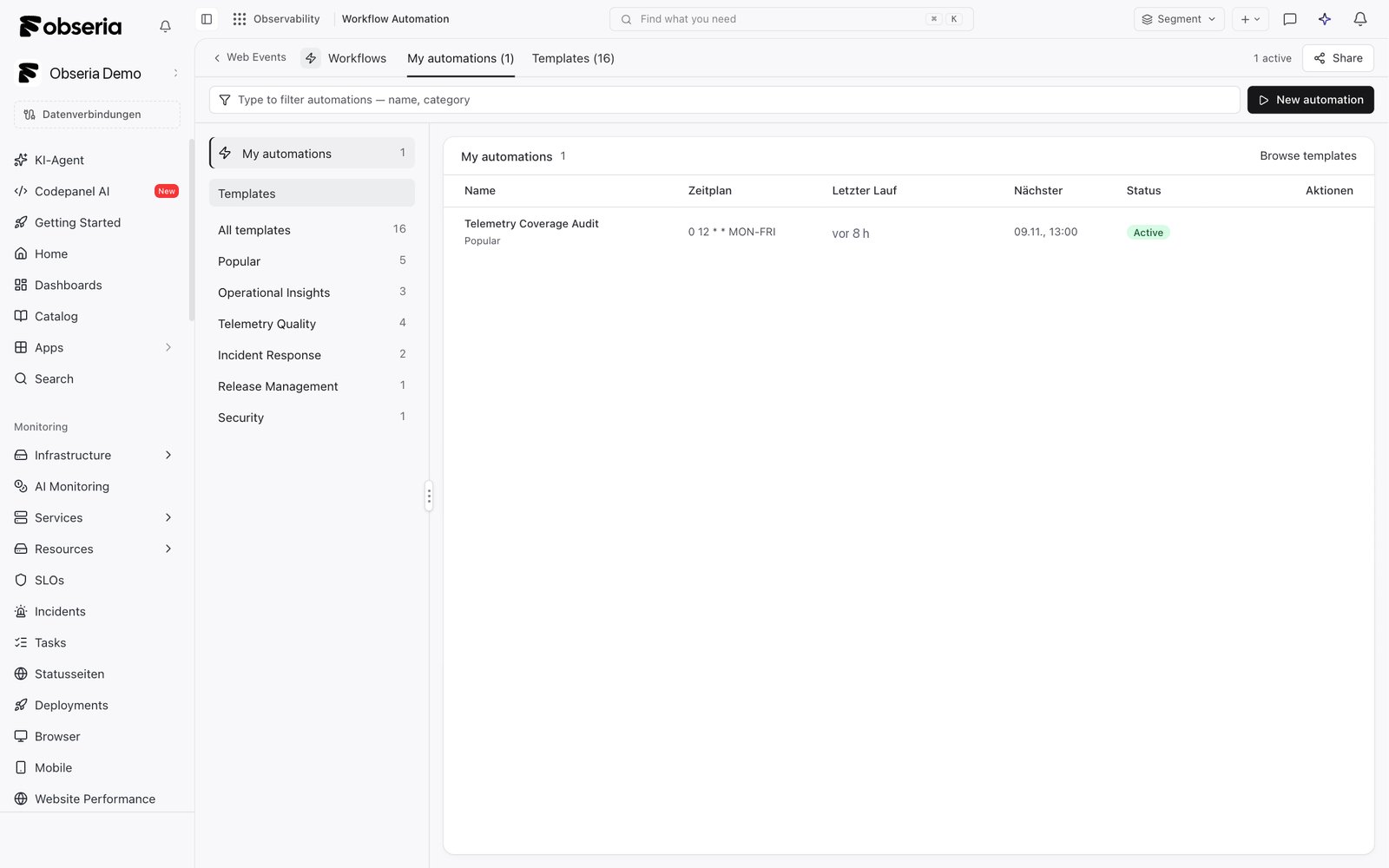
Workflows run on a schedule or on events, for example to create a ticket or send a message. Templates include an incident response category.
Step-by-step instructions for specific alerts, kept as articles in the knowledge base.
Coordinates incident handling: status, owners, timeline and communication.
Learn more →The knowledge base shows which services do not have a runbook yet; start with the services whose alerts page someone.
Create an article with trigger, first checks, safe actions, escalation and verification, assigned to the service and tagged.
When a problem opens for the service, the on-call engineer looks up the runbook by service, title, text or tag.
Work through the steps while the incident is coordinated, and confirm the result in metrics, logs or traces.
After the incident, fix what was missing or wrong in the runbook and record larger follow-up work as a task.
Runbooks in Obseria are articles in the knowledge base. A dedicated Runbooks view lists them separately from general knowledge articles, and a search finds them by title, text or tag.
Writing a runbook is as simple as creating a new article: describe the trigger, the first checks, the safe actions, who to escalate to and how to verify the fix. Short and concrete works best.
Keeping runbooks on the same platform as alerts and incidents means nobody has to remember which wiki page belongs to which service. The instructions are where the response happens.
Each runbook can be assigned to a service and tagged. When a problem opens on a service, the on-call engineer looks for runbooks of that service instead of searching the whole knowledge base.
Tags group runbooks across services, for example everything about databases, certificates or payments. That helps when the same kind of problem appears on different services.
Problems in Obseria name the affected entity, so the link from “what is broken” to “which runbook applies” is short.
The knowledge base shows which services do not have a runbook yet. That turns a vague intention (“we should document this”) into a concrete list, before the next incident proves it was needed.
Start with services whose alerts page someone, then the ones with the most problems over the last weeks. A runbook written calmly during the day is better than one improvised at three in the morning.
Writing missing runbooks fits well into regular follow-up work: track each one as a task with an owner and a due date.
A runbook is never finished. After every incident, check whether the steps were right and complete, and update the runbook while the details are fresh. Make this a fixed part of the incident follow-up.
Larger changes, such as fixing the cause that the runbook only works around, become tasks with priority and assignee, linked to the incident or service.
Steps that repeat often can be automated with workflows in Obseria Automation, for example to create a ticket or send a message. The runbook stays the readable description, and a person still decides.
 Slack
 Microsoft Teams
 Google Chat
 PagerDuty
 Opsgenie
 Jira Service Management
A runbook is a short, step-by-step guide for handling a specific situation in operations: an alert that fires, a service that goes down, a disk that fills up. It answers three questions the on-call engineer has at the worst possible moment: what do I check first, what can I safely do, and who do I call if that does not help?
The term comes from classic data-centre operations, where binders of procedures sat next to the machines. Today runbooks live in a wiki or a knowledge base, but the idea is the same: knowledge that would otherwise sit in the heads of a few experts is written down, so anyone on the team can respond correctly, even at night.
Short beats complete. A runbook that fits on one screen is used; a ten-page document is skipped.
A simple and useful measure is runbook coverage: how many services, or how many alerts that page someone, have a runbook. Coverage gaps show where the team depends on individual experts. Other signals are how often a runbook was used during incidents and how many incidents ended with a runbook update.
Some steps in a runbook are repeated so often that they deserve to be automated, for example collecting diagnostics or creating a ticket. A good path is to keep the runbook as the human-readable description and automate individual steps where it is safe, while a person still decides when to run them.
Runbooks are read under stress, often by someone who does not know the service well. A few writing rules make a big difference:
Runbooks in Obseria are written instructions. They are not executed automatically; your team follows them and decides.
A runbook is an article in the Obseria knowledge base with step-by-step instructions for a specific alert or problem. It can be assigned to a service and tagged.
Look for runbooks of the affected service, or search by title, text or tag. Problems and incidents in Obseria name the affected entity, which tells you where to look.
Yes. The knowledge base shows which services do not have a runbook yet, so you can close gaps before the next incident.
No. Runbooks are written instructions that your team follows. Repeated steps can be automated separately with workflows you define in Obseria Automation.
The trigger, the impact, the first checks, safe actions with exact commands, who to escalate to and how to verify the fix. Keep it short enough to fit on one screen.
Incidents coordinate the response, runbooks describe the steps, and tasks track follow-up work, including updates to runbooks after an incident.
Obseria does not prescribe a template. The structure described in the guide on this page (trigger, impact, first checks, safe actions, escalation, verification) is a good starting point for your own articles.
Runbooks are not executed automatically, are not generated by AI and are not attached to alert messages automatically. Obseria also does not manage on-call schedules; the runbook tells people what to do, a paging tool decides who is reached.
Alerting, incidents, SLOs, status pages and runbooks in one product.
→Incidents with severity, owner and timeline, where runbooks are followed.
→Check rules that deserve a runbook when they page someone.
→Track runbook updates and follow-up work as tasks.
→Workflows for repeated steps you decide to automate.
→In 30 minutes we show you how Obseria works in your environment and answer your questions on setup, privacy and pricing.
