
 PagerDuty
 Opsgenie
 Jira Service Management
 incident.io
Software requests & approvals
An intake form for new software and an approval chain you configure: manager, IT, privacy, procurement or security, always or only for personal data, cost above a limit, new vendors or AI tools.
We use essential functions to operate this website. With your consent, we would also use services for statistics and marketing. You decide which categories you allow and can change your choice at any time via “Cookie settings” in the footer. More in our privacy notice.
Obseria Consent Management · Your choice is stored for 12 months
Give people an official way to ask for new software, route each request through the approvers it really needs and add approved tools to the inventory automatically, with every decision documented.
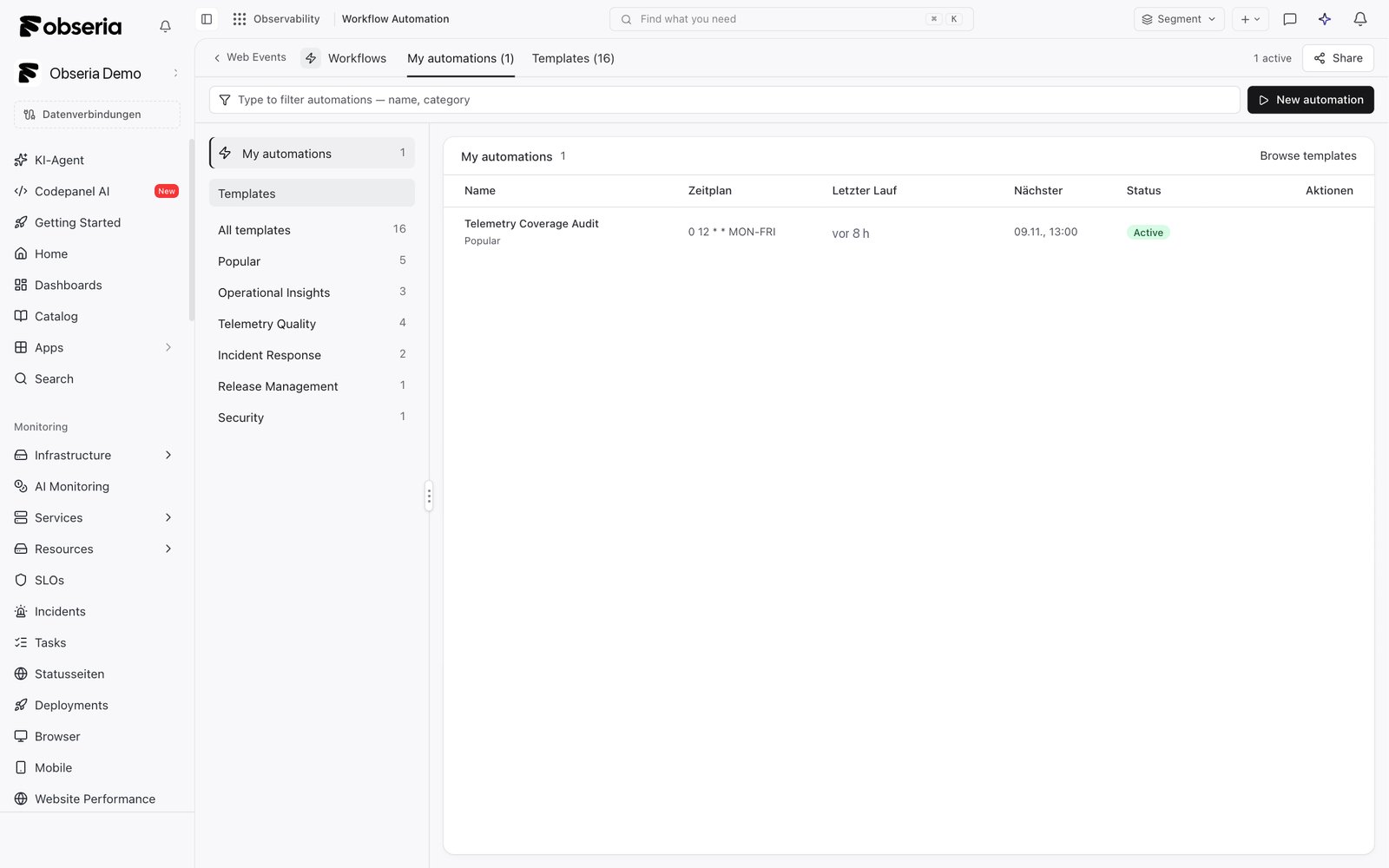
This is the automation list in Obseria. New and decided software requests are events that workflows can start from, for example to triage a request or open a ticket.
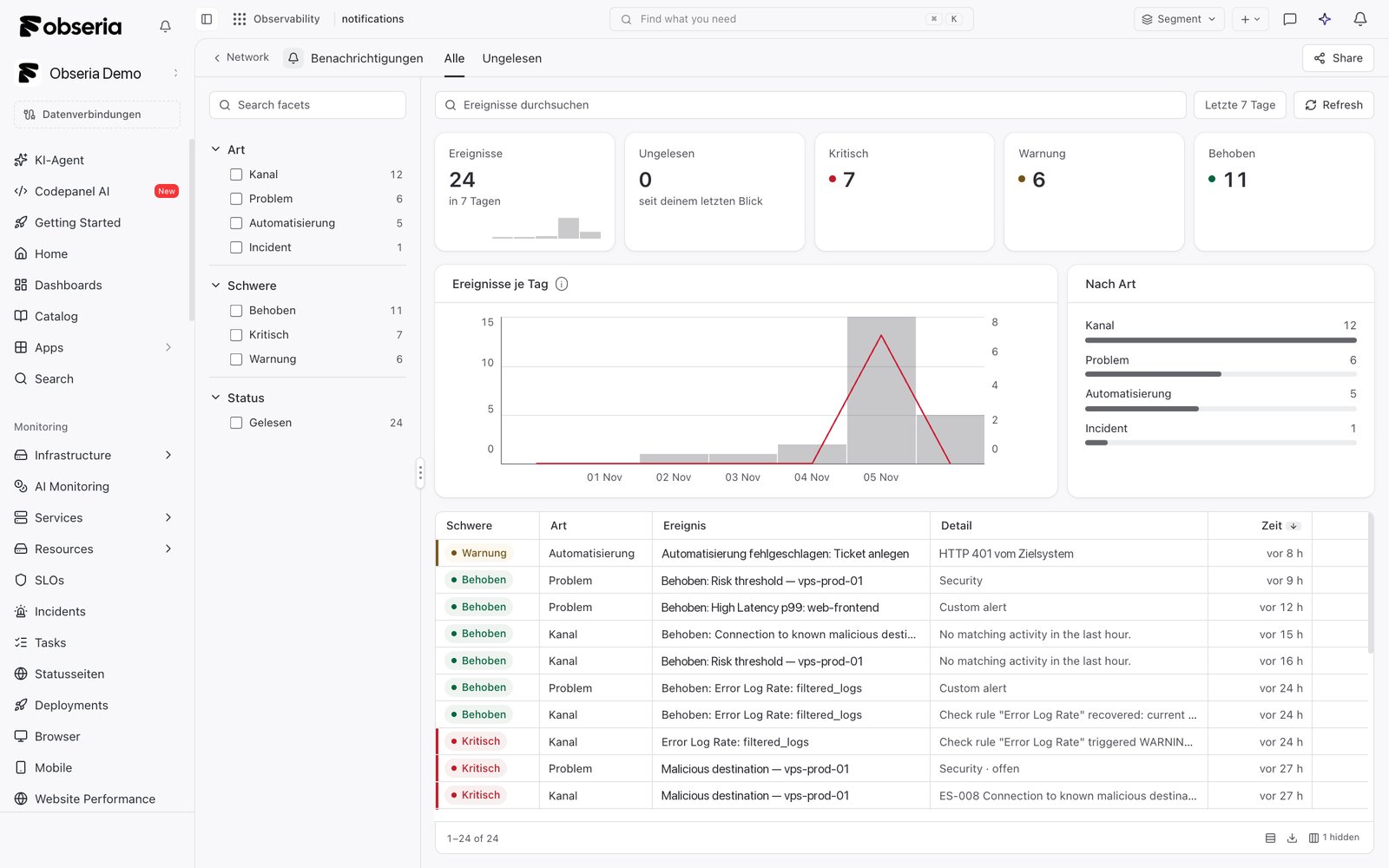
Obseria sends its messages through your notification channels. For requests, each approver is told when it is their turn, and the requester learns the result.
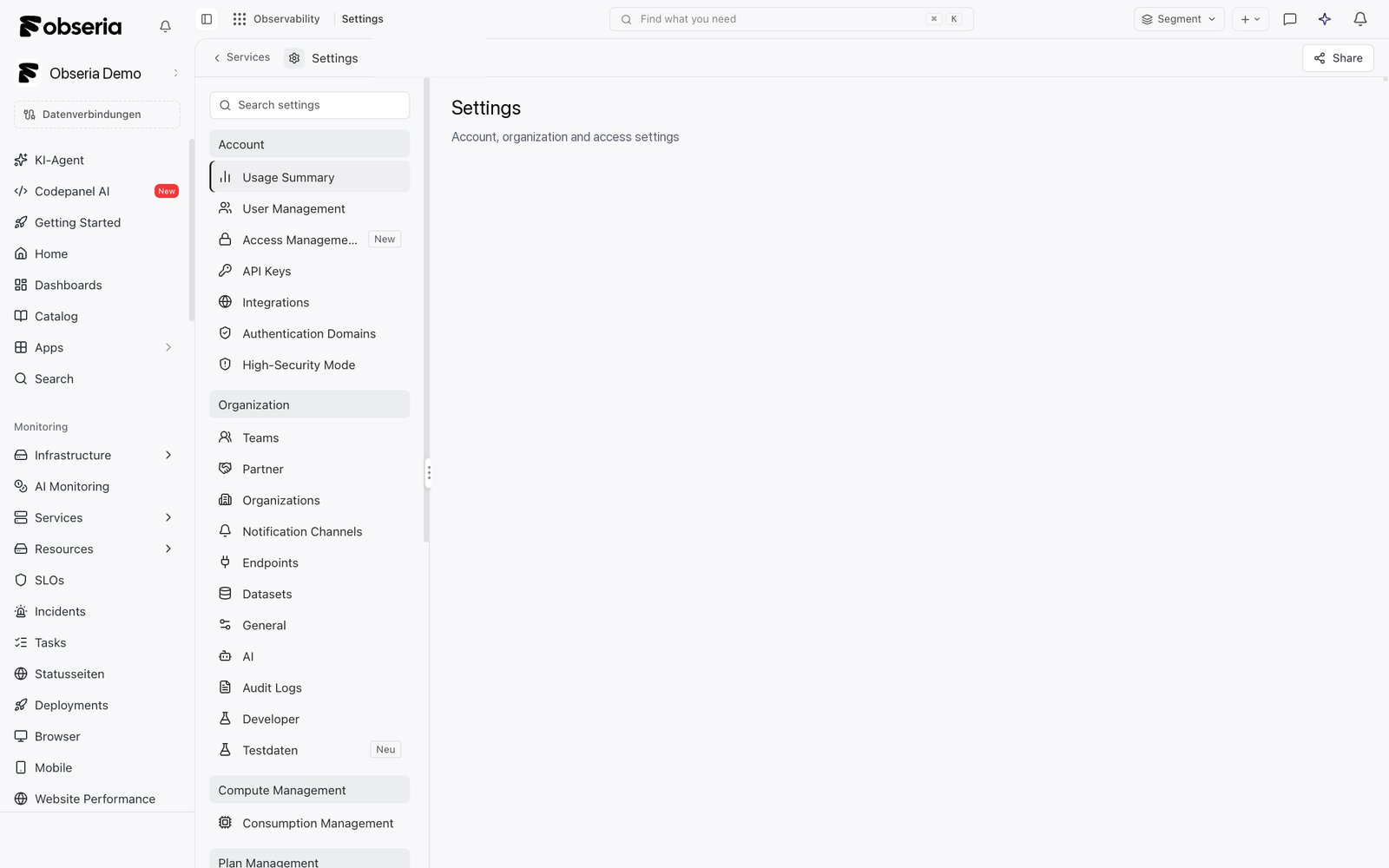
The platform's task list keeps follow-up work with an owner and a due date, such as recording the contract or setting up accounts after a request was approved.
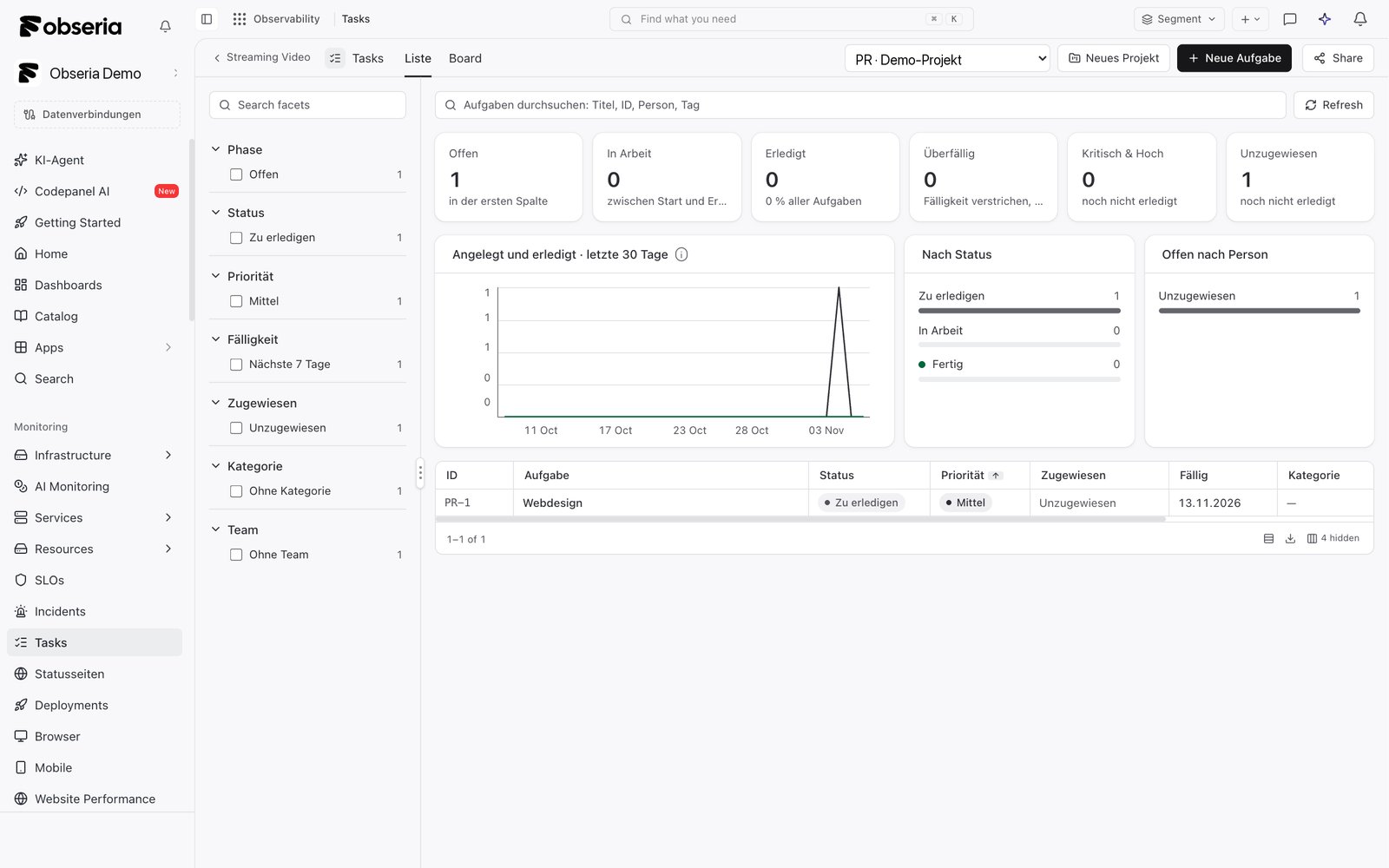
Account and organisation settings in Obseria. Who has access here decides who can file requests and who may decide steps without named approvers.
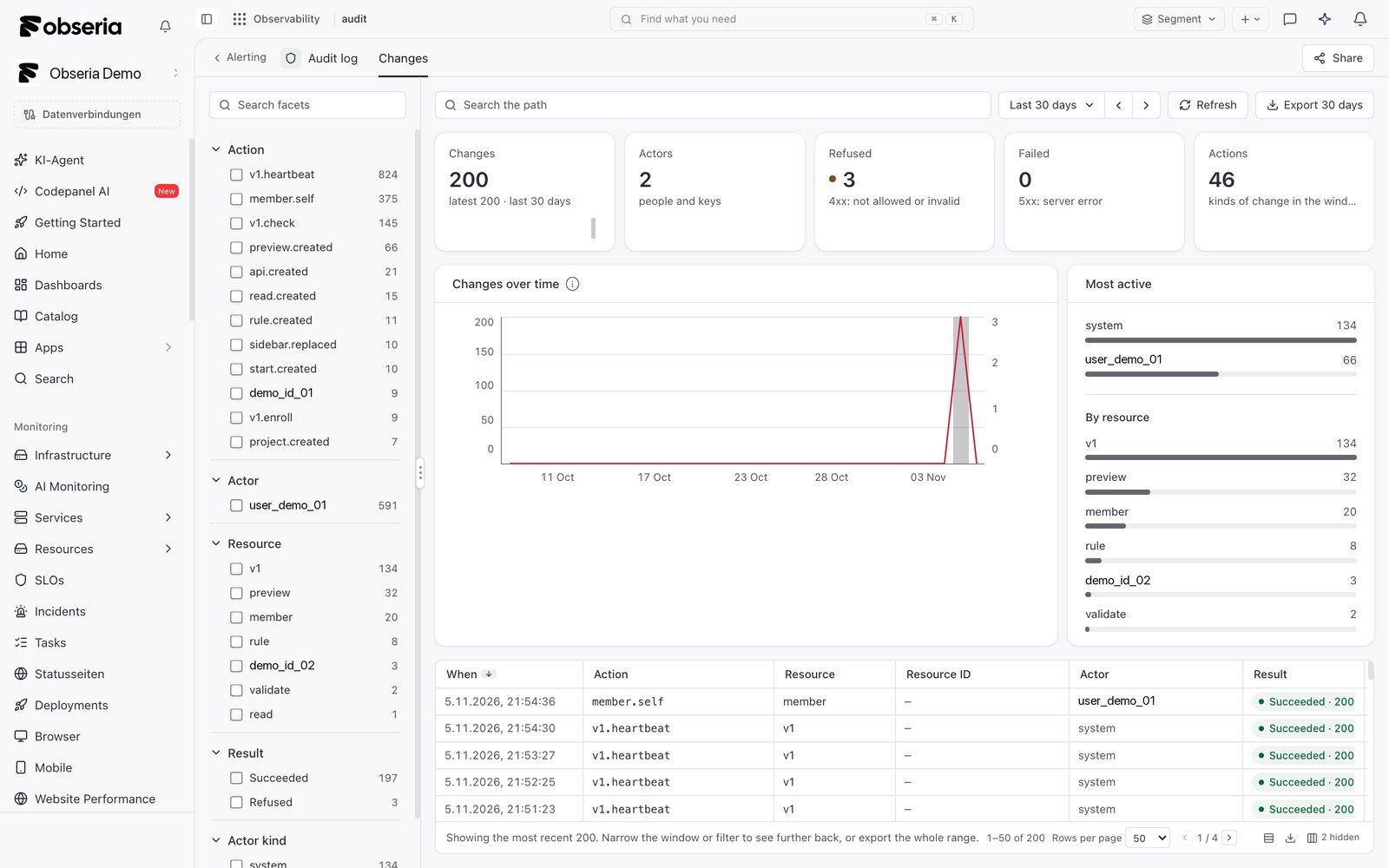
The platform audit log records changes with actor, resource and result. Request decisions are additionally kept in each request's history with name, time and note.
An intake form for new software and an approval chain you configure: manager, IT, privacy, procurement or security, always or only for personal data, cost above a limit, new vendors or AI tools.
Every discovered app with a decision (in review, approved, restricted, rejected, retired), owner, department, users, contracts and cost.
Learn more →Set the steps in order, each with a role, approvers and a condition such as personal data or cost above 5,000 a year.
Pick the tool from the catalog or enter it by name, add cost, seats and the answers. A preview shows who has to approve.
Each approver is notified in turn and decides with a note. A rejection ends the request and tells the requester.
After the last approval the app is approved in the inventory, with the requester as a user.
Record the contract, assign licences and let Obseria Workflow handle notifications or tickets.
A request names the software, from the SaaS catalog or by name and website, with estimated cost, currency, billing cycle and seats. It can be filed on behalf of a colleague.
The questions cover purpose, number of users, personal data and its categories, alternatives checked, data location, department and the date it is needed. You decide which are required; by default purpose, users, personal data and alternatives are.
If the tool is already in the inventory, its current status is shown right in the form, so nobody requests something that was rejected last month without knowing.
The chain is a list of steps in order. Each step has a role (manager, IT, data protection, procurement, security or custom), approvers by e-mail and a condition: always, only with personal data, only above an annual cost, only for a new vendor or only for AI tools.
The manager step uses the requester's manager from the people directory, with fallback approvers. An empty approver list means anyone with access to Shadow IT may decide.
A live preview shows the resulting chain while the form is filled in.
Approvers are notified when it is their turn and find their open requests in a waiting for me view. Each decision is stored with name, time and an optional note, and the history of every request stays readable.
A rejection ends the request, skips later steps and informs the requester. Overview tiles show pending, approved and rejected requests and the pending budget per year.
This record answers the audit question of how new suppliers are approved.
After the last approval, the app is set to approved in the inventory and the requester is recorded as a user. A rejected tool that discovery had already found is marked as rejected.
New and decided requests are events in Obseria Workflow. A ready-made template classifies each new request with an AI step for risk, category and possible duplicates and posts the result to IT; other workflows can create tickets or notify channels.
The approval chain itself contains no AI: who decides follows your rules.
 Slack
 Microsoft Teams
 Google Chat
 Discord
A software request process, also called software intake or a software approval workflow, is the official way for employees to ask for a new tool. Someone describes what they need, the right people check cost, privacy and security, and the tool is approved or rejected with a reason. Done well, it is faster than buying the tool on a card, which is exactly why it reduces shadow IT.
Without such a process, people do not stop buying software. They just stop asking. Tools then appear in expense reports, the privacy team learns about them during an audit and nobody owns the contract when it renews.
In Obseria, a request starts with the software: pick it from the SaaS catalog or enter a name and website for a tool the catalog does not know. Add the estimated cost with currency and billing cycle (monthly, quarterly or annual) and the number of seats. A request can also be filed on behalf of a colleague.
A few questions decide who has to approve: the purpose, how many people will use it, whether personal data is processed and which categories, whether alternatives were checked and which ones, where data is stored, the department and the date it is needed. You decide which of these questions are required; by default they are purpose, number of users, personal data and alternatives checked. If the tool is already in the inventory, the form shows its current status.
The heart of a good software approval process is that not every request needs every approver. In Obseria you configure the steps in order, each with a role and a condition:
The default chain is manager and IT always, data protection when personal data is processed and procurement above 5,000 a year. While someone fills in the form, a preview shows which steps will apply and updates as they type.
Steps are decided in order. Each approver is notified when it is their turn, with a link to the request, and a waiting for me view lists everything that needs your decision. Every decision can carry a note and is kept in the request's history with name and time.
A rejection ends the request: later steps are skipped and the requester is told. When the last step approves, the app is added to the inventory with the status approved and the requester as a user, ready for a contract to be recorded once it is bought. If a rejected tool was already discovered in the inventory, it is marked as rejected there.
New and decided requests are events that Obseria Workflow can react to. A ready-made workflow template takes every new software request, classifies it with an AI step (risk, category, possible duplicate of an existing tool) and posts the summary to IT. Other workflows can open a ticket, notify a channel or update a table when a request is approved. The approval chain itself stays rule-based and transparent.
Requests are filed inside Obseria by people with access, or on someone's behalf; there is no separate public portal yet. Obseria does not buy the tool, create accounts at the vendor or block tools that were not requested. It documents the decision and keeps the inventory in step with it.
It is the defined path a request for new software takes: a form with the key facts, a chain of approvers such as manager, IT, data protection and procurement, and a documented decision. It replaces buying tools on a card without anyone knowing.
Yes. Each step has a condition: always, only if personal data is processed, only above an annual cost threshold, only for a new vendor or only for AI tools. A preview shows which steps apply.
The requester's manager from the people directory in Shadow IT. If no manager is known, the fallback approvers you set decide.
The app is set to approved in the inventory and the requester is recorded as a user. You then record the contract and assign licences. Obseria Workflow can react to the decision, for example with a ticket or a message.
No. The chain follows your rules. Obseria Workflow offers a template that classifies new requests with an AI step and posts a summary to IT, as input for the people who decide.
Not yet. Requests are filed in Obseria by people with access, or by IT on someone's behalf. A separate public portal does not exist at the moment.
Discovery, inventory, risk, contracts, licences, spend and access reviews.
→Every app with a decision, owner, users, contracts and cost.
→DPA, data location, transfer basis and certificates per vendor.
→React to new and decided requests with workflows, including an AI step.
→A 0 to 100 score per app from permissions, review status and category.
→In 30 minutes we show you how Obseria works in your environment and answer your questions on setup, privacy and pricing.
