
Know every app, every licence and every renewal
Software is bought by card in many departments, renews on its own and stays open for people who left long ago. Obseria Shadow IT gives IT, procurement and finance one register of all SaaS: discovered from sign-ins, the browser and spend data, with owners, contracts, licences, access reviews and offboarding in one place.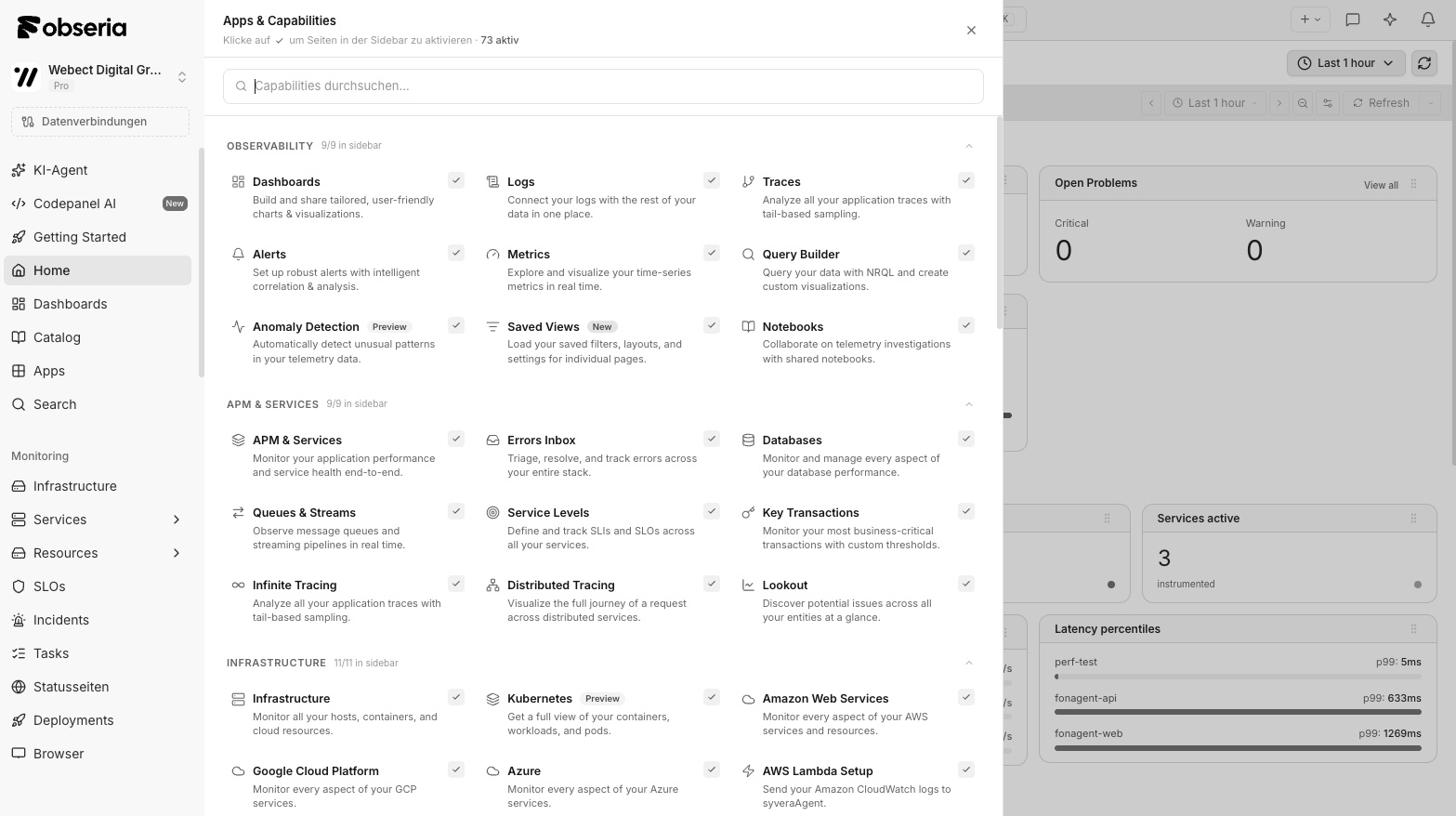














One view of software for IT, procurement and finance
Spreadsheets of apps go stale the day they are finished. Obseria keeps the inventory current from the sources that actually show use, and gives each team the view it needs.Discovery from real use
Google Workspace and Microsoft 365 sign-ins, the Obseria Guard browser extension, outgoing service calls and spend imports show which apps are in use.
One software inventory
Every app with a decision, owner, department, users, contracts and cost, from in review to approved, restricted, rejected or retired.
Licences and spend
Seats bought compared with people active in the last 30 days, plus spend imports that reveal duplicate tools and paid but unused apps.
Renewals under control
Contracts with term and notice period, read from the PDF with AI and checked by you, and reminders before every notice deadline.
Access reviews
Campaigns that ask whether access is still needed, with last use as evidence and every decision recorded with name and date.
Joiner, mover, leaver
Onboarding and offboarding workflows that list every app a person uses and turn revocations into tasks for app owners.
Find the software nobody registered
Most SaaS tools arrive without IT: a team signs up with a work account, grants an OAuth permission and pays by card. Obseria connects read-only to Google Workspace or Microsoft 365 and reads which apps people signed into and which permissions they granted. The optional Obseria Guard browser extension adds tools used in the browser, outgoing service calls in your telemetry reveal APIs your systems talk to, and spend imports surface paid tools that appear nowhere else. Each finding lands in the inventory for a decision. Obseria does not block apps and is not a CASB: it shows what is used so you can decide.
- Read-only connection to Google Workspace and Microsoft 365
- Obseria Guard browser extension for tools used in the browser
- OAuth permissions such as mail or file access per app
- A risk score per app built only from known facts
One register with owners, decisions and vendor details
The software inventory is the shared list IT, procurement, privacy and finance work from. Every app gets a status, an owner and a department, and shows its users, contracts and cost. For vendors that process personal data you record the data processing agreement, data location, transfer basis and review dates, and Obseria lists the gaps. New tools come through a request form with an approval chain you define, for example manager, IT, privacy and procurement, so the official way is also the easy way.
- Status per app: in review, approved, restricted, rejected, retired
- Owner, department, users, contracts and cost per app
- Vendor compliance details and an audit report as PDF
- Software requests with a configurable approval chain
Stop paying for seats and renewals nobody wanted
Licence management compares the seats you bought with the people who actually used the app in the last 30 days, and lists the licences assigned to each person. Per app you can switch on licence recycling: after a set idle period the person is warned first, and if the app stays unused the assignment ends and the app owner gets a task to remove the seat at the vendor. Contracts hold price, billing cycle, seats, term and notice period, and reminders arrive before each notice deadline, so a renewal becomes a decision instead of a surprise.
- Seats bought versus active users in the last 30 days
- Licence recycling with a warning before anything is released
- Contract data read from the PDF with AI, checked by you
- Reminders before notice deadlines and a calendar export
Close access when people change roles or leave
Access that outlives employment is one of the most common findings in audits. Access review campaigns ask managers or app owners, per person and app, whether access is still needed, with last use, licence and permissions as evidence; every decision is stored with name and date and can be exported as CSV. Offboarding workflows start by hand or automatically when the directory suspends a user, list every app that person really has and create one task per app. Because the directory connection is read-only, Obseria writes nothing at your vendors: the app owner removes the account, and the task records that it was done.
- Review campaigns with evidence and a CSV export of decisions
- Offboarding started when the directory suspends a user
- One task per app for the owner, ownership handed over
- Supports your evidence for audits such as ISO 27001
From a first scan to a managed software landscape
- Step 1
Connect
Connect Google Workspace or Microsoft 365 read-only and, if you like, roll out the Obseria Guard browser extension.
- Step 2
Decide
Review the discovered apps, give each an owner and a status, and record the contracts you already have.
- Step 3
Clean up
Compare seats with active users, prepare renewals and import spend data to find duplicate and unused tools.
- Step 4
Run it
Schedule access reviews, let offboarding start from the directory and route new requests through the approval chain.
Who uses what
| Team | Typical question | Where Obseria answers it |
|---|---|---|
| IT | Which apps are in use, and who signed in with a work account? | SaaS discovery and software inventory |
| Security | Which apps can read mail or files, and who left but still has access? | SaaS risk score and access reviews |
| Procurement | What is up for renewal this quarter, and when is the notice deadline? | Contracts and renewals |
| Finance | What do we spend on software, and where do we pay twice? | Software spend and savings |
| Privacy | Which vendors process personal data, and where is the DPA? | Vendor compliance |
| HR and managers | What does a new starter need, and what must a leaver hand back? | Onboarding and offboarding workflows |
Explore further
Obseria Shadow IT
Discovery, inventory, licences, contracts and access in one product.
Shadow IT discovery guide
How to find and manage unregistered software.
SaaS vendor risk assessment
A practical guide to checking SaaS vendors.
Software spend management
Import spend data and find savings.
What is shadow IT?
Definition, risks and how to deal with it.
Software asset management
What SAM covers and how SaaS changes it.
Frequently asked questions
Sign-ins, OAuth grants, directory and licence data from Google Workspace and Microsoft 365, the optional Obseria Guard browser extension, outgoing service calls in your telemetry, CSV spend imports, manual entries and approved software requests.
No. Obseria does not block apps and does not inspect network traffic; it is not a CASB. It shows which software is in use, how risky it is and who owns it, so you can decide and act through your usual channels.
No. The connection to Google Workspace and Microsoft 365 is read-only, and Obseria writes nothing at your vendors. Revoking access in an offboarding workflow, an access review or licence recycling ends the assignment in Obseria and creates a task for the app owner, who removes the seat at the vendor.
It compares the seats you bought with the people who actually used the app in the last 30 days, based on detected sign-ins and browser use. For Microsoft 365 it also reads the licence SKUs bought and assigned. Licence recycling never releases a seat without a prior warning and does nothing while usage is not measured at all.
You upload the contract PDF, AI reads price, billing cycle, seats, term and notice period, and you check the result before it is saved. Reminders arrive before each notice deadline, and deadlines can be exported to a calendar.
No tool makes an organisation compliant. Obseria supports your documentation and evidence: access review decisions with name and date, vendor details such as data processing agreements and data location, and an audit report as PDF. How you use this evidence in your management system is up to you and your auditors.
Yes. Contracts, renewals and spend imports are views of their own, and software requests can route approvals to procurement or finance when cost exceeds a limit or a new vendor is involved. IT keeps the connections and the inventory; the other teams work on the same data.
Export bookings from your bank, card provider or accounting system as CSV, map the columns once and import them. Obseria matches bookings to software vendors and shows spend by month and app, plus savings hints such as duplicate tools, unused seats and paid but unused apps. There is no direct bank or accounting integration.
Current prices and plans are listed on the pricing page.
Every app, every licence, every renewal.
Connect your directory read-only and see within minutes which software your company really uses.