
Vendor compliance
Record per vendor whether it processes personal data, the DPA, data location, transfer basis, certificates and review dates; gaps and an audit report PDF follow from it.
We use essential functions to operate this website. With your consent, we would also use services for statistics and marketing. You decide which categories you allow and can change your choice at any time via “Cookie settings” in the footer. More in our privacy notice.
Obseria Consent Management · Your choice is stored for 12 months
Record per vendor whether it processes personal data, the DPA, data location, transfer basis, certificates and review dates. Obseria shows the gaps under GDPR logic and generates an audit report as PDF.
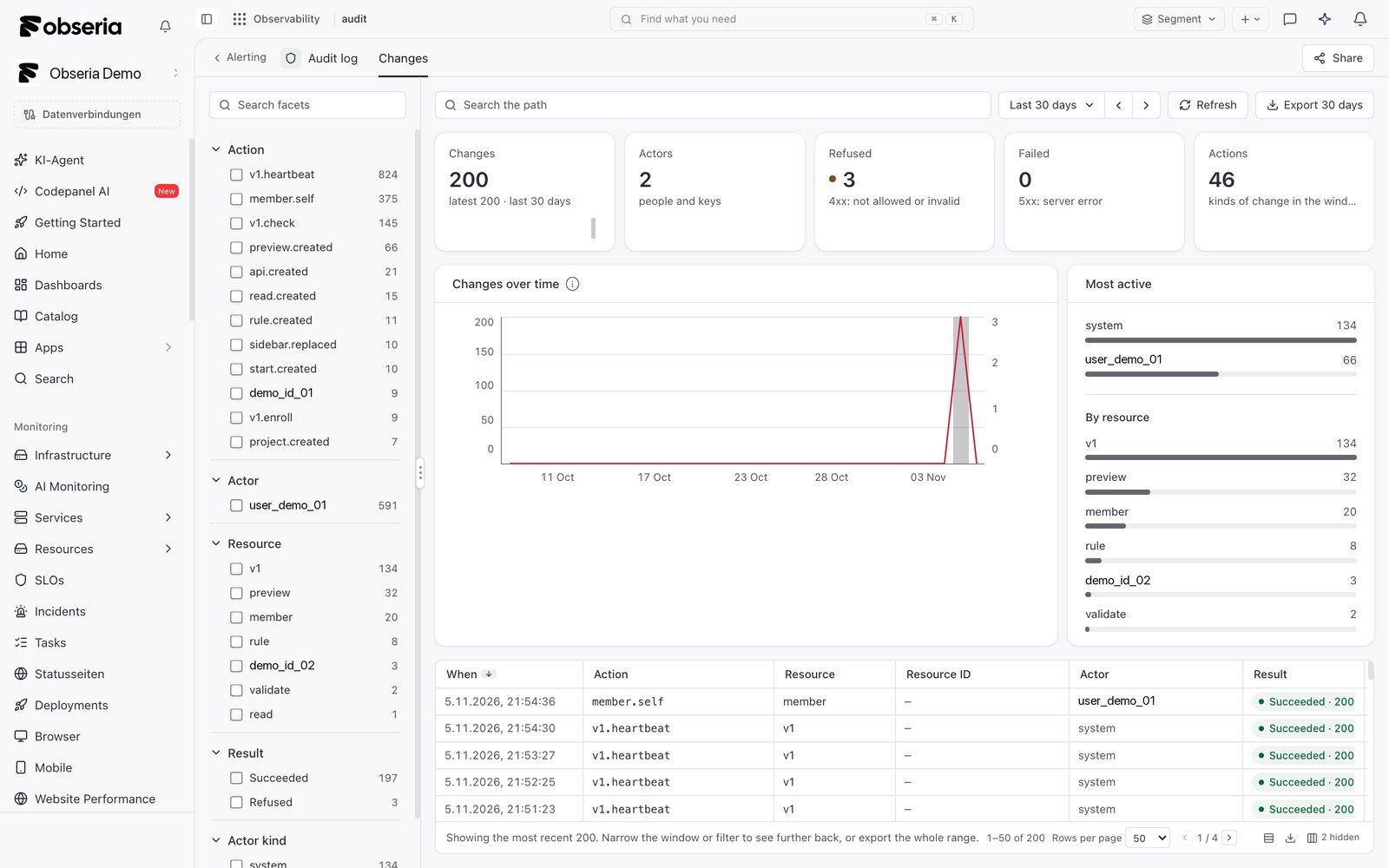
The platform audit log records changes with actor, resource and result and can be exported. Together with the vendor records it shows auditors who maintained what.
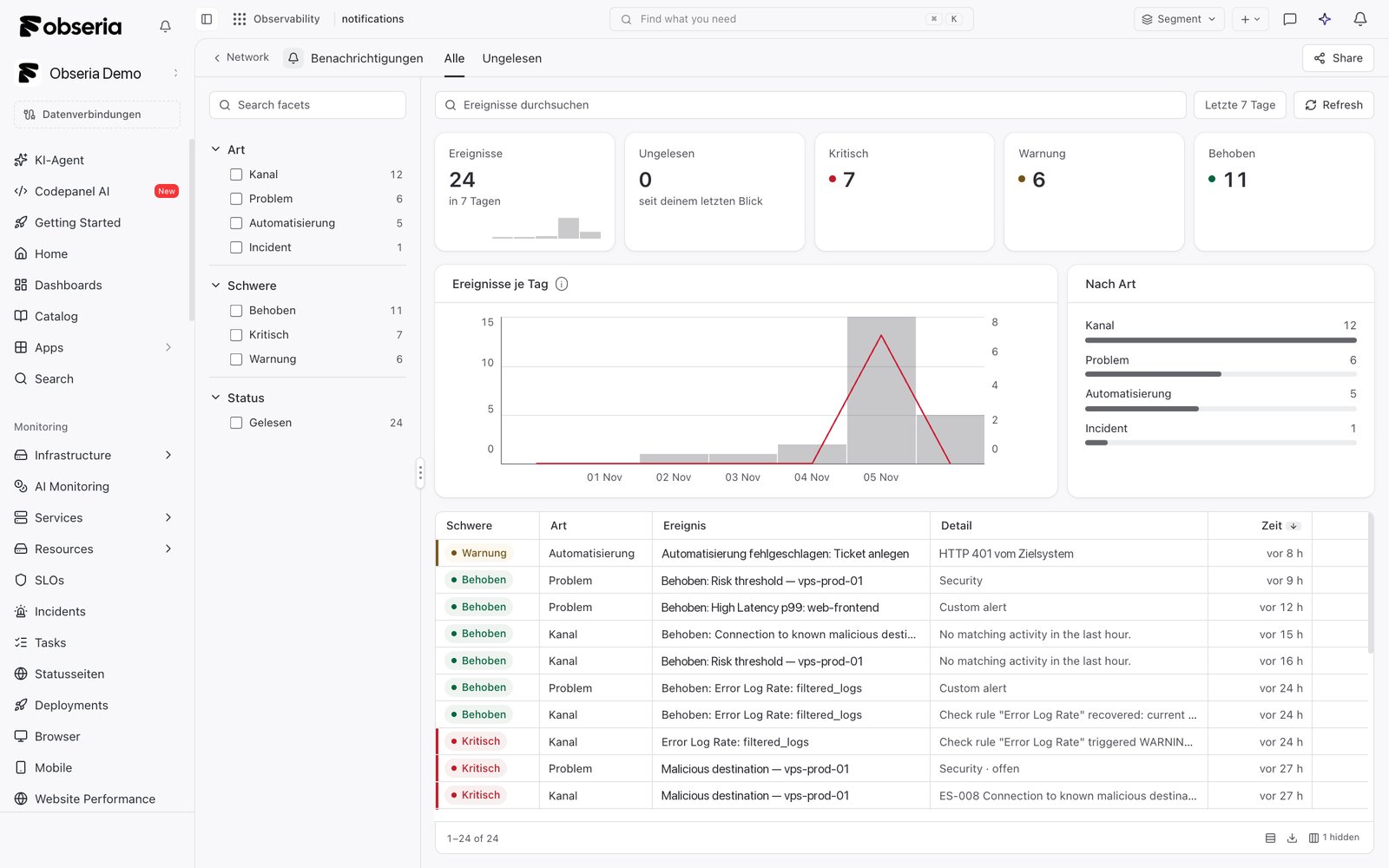
Obseria sends its messages through your notification channels. Vendor compliance uses them for expiring certificates and due vendor reviews.
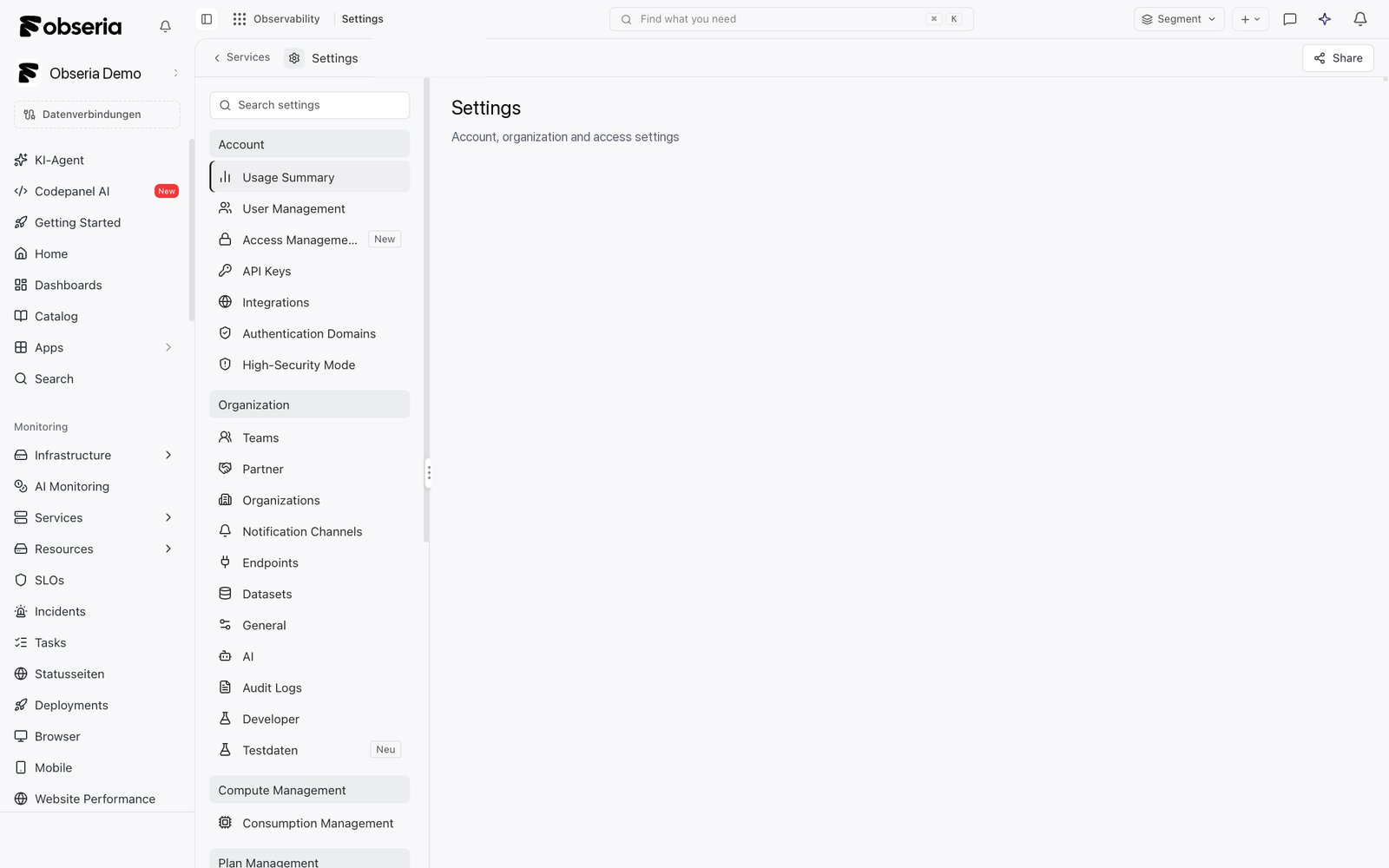
Account and organisation settings in Obseria: user management, access management, integrations, notification channels and audit logs. Privacy officers and reviewers are users you manage here.
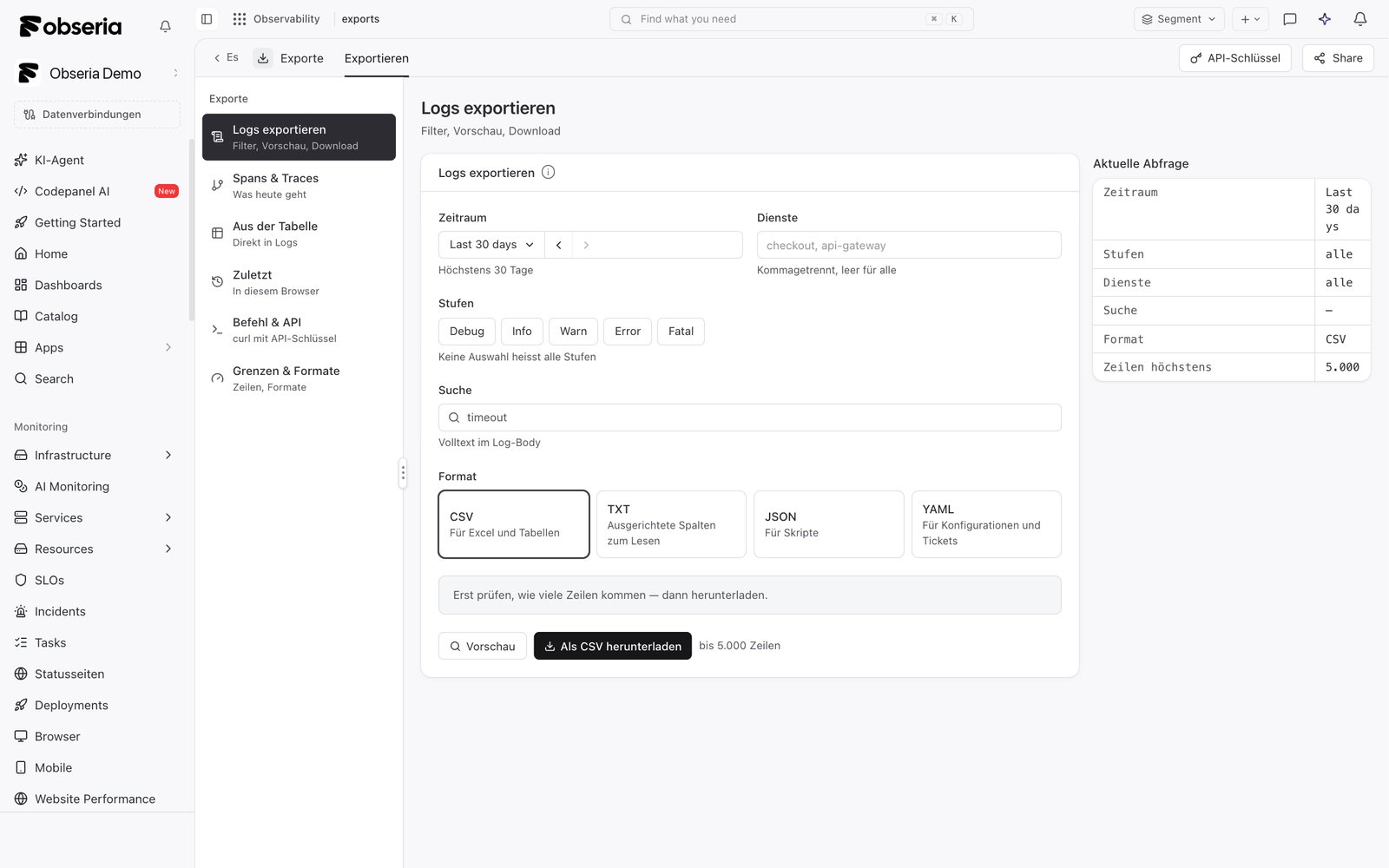
This view shows the log export of the platform. For vendor compliance, the export is the audit report as PDF and the inventory list as CSV.
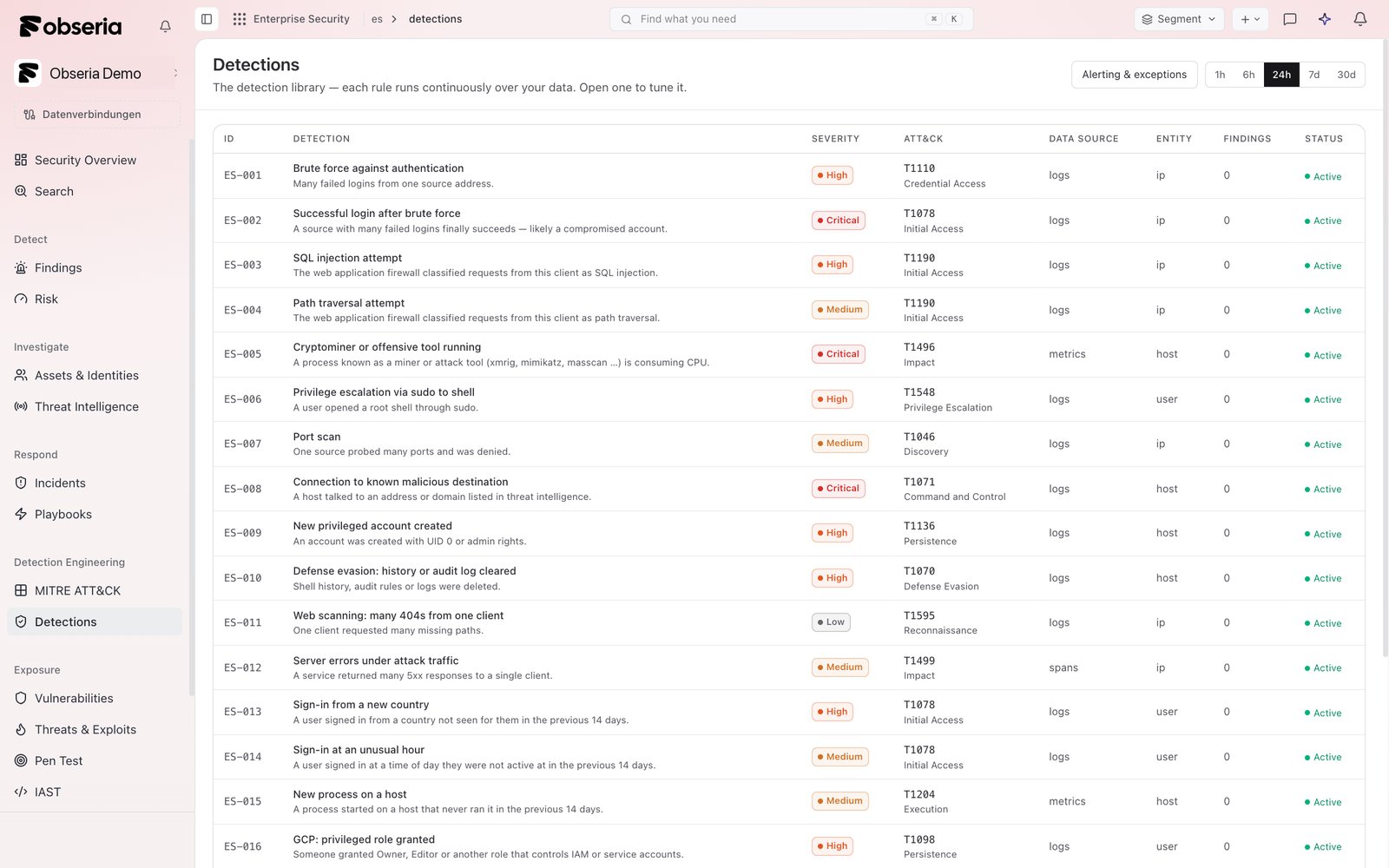
This view shows the detection library with severity and ATT&CK technique. Shadow IT signals such as former employees with access run here next to other security rules.
Record per vendor whether it processes personal data, the DPA, data location, transfer basis, certificates and review dates; gaps and an audit report PDF follow from it.
Contracts with price, billing cycle, seats, term and notice period, read from a PDF with AI and checked by you, plus reminders before every notice deadline.
Learn more →A score from 0 to 100 per app, built only from known facts: OAuth permissions granted, review status, former employees with access, phishing reports and app category.
Learn more →Every discovered app with a decision (in review, approved, restricted, rejected, retired), owner, department, users, contracts and cost.
Learn more →Record whether the app processes personal data and which categories, for example customer, employee or applicant data.
Set the DPA status and date and link the document. A contract upload can mark the DPA as signed if the document mentions one.
Record where data is stored and, outside the EU/EEA, the transfer basis: adequacy, Data Privacy Framework, SCC or BCR.
Add ISO 27001, SOC 2, BSI C5 or other certificates with issue and expiry date and a document link.
Set the next review, close gaps and download the audit report as PDF for privacy officers and auditors.
The Compliance tab of each app holds the vendor's data protection record: whether it processes personal data (yes, no or unknown) and which data categories; the DPA status under Art. 28 GDPR (signed, in progress, missing, not required, not recorded) with the date it was signed and a link to the document; the data location (Germany, EU, EEA, Switzerland, United Kingdom, United States, other third country) with a free detail field; and the transfer basis (adequacy decision, EU-US Data Privacy Framework, standard contractual clauses, binding corporate rules or none).
Links to the vendor's sub-processor list, the vendor's security contact, who reviewed it, the last and the next review date and notes complete the record.
Certificates are recorded separately with type, issue date, expiry date, a document link and notes. Types include ISO 27001, 27017, 27018 and 27701, SOC 2 Type I and Type II, BSI C5, TISAX, PCI DSS and HIPAA.
Obseria never fills in compliance details itself. It derives gaps from what you record. Critical: the app processes personal data but no DPA is on file, or it is marked as not needing one; data is stored in the US or another third country without a recorded transfer basis. Warning: DPA requested but not signed, data location unknown, certificate expired, vendor review overdue. Info: unknown whether personal data is processed, certificate expiring within 60 days, no valid certificate for a vendor with personal data.
Each app gets a compliance status: no gaps, gaps, critical gaps or not assessed. The compliance view shows the status for all active apps with tiles for DPA coverage, data outside the EU, certificates, overdue reviews and critical gaps, and filters by app, vendor, data category and certificate.
The audit report is a PDF for privacy officers, ISO 27001 audits and procurement. It contains a summary, the application inventory including rejected and retired apps, the open compliance gaps, the vendor certificates, the details of vendors that process personal data and a section on the method: which discovery sources were used and how the risk score and the gaps are derived. Anything not recorded appears as “not recorded”, not as an assumption.
Reminders go to the notification channels you choose in the Shadow IT settings, for example Slack, Microsoft Teams or email. Certificates are reminded by default 60, 30 and 7 days before and on the day they expire, vendor reviews 30 days before and when due. Each stage is sent once.
 Slack
 Microsoft Teams
 Google Chat
 Discord
Vendor compliance is the part of vendor management that checks whether each software supplier meets your legal and security requirements. For SaaS, the questions are always similar: does the vendor process personal data on our behalf? Is there a data processing agreement? Where is the data stored, and is a transfer outside the EU legally covered? Which certificates does the vendor hold, and are they still valid? When did we last review this vendor?
The hard part is not the questions but keeping the answers for every app, including the ones that arrived as shadow IT.
Whenever a vendor processes personal data on your behalf, Art. 28 GDPR requires a data processing agreement (DPA). For most SaaS tools that handle customer, employee or applicant data, that applies. Many vendors offer a standard DPA that you accept online; some include it in their terms. What matters for an audit is that you know which vendors process personal data, that a DPA exists for each of them and where it is filed. A tool someone signed up for with a card usually has none on record, which makes shadow IT a privacy problem, not only an IT one.
If data is stored or accessed outside the EU and EEA, the transfer needs a legal basis under Art. 44 ff. GDPR. Typical bases are:
Record the data location per vendor and the basis you rely on. A US vendor without any recorded basis is a critical gap; an unknown location is a question to answer.
Certificates are evidence that a vendor runs a managed security programme. Common ones are ISO 27001 (with ISO 27017, 27018 and 27701 as cloud and privacy extensions), SOC 2 Type I and Type II, the German BSI C5 catalogue for cloud services, TISAX in the automotive industry and PCI DSS for card data. A certificate has an expiry date, so record it and ask for the renewed one in time. An expired certificate is not automatically a problem, but it should not go unnoticed.
Vendor compliance is not a one-off. ISO 27001 asks you to monitor and review supplier services (Annex A control 5.22) and to manage information security for cloud services (A.5.23). Set a review date per vendor, for example yearly for vendors with personal data, note who reviewed it and keep the date of the last review. Overdue reviews are a gap in themselves.
Before an audit, privacy officers and IT often spend days collecting vendor information from emails, folders and spreadsheets. If the records live next to the software inventory, the evidence is a report away: which software is in use, who owns it, which vendors process personal data, whether a DPA exists, where data is stored, which certificates are valid and which gaps are open. State what is not recorded as “not recorded” rather than guessing; auditors respect honest gaps more than invented completeness.
Every app that arrives without IT also arrives without a vendor check. Nobody asked for a DPA, nobody checked the data location, nobody filed a certificate. That is why vendor compliance and SaaS discovery belong together: discovery finds the vendor, compliance makes sure the paperwork follows. Start with the apps that process personal data and are used by many people, then work through the rest at your next review cycle. A contract or order form often already mentions the DPA, so record it while you file the contract.
In Obseria Shadow IT, every app in the inventory has a compliance record that you maintain. Obseria never fills in compliance details on its own; it derives the gaps from what you record:
The compliance view shows DPA coverage, data outside the EU, certificates, overdue reviews and critical gaps across all active apps, with filters by app, vendor, data category and certificate. A downloadable audit report as PDF summarises inventory, open gaps, certificates, vendor details and the method. Reminders for expiring certificates and due reviews go to your notification channels. Obseria supports your documentation; it does not replace legal advice.
A compliance record per app in your software inventory: personal data, DPA, data location, transfer basis, certificates and review dates. Obseria derives gaps from it and generates an audit report as PDF.
No. You maintain the records, because only you know which agreements you have signed. The only shortcut: when a contract you upload mentions a data processing agreement, you can mark the DPA as signed while saving the contract.
Critical gaps for personal data without a DPA and for third-country storage without a transfer basis; warnings for unsigned DPAs, unknown data location, expired certificates and overdue reviews; and hints for unknown personal data, certificates expiring within 60 days and missing certificates.
ISO 27001, ISO 27017, ISO 27018, ISO 27701, SOC 2 Type I and Type II, BSI C5, TISAX, PCI DSS, HIPAA and other certificates, each with issue date, expiry date and a document link.
A summary, the application inventory, open compliance gaps, vendor certificates, details of vendors processing personal data and the method. It is generated from the data recorded in Obseria.
No. Obseria helps you document vendors and spot gaps according to GDPR logic. Whether a vendor meets your requirements is for you and your privacy officer to decide.
Discovery, inventory, risk, contracts, licences and access reviews.
→Every app with status, owner and department.
→A score per app from permissions, status and former employees.
→Contracts read from a PDF with AI, with notice reminders.
→How Obseria itself handles your data as a processor.
→Where certificate and review reminders are sent.
→In 30 minutes we show you how Obseria works in your environment and answer your questions on setup, privacy and pricing.

 PagerDuty
 Opsgenie
 Jira Service Management
 incident.io