
 PagerDuty
 Opsgenie
 Jira Service Management
 incident.io
Contracts & renewals
Contracts with price, billing cycle, seats, term and notice period, read from a PDF with AI and checked by you, plus reminders before every notice deadline.
We use essential functions to operate this website. With your consent, we would also use services for statistics and marketing. You decide which categories you allow and can change your choice at any time via “Cookie settings” in the footer. More in our privacy notice.
Obseria Consent Management · Your choice is stored for 12 months
Record every SaaS contract with price, billing cycle, seats, term and notice period, let AI read it from the PDF and check each value, then get reminders before every notice deadline and a calendar of all of them.
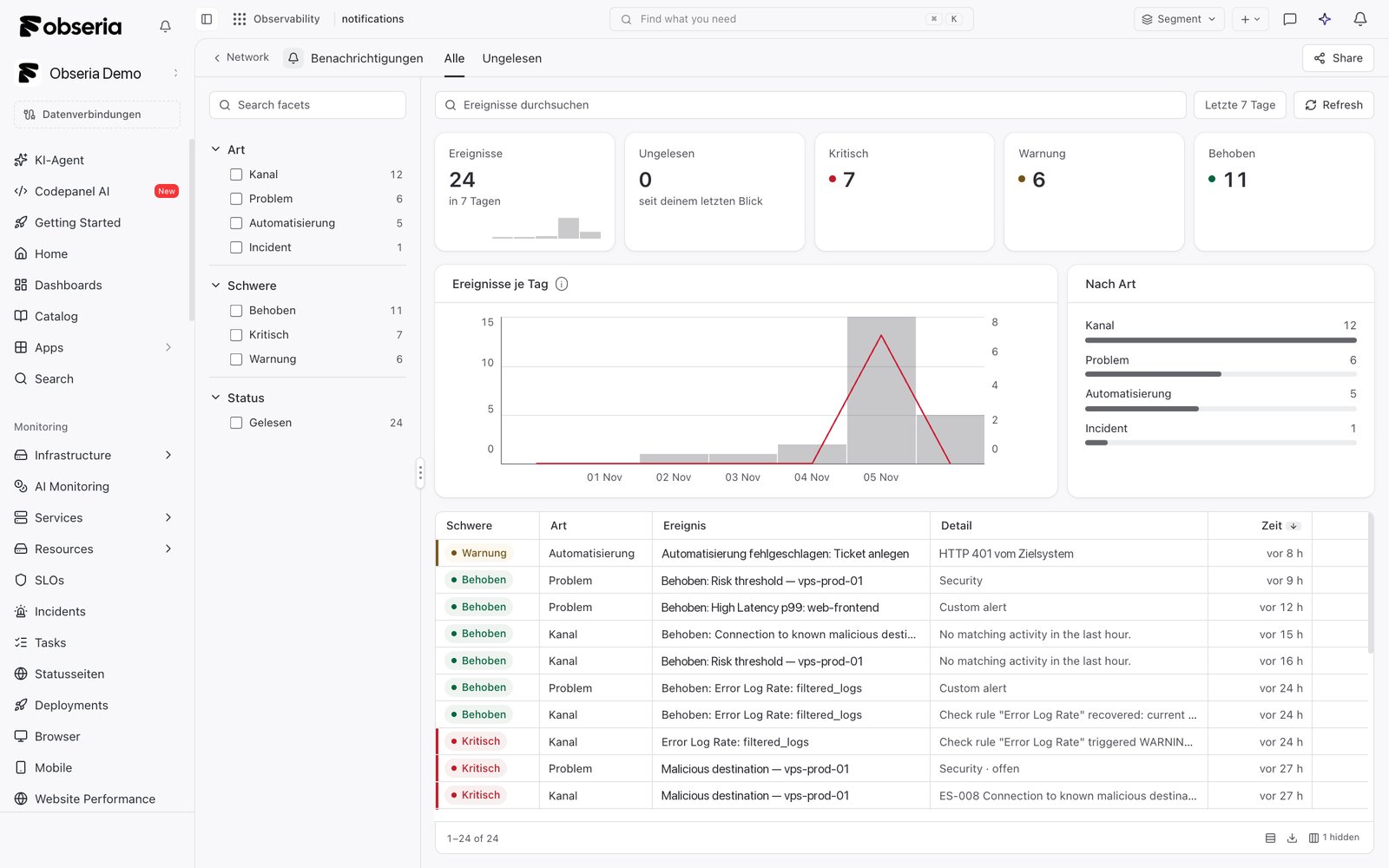
Obseria sends its messages through your notification channels. Contracts and renewals use them for reminders before notice deadlines, by default 60, 30 and 7 days ahead.
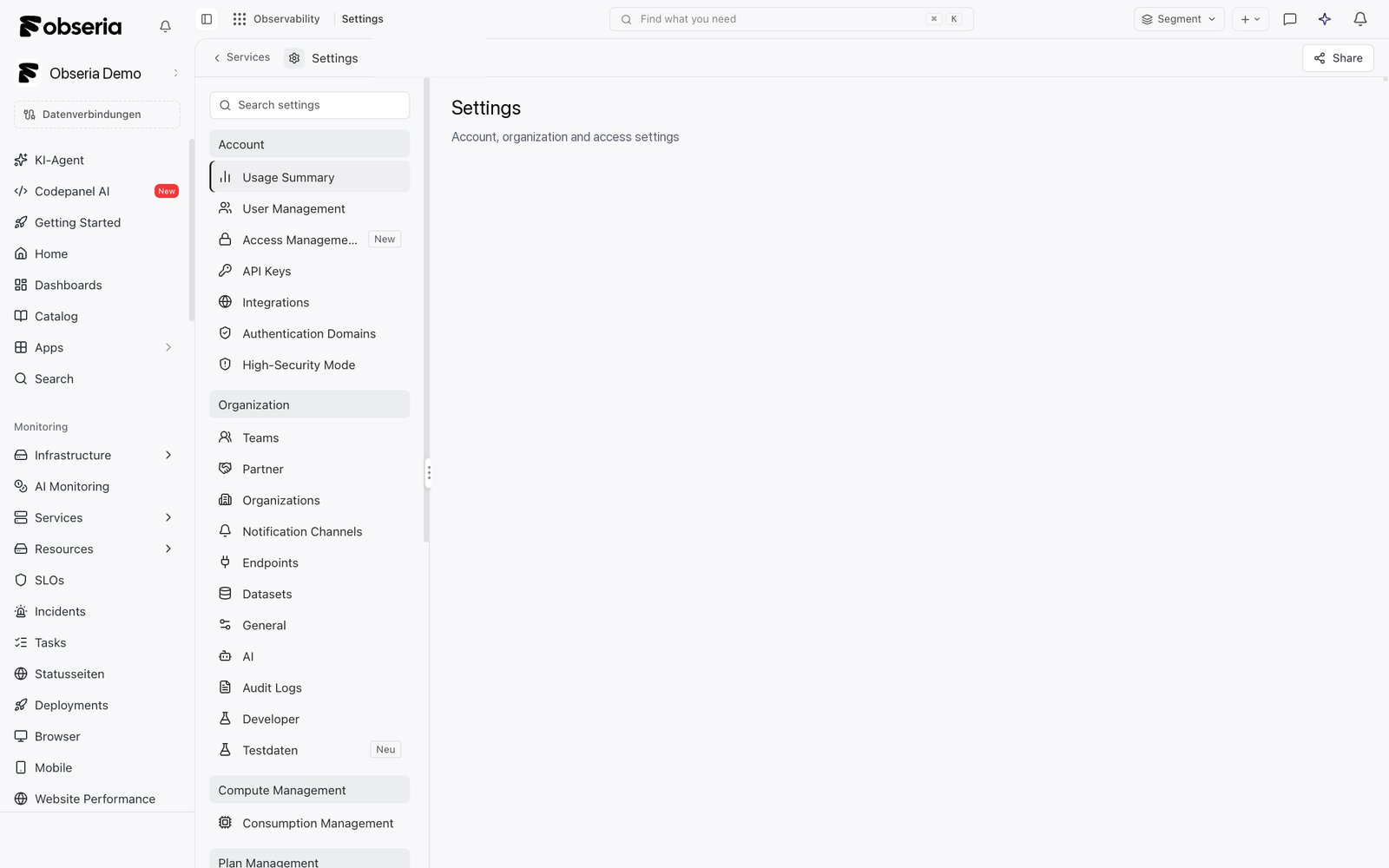
Account and organisation settings in Obseria: user management, access management, integrations, notification channels and audit logs. The channels set up here are the ones you pick for contract reminders.
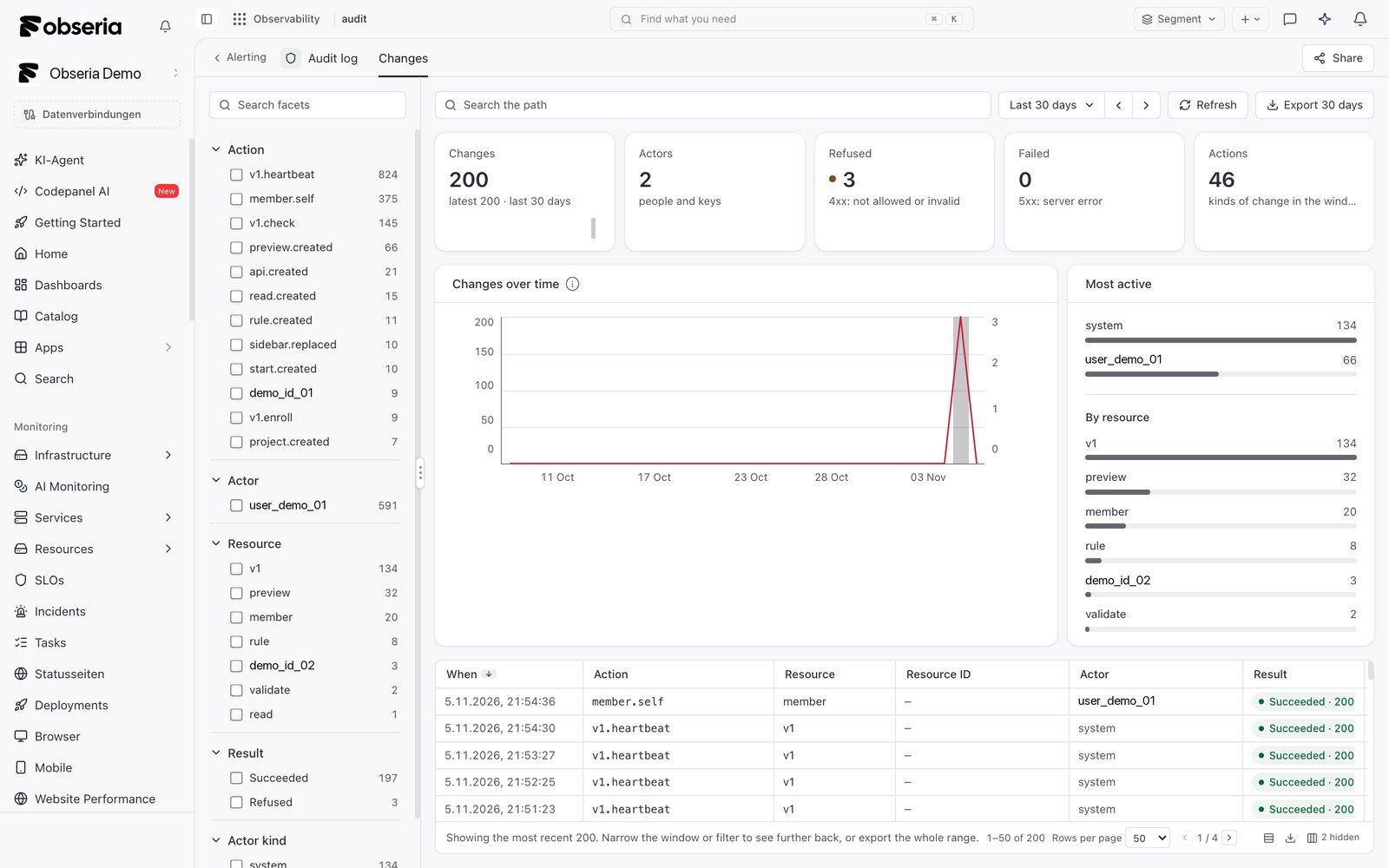
The platform audit log records changes with actor, resource and result and can be exported, so it stays traceable who changed what and when.
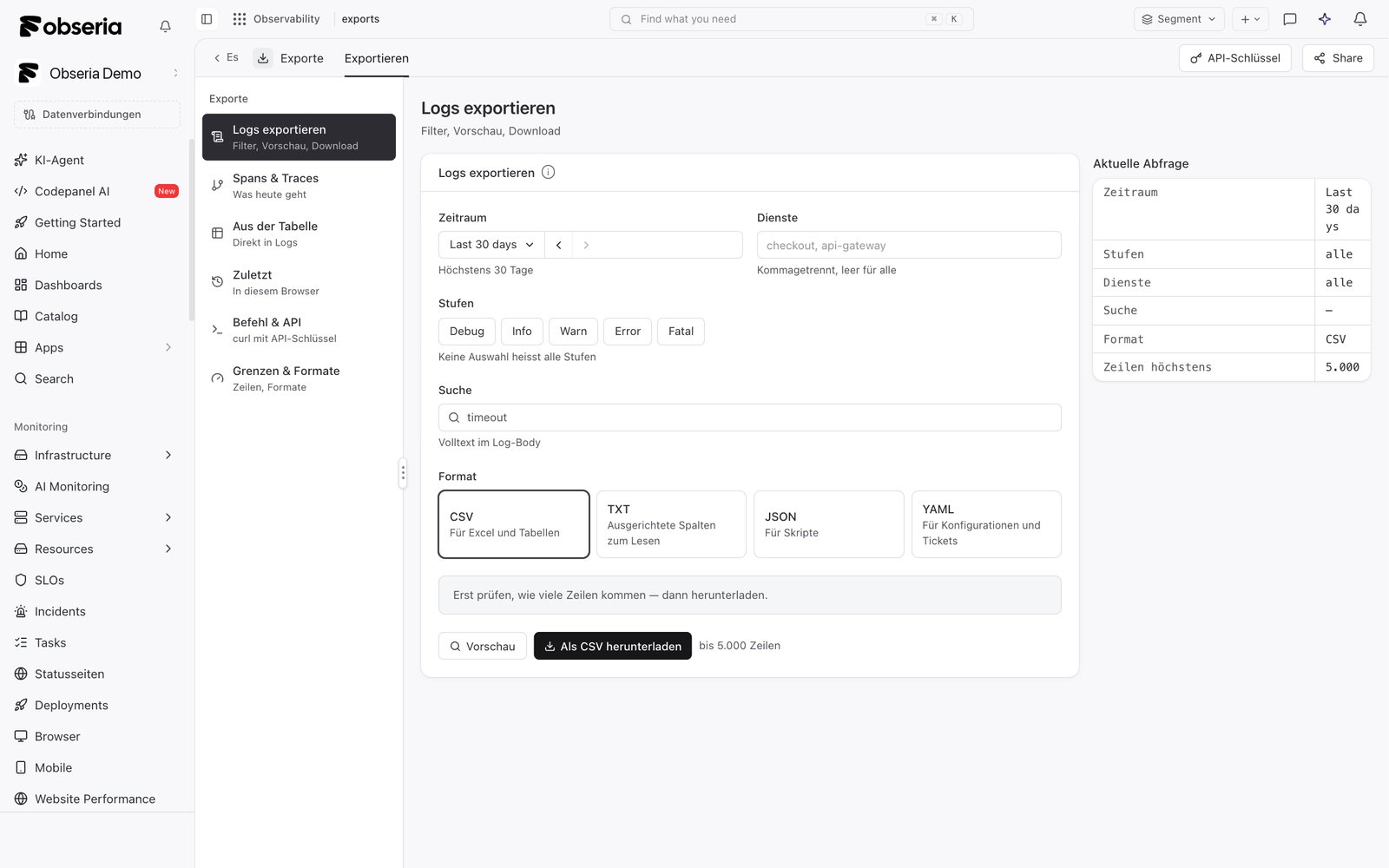
This view shows the log export of the platform. For contracts, the counterparts are the CSV export of the contract list and the .ics calendar of all notice deadlines.
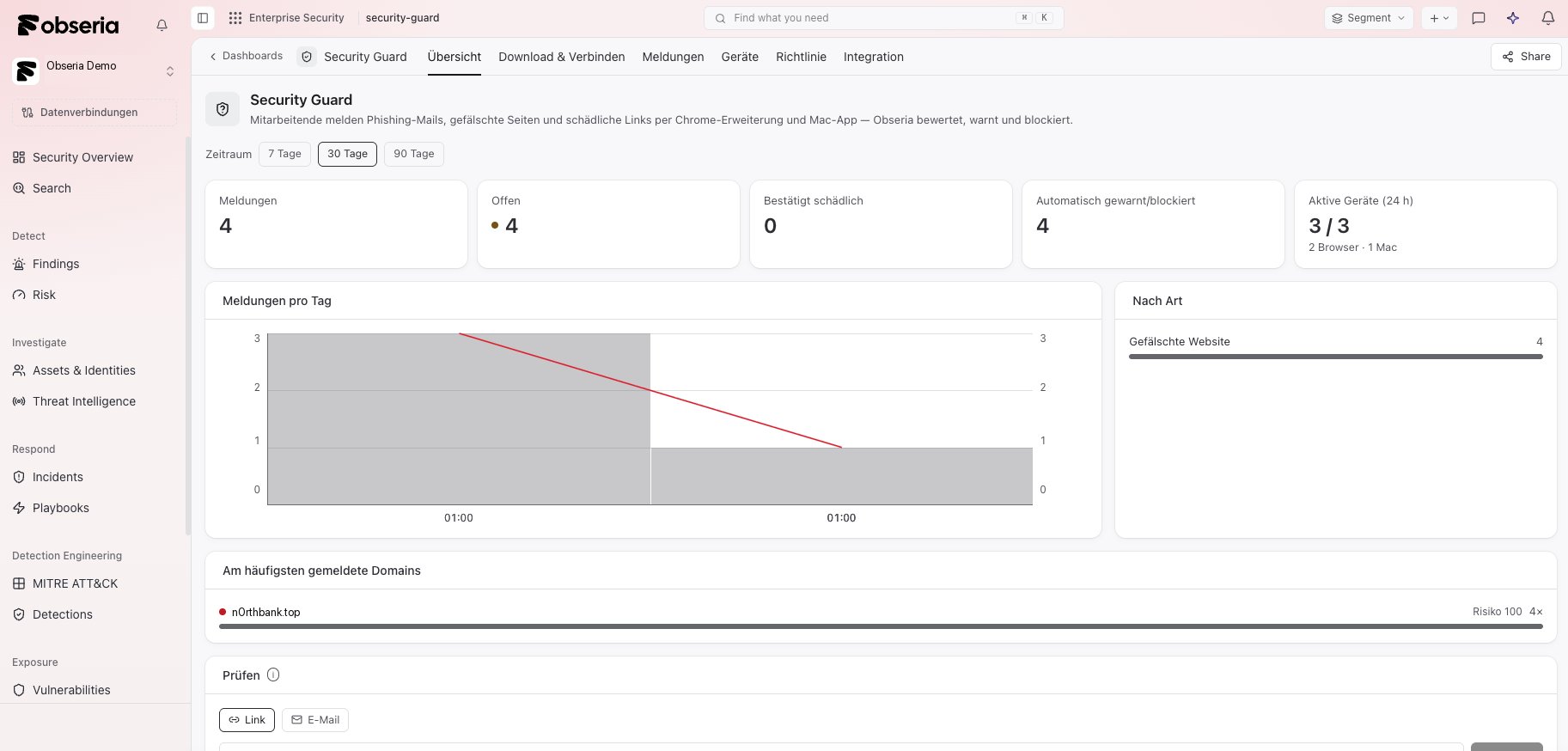
The Guard overview counts reports, confirmed threats and active devices. Devices with the extension provide the active-user figures you compare with seats before a renewal.
Contracts with price, billing cycle, seats, term and notice period, read from a PDF with AI and checked by you, plus reminders before every notice deadline.
Seats bought compared with people who actually used the app in the last 30 days, licences assigned per person and optional recycling of unused seats with a warning first.
Learn more →Import bank, card or accounting exports as CSV, match bookings to software vendors and get savings findings such as duplicate tools, unused seats and paid but unused apps.
Learn more →Every discovered app with a decision (in review, approved, restricted, rejected, retired), owner, department, users, contracts and cost.
Learn more →Drop a contract, order form or invoice as PDF or text file, or paste the text. The text is extracted in your browser.
AI fills vendor, plan, price, cycle, seats, dates and notice period, each with its quote. Values without a quote are flagged for you to fill in.
The contract is attached to the matching app in the inventory, or a new one. If the document mentions a DPA, mark it as signed.




Before the notice deadline of an auto-renewing contract, reminders go to your channels, by default 60, 30 and 7 days ahead.
Check usage and seats, then renew, reduce or cancel at the vendor and update the contract.
Every contract belongs to an app in the software inventory and records plan, billing cycle (monthly, quarterly, annual or one-time), amount and currency, seats, start and end, notice period in days, auto-renewal, reference, payment method, owner, notes and a document link. The status is active, cancelled or expired.
From amount and cycle, Obseria calculates the annual cost; from end date and notice period, the notice deadline. Tiles show active contracts, annual cost per currency, notices within 30 days, seats bought and one-time purchases.
The same figures appear in the inventory, as annual cost, seats, next renewal and notice deadline per app, so cost and usage can be compared in one row.
Upload a contract, order form or invoice as a PDF with selectable text or a text file, or paste the text. The text is extracted in your browser; an AI model then reads document type, vendor, product, plan, billing cycle, amount, currency, seats, start and end date, notice period, auto-renewal, reference, payment method, whether a DPA is mentioned and the data location.
Every value must come with a quote from the document. Obseria checks that the quote really appears in the text; values without a matching quote are dropped and listed for you to check, because an invented notice period would be worse than an empty one. Values marked as found in the document show their quote on click. You review everything before you save.
The vendor is matched to an app already in the inventory or to the catalog. The document itself is not stored: its text is sent to the AI service once, and only the fields you save are kept. Scanned PDFs without text are recognised; paste the text instead.
The renewals view lists contracts ending within 30, 90, 180 or 365 days with the value up for renewal. Notice deadlines are coloured by urgency: within 14 days, in 15 to 30 days, or already passed. Contracts that passed their end date are listed separately, so you can set the new end date or mark them cancelled or expired.
Reminders cover active contracts that renew automatically. By default they go out 60, 30 and 7 days before the notice deadline, each stage once, as one collected message to the channels you choose in the Shadow IT settings, for example Slack, Microsoft Teams or email. A contract entered only 20 days before its deadline gets the 30-day reminder once, not a backlog of all stages.
An .ics export puts all notice deadlines into your calendar as events with a reminder 14 days before. An optional weekly report summarises Shadow IT for the same channels.
SlackMicrosoft TeamsGoogle ChatDiscordSaaS contract management keeps track of every software subscription a company pays for: what it costs, how many seats it covers, how long it runs and, above all, by when it can be cancelled. With a handful of tools, a calendar entry is enough. With dozens, spread across departments, cards and invoices, renewals start to slip through, and with them money and negotiating power.
Most SaaS contracts renew automatically. If nobody acts, an annual plan simply runs for another year. The date that decides whether you can still cancel or renegotiate is not the end of the term but the notice deadline: the end date minus the notice period. For an annual contract ending on 1 March with three months' notice, the last day to act is around 1 December. Teams that only watch end dates notice too late.
So record for every contract the end of the current term, the notice period and whether it renews automatically. The notice deadline follows from them.
Good renewal management is a fixed routine. Look ahead regularly, for example 90 days, and ask for each upcoming renewal: is the tool still used, is the number of seats right, is there a cheaper plan or a duplicate tool, does the owner want to keep it? Reminders at several stages, such as 60, 30 and 7 days before the notice deadline, give time for these questions. A shared calendar with all notice deadlines helps procurement and app owners plan around holidays and budget cycles.
Typing contract data from PDFs is tedious, which is why many registers stay empty. AI can read vendor, price, term and notice period from a contract, order form or invoice in seconds. But an invented notice period is worse than an empty field. Two rules make AI extraction safe: every value must be backed by a quote from the document, and a person checks every value before it is saved. Scanned PDFs without selectable text need the text pasted in or a proper PDF.
Renewals often fail because nobody feels responsible. Procurement sees the invoice, IT sees the tool, the department sees the work it does. Give every contract an owner, usually the app owner, who receives the reminder and answers the key questions: still needed, how many seats, any problems with the vendor? Procurement can then negotiate with facts, and finance knows early what is coming. A single list of upcoming renewals for the next quarter is often the best agenda for a short monthly meeting between these three groups.
Shadow IT also means shadow contracts: a tool paid on a card renews just as automatically as one bought by procurement. Card and bank exports reveal these subscriptions; recording them as contracts brings them into the same reminder cycle.
In Obseria Shadow IT, contracts belong to the apps in your software inventory.
Obseria does not cancel anything at the vendor. It makes sure you know in time, and the decision stays with you.
The end date is when the current term ends. The notice deadline is the last day you can cancel before the contract renews: end date minus notice period. Obseria calculates it for every contract and reminds you before it.
The text of the PDF is extracted in your browser, and an AI model returns the contract fields, each with a quote from the document. Values without a matching quote are dropped and flagged. You check every value before saving.
No. The text is sent to the AI service once to read it, and only the fields you review and save are kept. You can add a link to where the document is filed.
Not directly. A scan contains images, not text, and Obseria recognises that. Paste the text from the original document instead, or upload a PDF with selectable text.
For active contracts that renew automatically, by default 60, 30 and 7 days before the notice deadline, each stage once, to the channels you choose. You can change the stages in the Shadow IT settings and export all deadlines as an .ics calendar.
No. Obseria reminds you and shows the facts for the decision. Cancelling or changing the contract happens at the vendor; afterwards you mark the contract as cancelled or set the new end date.
Discovery, inventory, risk, compliance, licences and access reviews.
→Every app with status, owner, cost and next renewal.
→Seats bought compared with people who used the app.
→Card and bank bookings matched to vendors, with savings findings.
→DPA, data location and certificates per vendor.
→Where notice deadline reminders are sent.
→In 30 minutes we show you how Obseria works in your environment and answer your questions on setup, privacy and pricing.
