
Process templates
Ready-made workflows for business processes, HR, finance, payments, sales and e-commerce, data processing and app events. A template becomes a draft you complete in the builder.
We use essential functions to operate this website. With your consent, we would also use services for statistics and marketing. You decide which categories you allow and can change your choice at any time via “Cookie settings” in the footer. More in our privacy notice.
Obseria Consent Management · Your choice is stored for 12 months
Ready-made workflows for business processes, HR, finance, payments, sales and e-commerce, data processing and app events. A template becomes a draft you complete in the builder: connect your systems, set your rules, test and activate.
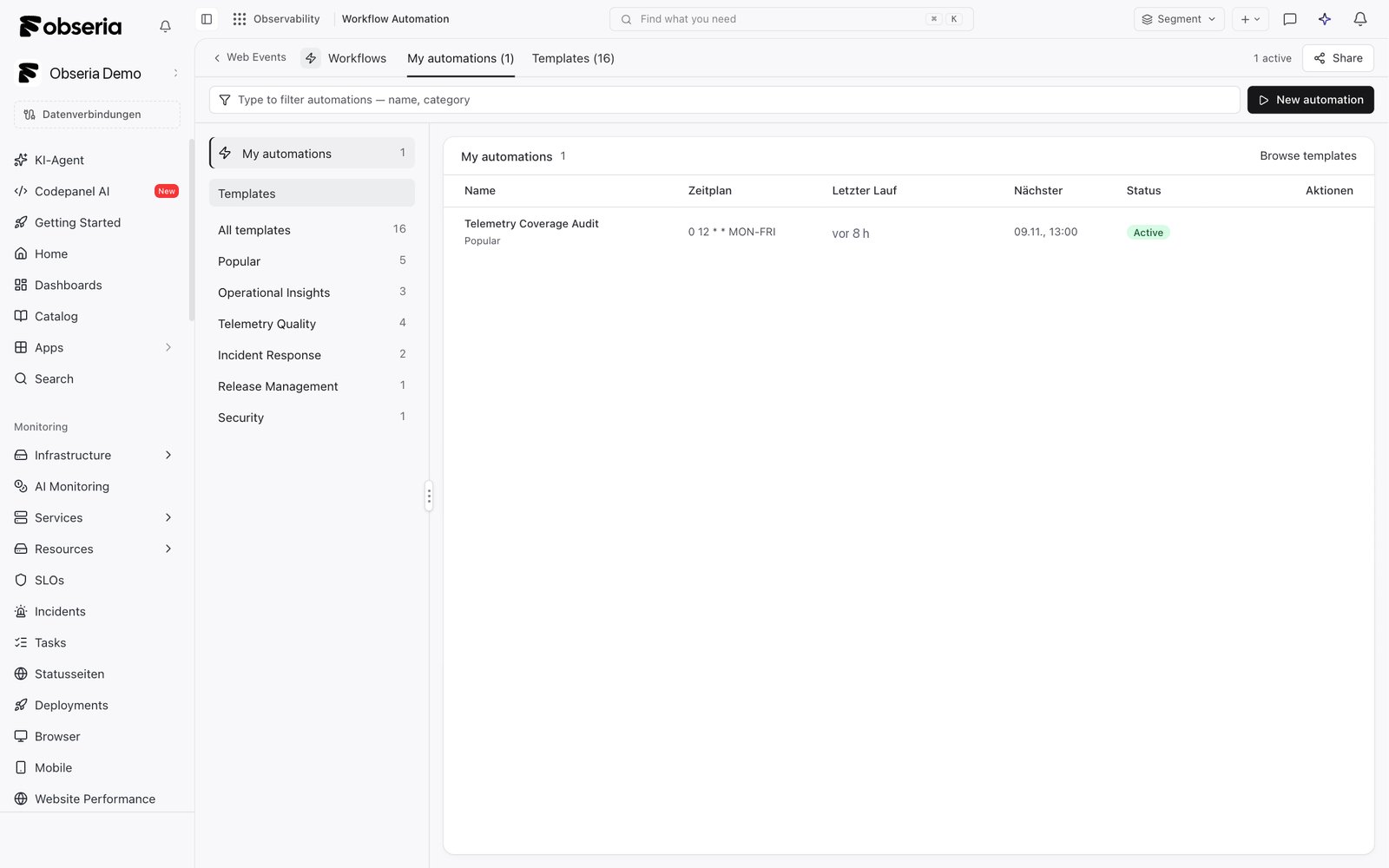
This view lists automations with their schedule and status, next to templates grouped by category. The Workflow template gallery works the same way, with more than 40 business process templates and a search.
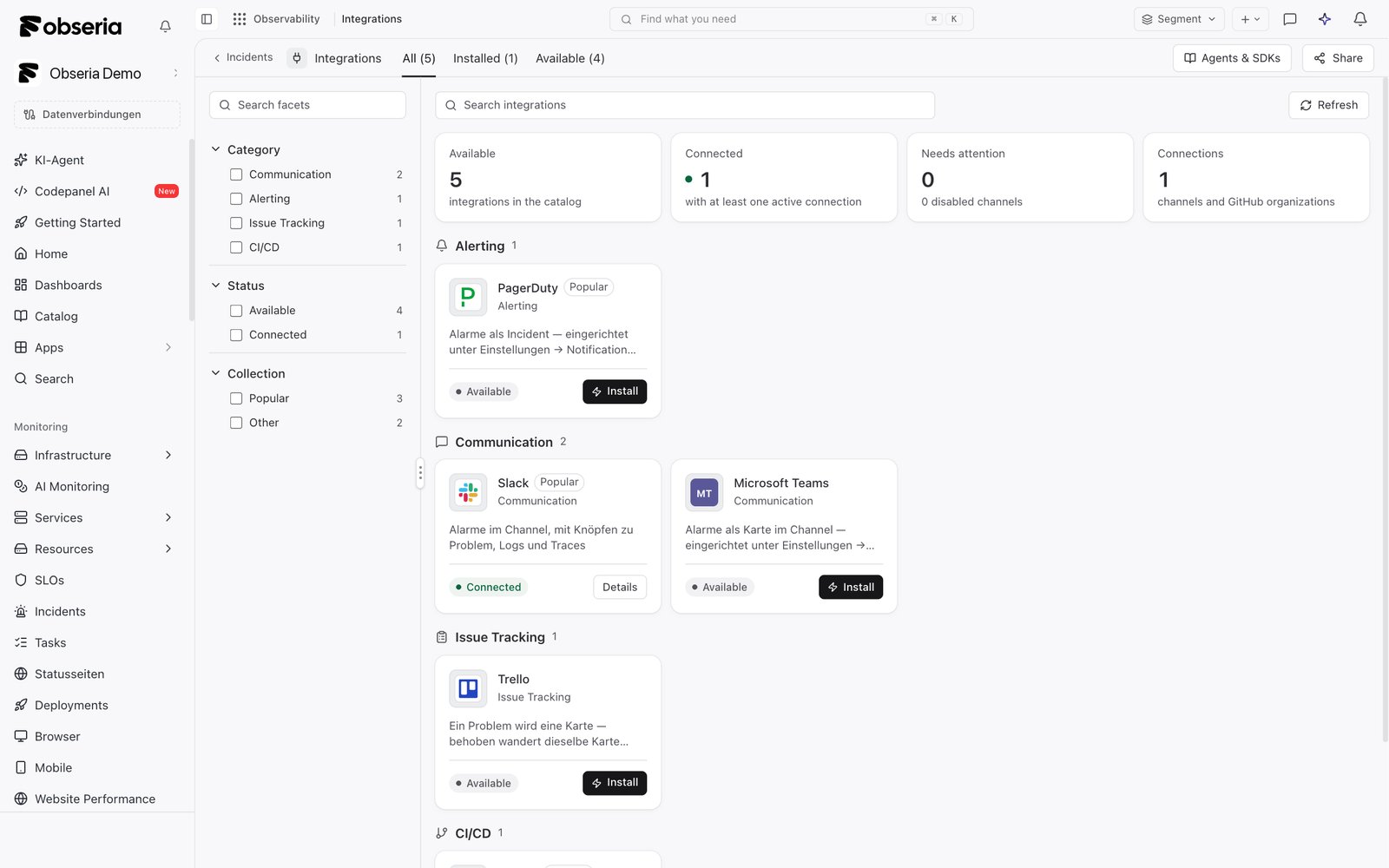
The integrations page shows Slack, Microsoft Teams, PagerDuty and Trello with their status. A template leaves its channels empty; you pick your own notification channels in the builder.
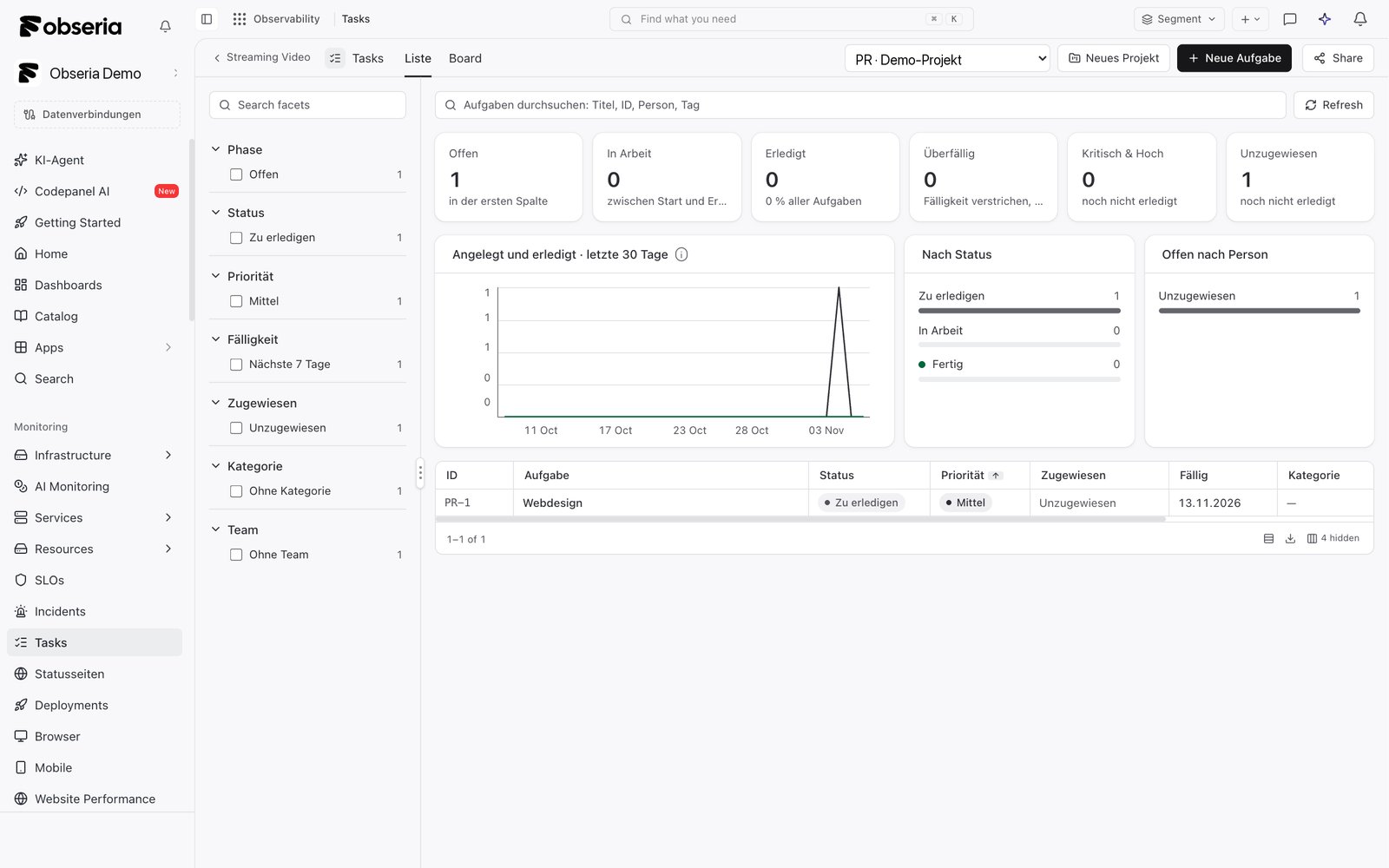
Obseria tracks follow-up work as tasks with status, priority, due date and assignee. In approval templates, decisions are made in the Workflow inbox.
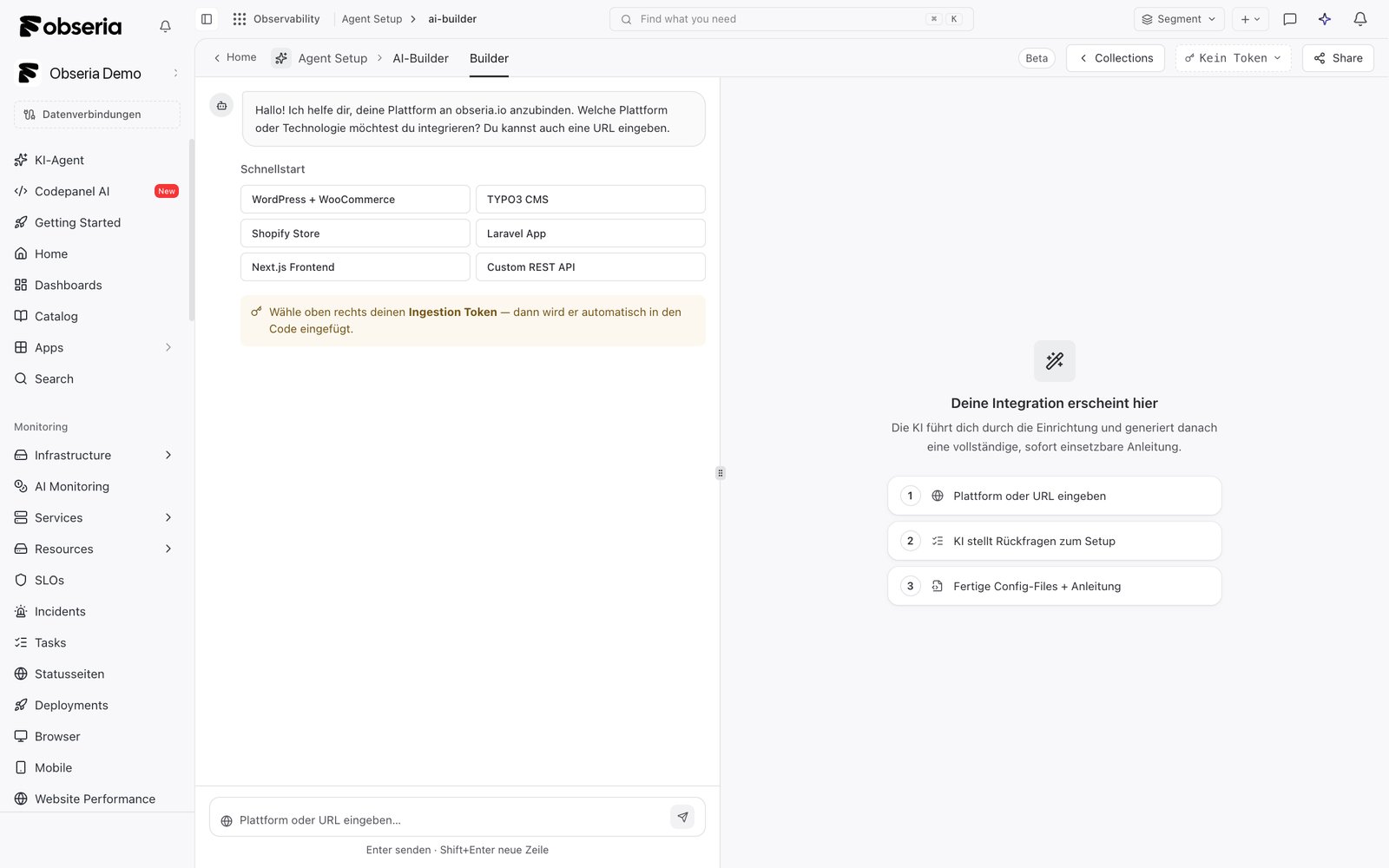
The screenshot shows the AI builder of Obseria's agent setup, which asks follow-up questions. For processes without a template, the Workflow assistant drafts a workflow from your description in the same way.
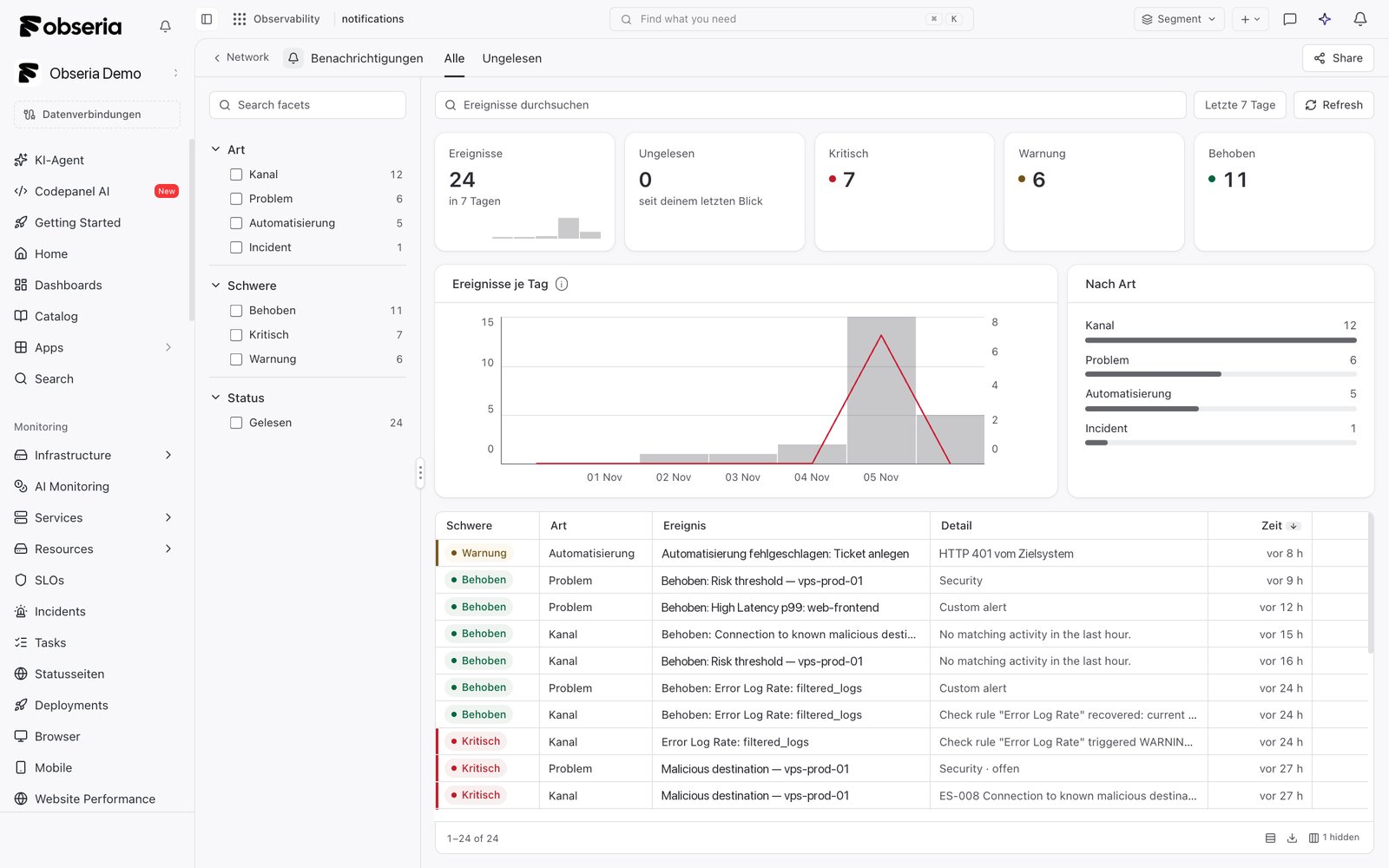
The notification centre lists events by type and severity, including a failed automation step with the error of the target system. Set an error channel for every workflow built from a template.
Ready-made workflows for business processes, HR, finance, payments, sales and e-commerce, data processing and app events. A template becomes a draft you complete in the builder.
An approval step pauses the run, e-mails the approvers a link and can also post to a channel. They approve or reject with a note in the Workflow inbox; an optional timeout rejects automatically.
Learn more →An AI step summarizes, classifies, extracts or drafts, optionally as JSON for later steps. In the builder, an AI assistant drafts or changes a workflow from a description.
Learn more →A connector catalog for CRM, ERP, accounting, shop, HR, support and productivity tools, plus any REST API, PostgreSQL, MySQL and IMAP. Credentials are stored encrypted and can be tested.
Learn more →Search by name, description or step type and browse by category; each card shows the step types and the number of steps.
Using the template creates a draft workflow with channel and address fields left empty.
Choose connections and channels, set approvers and thresholds and adapt the texts in the builder.
Start a test run with sample input and check the output of every step.
Switch the workflow to active, set an error channel and watch the first real runs.
The template view groups templates into categories: business processes, HR and people, sales and e-commerce, payments, app events, finance, data, data processing, integration, observability and Shadow IT. Each category shows how many templates it contains.
A search covers names, descriptions and step types, so searching for approval or mailbox finds every template that uses such a step. Each card shows the icons of the step types it uses and the number of steps, which gives a quick idea of how much there is to set up.
Business process templates include a purchase request with approval above a threshold, an expense report that goes to accounting after approval, a document or price change approved by two people in sequence and written back via API, and customer complaint triage.
HR templates cover a vacation request with manager approval and an absences table, an onboarding checklist drafted by the AI step with tasks for IT and the manager, an offboarding flow that notifies every owner of an app the person still has, and a Friday reminder to everyone with missing hours.
Finance and payment templates include reminder mails for overdue invoices from lexoffice, a month-end pack with revenue per customer and channel, a daily follow-up on failed Stripe payments, confirmations for received payments and paid invoices, an urgent alert when a chargeback opens and daily payment digests. Payments from Mollie, PayPal and SumUp are covered as well.
Sales and app event templates cover website lead qualification into HubSpot, Shopify orders into the ERP database, a confirmation and warehouse notice when an order is paid, a support mailbox to Zendesk tickets with an auto-reply, and reactions to events from HubSpot, Zendesk, GitHub, Jira, Calendly and Typeform.
Data templates include a nightly incremental sync from the ERP database into a table, a weekly sales report, invoices from a mailbox read by AI, a CSV upload with validation, a daily KPI digest with an AI summary, a weekly SQL report over Data tables and a check of new rows after a table was written.
Observability templates escalate critical problems, open Jira issues and draft a post-mortem when a problem is resolved. Shadow IT templates triage software requests, rate the risk of newly discovered tools and remind owners of contract renewals at 60, 30 and 7 days.
 Slack
 Microsoft Teams
 Google Chat
 Discord
 Jira
 GitHub
 PostgreSQL
 MySQL / MariaDB
A workflow template is a ready-made process with the trigger, steps, conditions and messages already in place. Instead of starting on a blank canvas, a team picks a template that matches its process, connects its own systems and adjusts texts and thresholds. Good templates encode experience: where an approval belongs, what happens when nobody answers, and which data is worth keeping.
A template is a starting point, not a finished automation. Every company names its approvers differently, uses its own channels and has its own limits. That is why a template should become a draft, never an active workflow, until someone has reviewed and tested it.
Some processes look alike in almost every company and are therefore ideal for templates:
People processes involve many parties and are easy to forget in part. An onboarding workflow creates the checklist, informs IT and the manager and tracks progress. An offboarding checklist makes sure every owner of an application the person still uses gets a task. A Friday reminder to everyone with missing hours replaces a manual check of the time-tracking system.
Finance routines repeat on a fixed rhythm and follow clear rules, which makes them good candidates for automation: dunning for overdue invoices with reminder mails, a daily follow-up on failed payments, a month-end pack with revenue per customer and channel, a confirmation mail when a payment arrives and an urgent alert when a chargeback is opened, so the evidence deadline is not missed.
Customer-facing processes benefit from speed. Templates cover lead qualification from a website form into the CRM with an alert for hot leads, a support mailbox that turns mails into tickets with an automatic reply, routing of customer complaints by category and urgency, order confirmations and warehouse notices when an order is paid, and a welcome mail when a subscription starts.
Many automations are about moving and summarising data: a nightly incremental sync from the ERP database into a table, a weekly sales report as CSV, invoices read from a mailbox, a daily KPI digest and a check of new rows after a table was written. These templates show patterns that are useful elsewhere too, such as upserts by key and change detection.
Templates are proven shapes for common processes. An AI assistant is useful when your process does not match any template, or when you want to describe it in your own words. Both lead to the same result: a draft on the canvas that a person completes, tests and activates.
Not every published template is worth starting from. A good one has a clear trigger, names its decisions, and handles the unhappy path as well as the happy one: what happens when an approver rejects, when a field is missing or when an external system does not answer. It keeps credentials and addresses out of the steps, so you can fill in your own, and it stores the result somewhere you can look it up later, for example in a table. Short notes on the canvas that explain why a branch exists save the next person a lot of guessing. When you compare templates, prefer the one with fewer steps that covers your real case over a large one that tries to cover every variant.
Obseria Workflow ships with more than 40 templates in categories such as business processes, HR and people, sales and e-commerce, payments, app events, finance, data and data processing, integration, observability and Shadow IT. The template view can be searched by name, description and step type, and each card shows the step types and the number of steps. Using a template creates a draft workflow with empty channel and address fields that you fill in the builder before testing and activating it. If nothing fits, "Create with AI" opens a new workflow with the AI assistant.
Templates that use services such as Stripe, Shopify, HubSpot, lexoffice or Zendesk need a connection with an API key or access token you create with the provider.
More than 40, grouped into business processes, HR and people, sales and e-commerce, payments, app events, finance, data, data processing, integration, observability and Shadow IT.
No, and that is intentional. A template becomes a draft workflow with empty channel and address fields. You choose connections and channels, adjust thresholds and texts, run a test and then activate it.
Yes. The draft is a normal workflow in the visual builder. Add, remove or rewire steps as you like; the original template stays available for the next use.
Use "Create with AI": the AI assistant drafts a new workflow from your description, step by step or all at once. You can also start from the template that comes closest and change it.
Yes. Templates that use Stripe, Shopify, HubSpot, lexoffice, Zendesk or similar services need a connection with an API key or access token you create with that provider. Database templates need a database reachable from the internet.
No. Templates are included; workflows built from them are billed like any other by executed steps: 10,000 per month are included, then $0.50 per thousand. See pricing.
Visual builder, triggers, approvals, connections and run history for business processes.
→Complete a template on the canvas, test it with sample input and keep versions.
→The approval steps behind purchase, expense, vacation and document templates.
→Templates with AI extraction and triage, and an assistant for processes without a template.
→Software requests, discovered apps and renewals behind the Shadow IT templates.
→In 30 minutes we show you how Obseria works in your environment and answer your questions on setup, privacy and pricing.
