
 PagerDuty
 Opsgenie
 Jira Service Management
 incident.io
Onboarding & offboarding workflows
Templates with steps such as assign licence, revoke access, transfer ownership, task, approval and notify, started by hand or automatically when the directory adds or suspends a user.
We use essential functions to operate this website. With your consent, we would also use services for statistics and marketing. You decide which categories you allow and can change your choice at any time via “Cookie settings” in the footer. More in our privacy notice.
Obseria Consent Management · Your choice is stored for 12 months
Turn onboarding and offboarding templates into concrete tasks with owners and due dates: one revoke task per app a leaver really uses, ownership handover, licences for new starters, started by hand or from your directory.
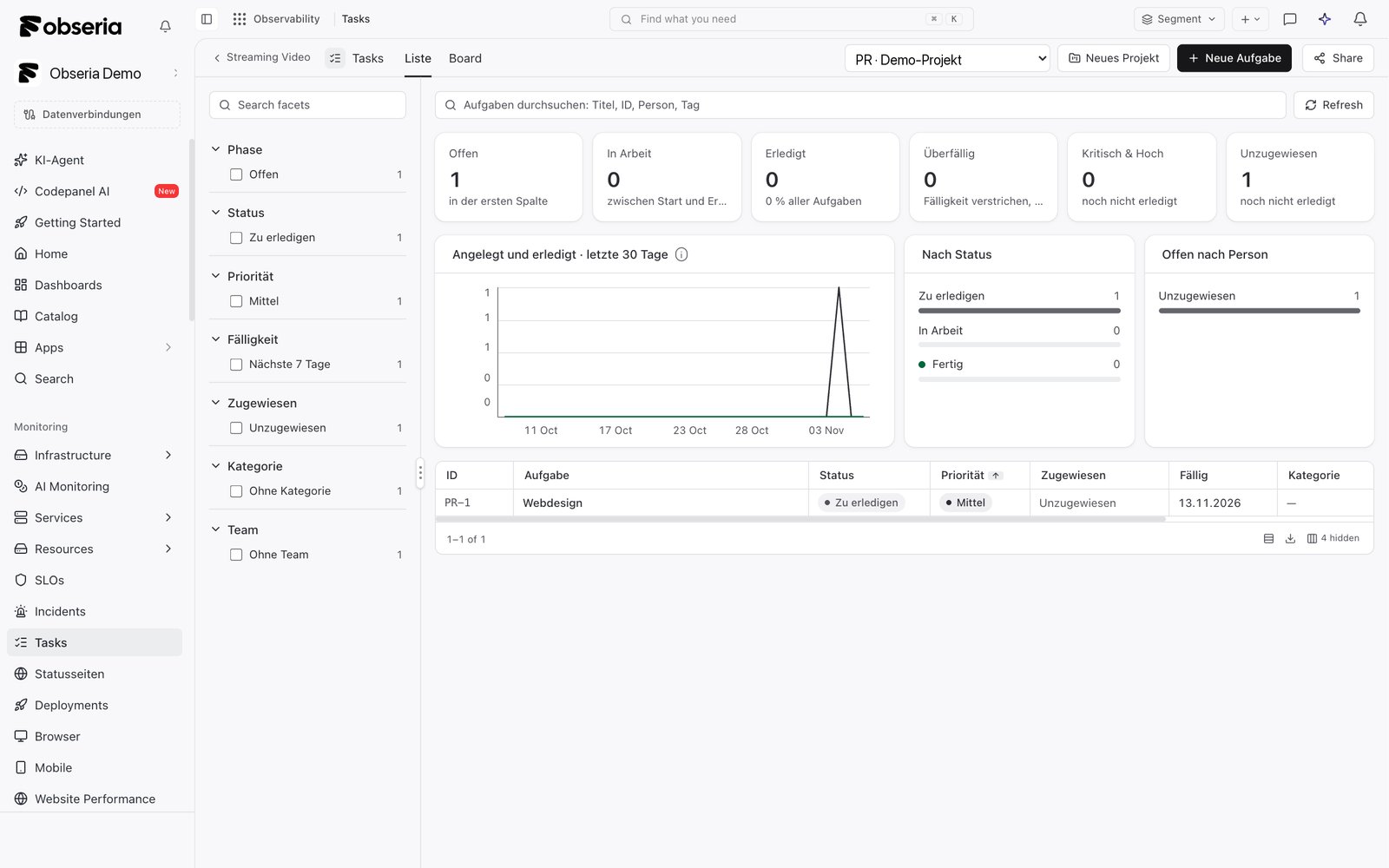
This is the platform's task list. Onboarding and offboarding runs in Shadow IT work the same way: every step becomes a task with an assignee and a due date relative to the start date or last day.
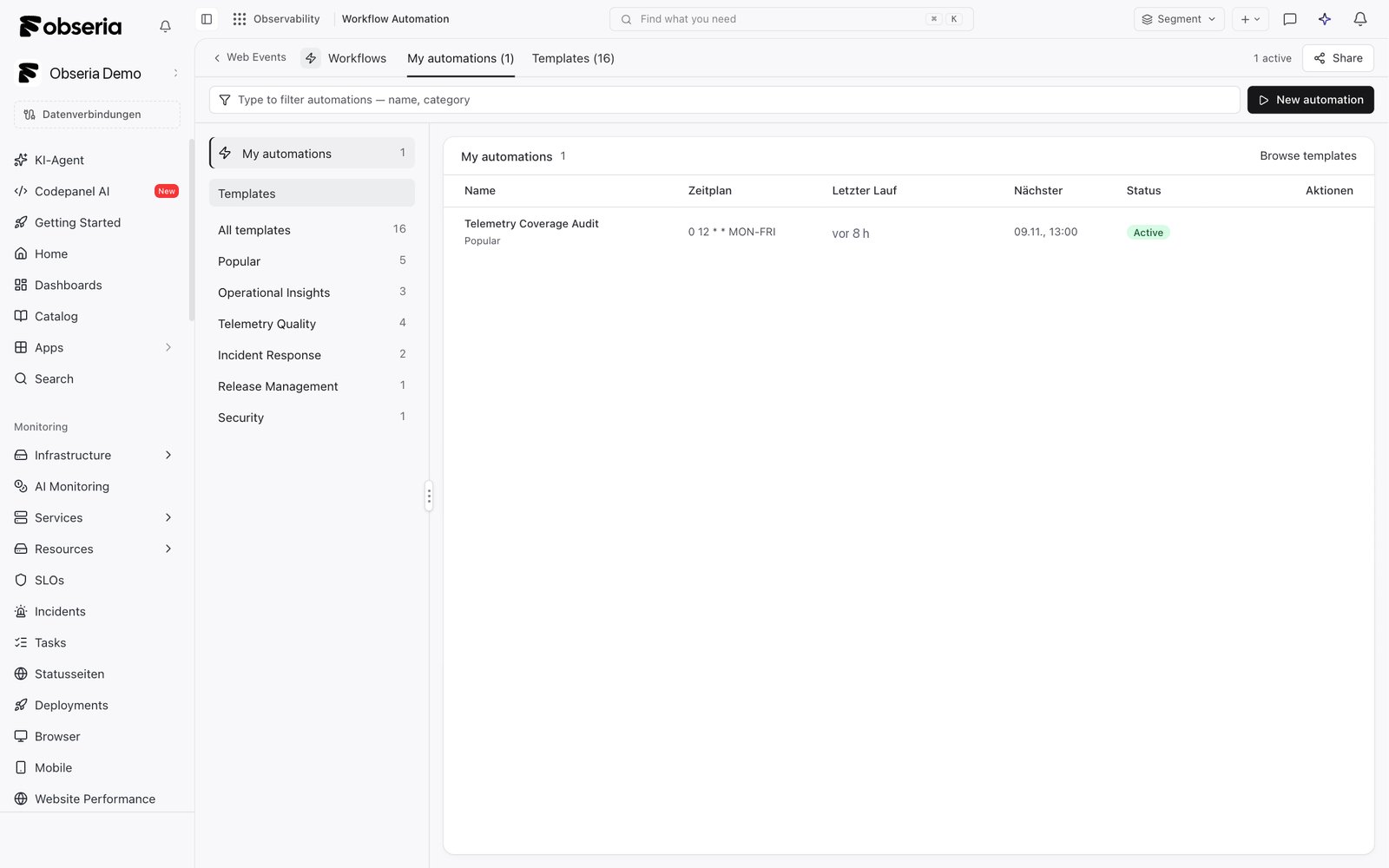
The automation list in Obseria shows workflows with status and runs. People workflows in Shadow IT are their own templates, but follow the same idea: define once, run for every joiner and leaver.
Obseria sends its messages through your notification channels. A notify step in an onboarding or offboarding template posts to the chosen channels when the workflow starts.
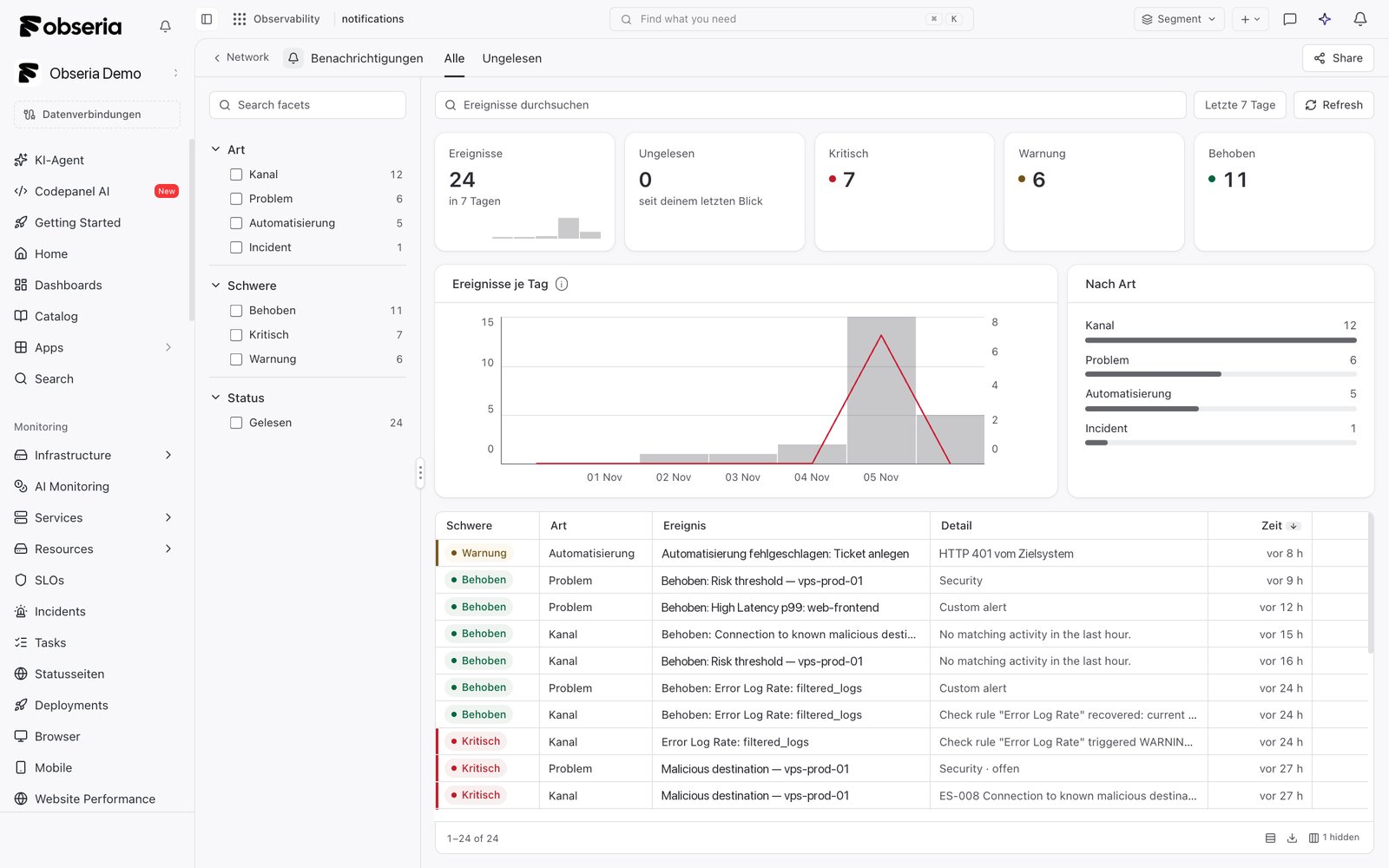
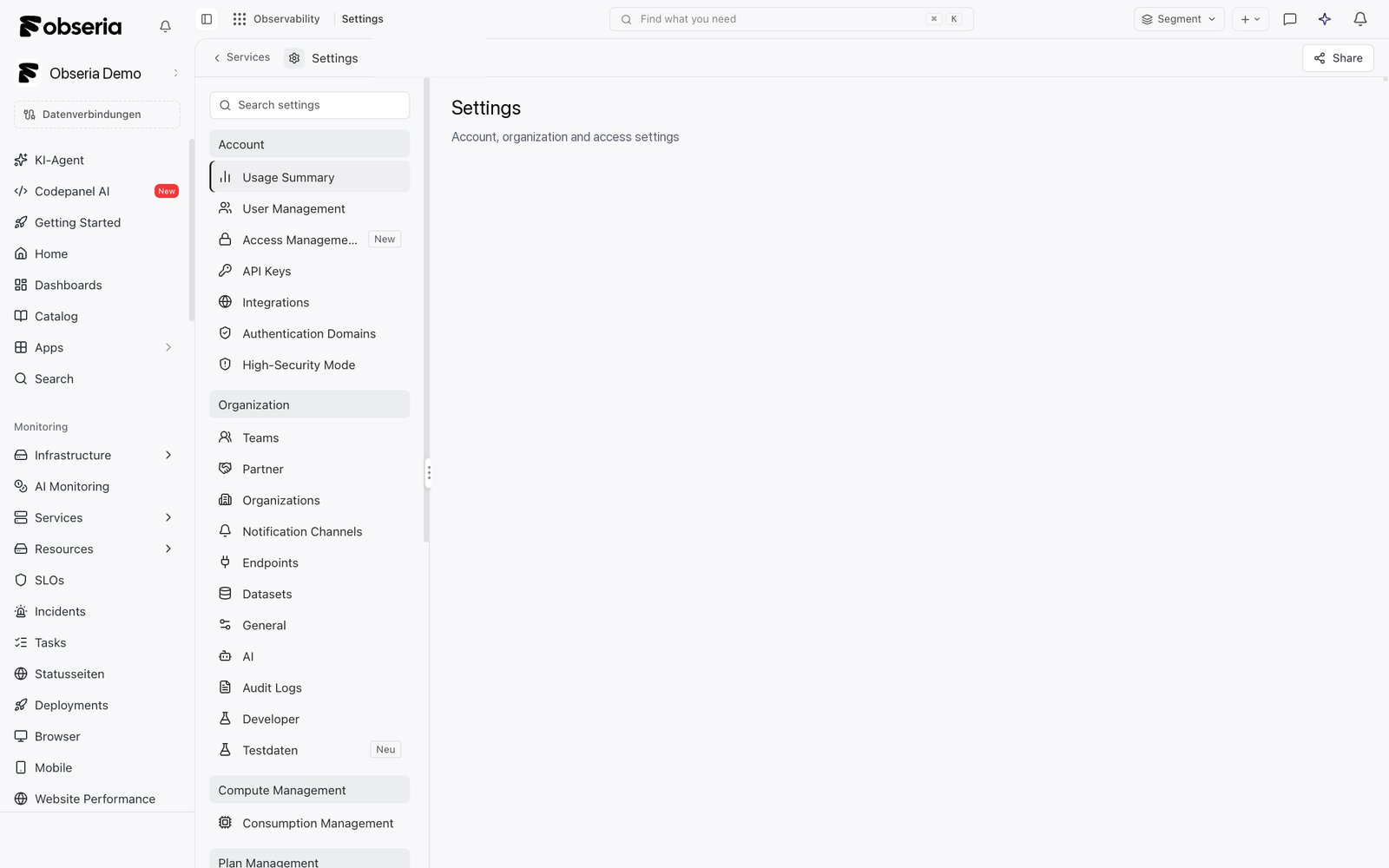
Account and organisation settings in Obseria, including integrations and notification channels. The read-only Google Workspace or Microsoft 365 connection that starts workflows automatically is set up in Shadow IT.
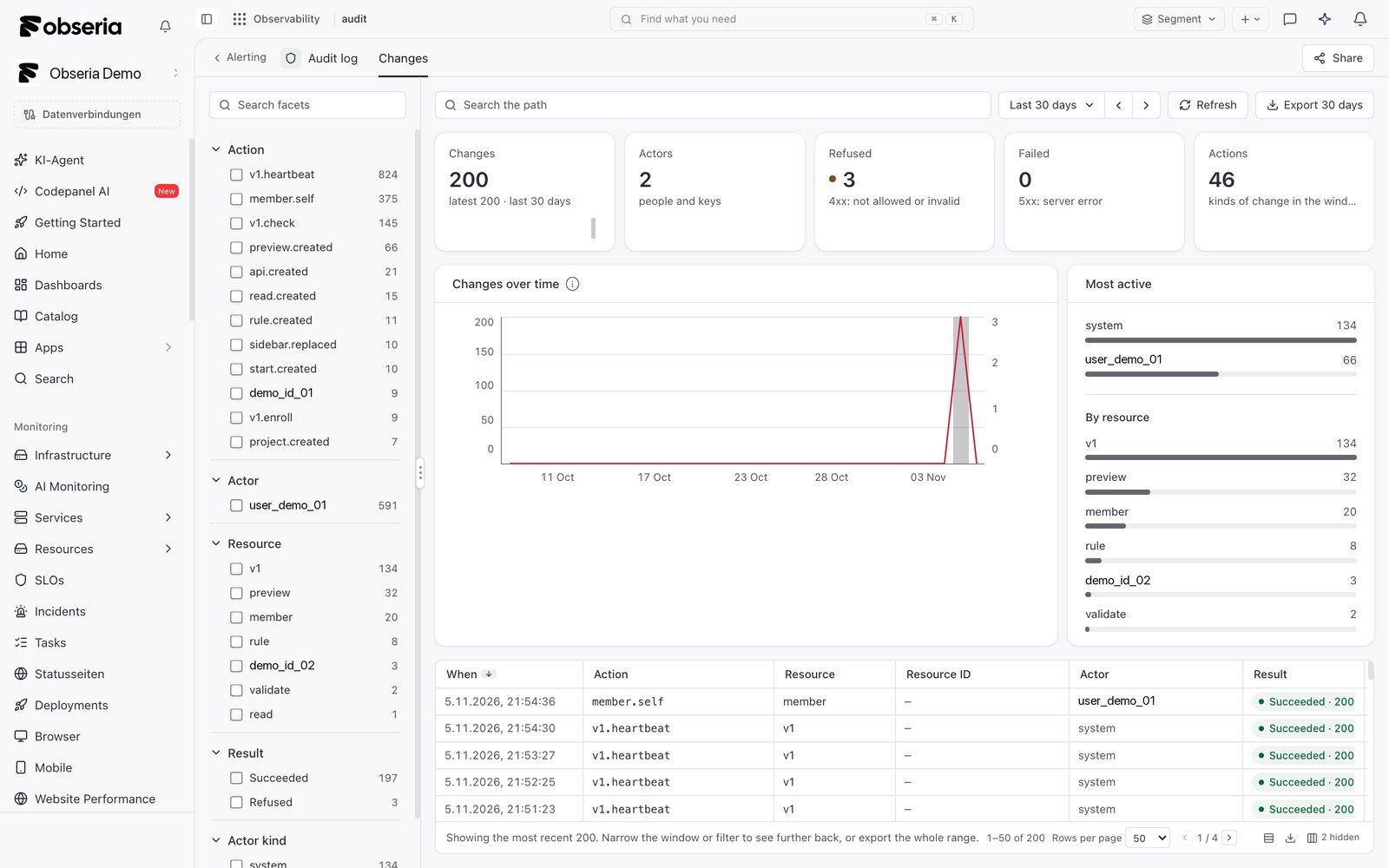
The platform audit log records changes with actor, resource and result. Workflow tasks additionally keep who finished them, when, and with which note and result.
Templates with steps such as assign licence, revoke access, transfer ownership, task, approval and notify, started by hand or automatically when the directory adds or suspends a user.
Seats bought compared with people who actually used the app in the last 30 days, licences assigned per person and optional recycling of unused seats with a warning first.
Learn more →The user is suspended in Google Workspace or Microsoft 365, or someone starts offboarding from the person's page.
The template becomes tasks: one revoke task per app the person has, one handover per app they own.
Tasks go to app owners, the manager or a named person, with due dates relative to the last day.
Assignees remove access in each app and mark tasks done; the assignment ends and new owners are set.
When every task is finished, the person is marked as left and freed seats can be reduced.
A template is a list of steps for onboarding, offboarding or another change. Steps can assign a licence, revoke access to one or all apps, transfer app ownership, hold a task or an approval, or notify channels.
Each step has an assignee (nobody fixed, the manager, the app owner, the person or an e-mail address) and a due date relative to the effective date. Steps are reordered by drag and drop.
Standard onboarding and standard offboarding templates are ready to edit when you start.
Started for a person, a template becomes concrete tasks. Revoking access to all apps creates one task per app known for that person, from licence assignments, browser sightings, sign-ins and OAuth grants. Transferring ownership creates one task per app they own.
A preview shows the expansion for any person before anything starts. The person's offboarding tab lists all access still open, with the option to copy the list or download it as CSV.
That way access to apps IT never assigned is part of the offboarding too.
Assignees find their tasks in my tasks and mark them done or skipped with a note. Done is not just a tick: assigning a licence records it for the person, revoking access ends the assignment, and transferring ownership sets the new owner on the app.
Notify steps are sent automatically at the start. Rejecting an approval cancels the workflow. When everything is finished, the person becomes active after onboarding or left after offboarding.
A cancelled run blocks its open tasks; work already done keeps its effect.
An offboarding template can start by itself when a user is suspended in the connected directory, an onboarding template when a new user appears after the first sync. Obseria checks this every hour after the directory sync.
The people list shows directory status and warns when suspended people still have app access, so nobody slips through when a workflow was not started.
The connection is read-only: accounts at Google, Microsoft or the vendor are changed by your admins, guided by the tasks.
 Slack
 Microsoft Teams
 Google Chat
 Discord
Employee onboarding gives a new person everything they need on day one: an account, a device and access to the tools of their team. Employee offboarding does the opposite when someone leaves: access is removed, data and responsibilities are handed over and paid seats are freed. Both sound simple. With dozens of SaaS apps, many of them signed up for by teams themselves, both are easy to get wrong.
The risk sits mostly in offboarding. A disabled directory account stops sign-ins with that account, but not access to apps with their own logins, shared accounts or OAuth tokens. Former employees who can still open a customer list, a file share or a design tool are a security and privacy problem, and their seats keep being billed.
Each step needs an owner and a due date. Otherwise the checklist becomes a document nobody finishes.
Good onboarding starts a week early: the manager confirms the start date and role, IT creates the directory account, the laptop is prepared, and on the first day the manager checks that the person can sign in to every assigned app. Licences are assigned per app, so the licence numbers are right from the start.
In Obseria, a workflow template is a list of steps for one kind of change: onboarding, offboarding or another change such as a move to a new team. Six step types are available:
Each step has an assignee: nobody fixed, the person's manager, the app owner, the person themselves or an e-mail address. Due dates are relative to the effective date, the start date or last day, from 90 days before to a year after. Two starter templates, standard onboarding and standard offboarding, give you something to edit instead of an empty editor.
Started for a person, a template becomes a run with concrete tasks. Revoke access to all apps turns into one task per app the person really has, from licence assignments, browser sightings, sign-ins and OAuth grants. Transfer ownership turns into one task per app the person owns. A preview shows how a template would expand for a given person before anything is started.
Tasks appear in each assignee's my tasks view and can be done, skipped or reopened with a note. When all tasks are finished, the person's status changes to active after onboarding or to left after offboarding. A run can be cancelled; tasks already done keep their effect.
With Google Workspace or Microsoft 365 connected, an offboarding template can start by itself when a user is suspended in the directory, and an onboarding template when a new user appears after the first sync. Obseria checks this every hour after the directory sync. The people list also warns when suspended people still have app access, and each person's offboarding tab lists all access still open, ready to copy or download as CSV.
Identity teams call this the joiner-mover-leaver process. Joiners need access, leavers need it removed, and movers, people who change team or role, need both: new tools for the new role and removal of what they no longer need. A change workflow in Obseria covers movers with the same step types and an effective date.
Obseria does not create, suspend or delete accounts in Google Workspace, Microsoft 365 or at your vendors; the directory connection is read-only on purpose. A revoke task says where the access has to be removed, and marking it done ends the assignment in Obseria. There is no connection to HR systems yet; workflows start by hand or from the directory.
Every app the person used, not only the assigned ones; removal of access in each app; revoked OAuth grants; handover of apps they owned; a suspended directory account and returned devices; and fewer seats where a licence is now free.
From licence assignments, browser sightings by Obseria Guard, sign-ins and OAuth grants from Google Workspace or Microsoft 365. Revoking access to all apps creates one task for each of them.
Yes. With Google Workspace or Microsoft 365 connected, an offboarding template can start when a user is suspended in the directory, and an onboarding template when a new user appears. Obseria checks every hour after the sync.
No. The connection to Google and Microsoft is read-only, and Obseria does not write to your vendors. A revoke task tells the assignee where to remove access; marking it done ends the assignment in Obseria.
Yes. Steps, assignees, due dates and triggers are editable, and the starter templates for onboarding and offboarding can be changed or deleted. A preview shows how a template expands for a given person.
Use a change workflow with an effective date: assign licences for the new role and revoke access that is no longer needed, with the same step types as onboarding and offboarding.
Discovery, inventory, risk, contracts, licences, spend and access reviews.
→Seats bought against real use, with seat recycling.
→Recertify who still needs which app, with evidence.
→Find the apps people really use, from sign-ins, the browser and spend.
→Slack, Microsoft Teams, Google Chat, e-mail and webhooks.
→In 30 minutes we show you how Obseria works in your environment and answer your questions on setup, privacy and pricing.
