
Make cloud, telemetry, AI and SaaS costs visible to both finance and engineering
The bill arrives at the end of the month, and nobody can say which service, team or feature caused it. Obseria brings the cost drivers into the platform engineers already use: cloud resources, telemetry volume, AI spend by model and team, and software spend from your bookings. Finance gets numbers it can discuss, engineering gets levers it can pull.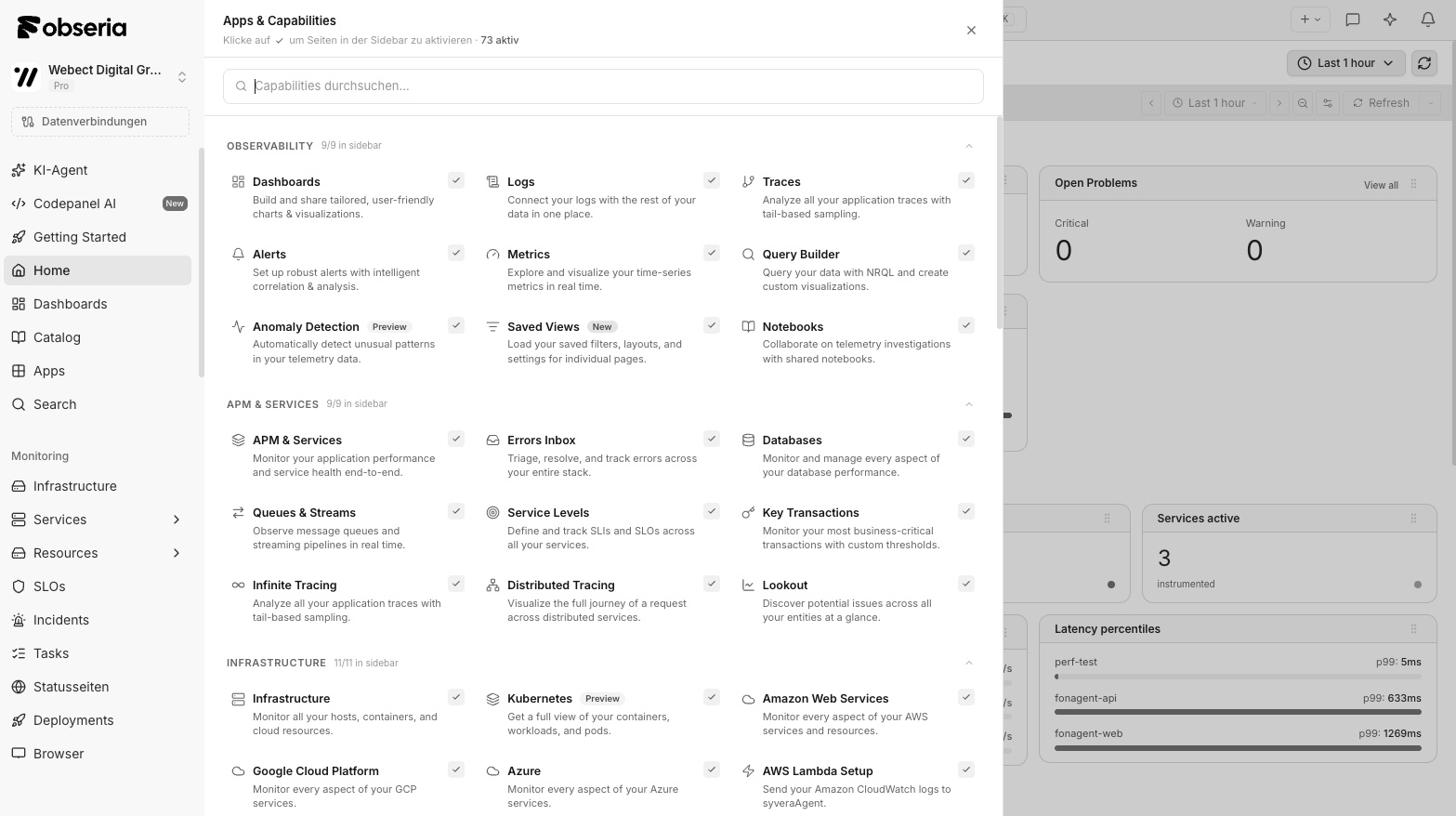
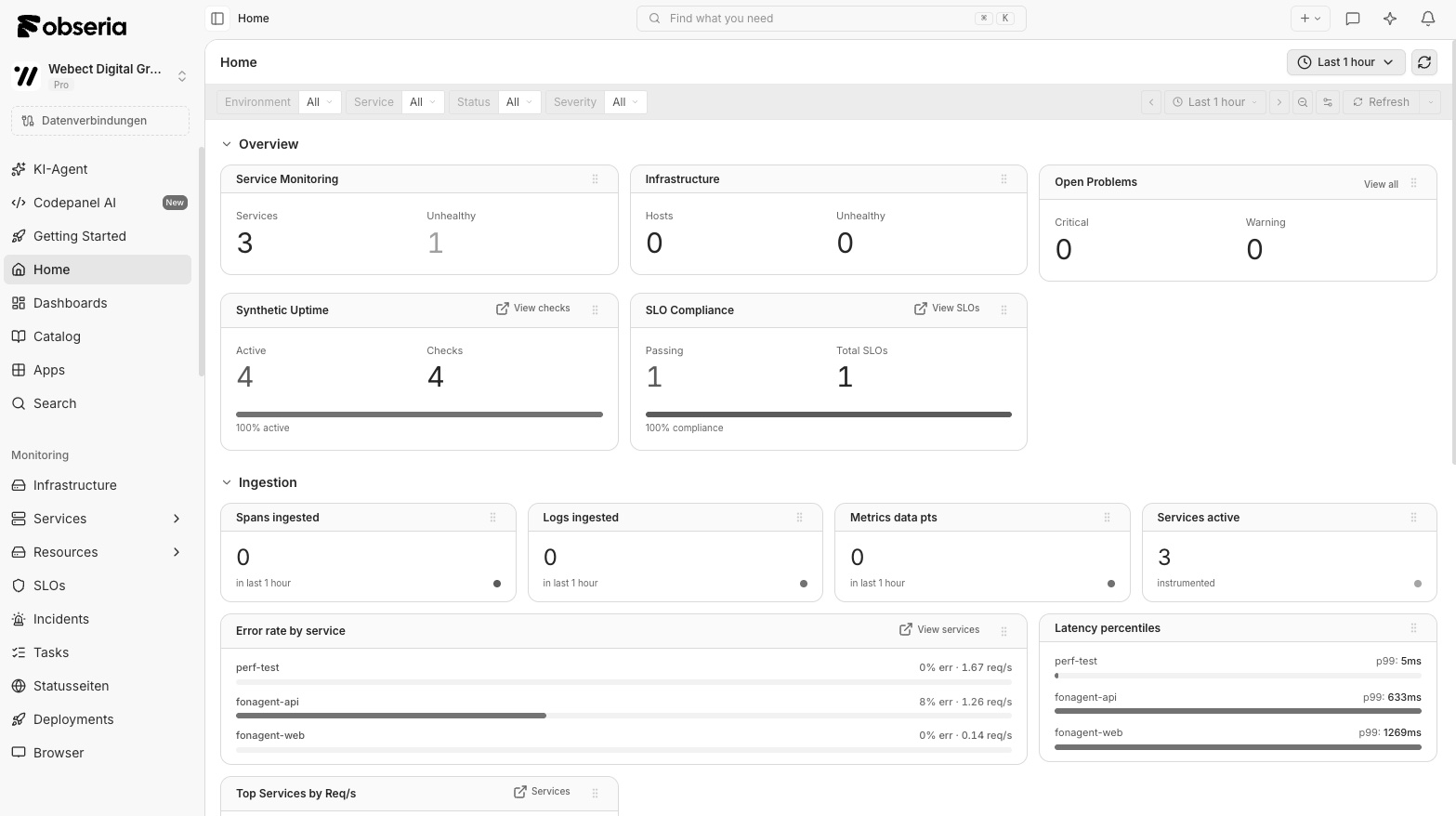
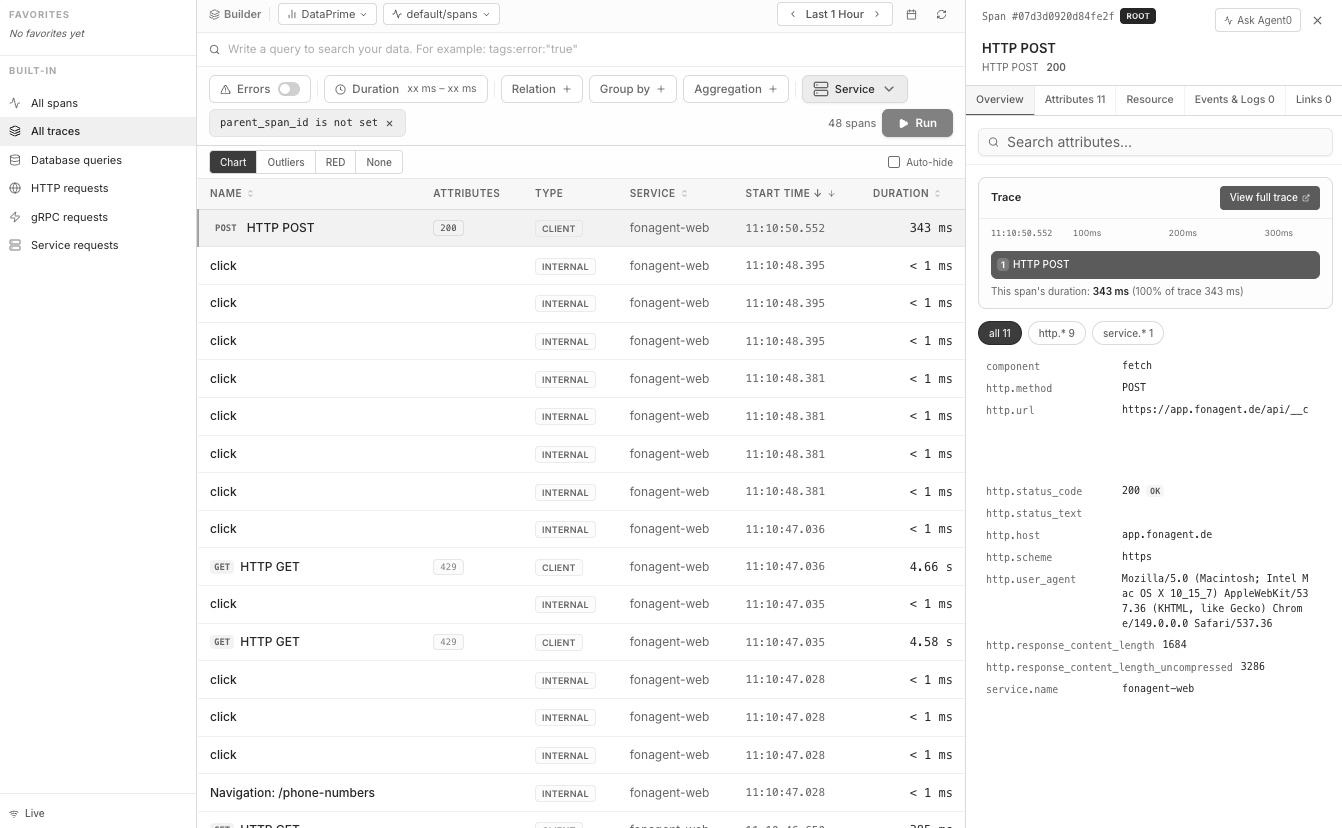














Cost next to the data that explains it
FinOps works when the people who cause cost can see it and the people who pay for it understand it. Obseria puts cost drivers next to metrics, traces and owners instead of into a separate finance tool.Cloud cost drivers
Read-only access to AWS, Azure or Google Cloud shows the resources behind your bill by provider, service, region and tag.
Utilisation data
CPU, memory and disk usage per host and storage growth with a forecast give a basis for rightsizing decisions.
Telemetry under control
Obseria Pipeline filters, samples and aggregates at ingest; what is dropped is neither stored nor billed.
AI spend by model and team
Model calls in your applications by model, feature and customer, and coding agents by model, person and team.
SaaS spend
Bank, card or accounting exports reveal software spend by month and app, plus duplicate and unused tools.
Alerts on unusual growth
Check rules notify the team when spend or volume grows unexpectedly, before the invoice shows it.
See what drives the cloud bill
Connect AWS, Azure or Google Cloud with read-only credentials, and Obseria reads the resource inventory that drives your bill, broken down by provider, service, region and tag. Next to it you see how those resources are used: host CPU, memory and disk over weeks, storage growth with a forecast of when a volume will be full, and container usage in Kubernetes. We are explicit about the scope: billing exports such as AWS Cost and Usage Reports, Azure Cost Management or the Google Cloud billing export are not ingested yet, so Obseria shows drivers and utilisation, not invoice amounts, and does not estimate them from list prices.
- Read-only access to AWS, Azure and Google Cloud
- Resource inventory by provider, service, region and tag
- Utilisation and storage growth as a basis for rightsizing
- No invoice amounts until billing exports are supported
Pay for the telemetry you use, not for every byte emitted
Observability data grows with every service and feature, while the share used for troubleshooting stays small. Obseria Pipeline gives platform teams one place to decide what is kept: rules filter noisy debug logs and health checks, sample traces and aggregate metrics at ingest, and anything dropped there is neither stored nor billed. The metric explorer shows which metrics produce the most data points and the highest cardinality, so you fix the label that multiplies your time series instead of guessing. Usage-based pricing per signal means less data kept is directly less cost.
- Filtering, sampling and aggregation before storage
- Metrics with the most data points and highest cardinality
- Trace sampling for high-volume services
- Usage-based pricing per signal, see the pricing page
Break AI spend down by model, feature, team and customer
AI costs follow usage, not servers, and the provider invoice is a monthly total that does not say which feature caused the increase. For model calls inside your applications, Obseria reads OpenTelemetry spans and breaks costs down by model, feature and customer. For coding agents such as Claude Code, a few environment variables are enough to see spend, adoption and output by model, person and team. Coding-agent figures are counters the agents report about themselves, suitable for budgets and trends rather than exact invoices. Spend can sit on a dashboard next to other KPIs, and alert rules flag unusual growth. Obseria does not import provider invoices or enforce hard budget limits.
- Model calls by model, feature and customer from OpenTelemetry
- Coding agents by model, person and team
- Dashboards and alerts on unusual growth
- No provider invoice import and no hard budget enforcement
# Send Claude Code usage and cost counters to Obseria
export CLAUDE_CODE_ENABLE_TELEMETRY=1
export OTEL_METRICS_EXPORTER=otlp
export OTEL_LOGS_EXPORTER=otlp
export OTEL_EXPORTER_OTLP_PROTOCOL=http/protobuf
export OTEL_EXPORTER_OTLP_ENDPOINT=${OBSERIA_OTLP_ENDPOINT}
export OTEL_EXPORTER_OTLP_HEADERS="Authorization=Bearer ${OBSERIA_TOKEN}"
export OTEL_EXPORTER_OTLP_METRICS_TEMPORALITY_PREFERENCE=delta
# Optional: attribute spend to a team or cost centre
export OTEL_RESOURCE_ATTRIBUTES="department=platform-team"Find the subscriptions you pay twice or not at all
Software is often the cost line with the least ownership: many small subscriptions, paid by card across departments and renewing on their own. Import your bank, card or accounting exports as CSV, and Obseria matches bookings to software vendors and shows spend by month, category and app. Savings hints point to duplicate tools for the same job, unused seats and apps that are paid but not used. Together with licence usage and contract notice periods from Obseria Shadow IT, finance and IT can decide before the next renewal instead of after it.
- CSV import of bank, card or accounting exports
- Spend by month, category and app
- Savings hints: duplicate tools, unused seats, paid but unused apps
- Notice periods and seat usage for renewal decisions
Four cost areas, one routine
- Step 1
Inform
Connect cloud accounts read-only, send telemetry and import a first spend export, so costs and drivers become visible.
- Step 2
Assign
Use tags, teams and app owners so each cost driver has a person who can explain it.
- Step 3
Optimise
Write pipeline rules for noisy data, review idle resources and unused seats, and pick smaller models where they suffice.
- Step 4
Operate
Put spend on a shared dashboard, alert on unusual growth and review the numbers with budget owners regularly.
What Obseria covers per cost area
| Cost area | What you see | Not included today |
|---|---|---|
| Cloud | Resource inventory by provider, service, region and tag, plus utilisation | Billing export import, spend in currency, chargeback, cost anomaly alerts |
| Telemetry | Stored telemetry volume, metrics with most data points and cardinality, ingest rules | Nothing hidden: what is dropped at ingest is not billed |
| AI in applications | Cost by model, feature and customer from OpenTelemetry spans | Provider invoice import, hard budget limits |
| Coding agents | Spend, adoption and output by model, person and team | Exact invoice figures; counters are self-reported |
| SaaS | Spend by month and app from CSV imports, savings hints | Direct bank or accounting integrations, automatic cancellation |
Explore further
What is FinOps?
Cloud financial management explained.
FinOps for Kubernetes
Cut cloud costs with telemetry.
Reduce log costs
A practical guide to cutting log volume.
The hidden cost of high cardinality
Why some labels multiply your bill.
Claude Code cost monitoring
Track coding-agent spend across teams.
Pricing
Usage-based pricing for Obseria.
Frequently asked questions
Not yet. AWS Cost and Usage Reports, Azure Cost Management and the Google Cloud billing export are not ingested, so cloud spend in currency is not shown. Obseria shows the resources that drive the bill and how they are used, and it does not estimate cloud costs from list prices.
Read-only credentials. Obseria never needs write permissions in your cloud accounts.
Obseria Pipeline applies rules at ingest that filter, sample and aggregate logs, metrics and spans. Data dropped by a rule is neither stored nor billed. The metric explorer shows which metrics create the most data points and the highest cardinality, which is usually where the biggest savings are.
Costs of model calls in your applications by model, feature and customer, read from OpenTelemetry spans, and spend of connected coding agents such as Claude Code by model, person and team. Model calls appear only when your services are instrumented with OpenTelemetry, and coding agents only when they send telemetry.
For model calls in your own applications and for coding agents, no: Obseria does not set or enforce hard budget limits and does not block calls. It shows the spend and alerts on unusual growth. Obseria Agents, the AI workers inside Obseria, have their own monthly credit budget and run limits.
Export bookings from your bank, card provider or accounting system as CSV, map the columns once and import them. Obseria matches bookings to software vendors and shows savings hints. There is no direct bank or accounting integration, no currency conversion and no automatic cancellation.
Both. Engineering owns the levers: pipeline rules, sampling, resource sizes and model choice. Finance and budget owners need the numbers and the trend. A shared dashboard and a regular review turn cost into a joint routine instead of a monthly surprise.
Cloud resources can be broken down by tag, AI calls by feature and customer, coding agents by person and team, and software by app and owner. Formal chargeback or showback reports per team, namespace or service are not available yet.
Cost you can see is cost you can steer.
Connect a cloud account, send your telemetry and see the drivers behind your next invoice.