
AI cost analytics
Breaks down AI costs by model, feature and customer.
We use essential functions to operate this website. With your consent, we would also use services for statistics and marketing. You decide which categories you allow and can change your choice at any time via “Cookie settings” in the footer. More in our privacy notice.
Obseria Consent Management · Your choice is stored for 12 months
Break AI spend down by model, feature and customer, and see what coding agents such as Claude Code cost per model, person and team, instead of one monthly total.
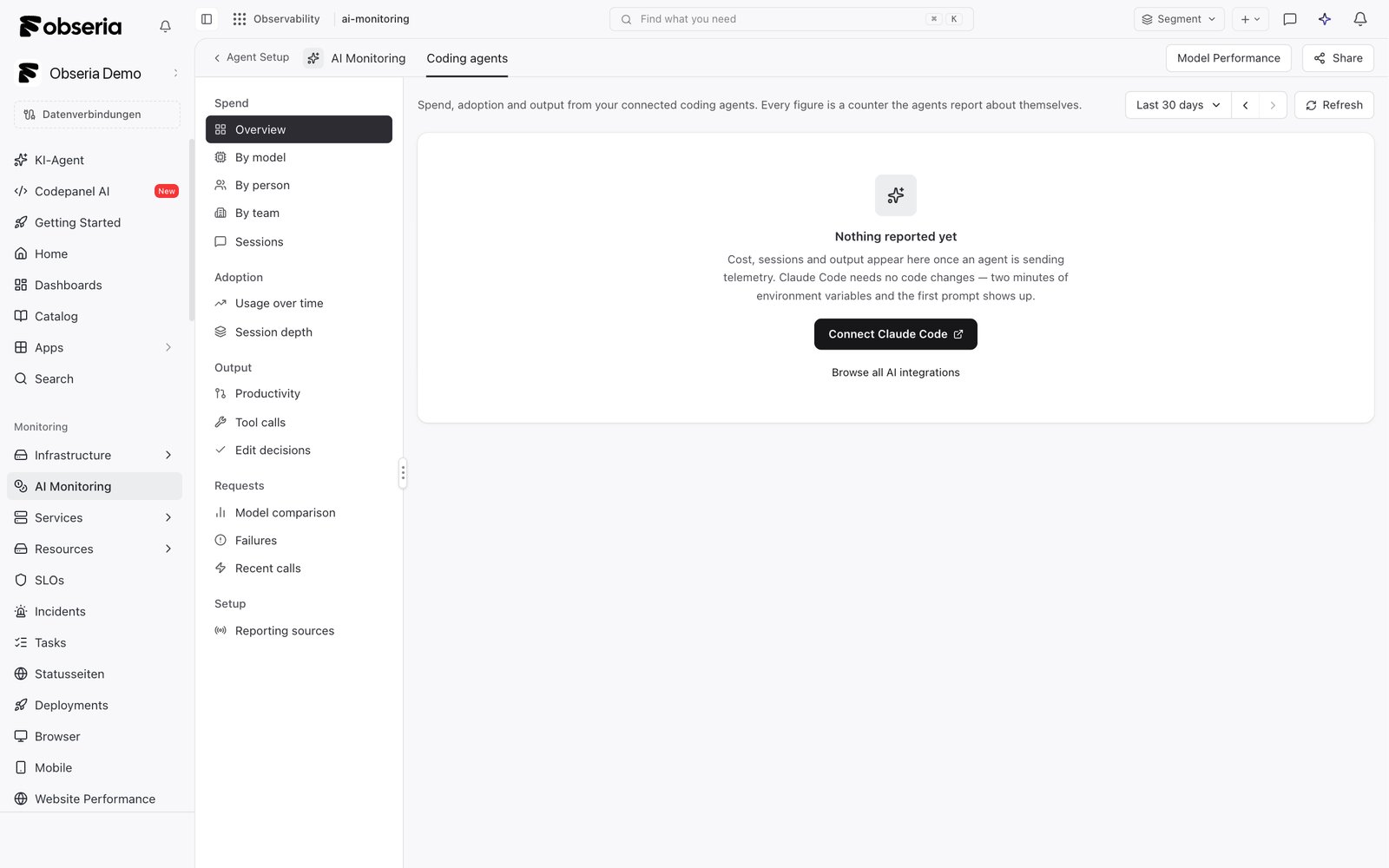
Spend, adoption and output from connected coding agents. Claude Code needs only a few environment variables to start reporting.
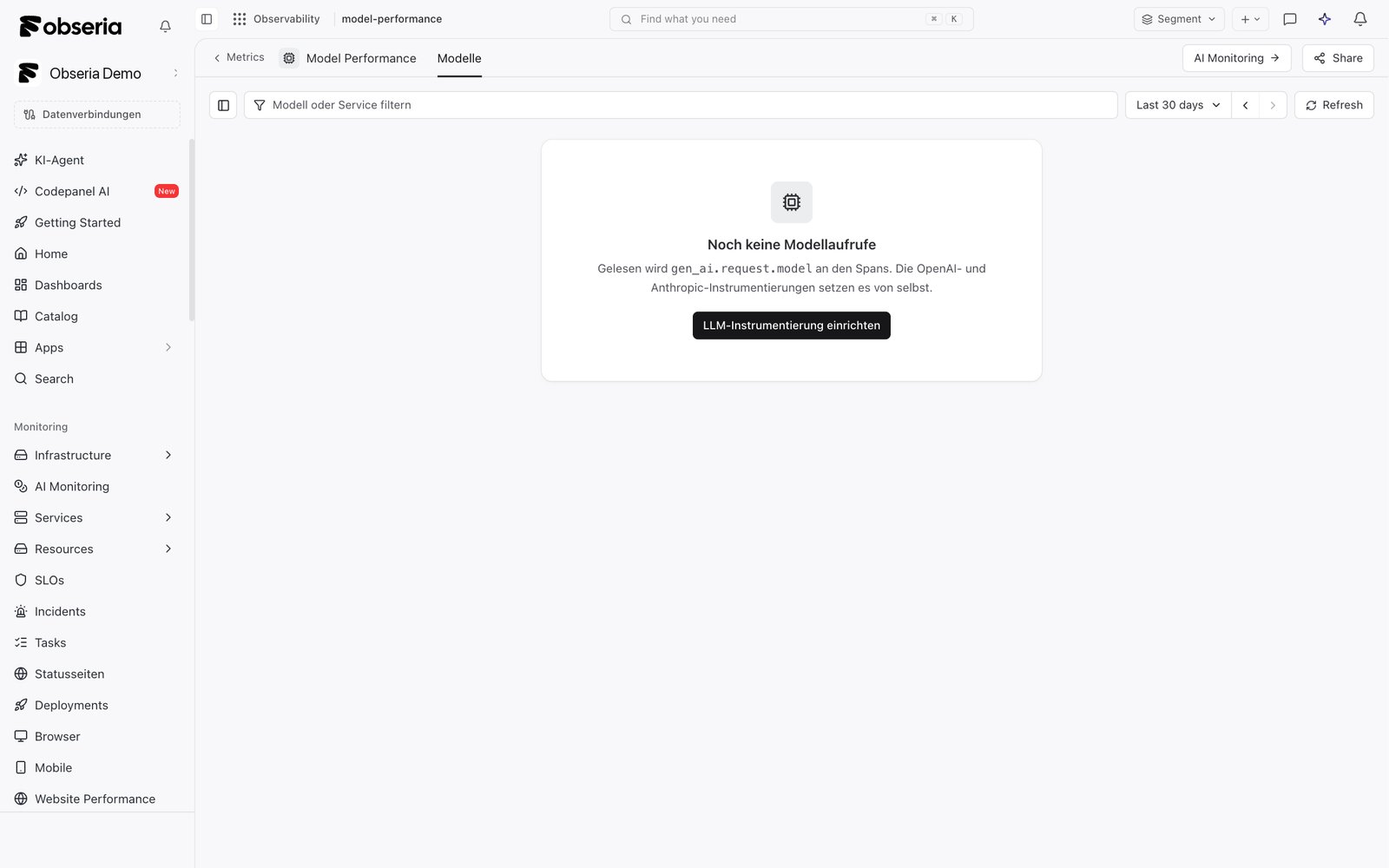
Model calls of your services, read from spans via gen_ai.request.model, with tokens, duration and error rates per model.
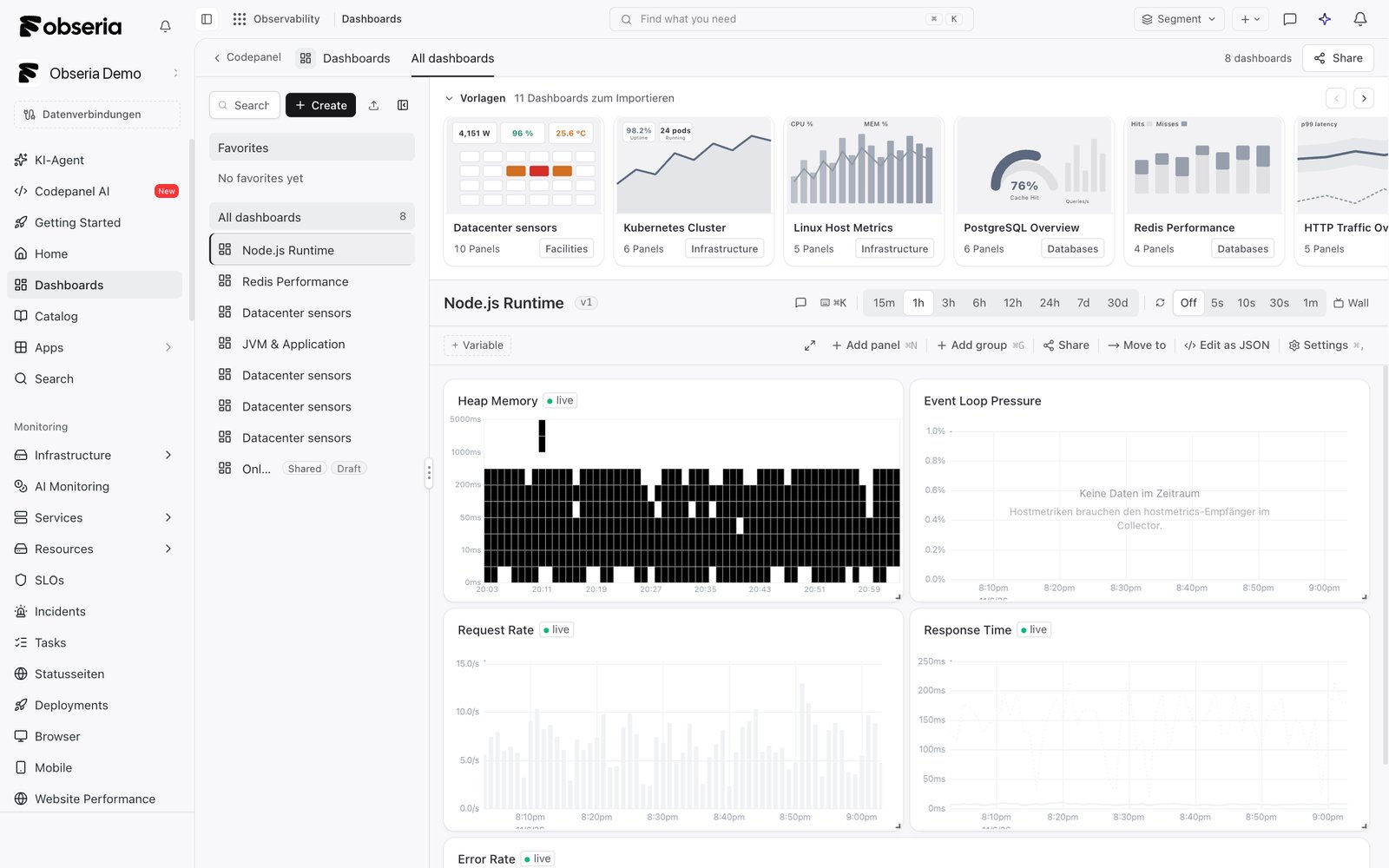
Build dashboards from templates or from scratch and show AI spend next to usage, revenue or error rates.
Check rules create problems with severity and affected entity when spend, tokens or errors grow unusually, and notify the team.
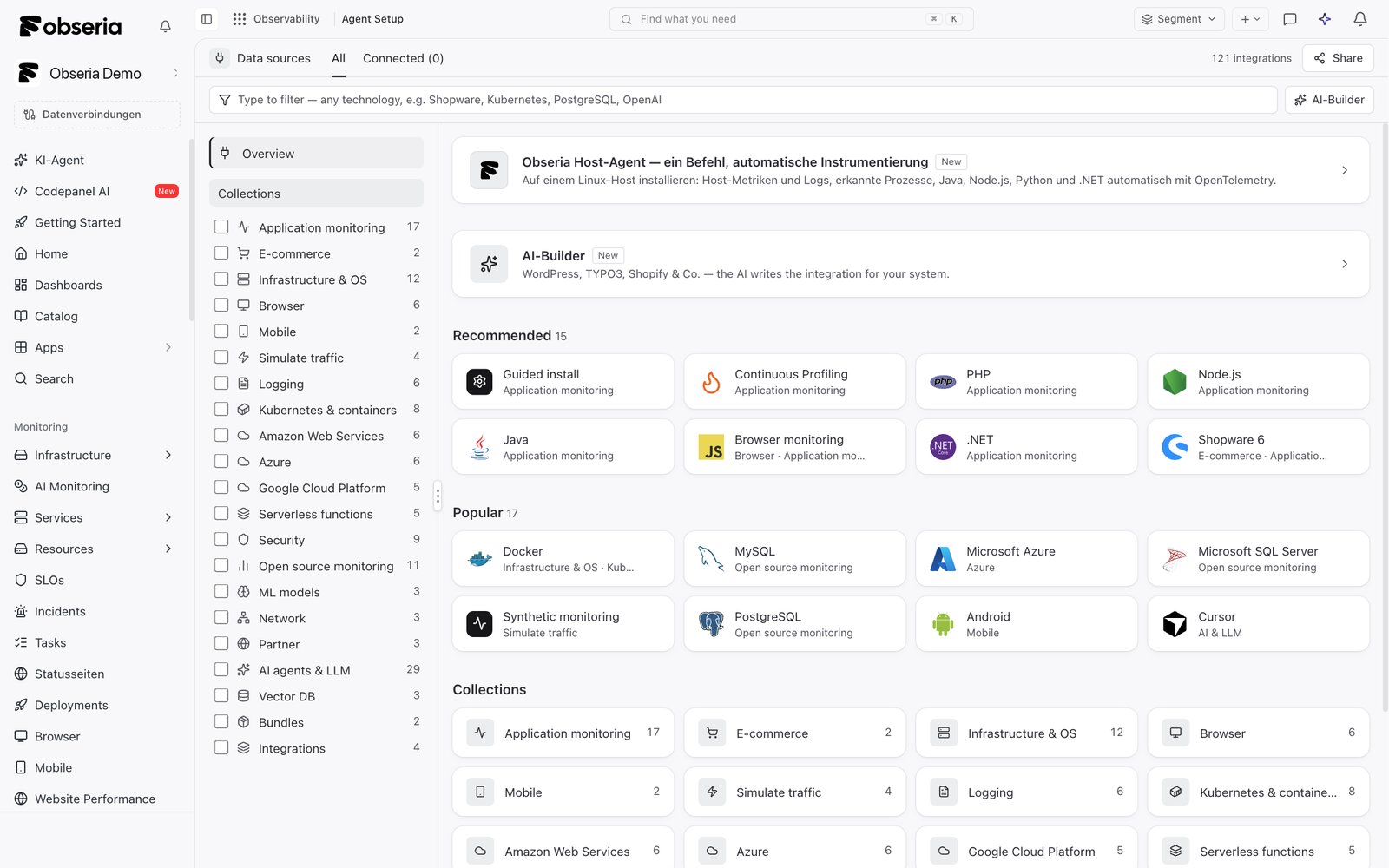
Coding agents, frameworks and model APIs, from Claude Code and Cursor to OpenAI, Anthropic and Amazon Bedrock, each with a guide.
Breaks down AI costs by model, feature and customer.
Measures calls to language models: tokens, duration and error rates per model.
Learn more →Monitors AI applications: model requests, responses, latency, errors and costs.
Set a few environment variables for Claude Code, and add the OpenTelemetry instrumentation for your model SDK to the services that call models.
Add feature and customer attributes to model calls so spend can be assigned. Coding agents report model, person and team themselves.
See costs by model, feature and customer for your applications, and by model, person and team for coding agents.
Model comparison, sessions and recent calls show whether a model, a feature or a loop is behind a jump.
Put spend on a dashboard, alert on unusual growth and review the breakdown with the budget owners.
For model calls inside your applications, Obseria breaks AI costs down by model, feature and customer. That answers the questions product and finance ask most often: which feature drives AI spend, which model is the most expensive one, and what does serving a given customer cost?
The calls are read from OpenTelemetry spans via gen_ai.request.model. Feature and customer come from attributes you add to the calls, which is why consistent attribute names are worth agreeing on early.
The breakdown turns a monthly total into decisions: a smaller model for one feature, a fair-use limit for one plan, or a closer look at a single customer.
Coding agents are often the largest AI line item in an engineering team. The coding-agent view shows spend by model, person and team, with a list of sessions. Adoption shows usage over time and session depth, output covers productivity, tool calls and edit decisions, and requests compare models and list failures and recent calls.
Claude Code exports OpenTelemetry on its own. A few environment variables are enough, with no wrapper or proxy in the path.
Every figure is a counter the agent reports about itself. Use it for budgets, trends and rollout decisions, not as a precise invoice or a productivity score for individuals.
A number on its own rarely explains itself. Next to the costs, LLM monitoring shows tokens, duration and error rates per model, and the distributed trace shows the request that triggered a call.
That makes typical causes visible: a prompt that grew after a release, a retrieval step that sends too much context, retries after errors that double the calls, or a feature that switched to a larger model.
Because everything sits on one platform, the same team that sees the cost can also see the code path behind it.
Dashboards put AI spend next to other KPIs, for example usage, revenue or error rates, and can be shown on a wall display for the whole team.
Check rules turn unusual growth into an alert. A loop in an agent or a misconfiguration then reaches the team within hours through Slack, Microsoft Teams, PagerDuty, email or a webhook, not at the end of the month.
Review the breakdown regularly with the people who own the budget, decide on one change at a time and compare the following period against it.
 Claude Code
 Cursor
 GitHub Copilot
 OpenAI Codex CLI
 Gemini CLI
 OpenAI
 Anthropic API
 Amazon Bedrock
 Azure OpenAI
 Google Gemini
 LiteLLM
 OpenTelemetry
AI cost analytics answers a simple question that becomes hard as soon as AI is used in more than one place: where does the money for language models go? It breaks AI spend down by the dimensions that matter for decisions, such as model, feature, team, person or customer, instead of showing one total on a monthly invoice.
Two sources usually dominate. The first are the model calls inside your own products, for example a support bot, a search feature or a summarisation step. The second are the coding agents your developers use, such as Claude Code. Both are billed by tokens, both grow with usage, and both are hard to attribute without measurement.
Obseria brings AI spend into the same platform as your metrics, logs and traces:
gen_ai.request.model, which the OpenAI and Anthropic instrumentations set on their own.Most of these drivers are invisible in a monthly invoice and obvious in a breakdown by model, feature and customer.
Connect the biggest cost driver first. For many engineering teams that is a coding agent, which needs only environment variables. For your products, instrument the service that calls models most often and add attributes for feature and customer. After a week, review the breakdown with the budget owner, choose one change, for example a smaller model for a simple task, and compare the next week against it.
Costs of model calls in your applications by model, feature and customer, and spend of connected coding agents such as Claude Code by model, person and team.
Model calls are read from OpenTelemetry spans via gen_ai.request.model. Coding agents such as Claude Code export OpenTelemetry on their own and report their usage as counters.
Add attributes for feature and customer to the spans of your model calls. Agree on the names early so the breakdown stays consistent across services.
Coding-agent figures are counters the agents report about themselves. They are suited for budgets, trends and decisions, not as a replacement for the provider's invoice.
Yes. Check rules notify your team about unusual growth through Slack, Microsoft Teams, PagerDuty, email or a webhook.
No. Spend, adoption and output by person and team help with budgets and rollout decisions. They should not be read as a performance rating for individuals.
Cloud costs by service, account and region are covered by cloud cost management, a separate function. AI cost analytics focuses on model calls and coding agents.
Obseria does not import provider invoices, does not set or enforce hard budget limits and does not block calls when a budget is reached. Model calls only appear when your services are instrumented with OpenTelemetry, and coding agents only when they send telemetry.
LLM calls, coding agents and AI costs on one platform.
→Tokens, duration and error rates per model from OpenTelemetry spans.
→Cloud costs by service, account and region.
→AI spend next to other KPIs, with templates and a wall display mode.
→Rules that notify your team about unusual growth.
→In 30 minutes we show you how Obseria works in your environment and answer your questions on setup, privacy and pricing.

 Mistral AI
 Windsurf