
 PagerDuty
 Opsgenie
 Jira Service Management
 incident.io
License management
Seats bought compared with people who actually used the app in the last 30 days, licences assigned per person and optional recycling of unused seats with a warning first.
We use essential functions to operate this website. With your consent, we would also use services for statistics and marketing. You decide which categories you allow and can change your choice at any time via “Cookie settings” in the footer. More in our privacy notice.
Obseria Consent Management · Your choice is stored for 12 months
Compare the seats you pay for with the people who actually used each app in the last 30 days, see Microsoft 365 licence plans and release idle seats automatically, always with a warning first.
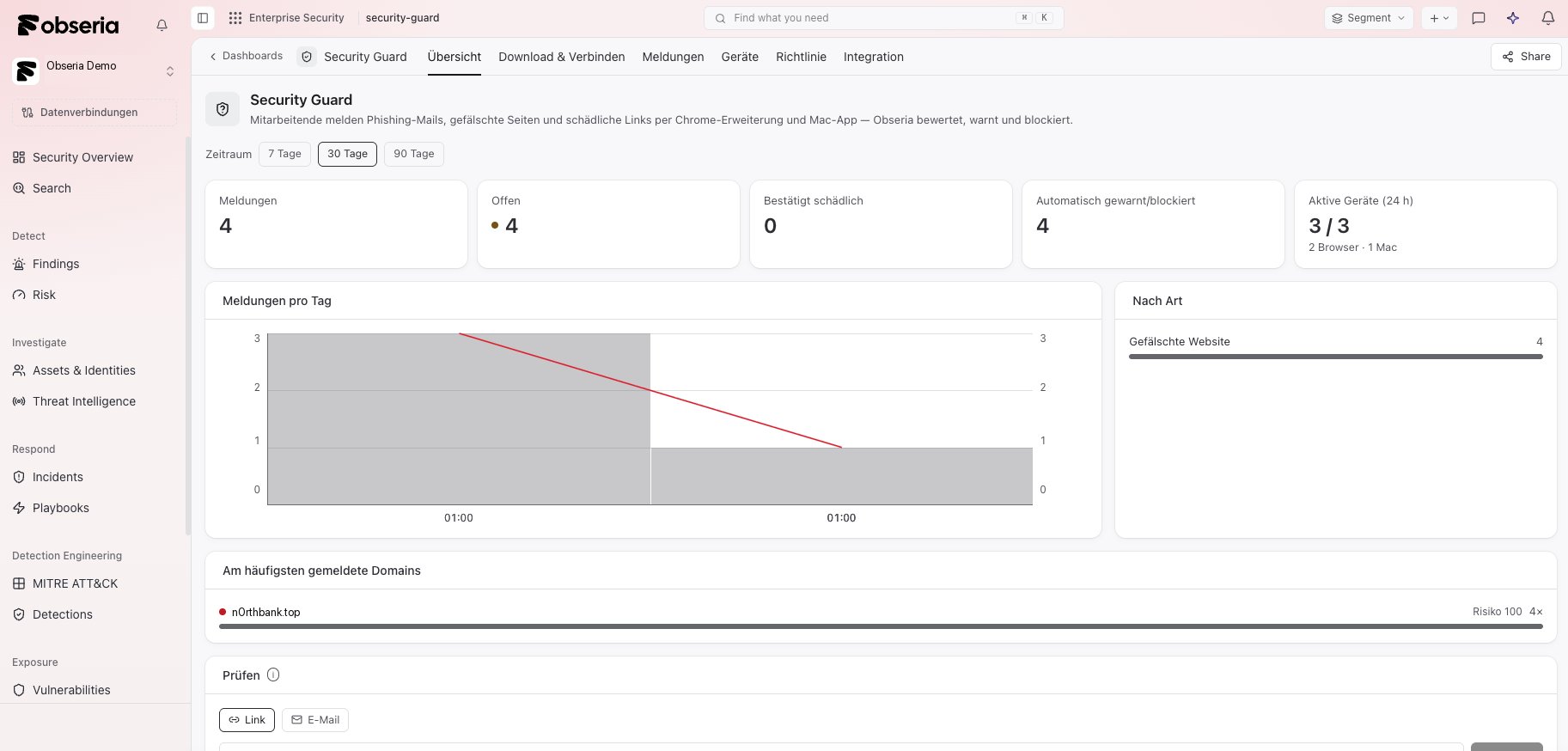
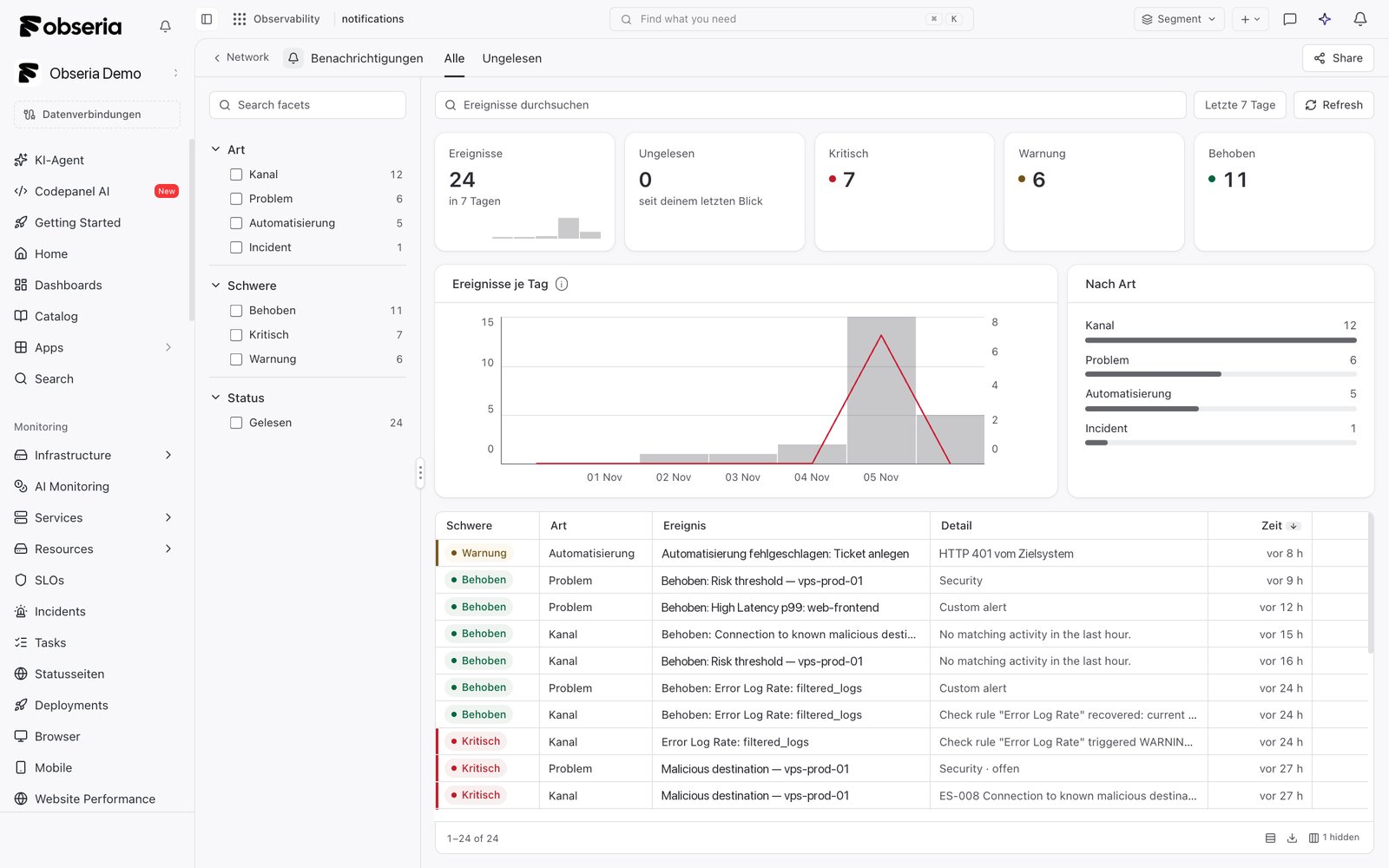
The Guard overview counts reports, findings and active devices. For licence management, the devices with the browser extension are the source of active users per app over the last 30 days.
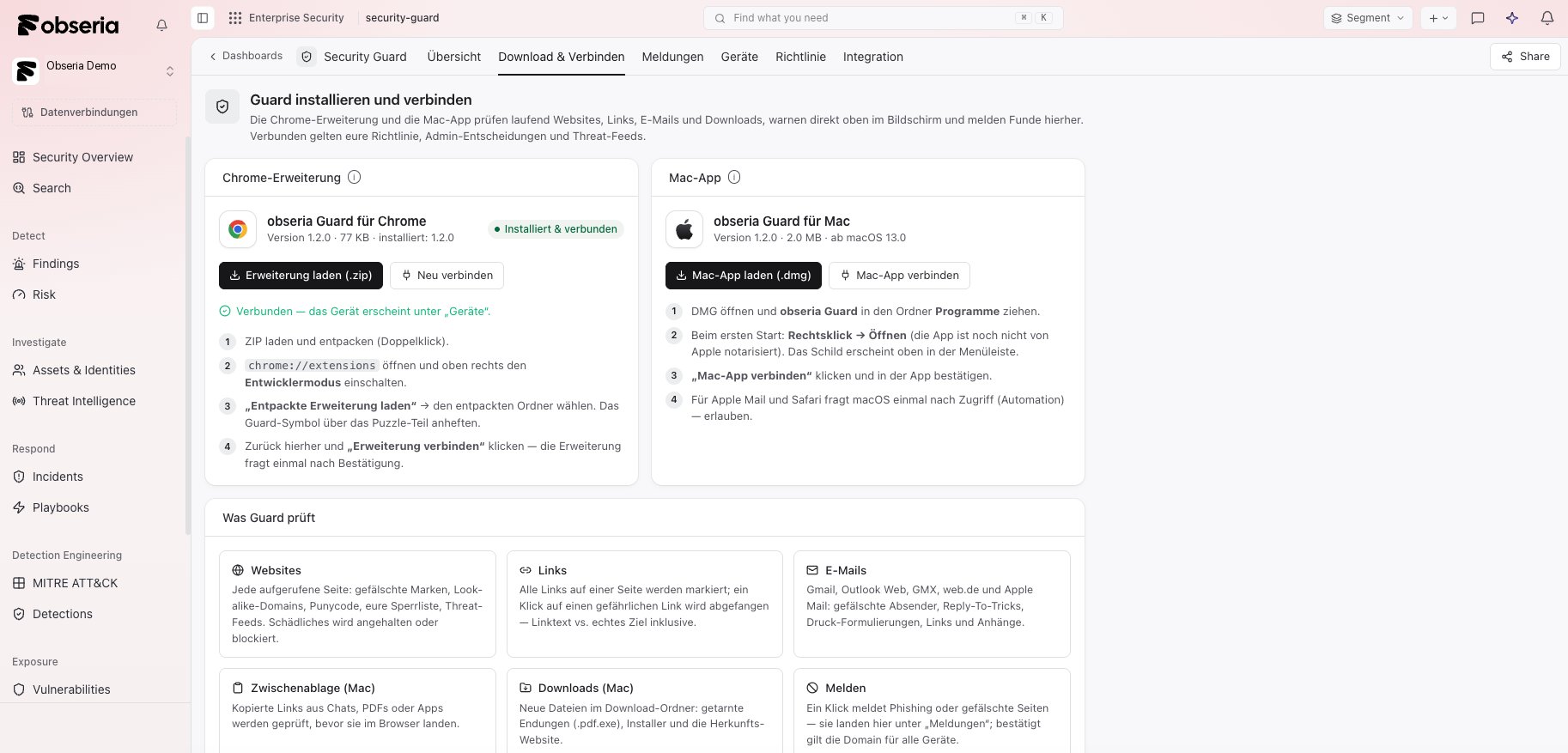
This view sets up Obseria Guard. Without the extension, Obseria does not know who uses an app, so unused seats are not calculated and nothing is recycled.
Obseria sends its messages through your notification channels. Licence warnings go by e-mail if an e-mail channel is set up, otherwise through the reminder channels.
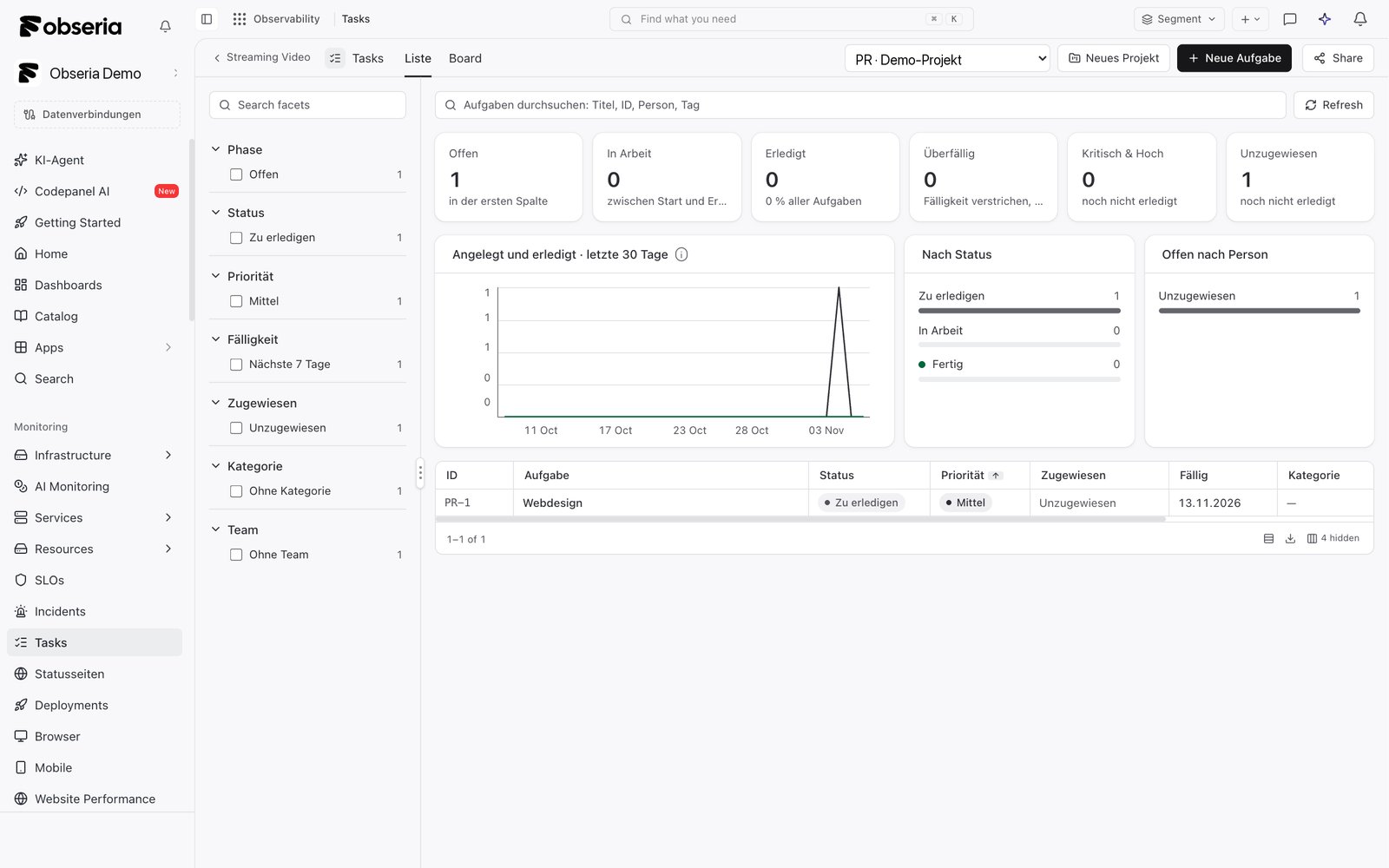
This is the platform's task list. In Shadow IT, a released seat likewise becomes a task for the app owner, due in seven days, to remove the seat at the vendor.
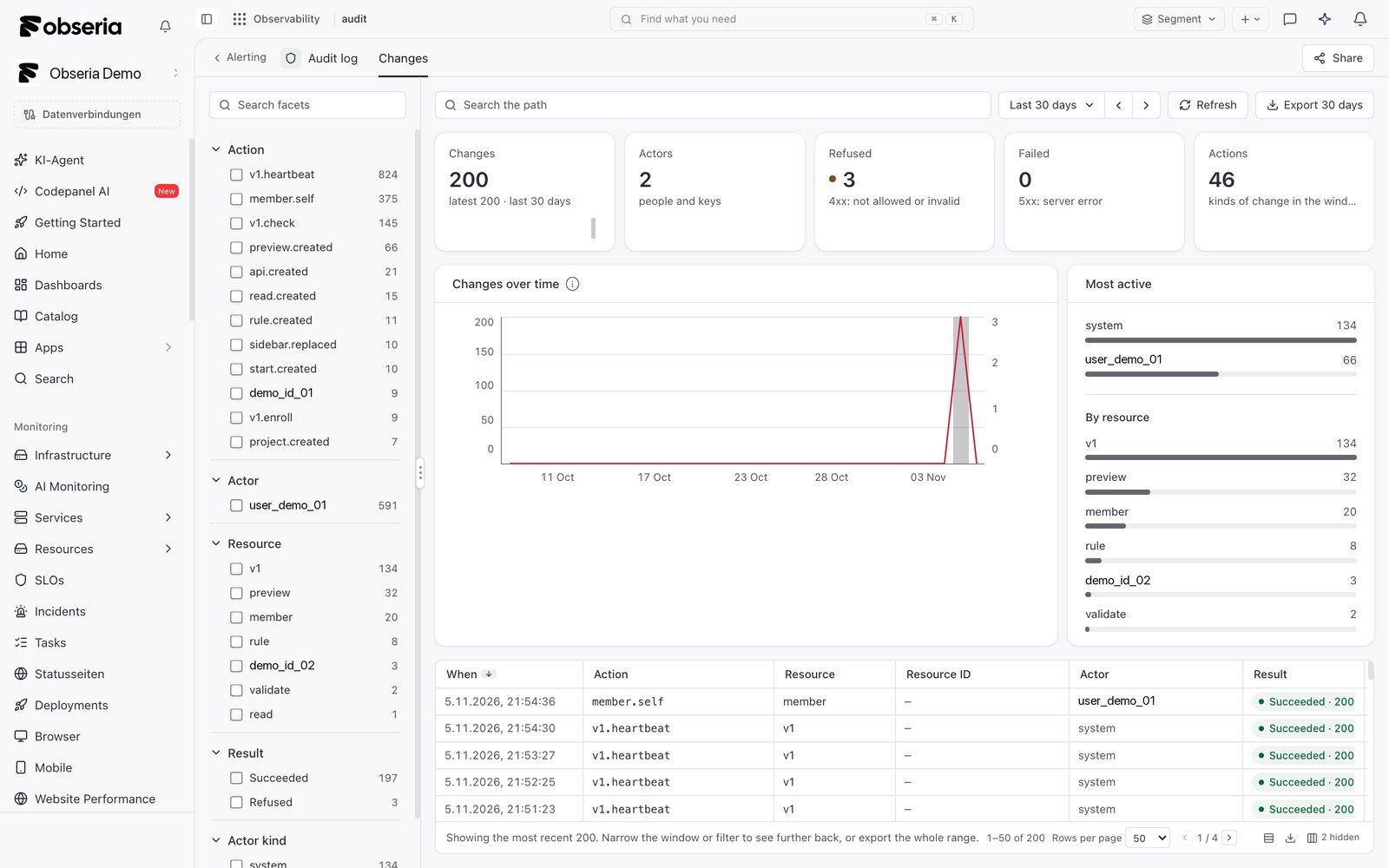
The platform audit log records changes with actor, resource and result and can be exported. Released licence assignments additionally carry a note on how long the seat was unused.
Seats bought compared with people who actually used the app in the last 30 days, licences assigned per person and optional recycling of unused seats with a warning first.
Templates with steps such as assign licence, revoke access, transfer ownership, task, approval and notify, started by hand or automatically when the directory adds or suspends a user.
Learn more →Enter the contract with seat count, price and billing cycle, or let discovery and Microsoft 365 show which licences exist.
Obseria Guard and the Google Workspace or Microsoft 365 connection show who used each app and when.
The licences page lists seats bought, seats in use, unused seats, savings per year and over-used apps.
With recycling switched on, idle people are warned first; using the app again keeps the seat.
When a seat is released, the app owner gets a task to remove it and to lower the count before renewal.
Utilisation needs two inputs: the seats you pay for, taken from your recorded contracts, and the people who actually used the app in the last 30 days, measured by the Obseria Guard browser extension. With both, the licences page shows per app how many seats are used, how many are not and what the unused ones cost per year.
Over-used apps are shown too: more active people than seats can mean shared accounts or a contract that is too small. Apps that people use but whose contracts have no seat number get their own list, so the gaps are visible.
The table can be sorted, filtered and exported, and each row opens the app with its contracts, users and owner.
With Microsoft 365 connected, Obseria reads your tenant's subscribed licence plans, read-only: purchased units and units assigned to users, for plans such as Microsoft 365 E3 or E5, Business Premium, Exchange Online, Power BI or Copilot.
Free and trial plans are listed but not counted. The difference between purchased and assigned units is the number of licences you pay for without anyone holding them.
Assigned does not mean used: someone with a licence may never sign in. Combine the Microsoft numbers with activity from Obseria Guard before you reduce.
Per app you decide whether unused seats are released and after how long: between 7 and 365 days without use, with a warning period of 14 days by default. Every night at 03:00 UTC Obseria checks each paid, active assignment in those apps.
Last use is the newest browser sighting, SSO sign-in or OAuth use. People approaching the limit are told that their licence will be released and that simply using the app keeps it. Use resets the clock. After the idle period the assignment ends, the person is told how to request the app again, and the app owner gets a task to remove the seat at the vendor.
Without Obseria Guard devices or a connected directory, nothing is recycled, because every seat would look unused. A run can also be started by hand.
Each person's page shows the apps they use and the licences recorded for them. Apps that discovery saw them use, through the browser, a sign-in, an OAuth grant or spend, but without a recorded licence are listed separately.
Licence assignments come from onboarding workflows, from approved software requests or are added by hand. When an offboarding workflow or an access review removes access, the assignment ends and the seat counts as free.
That way the licence numbers follow joiners and leavers without someone maintaining a spreadsheet.
 Slack
 Microsoft Teams
 Google Chat
 Discord
Software license management is the practice of knowing how many licences you pay for, who holds them and who actually uses them. For desktop software that once meant counting installations. For SaaS it means counting seats: user accounts a vendor bills per month or per year. The goal is simple: pay for the seats people need, and no more.
The difficulty is that three numbers usually live in three places. The number of seats bought sits in a contract or an invoice. The list of people with a licence sits in the vendor's admin console. And actual use is often not recorded anywhere you can see. A good SaaS license management process brings the three together, per app.
Assigned is not the same as used. A licence can be assigned to a person who has not signed in for months. That is why licence counts alone do not show waste: you need a signal of real activity.
License utilisation is the share of paid seats that are actually in use. In Obseria it is calculated per app from two inputs: the number of seats from your recorded contract, and the number of people who used the app in the last 30 days. Usage comes from the Obseria Guard browser extension. The licences page shows seats bought, seats in use with the utilisation rate, unused seats, potential savings per year (unused seats times the cost per seat) and over-used apps, where more people are active than seats were bought.
Apps that people use but whose contracts have no seat number appear in a separate list, so you know where a seat count is missing. Without contracts or without Obseria Guard, Obseria says so instead of showing a number that would only be a guess.
If you connect Microsoft 365, Obseria reads the subscribed licence plans (SKUs) from your tenant, read-only: the units you have purchased and the units assigned to users, for plans such as Microsoft 365 E3, Business Premium or Copilot. Free and trial plans are shown but not counted. Unassigned units are licences you pay for without giving them to anyone, a direct candidate for reduction at the next renewal.
License harvesting, also called licence reclamation or seat recycling, means taking back seats nobody uses and freeing them for someone else or removing them at renewal. Done carelessly, it annoys people who needed the tool after all. Obseria therefore always warns first.
Two safeguards are built in: a seat is never released without a prior warning, and nothing is recycled as long as usage is not measured at all, because every seat would then look unused. You can also run the check by hand and see the result: how many people were warned, released or reset.
None of these numbers needs a perfect inventory to be useful. Start with your most expensive apps, record their contracts with seat counts and let the numbers grow from there.
Obseria does not remove seats at the vendor and does not change anything in Google Workspace or Microsoft 365; both connections are read-only. Releasing a seat ends the assignment in Obseria and creates a task for the app owner. Activity is only as complete as its sources: people without the browser extension are not counted as active users, so check before you reduce seats where not every employee has Obseria Guard.
It is knowing how many licences or seats you pay for, who holds them and who actually uses them, so you can remove what nobody needs. For SaaS that means comparing seats from contracts with real activity per app.
Active users per app come from the Obseria Guard browser extension, counted over the last 30 days. For recycling, sign-ins and OAuth use from Google Workspace or Microsoft 365 count as use as well. People without the extension are not counted as active.
No. Obseria does not change anything at your vendors or in Google Workspace and Microsoft 365. Releasing a seat ends the assignment in Obseria and creates a task for the app owner to remove the seat at the vendor.
No. With recycling switched on, a person is always warned before a seat is released, by default 14 days ahead. Using the app again keeps the seat. Without any usage source, nothing is recycled at all.
The subscribed licence plans of your tenant with purchased units and units assigned to users, read through the read-only Microsoft 365 connection. Free and trial plans are listed but not counted.
It is part of Obseria Shadow IT & Guard, which is billed per managed application and month, with no seat fees. See pricing for the current price and the included amount.
Discovery, inventory, risk, contracts, licences, spend and access reviews.
→Import bookings and get findings such as unused seats and duplicate tools.
→Seats, price and notice periods per contract, with reminders.
→Assign licences to new starters and remove access for leavers.
→The browser extension that tells Obseria who really uses an app.
→In 30 minutes we show you how Obseria works in your environment and answer your questions on setup, privacy and pricing.
