
 PagerDuty
 Opsgenie
 Jira Service Management
 incident.io
Software spend & savings
Import bank, card or accounting exports as CSV, match bookings to software vendors and get savings findings such as duplicate tools, unused seats and paid but unused apps.
We use essential functions to operate this website. With your consent, we would also use services for statistics and marketing. You decide which categories you allow and can change your choice at any time via “Cookie settings” in the footer. More in our privacy notice.
Obseria Consent Management · Your choice is stored for 12 months
Import bank, card or accounting exports as CSV, match each booking to the software vendor behind it and get savings findings for duplicate tools, unused seats and apps that are paid for but not used.
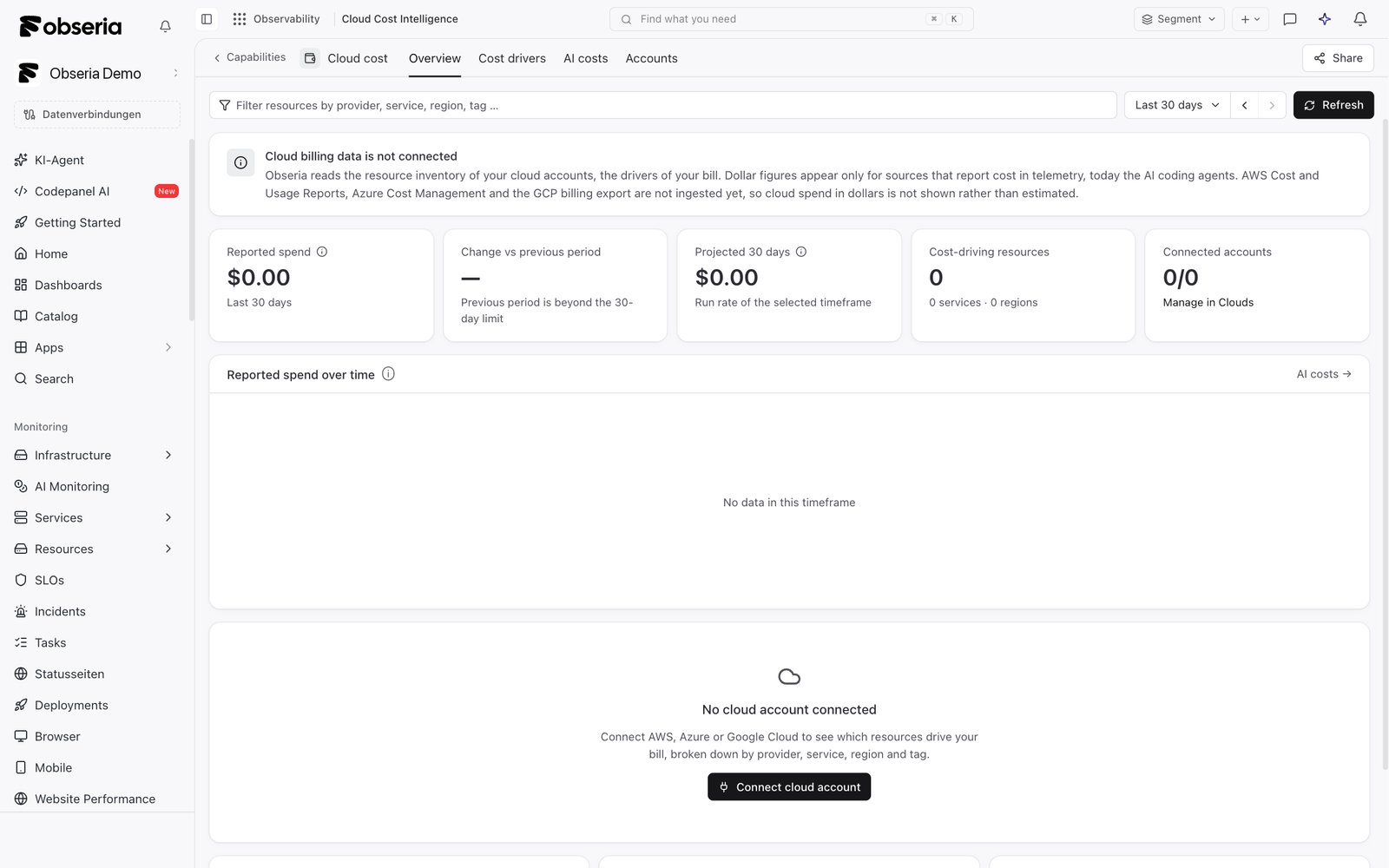
This view shows cloud infrastructure costs, not SaaS. Software spend in Shadow IT covers the other half: subscriptions paid by bank debit, card or invoice, imported from your exports.
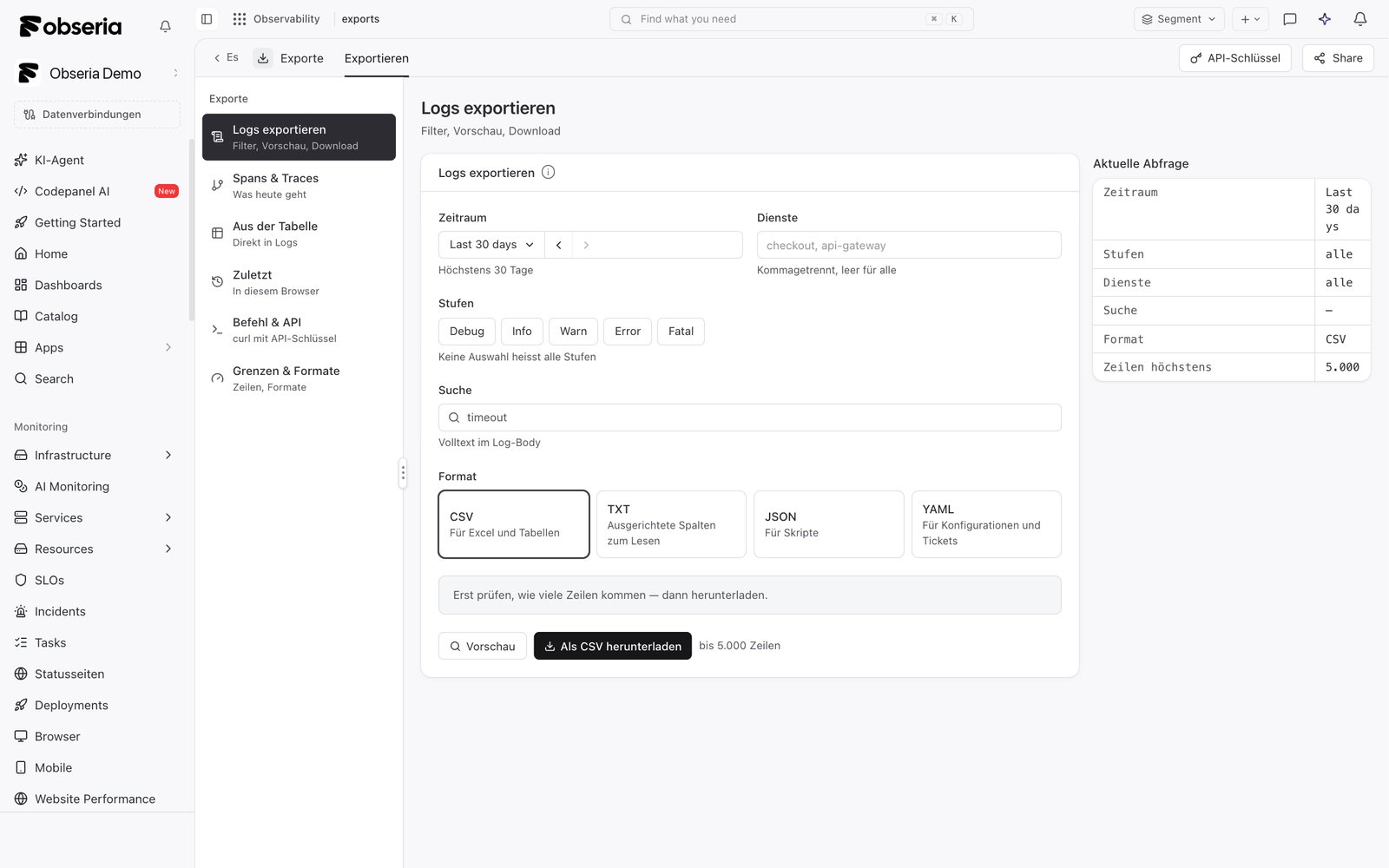
This is the platform's data export. In Shadow IT, the bookings table and the licence table can likewise be exported, for example for finance or procurement.
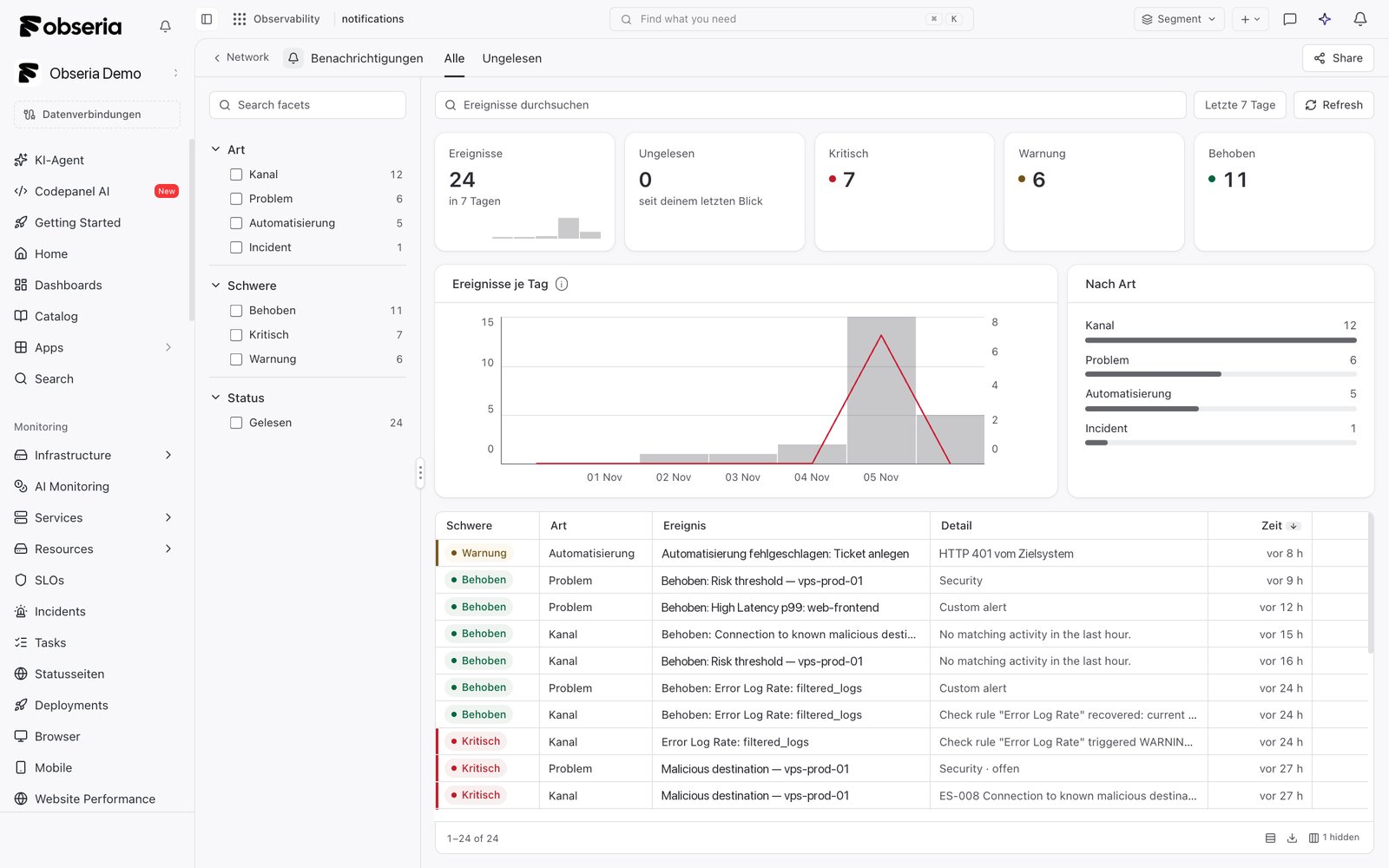
Obseria sends its messages through your notification channels. Shadow IT uses them for notice deadline reminders, so a savings finding is acted on before a contract renews.
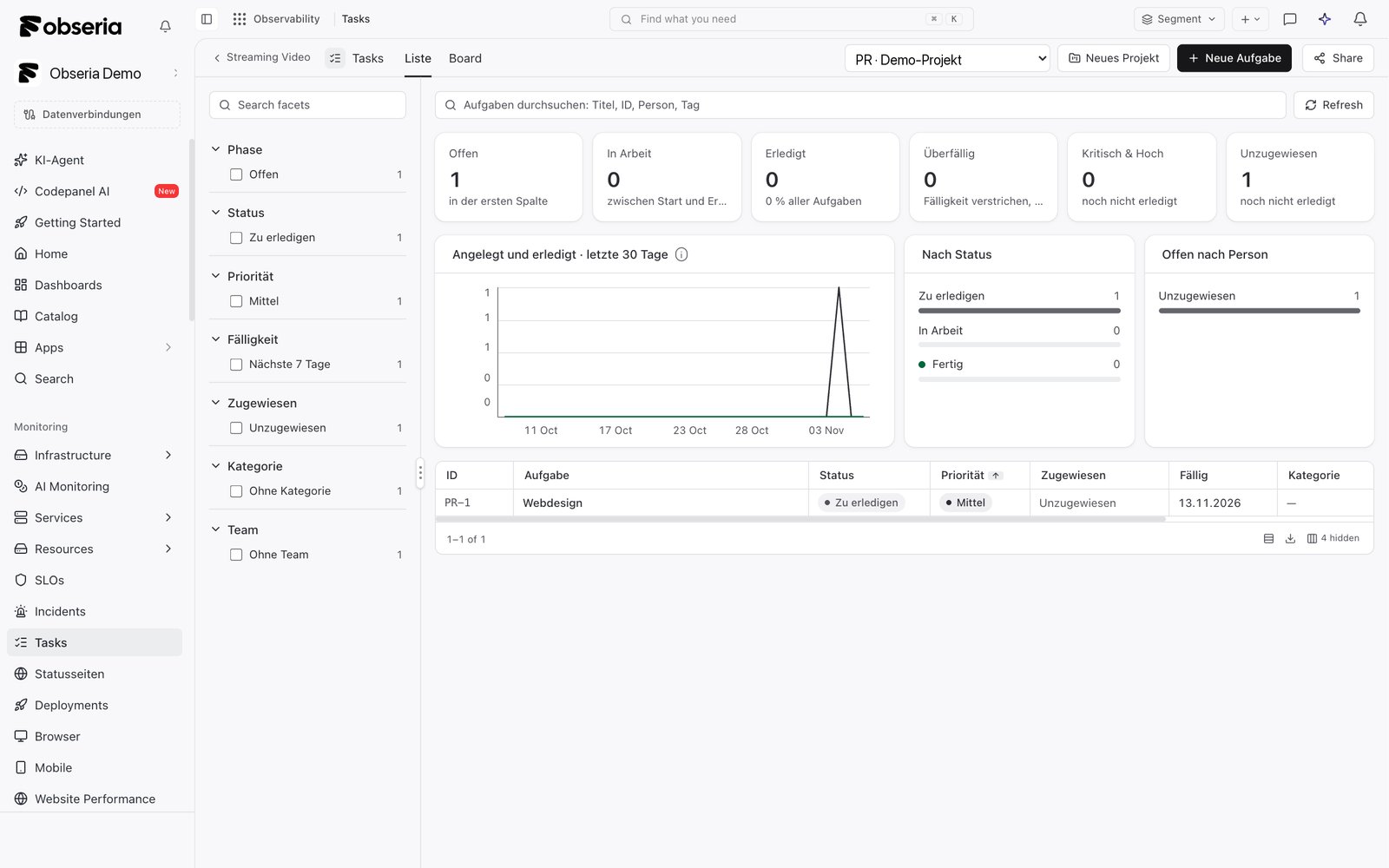
The platform's task list keeps follow-up work with an owner and a due date. Use it to track the cancellation or consolidation that a savings finding calls for.
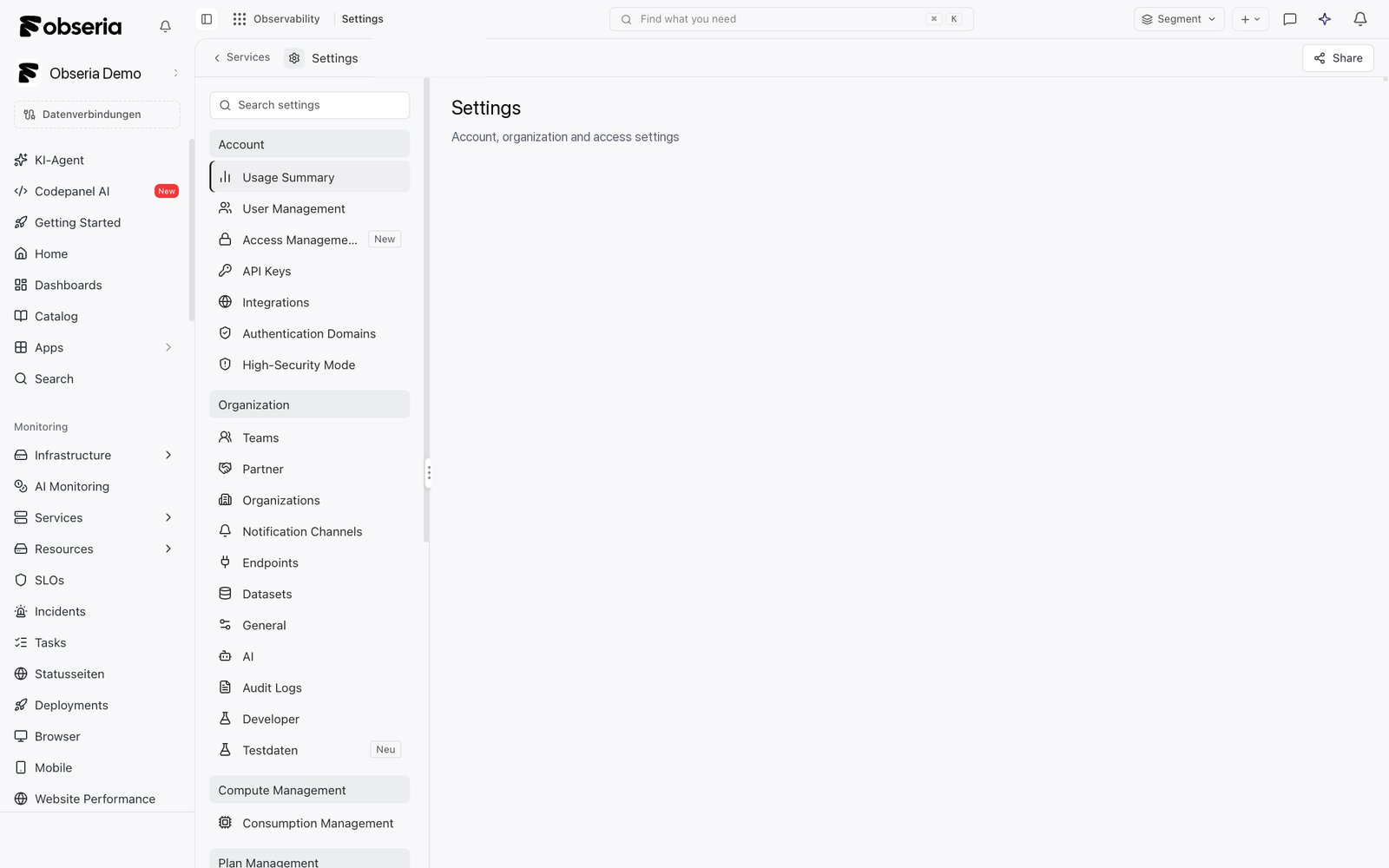
Account and organisation settings in Obseria: user management, access management, integrations and notification channels. Shadow IT, including spend, runs in the same organisation.
Import bank, card or accounting exports as CSV, match bookings to software vendors and get savings findings such as duplicate tools, unused seats and paid but unused apps.
Contracts with price, billing cycle, seats, term and notice period, read from a PDF with AI and checked by you, plus reminders before every notice deadline.
Learn more →Export the transactions of the last 12 months from your bank, credit card or accounting tool as CSV.
Pick delimiter, encoding and currency and map date, payee, description and amount. The file is read in the browser.
Booking texts are matched against the SaaS catalog. New apps start as discovered in the inventory; fix wrong matches by hand.
See software spend by month and by app, unassigned bookings and the import history.
Work through findings for duplicate tools, unused seats, paid but unused and rejected but still paid apps.
Spend arrives as a CSV file. You choose delimiter, encoding, header row and default currency, and map the columns for date, payee, description and amount. The file is read in the browser and only the mapped columns are sent.
By default only software transactions are kept, so rent, salaries or groceries never reach Obseria. A second option keeps only outgoing payments. Bookings that were imported before are skipped, which makes it safe to import overlapping periods.
Every import appears in the history with the number of rows stored, matched and skipped, and can be deleted with its bookings.
Payee and description of each booking are matched against Obseria's SaaS catalog. Matched bookings are assigned to the app; if the app is new, it is added to the inventory with the status discovered. That makes spend one of the discovery sources for shadow IT.
Bookings the catalog does not recognise are listed as unassigned. You assign them to an app by hand, or remove a wrong match. A filter by payee, description or app helps with long lists.
Matching uses the catalog, not an AI model, so the same booking text always leads to the same app.
The spend view sums up software spend over 3, 6, 12, 24 or 36 months and shows the number of apps with spend, the number of unassigned bookings and when the last import ran.
A bar chart shows spend per month, a ranked list the apps with the highest spend; a click opens the app with its contracts, owner and users. All bookings can be filtered and exported.
Amounts are kept per currency. If you pay in several currencies, the totals are shown side by side instead of being converted.
The savings page lists findings of six kinds: duplicate tools for the same job, unused seats, apps paid for but not used for 60 days, rejected or retired apps that are still being paid for, notice deadlines within 45 days for apps with another finding, and monthly billing above 1,200 a year.
Every amount comes from a recorded contract or an imported booking; without known costs a finding shows no amount instead of a guess. An overlap overview lists each job with the tools in use and the potential saving; the finding itself says when a tool is already included in a suite you pay for.
Findings carry a confidence level and can be hidden once checked.
 Slack
 Microsoft Teams
 Google Chat
 Discord
Software spend management is the practice of knowing what your organisation pays for software, to whom and for what, and of using that knowledge to cut what is not needed. For SaaS this is harder than it sounds. Subscriptions are paid by card in many departments, renew on their own and appear on statements under vendor names nobody recognises. The result is a sum that grows every year without a clear owner.
A useful SaaS spend analysis answers three questions: how much do we spend on software per month, which apps does that money go to, and where is money spent on tools that are duplicated, unused or no longer wanted?
The quickest way to see all of it is not a new integration but an export you already have: the transaction list from your bank, your card provider or your accounting tool.
Obseria imports software spend from CSV files. Export the transactions of the last 12 months from your bank, card or accounting tool and upload the file. The file is read in your browser. You choose the delimiter, the encoding (automatic, UTF-8, Windows-1252 or ISO-8859-1), whether there is a header row and the default currency, and you map the columns for date, payee, description and amount. Only the mapped columns are sent to Obseria.
By default only software transactions are kept: each booking text is matched against Obseria's SaaS catalog, and rent, salaries or groceries are not stored. You can also keep only outgoing payments. Bookings already imported are not stored twice, so overlapping exports are fine. Each import shows how many rows were stored, matched and skipped, and an import can be deleted again.
Matched bookings are assigned to the app they belong to. If an app is not in your inventory yet, it is added with the status discovered, so spend works as a discovery source for shadow IT. Paid tools that no browser and no sign-in ever showed become visible this way. When the catalog does not recognise a booking, or recognises it wrongly, you assign it to an app by hand or remove the match.
The spend view then shows total software spend for 3, 6, 12, 24 or 36 months, the number of apps with spend, unassigned bookings, spend by month and the top apps by spend. Amounts are kept per currency and not converted.
Obseria turns contracts, spend and usage into savings findings. Every amount comes from a recorded contract or an imported booking. Where the cost is unknown, the finding appears without an amount rather than with an estimate.
Each finding has a confidence level. A finding you have checked can be hidden and stays hidden on the next load.
Obseria does not connect to banks, card providers or accounting systems directly; spend arrives through the CSV import. It does not cancel subscriptions or contact vendors; it shows where a decision is due. Unused-seat findings depend on how many employees use Obseria Guard: where not everyone has the extension, the finding says so and has a low confidence.
It is knowing what your organisation pays for software, to which vendors and for which apps, and using that to remove duplicate, unused or unwanted tools. Obseria builds it from your bank, card and accounting exports plus your recorded contracts.
CSV exports from a bank, a credit card provider or an accounting tool. You choose delimiter, encoding and header row and map date, payee, description and amount. Twelve months are a good start.
No. The file is read in your browser and only the mapped columns are sent. By default only bookings that match a software vendor are stored; rent, salaries and other costs are skipped.
Only from data you provided: recorded contracts and imported bookings, plus usage from Obseria Guard for unused seats. Where costs are unknown, a finding is shown without an amount instead of an estimate.
Not at the moment. Spend arrives through the CSV import. Obseria also does not cancel subscriptions; it shows where a decision is due and who owns the app.
Spend and savings are part of Obseria Shadow IT & Guard, billed per managed application and month, without seat fees. See pricing for the current price and the included amount.
Discovery, inventory, risk, contracts, licences, spend and access reviews.
→Seats bought against people active in the last 30 days.
→Price, billing cycle and notice periods with reminders.
→Find the software in use, from sign-ins, the browser and spend.
→Shadow IT & Guard is billed per managed application, without seat fees.
→In 30 minutes we show you how Obseria works in your environment and answer your questions on setup, privacy and pricing.
