
Static code analysis (SAST)
Analyzes source code without running it and finds insecure patterns.
We use essential functions to operate this website. With your consent, we would also use services for statistics and marketing. You decide which categories you allow and can change your choice at any time via “Cookie settings” in the footer. More in our privacy notice.
Obseria Consent Management · Your choice is stored for 12 months
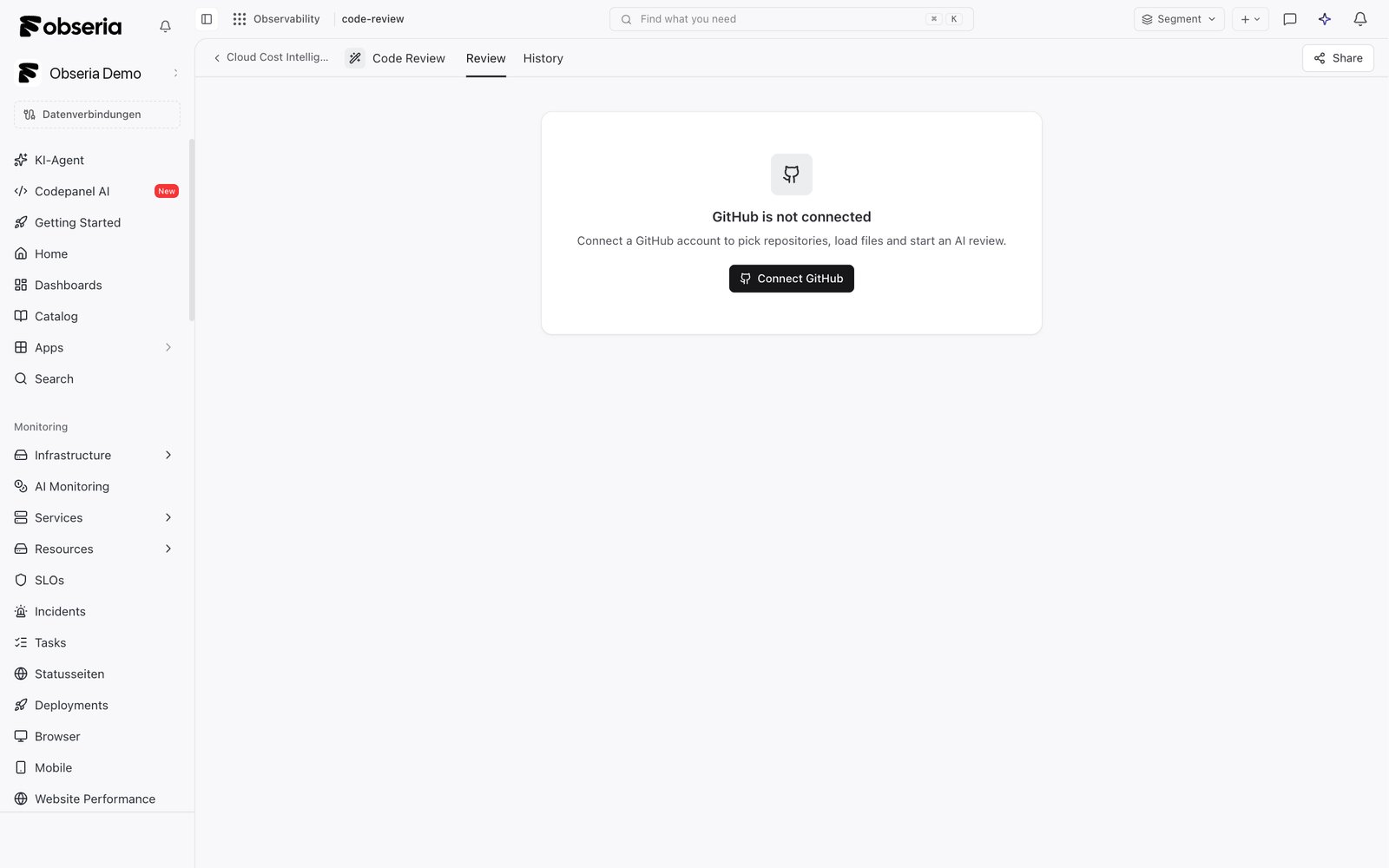
Pick a GitHub repository and branch, tell the review what to focus on and get a summary with findings rated from info to critical, before the code is merged.
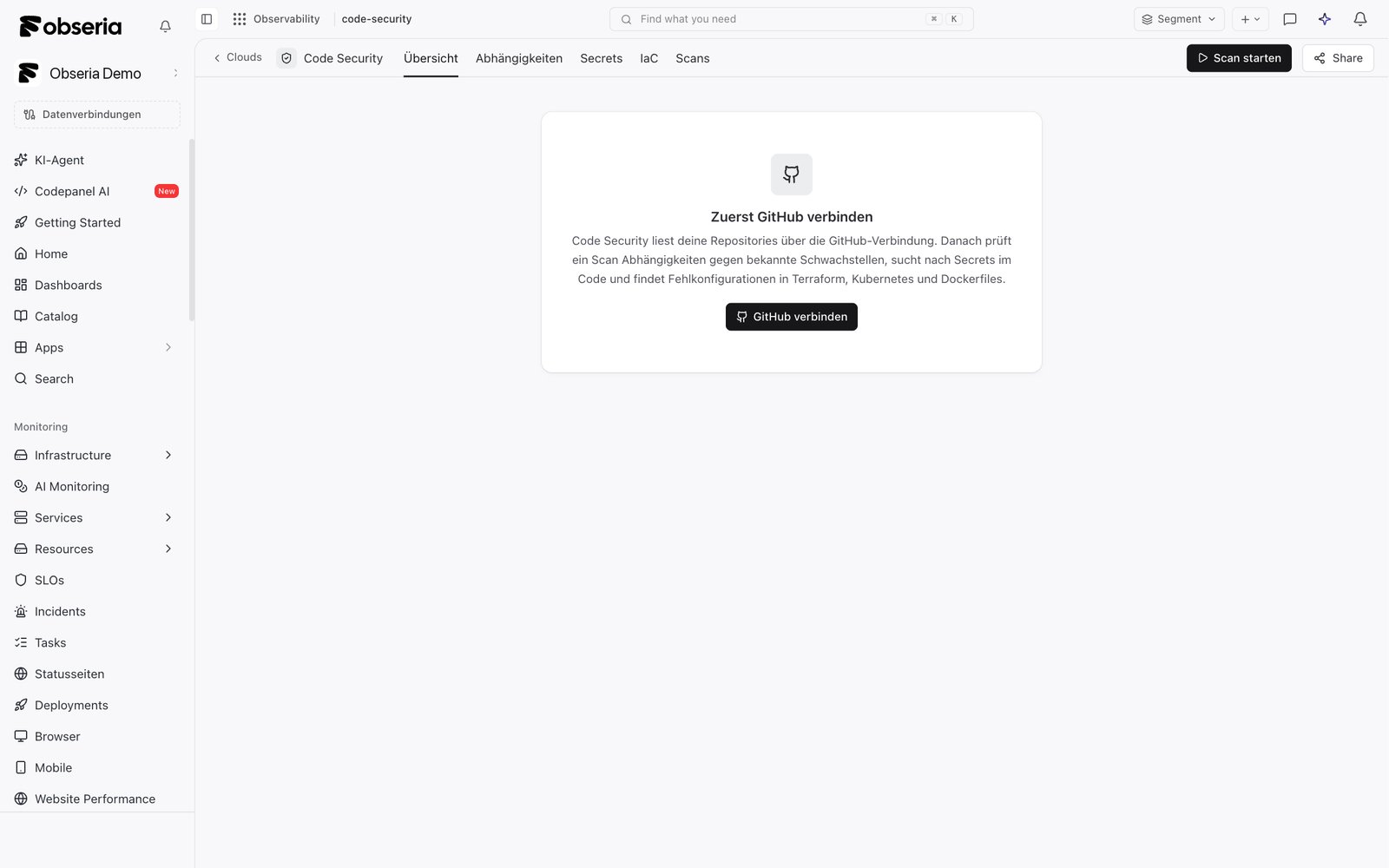
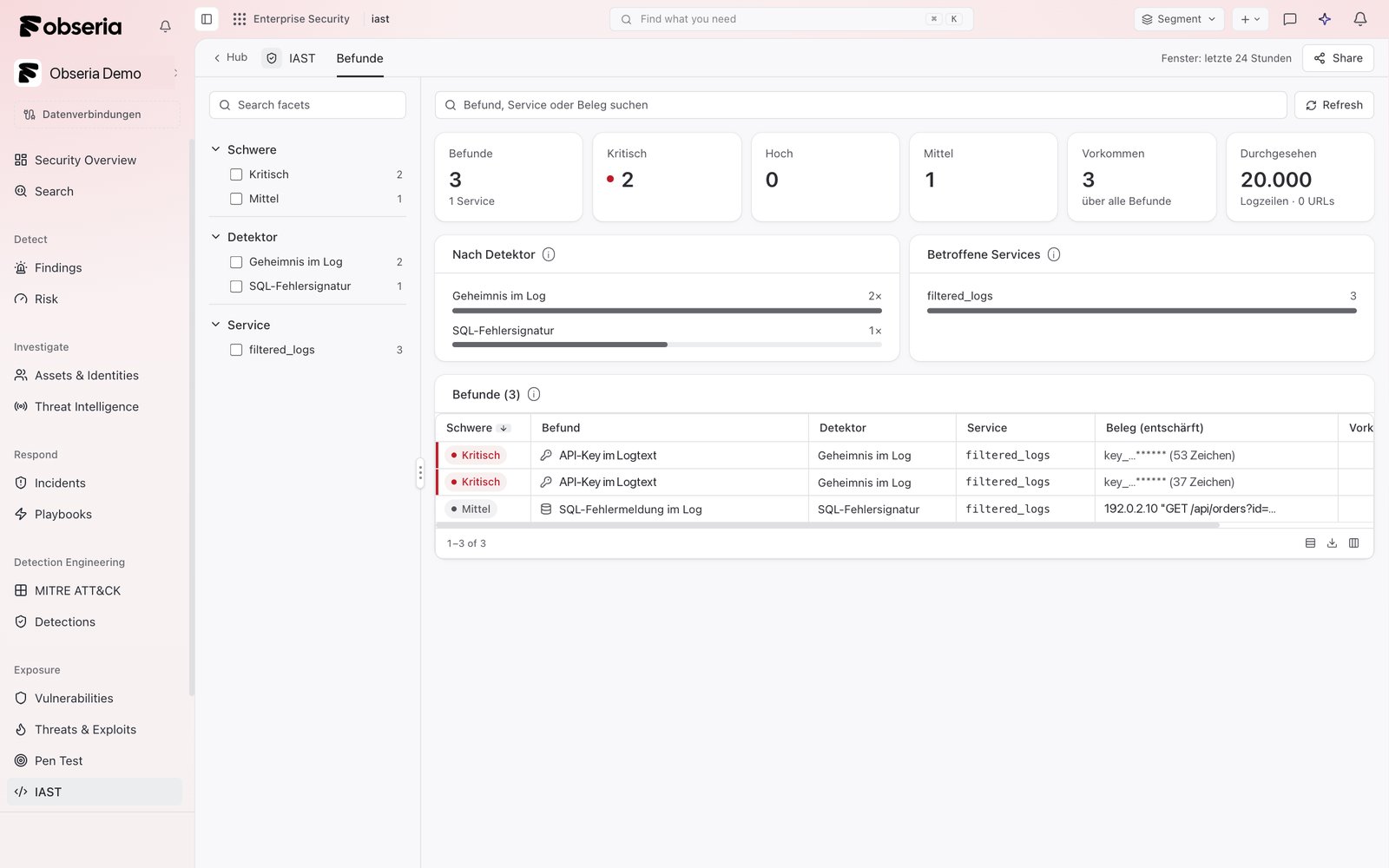
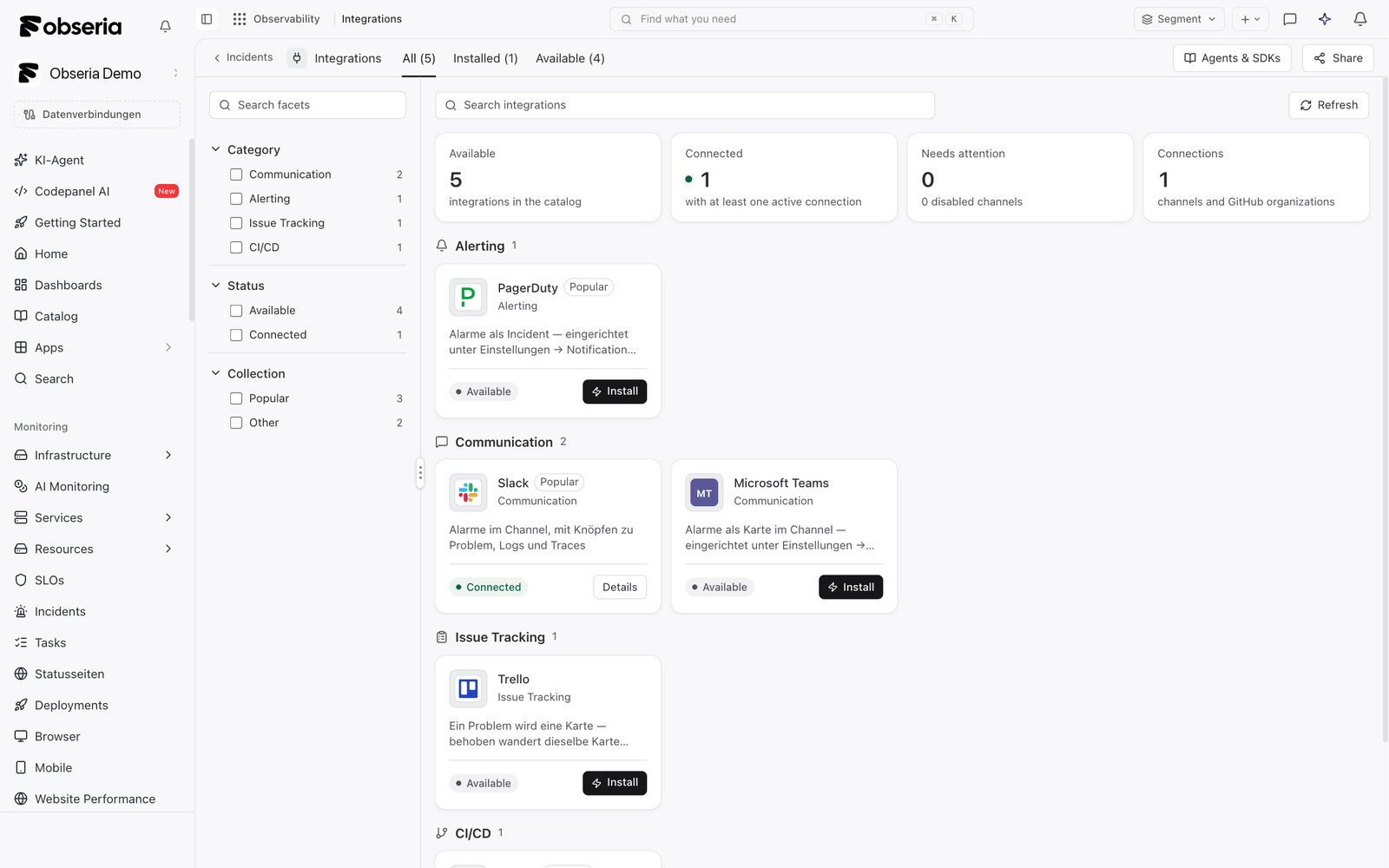
All connections, including GitHub organizations, are listed under Integrations. Once GitHub is connected, the code review can list repositories and load files.
Choose repository and branch, load the files and add your own instructions if needed. Obseria writes a summary and rates each finding from info to critical.
A repository scan adds what static review of your own code cannot see: vulnerable dependencies, secrets and misconfigured Terraform, Kubernetes and Dockerfiles.
Runtime code analysis evaluates the logs and requests of running services and reports issues such as SQL error signatures, with affected service and redacted evidence.
Findings that need more than a quick fix become tasks with priority, due date and assignee, followed as a list or on a board.
Analyzes source code without running it and finds insecure patterns.
Brings source code security checks together in one place.
Detects vulnerabilities in the running application based on real calls.
Learn more →
Connect GitHub once. The code review can then list your repositories and load their files.
Pick the repository and the branch you want reviewed, for example the branch behind an open pull request.
Optionally add your own instructions, such as focusing on authentication, input handling or a specific folder.
Obseria reviews the files, writes a summary and rates each finding from info to critical.
Fix what matters, track larger items as tasks and compare with earlier reviews in the history.
Human reviewers are good at judging intent, but long changes and late afternoons take their toll. The AI code review in Obseria reads the files of a branch one by one and looks for insecure patterns, such as SQL built from user input, missing validation or credentials in the source.
At the end, it writes a summary of what it found. Each finding comes with a severity from info to critical and an explanation, so reviewers can go straight to the parts of the change that need attention.
The review is a second pair of eyes, not a replacement for your team's review. It does not change code or merge anything; what happens with a finding is decided by people.
Not every part of a code base carries the same risk. Before starting a review, you can add your own instructions: focus on authentication, check how file uploads are handled, or pay special attention to a payment module.
Instructions are also a practical way to deal with recurring noise. If a certain pattern is acceptable in your project, say so, and spend the review's attention on what really matters for you.
Because you choose the repository and branch, the same mechanism works for very different situations: a quick check of a feature branch before merging, or a broader look at an older service that has not been reviewed in a long time.
Completed reviews are kept in the History tab. That makes it easy to compare two branches, to check what was flagged before a release or to see whether a finding from last month has been addressed.
The history is also a learning tool. When the same kind of finding appears again and again, it is a sign that a shared helper, a guideline or a short team session would prevent more problems than individual fixes.
Findings that need more work than a quick fix can be turned into tasks in Obseria's case management, with priority and assignee.
Static analysis has blind spots. It does not know which library versions are vulnerable, which credentials are hidden in the Git history or what happens when real traffic hits the application.
That is why the AI review sits next to the other checks in Code Security: repository scans for dependencies, secrets and infrastructure code, and runtime code analysis that evaluates the logs and requests of running services and reports issues such as secrets in logs or SQL error signatures.
Together they answer three questions: is our own code risky, are the libraries we use vulnerable, and does something go wrong in production?
GitHub npm
 PyPI
 Maven
 Cargo
 Kubernetes manifests
 Dockerfiles
Static application security testing (SAST), often simply called static code analysis, examines source code without running it and looks for patterns that lead to security problems. Because it works on the code itself, it can run very early: on a branch, before a merge, long before a release reaches a test or production environment.
SAST answers the question “is there something in this code that an attacker could exploit?” for the code your team writes. That makes it the counterpart to software composition analysis, which looks at third-party libraries, and to runtime analysis, which looks at the application while it is running.
Many of these categories appear in the OWASP Top 10, which is a good reference for the kinds of issues a SAST tool should catch.
Classic SAST tools work with rules: patterns and data-flow checks that describe insecure code for a given language. They are precise for what the rules cover but can be noisy and miss issues that depend on context, such as a missing permission check in business logic.
An AI code review takes a different approach. A language model reads the code more like a human reviewer, can explain why something looks risky and can follow instructions such as “focus on authentication”. It is good at summarising a change and pointing reviewers to the spots that deserve attention. Like a human reviewer, it can also be wrong, so its findings are a well-founded suggestion, not a verdict.
Every static analysis produces some findings that turn out to be harmless. The trick is to keep them from burying the real problems. Start with critical and high findings, read the explanation before deciding, and document why a finding is accepted rather than silently ignoring it. When the same kind of false positive keeps returning, adjust what you ask the review to focus on instead of skipping reviews altogether.
The most effective place for static analysis is the moment before a change is merged. At that point the author still knows why the code looks the way it does, the change is small enough to read, and a fix costs minutes. Teams that only scan the main branch once before a release usually face a long list of findings at the worst possible time. A practical rhythm is to review feature branches that touch sensitive areas before merging, and to review older services in full from time to time, because code that was written before current guidelines existed often holds the most surprising findings. Static analysis also works well as a learning aid: explaining why a pattern is risky helps developers avoid it in the next change.
Important questions are: Does the tool work with your code host and the languages you use? Can you choose what it reviews, for example a specific branch? Are findings rated by severity and explained? Can you steer the review with your own instructions? Where do results go, and can you look back at earlier reviews? And is it clear what the tool does not do, for example changing code or blocking merges?
In Obseria, static code analysis is delivered as an AI code review within Code Security:
The review supports your reviewers; it does not change code, open pull requests or merge anything. It currently works with repositories on GitHub, and, as with any AI review, findings should be checked by a person before acting on them.
Static application security testing analyses source code without running it and finds insecure patterns such as SQL injection, missing input validation or hard-coded credentials. It runs early, before code is merged or released.
Obseria delivers it as an AI code review. You pick a GitHub repository and branch, load the files, optionally add instructions and start the review. Obseria reviews the files, writes a summary and rates each finding from info to critical.
Yes. You can add your own instructions before starting, for example to focus on authentication code, input handling or a particular module.
You can review the branch behind a pull request before merging it. Results are shown in Obseria; the review does not post comments to GitHub or block merges.
Yes. Completed reviews stay available in the History tab, so you can compare branches or look back at what was flagged before a release.
An AI review can explain its findings and catch context-dependent issues, but like a human reviewer it can also be wrong or miss something. Treat findings as well-founded suggestions, check them before acting and combine the review with dependency scans and runtime analysis.
SAST looks at source code without running it and finds problems early. Runtime code analysis (IAST) in Obseria evaluates the logs and requests of running services and confirms what actually happens, for example secrets written to logs.
The review does not change code, suggest patches as commits, open pull requests, post comments to GitHub or block merges. Only repositories on GitHub can be connected today. Obseria does not publish a list of rules or guarantee coverage of specific vulnerability classes; findings should be checked by your team.
Repository scans, AI code review and runtime analysis in one product.
→Known vulnerabilities and licences in your dependencies.
→Confirms issues in the logs and requests of running services.
→Passwords, API keys and tokens in code and Git history.
→Detects attacks and threats in the running application.
→In 30 minutes we show you how Obseria works in your environment and answer your questions on setup, privacy and pricing.
