
IaC security
Checks Terraform, Kubernetes manifests and similar files for insecure configuration.
We use essential functions to operate this website. With your consent, we would also use services for statistics and marketing. You decide which categories you allow and can change your choice at any time via “Cookie settings” in the footer. More in our privacy notice.
Obseria Consent Management · Your choice is stored for 12 months
Obseria checks Terraform files, Kubernetes manifests and Dockerfiles in your GitHub repositories for unsafe settings such as public storage or missing encryption, before they reach a cloud account or cluster.
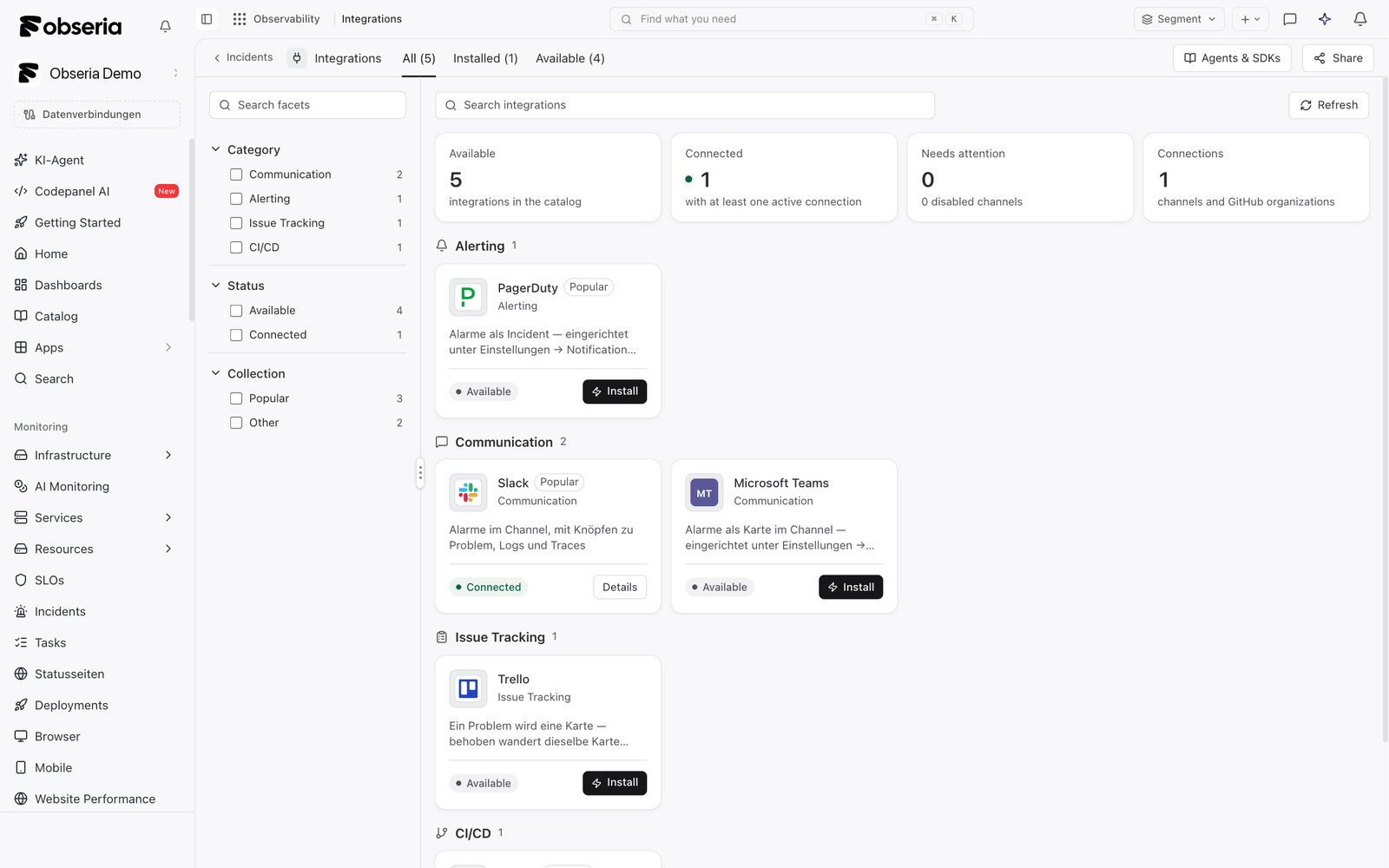
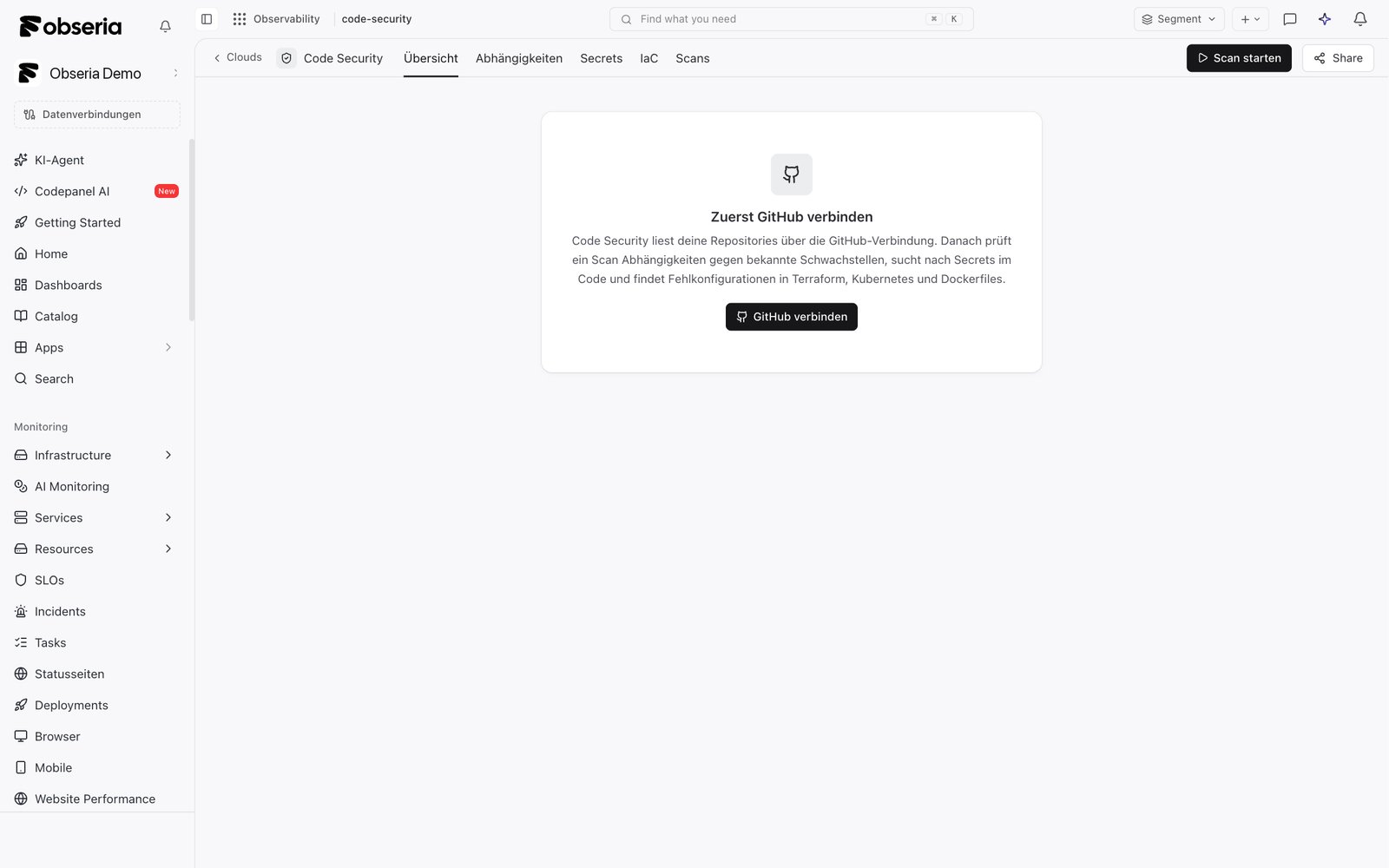
All connections, including GitHub organizations, are listed under Integrations. Once GitHub is connected, Code Security can read the repositories with your infrastructure code.
A scan finds misconfigurations in Terraform, Kubernetes manifests and Dockerfiles. The IaC tab sits next to dependencies, secrets and the scan history.
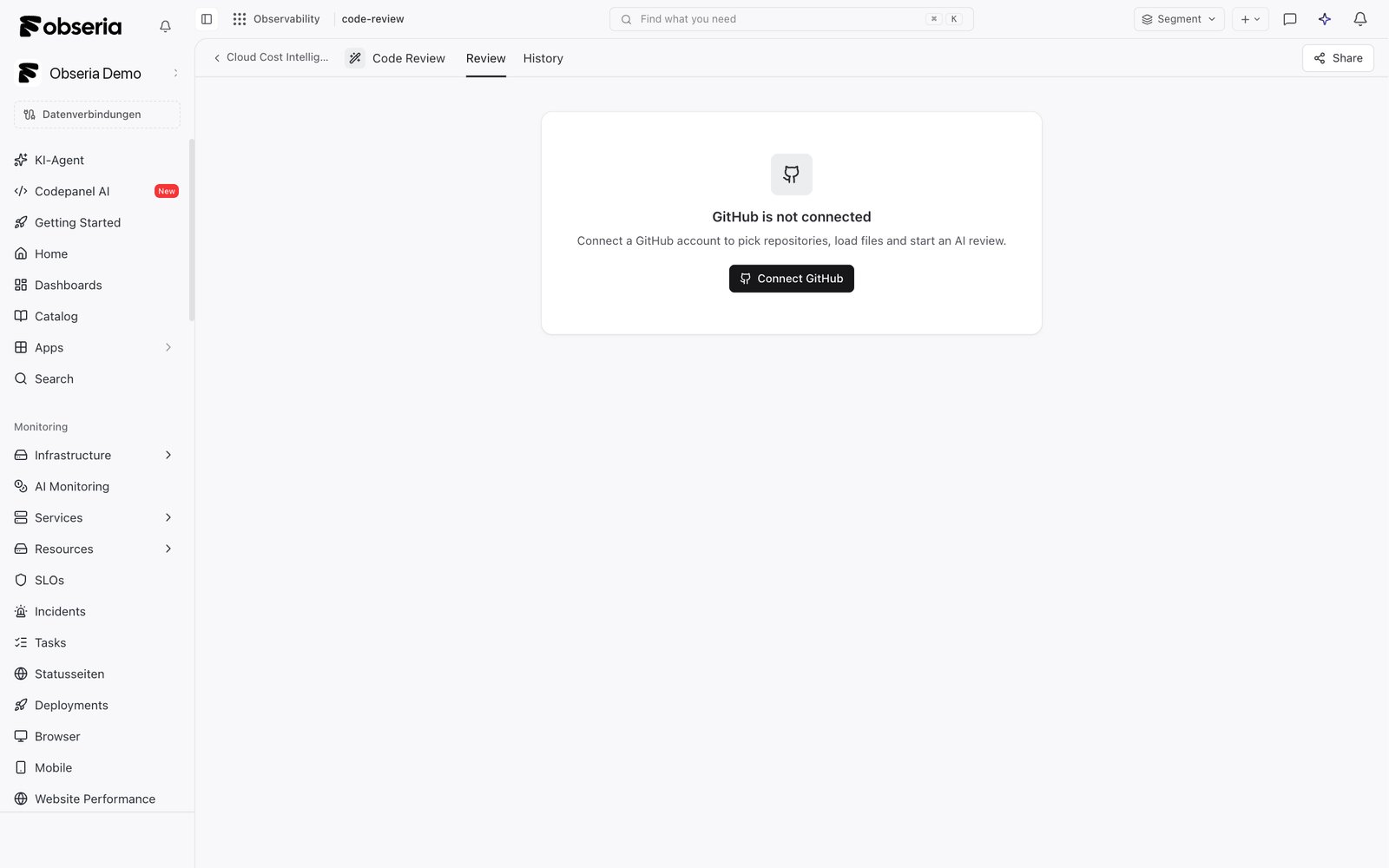
The AI code review checks a repository and branch with your own instructions and rates findings from info to critical. It complements the rule-based IaC check.
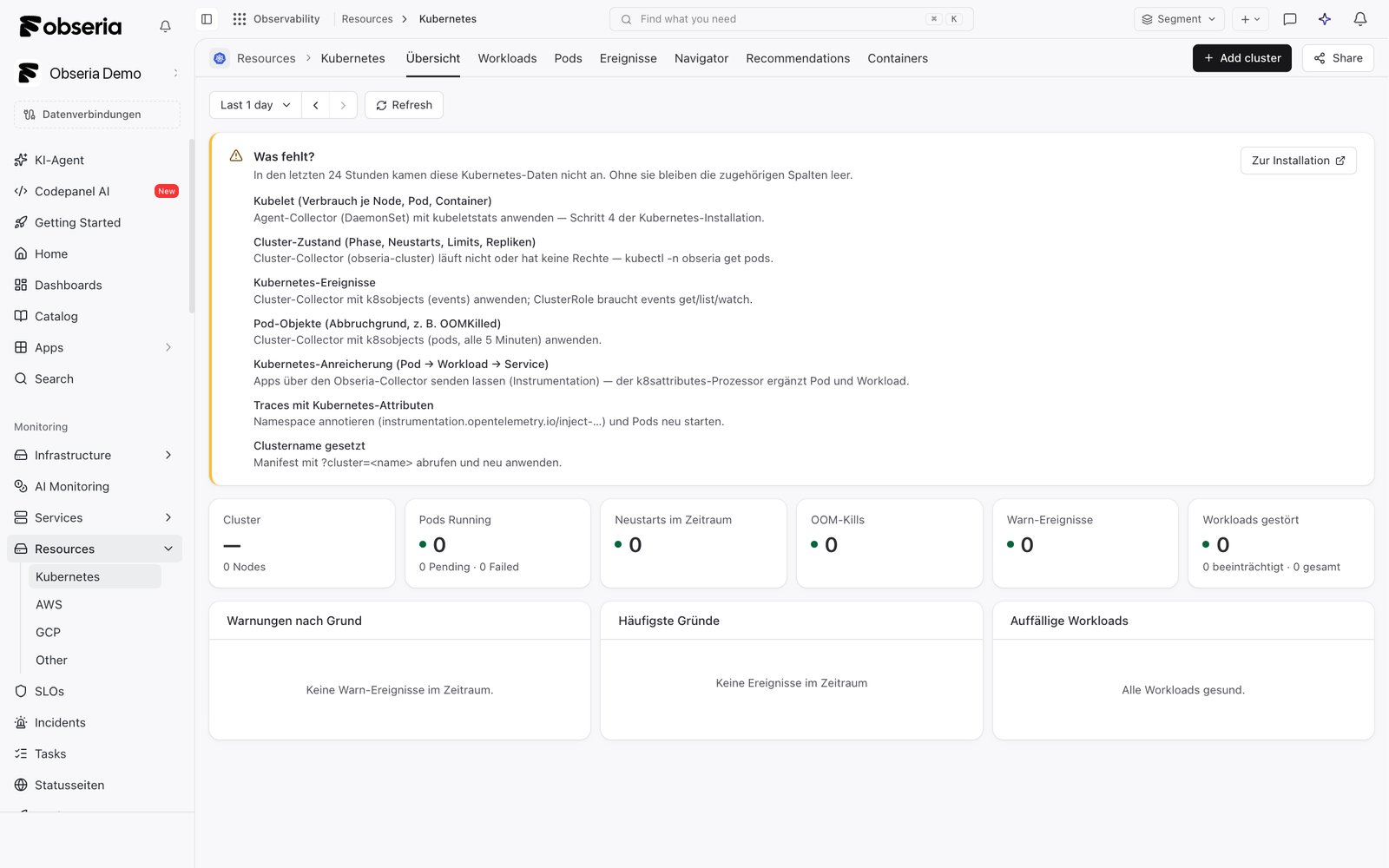
Kubernetes monitoring shows clusters, pods, restarts and OOM kills, and lists which data is still missing from a cluster.
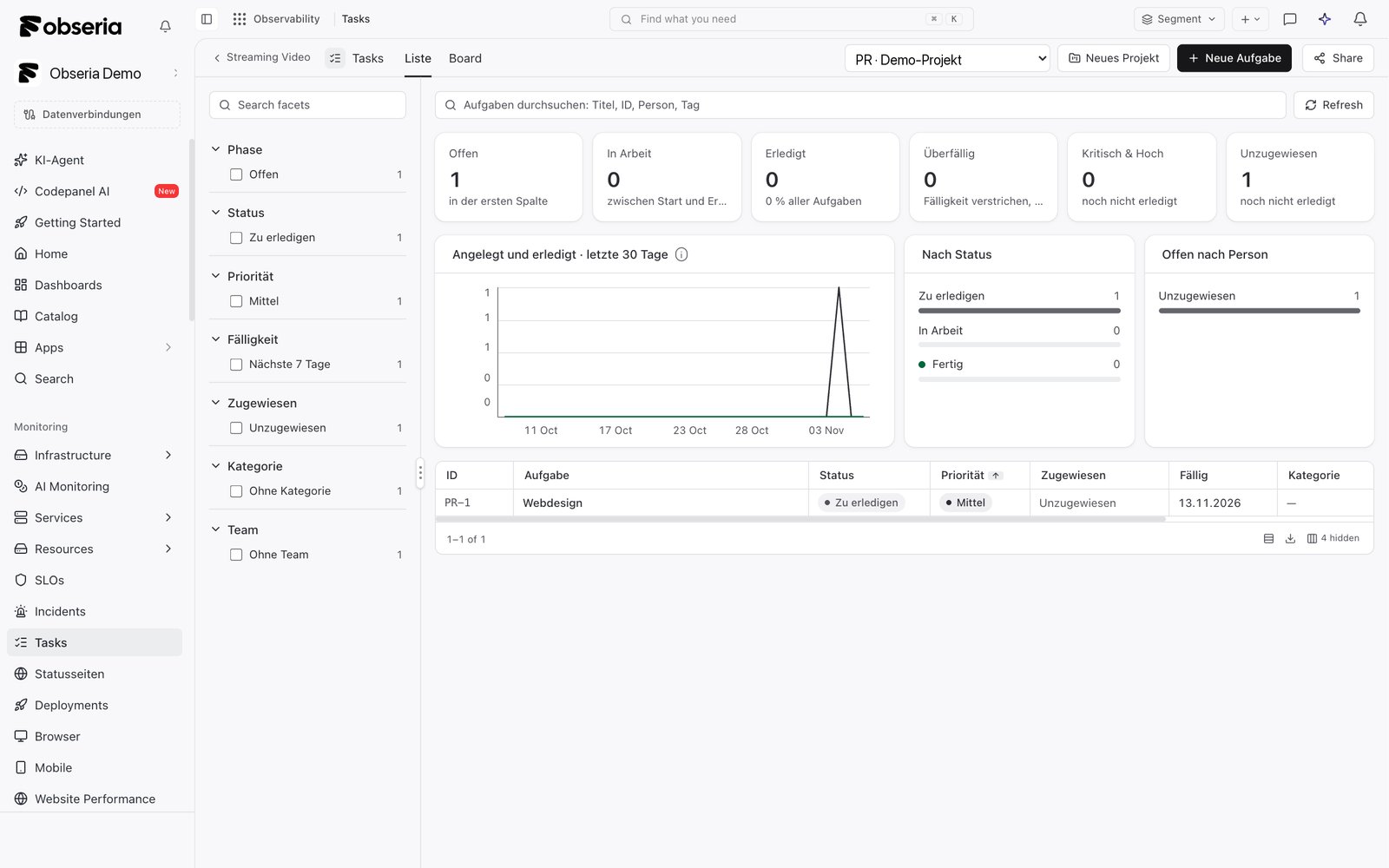
Turn important IaC findings into tasks with priority, due date and assignee and follow them as a list or on a board.
Checks Terraform, Kubernetes manifests and similar files for insecure configuration.
Brings source code security checks together in one place.
Monitors containers and Kubernetes workloads: pods, restarts, resources and health per deployment.
Learn more →
Connect GitHub once. Code Security can then read the repositories that hold your infrastructure code.
Start a scan. It checks Terraform files, Kubernetes manifests and Dockerfiles for insecure configuration.
Open the IaC tab and start with what is exposed: public storage, missing encryption and similar settings.
Change the file on a branch, review it like application code and track larger changes as tasks.
Run the scan again before applying. After deployment, CSPM checks the cloud accounts themselves.
Most teams describe their infrastructure in a handful of formats. Obseria checks the three most common ones: Terraform files for cloud resources, Kubernetes manifests for workloads in clusters and Dockerfiles for the images those workloads run.
The scan runs on the repositories connected through GitHub, without extra build steps or plugins in your pipeline. Infrastructure repositories and application repositories with a deploy/ or terraform/ folder are checked in the same way.
Findings are listed in the IaC tab of Code Security, so platform and application teams look at the same results.
IaC security looks for insecure configuration such as publicly accessible storage or missing encryption. These are the settings that turn into data leaks when they reach a cloud account, and they are easy to overlook in a long Terraform plan.
Because the check runs on the code, a finding points to the place where the fix belongs. Changing one line in a module is far simpler than tracking down a misconfigured resource in production and wondering how it got there.
A good order of work is to start with what is exposed to the internet, then encryption, then everything else. Exceptions, such as a bucket for a public website, are best documented in the code itself.
The IaC check is part of the same scan that checks dependencies for known vulnerabilities and searches code and Git history for secrets. One repository therefore has one picture of its risk, not three reports from three tools.
That also helps with credentials in infrastructure code. A password written into a Terraform variable is reported by secret scanning in the same run, so you see the misconfiguration and the leaked credential together.
The Scans tab keeps the history, so you can see when a repository was last checked and whether a fix removed the finding.
IaC scanning sees the intended state. It cannot see resources created by hand in a console or changed after deployment. For that side, cloud security posture management in Obseria Security Enterprise checks cloud accounts continuously against security rules and benchmarks.
Together, the two checks cover the path from the pull request to the running environment. The Kubernetes views in Obseria show the clusters your manifests are deployed to, and case management keeps track of the fixes.
GitHubKubernetes manifestsDockerfiles AWS (CSPM)
 Azure (CSPM)
 Google Cloud (CSPM)
Infrastructure as code (IaC) describes servers, networks, storage, clusters and permissions in text files instead of clicking them together in a console. Terraform configurations, Kubernetes manifests and Dockerfiles are the most common examples. IaC security, also called IaC scanning, checks these files for insecure settings before they are applied.
The idea is simple: if infrastructure is code, it can be reviewed like code. A storage bucket that would be publicly readable, a database without encryption or a container that runs as root is visible in the file long before it exists in a cloud account or cluster. Finding it there is far cheaper than finding it in production, or reading about it in an incident report.
latest and silently change with every build.IaC scanning and cloud security posture management (CSPM) look at the same risks from two sides. IaC scanning checks the intended state in your repository before deployment. CSPM checks the actual state of cloud accounts afterwards, including resources that were created by hand or changed outside of code. Teams that use both catch most problems early and still notice drift and manual changes later.
terraform apply or kubectl apply run.A typical case looks like this: a developer adds a storage bucket for application logs to a Terraform module, copies a block from an older project and does not notice that it grants public read access and has no encryption configured. In a plan with dozens of resources, the two lines are easy to miss. An IaC scan on the branch reports both settings, the developer changes them in the same change, and the bucket never exists in an unsafe state.
The same pattern applies to containers. A Kubernetes manifest that runs a workload as root or without resource limits, or a Dockerfile that always pulls the newest base image, works fine in a test environment. The risk only shows when something goes wrong: a compromised container with root rights, or a build that suddenly behaves differently because the base image changed overnight.
Ownership matters as much as detection. Infrastructure code is often shared between a platform team, which maintains modules and clusters, and application teams, which use them. Agree on who handles which findings: problems in shared modules belong to the platform team, settings in a single service's manifest to the team that owns the service. Fixing a shared module once removes the finding from every project that uses it.
Check which file types are supported and whether they match what you use: Terraform, Kubernetes manifests, Dockerfiles, Helm charts or other formats. Ask how findings are presented: with file, severity and an explanation of the risk? Does the scanner run on the repositories you already have, without extra build steps? Are results shown next to other code findings such as dependencies and secrets? And is there a way to look at the deployed state as well, for example through CSPM?
In Obseria, IaC security is part of the Code Security scan of your GitHub repositories:
IaC security finds and explains misconfigurations; changing the files and applying them stays with your team. Only repositories on GitHub can be connected today.
IaC security checks infrastructure-as-code files such as Terraform configurations, Kubernetes manifests and Dockerfiles for insecure settings before they are applied, for example public storage or missing encryption.
Terraform files, Kubernetes manifests and Dockerfiles in repositories connected through GitHub.
Insecure configuration such as publicly accessible storage and missing encryption. Findings are shown in the IaC tab of Code Security, next to dependency and secret findings of the same repository.
No. The scan reads your repositories through the GitHub connection. You start a scan in Code Security; no plugin in your build is required.
IaC scanning checks the intended state in your code before deployment. Cloud security posture management checks the actual state of cloud accounts afterwards, including manual changes. In Obseria, CSPM is part of Security Enterprise.
Secret scanning runs in the same scan and searches code and Git history for passwords, API keys and tokens, including those written into infrastructure files.
No. Obseria finds and explains misconfigurations. Changing the file, reviewing it and applying it stays with your team; larger fixes can be tracked as tasks.
Only Terraform, Kubernetes manifests and Dockerfiles are covered; other formats such as Helm charts, CloudFormation or Pulumi are not checked today. There are no custom policies, no automatic pull requests and no blocking of deployments. Only repositories on GitHub can be connected.
Repository scans, AI code review and runtime analysis in one product.
→Passwords, API keys and tokens in code and Git history.
→Known vulnerabilities and licences in your dependencies.
→Clusters, workloads and pods in the running environment.
→Security monitoring with cloud posture checks, detections and findings.
→In 30 minutes we show you how Obseria works in your environment and answer your questions on setup, privacy and pricing.
