
Secret scanning
Finds passwords, API keys and tokens in code and in the Git history.
We use essential functions to operate this website. With your consent, we would also use services for statistics and marketing. You decide which categories you allow and can change your choice at any time via “Cookie settings” in the footer. More in our privacy notice.
Obseria Consent Management · Your choice is stored for 12 months
Obseria searches code and Git history in your GitHub repositories for passwords, API keys and tokens, finds secrets that reach your logs and shows every match only as a redacted snippet.
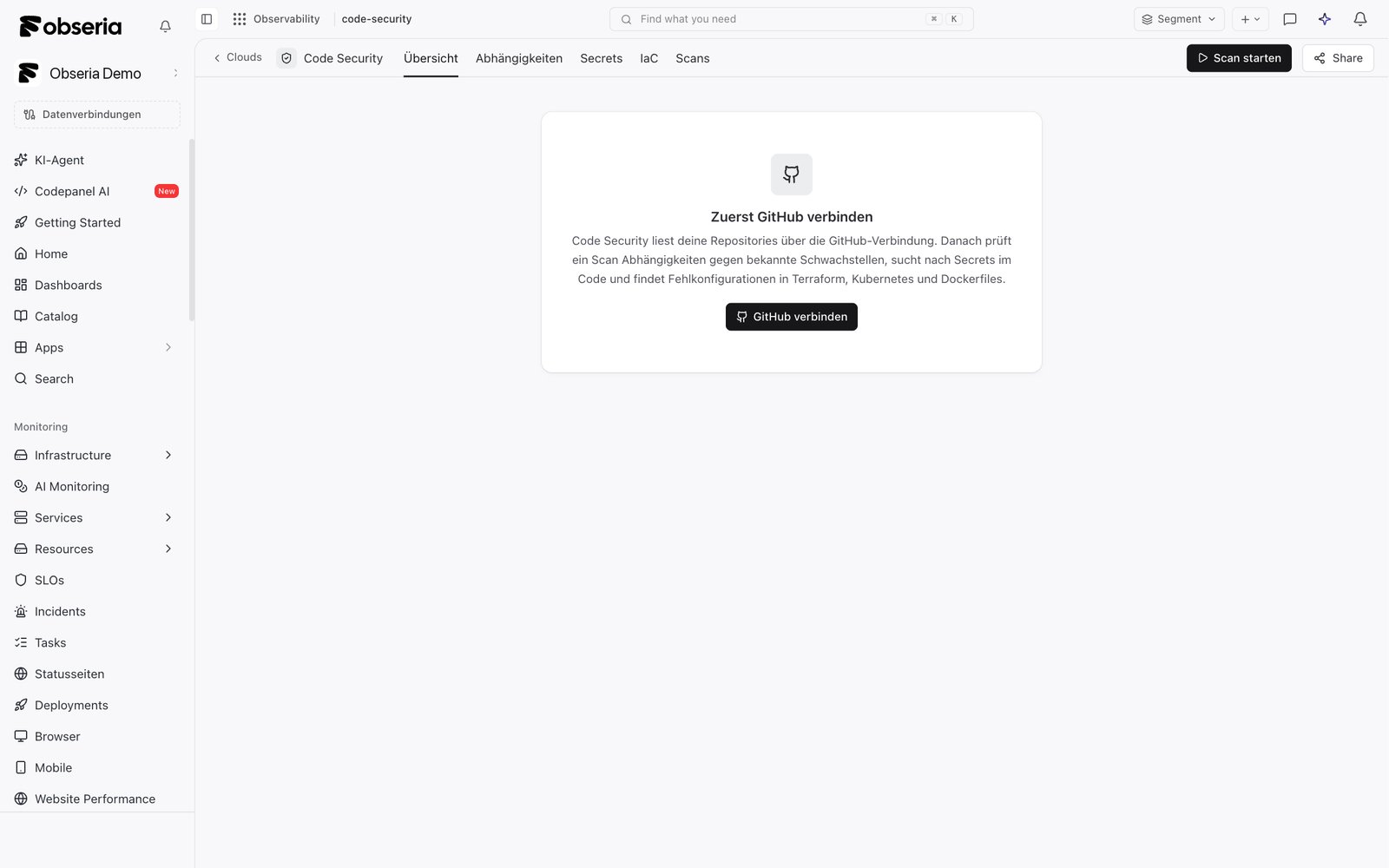
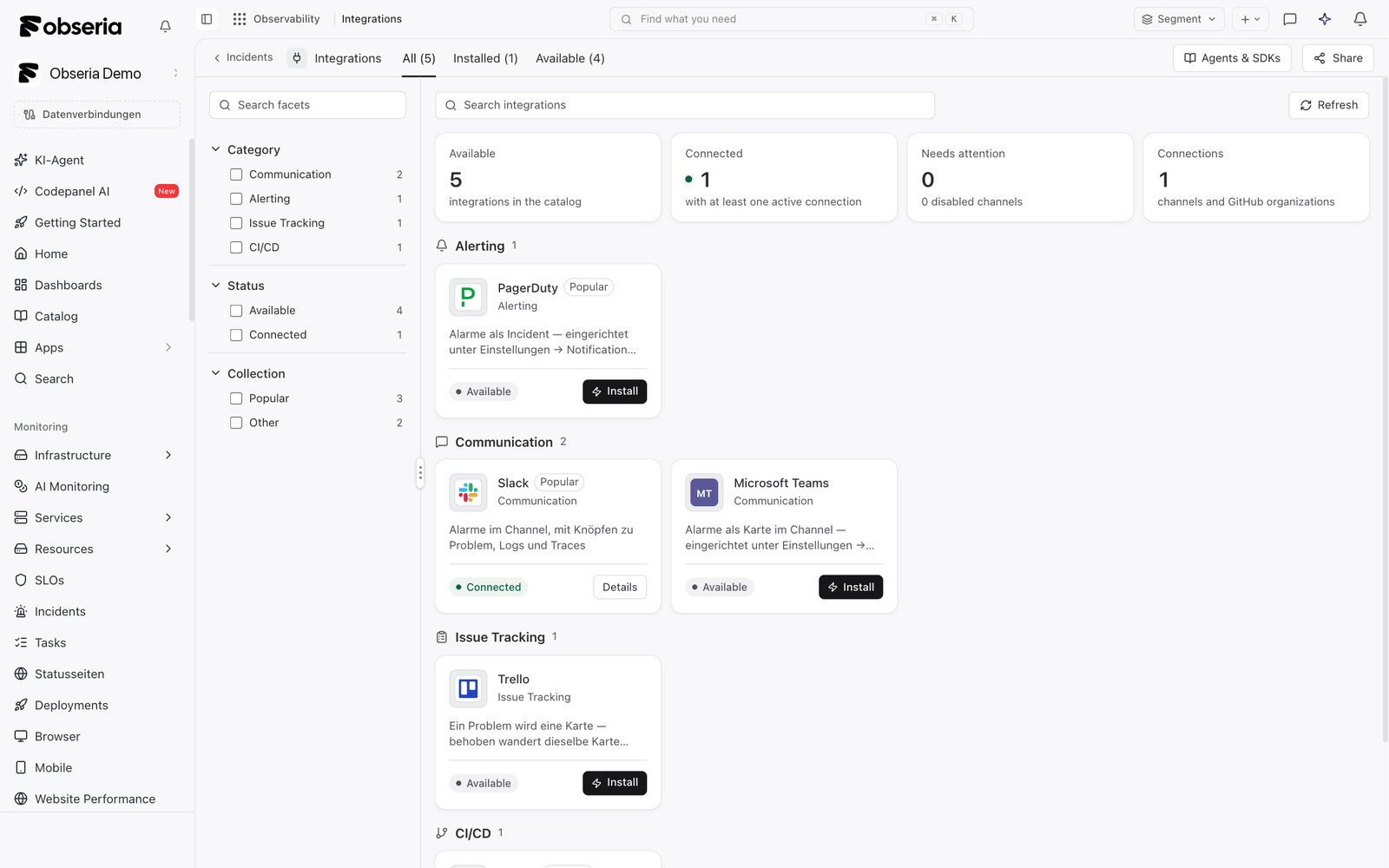
All connections, including GitHub organizations, are listed under Integrations. Once GitHub is connected, Code Security can read code and Git history.
A scan searches code and Git history for passwords, API keys and tokens. Matches appear in the Secrets tab as redacted snippets.
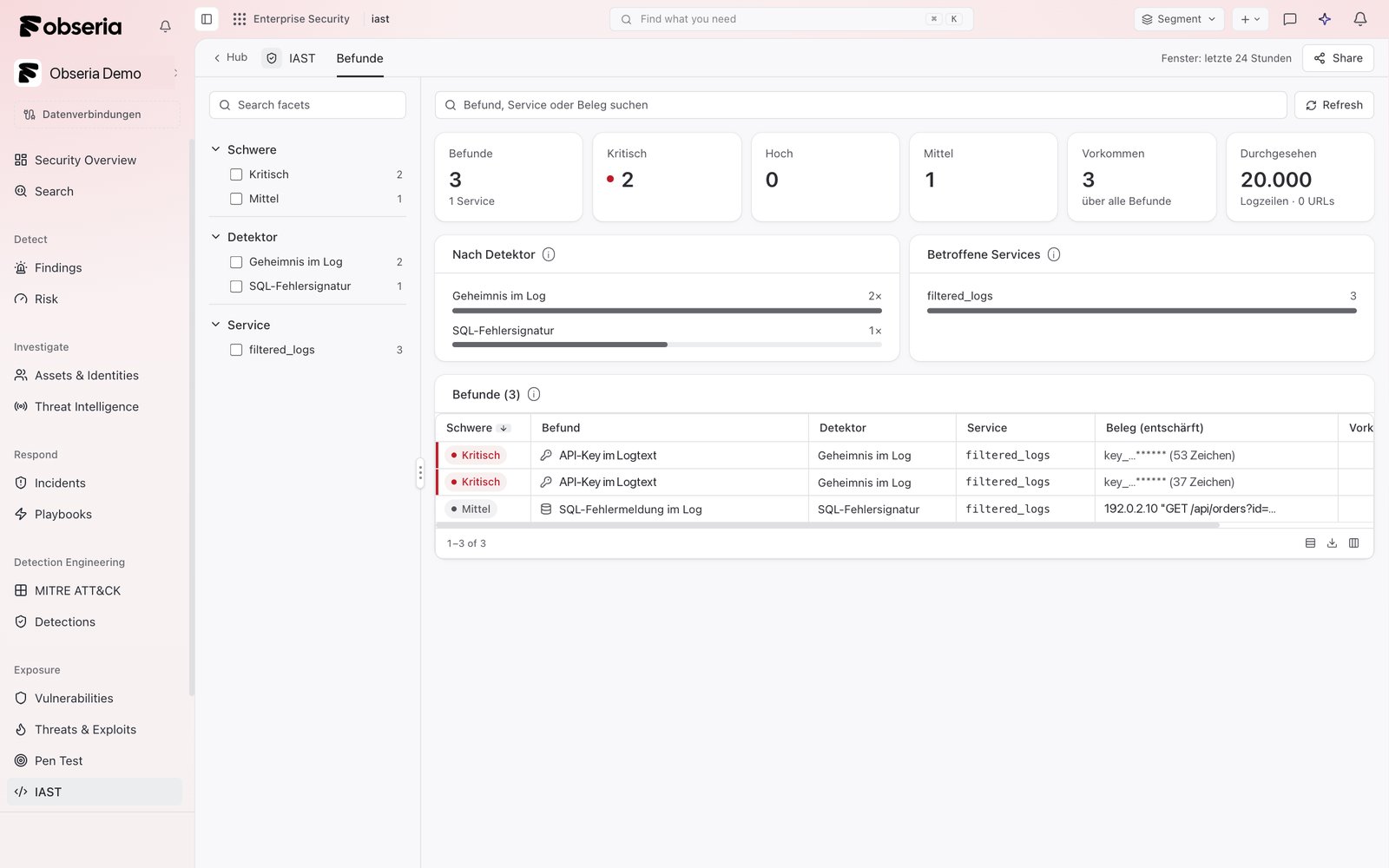
Runtime code analysis reports API keys and tokens in log lines and credentials in URLs, with severity, service, occurrences and redacted evidence.
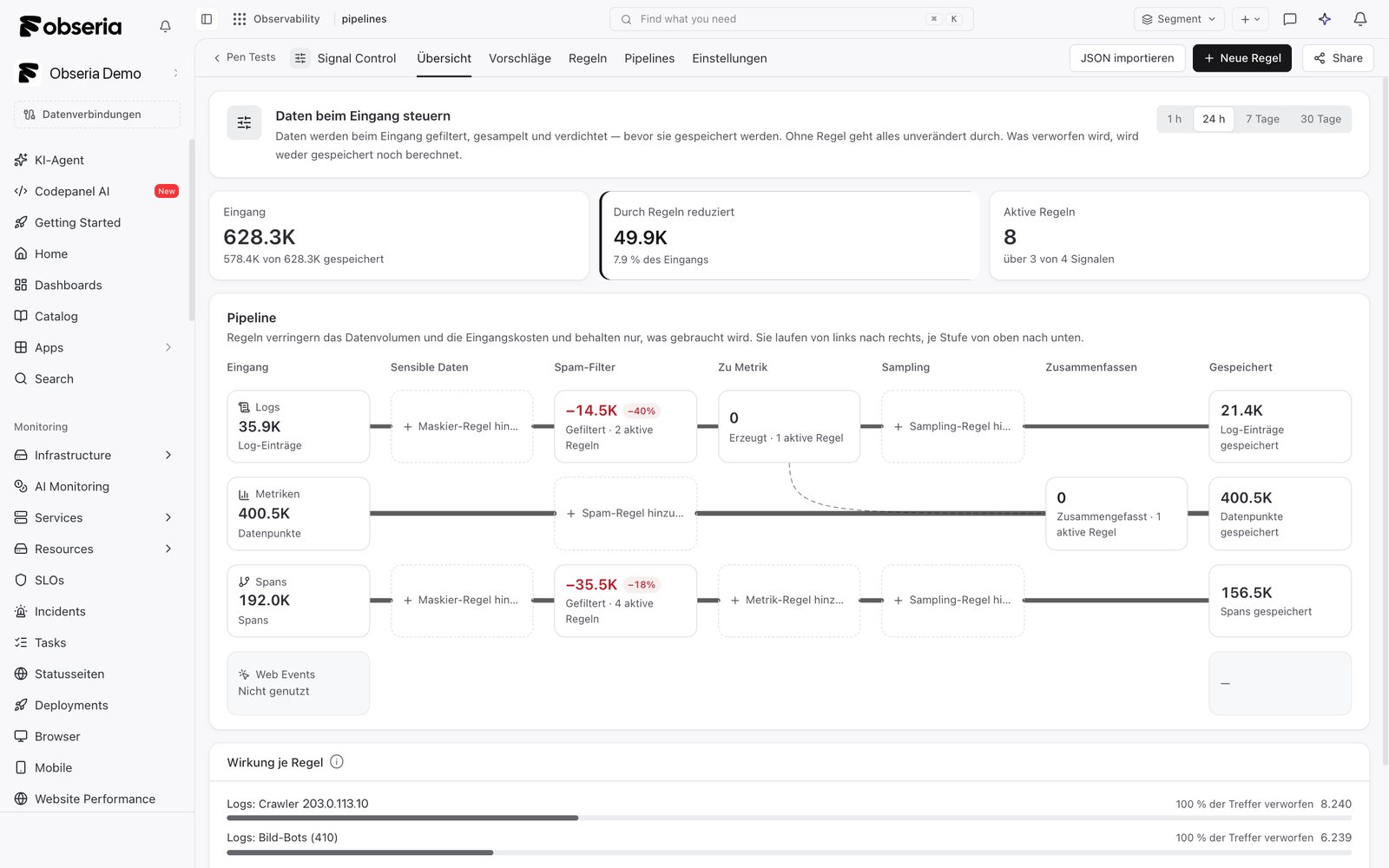
The pipeline has its own stage for sensitive data. Masking rules replace passwords, tokens and personal data at ingest, before anything is stored.
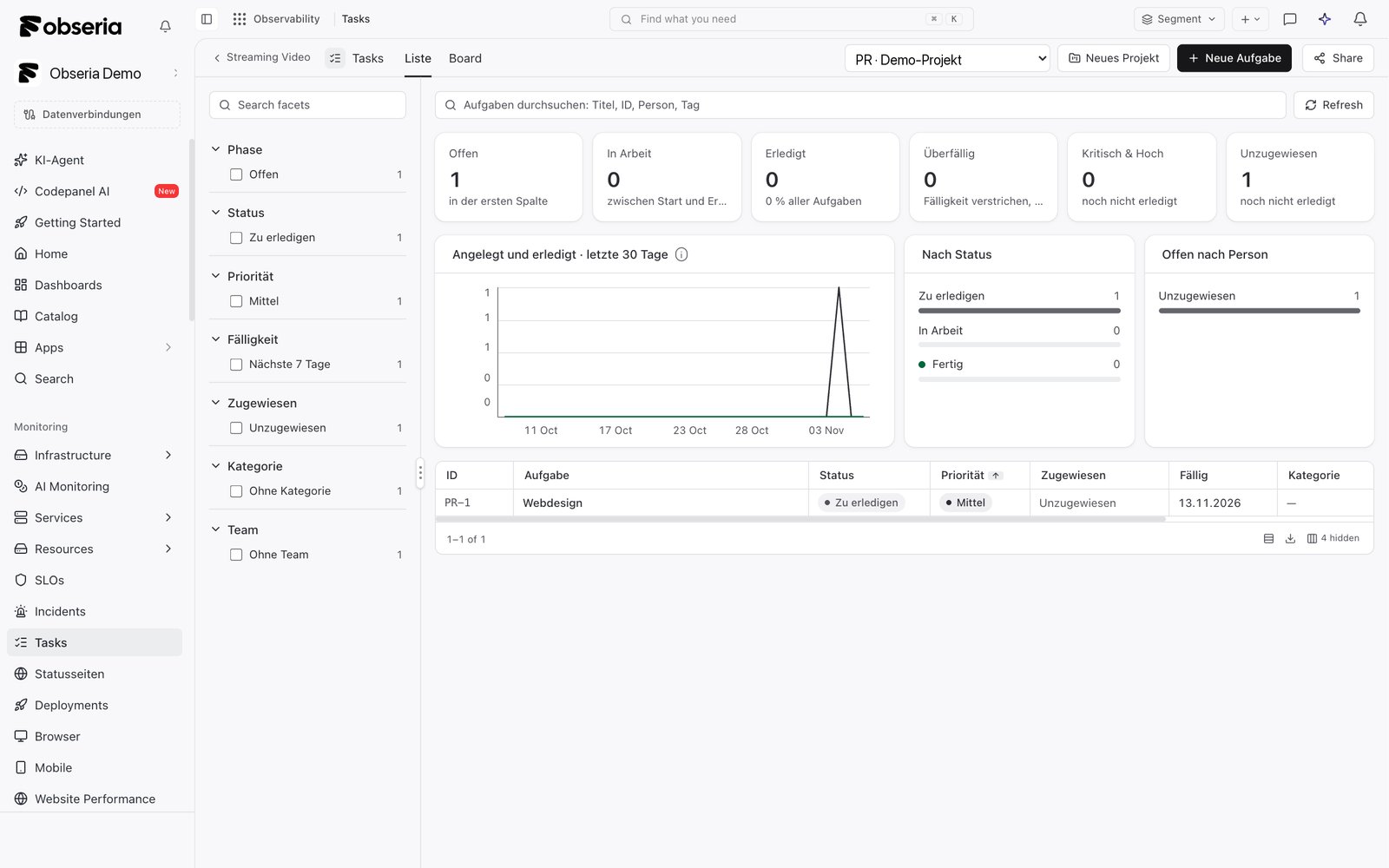
Turn each leaked secret into a task with priority, due date and assignee, so it is clear who rotates which credential.
Finds passwords, API keys and tokens in code and in the Git history.
Detects vulnerabilities in the running application based on real calls.
Learn more →Masks email addresses, IBANs, credit cards, passwords/tokens, phone numbers and IPs in telemetry at ingest, before storage.
Learn more →
Connect GitHub once. Code Security can then read the code and Git history of the repositories you choose.
Start a scan. It searches code and history for passwords, API keys and tokens and shows matches as redacted snippets.
Treat every match as compromised: issue a new credential, revoke the old one and check the service for misuse.
Runtime code analysis reports secrets that reach your logs, and masking rules keep them out of storage.
Move the secret to a secret manager, adjust logging, track the work as a task and scan again.
A credential committed once stays in the Git history even after the line is deleted. Secret scanning in Obseria therefore searches both the current code and the history of your repositories for passwords, API keys and tokens.
The check runs as part of the Code Security scan, together with the dependency and IaC checks. Results appear in their own Secrets tab, so a repository's leaked credentials are visible next to its vulnerable libraries and risky infrastructure settings.
Old and rarely touched repositories deserve the same scan as active ones. They often hold keys that nobody remembers and that still work.
A list of leaked secrets would itself be a valuable target. Obseria shows matches as redacted snippets: enough context to find the file and recognise the credential, but not the full value.
The same principle applies at runtime. Findings of runtime code analysis show the evidence in redacted form, for example the prefix of a key and its length. Your team can act on the finding without the credential becoming readable in another place.
Some secrets never touch a repository but still leak: an HTTP client logs a request with its authorisation header, or a token is passed as a URL parameter. Runtime code analysis evaluates the log lines and requests of your running services and reports secrets in logs and credentials in URLs.
To keep such data out of storage in the first place, the sensitive data scanner in Obseria's pipeline masks passwords, tokens and personal data at ingest, before anything is written. Masking contains the damage; the code that logs the secret should still be fixed.
Removing a secret from the code does not make it invalid. The only reliable response is to rotate it: issue a new credential and revoke the old one. Obseria finds the secret; rotation happens in the system that issued it.
Turn each leaked secret into a task with priority and assignee in Obseria's case management, so it is clear who rotates which credential and when it was done. A new scan afterwards confirms that the value is gone from the current code, and the runtime findings show whether it still appears in logs.
GitHub OpenTelemetry
 OTel Collector
 Fluentd
 Vector
 Logstash
Secret scanning searches source code, configuration files and Git history for credentials that should never be stored there: passwords, API keys, access tokens, private keys and connection strings with embedded passwords. The goal is to find a leaked secret before someone else does.
Secrets end up in repositories for ordinary reasons. A developer hard-codes a key to test something quickly, a .env file is committed by mistake, or a configuration file with a database password is copied from a server. Once pushed, the secret is available to everyone with access to the repository, to every clone and fork, and, for public repositories, to automated scrapers that look for exactly this.
Deleting the line does not remove the secret. Git keeps every version of every file, so a key that was committed once and removed in the next commit is still retrievable from the history. That is why good secret scanning looks not only at the current state of a branch, but also at the Git history. It is also why the only reliable response to a leaked secret is to rotate it: issue a new credential and invalidate the old one.
Repositories are not the only place where secrets leak. Applications also write them to logs, for example when an HTTP client logs a full request with its authorisation header, or when a token is passed in a URL and shows up in access logs. These leaks are invisible in the code review of the line that calls the logger, so they need a check on the actual output. A second line of defence is masking at ingest: rules in the telemetry pipeline that replace passwords and tokens before data is stored.
.gitignore, adjust logging or change the template that led to the leak.Ask whether the tool scans the Git history as well as the current code, which code hosts it supports, how findings are displayed and whether secrets are redacted in the results. Check whether it also covers secrets in runtime data such as logs, and whether it is clear what the tool does not do, for example rotating credentials or checking whether a key is still valid.
Obseria covers secrets at three points: in the repository, in the running application and at ingest.
Obseria finds secrets; it does not rotate or revoke them, does not check whether a key is still valid and does not rewrite Git history. Only repositories on GitHub can be connected today.
Secret scanning searches code, configuration and Git history for credentials such as passwords, API keys and tokens, so leaked secrets can be rotated before they are misused.
Yes. Secret scanning searches both the current code and the Git history of your GitHub repositories, because a secret that was committed once remains retrievable even after the line was deleted.
No. Matches are shown as redacted snippets. Runtime findings also show only redacted evidence, for example a key prefix and its length.
Yes. Runtime code analysis evaluates the log lines and requests of your running services and reports secrets in logs and credentials in URLs. The sensitive data scanner can additionally mask passwords and tokens at ingest, before storage.
Rotate it first: create a new credential and revoke the old one. Then check the affected service for misuse, replace the value in the code with a reference to a secret manager and fix the cause.
No. Obseria finds and reports secrets. Rotation and revocation happen in the system that issued the credential; you can track the work as a task in Obseria.
Repositories on GitHub. You connect GitHub once and then choose the repositories to scan.
Obseria does not check whether a found key is still valid, does not rotate or revoke credentials, does not rewrite Git history and does not block pushes that contain secrets. Repositories outside GitHub cannot be connected today, and secrets in logs are only detected for services whose telemetry reaches Obseria.
Repository scans, AI code review and runtime analysis in one product.
→Secrets in logs, credentials in URLs and other runtime findings.
→Unsafe settings in Terraform, Kubernetes manifests and Dockerfiles.
→Known vulnerabilities and licences in your dependencies.
→Log search and pipelines with masking of sensitive data at ingest.
→In 30 minutes we show you how Obseria works in your environment and answer your questions on setup, privacy and pricing.
