
Software composition analysis
Checks the libraries you use for known vulnerabilities and licenses.
We use essential functions to operate this website. With your consent, we would also use services for statistics and marketing. You decide which categories you allow and can change your choice at any time via “Cookie settings” in the footer. More in our privacy notice.
Obseria Consent Management · Your choice is stored for 12 months
Obseria checks the open-source dependencies in your GitHub repositories for known vulnerabilities and licences and shows the version that fixes each problem.
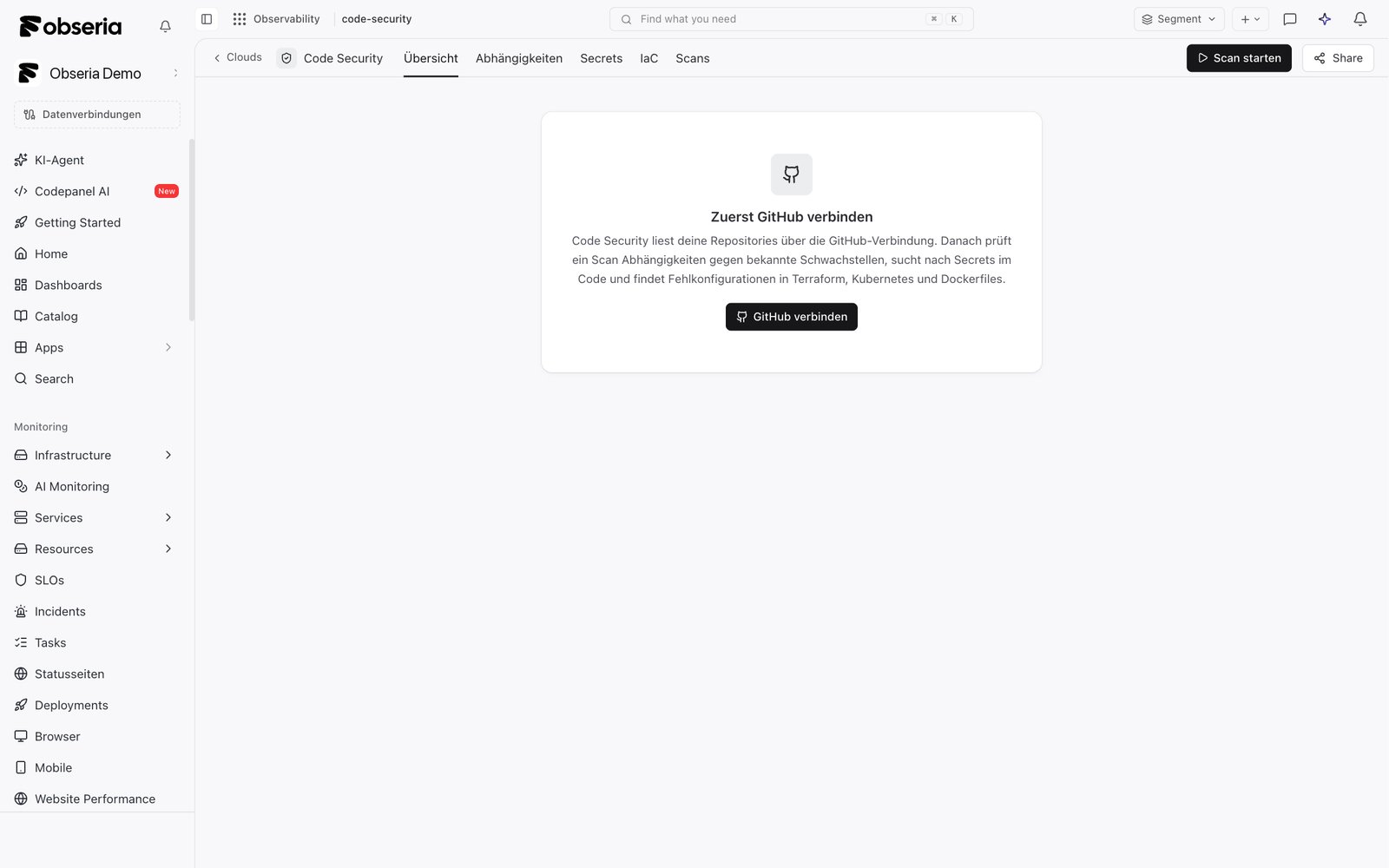
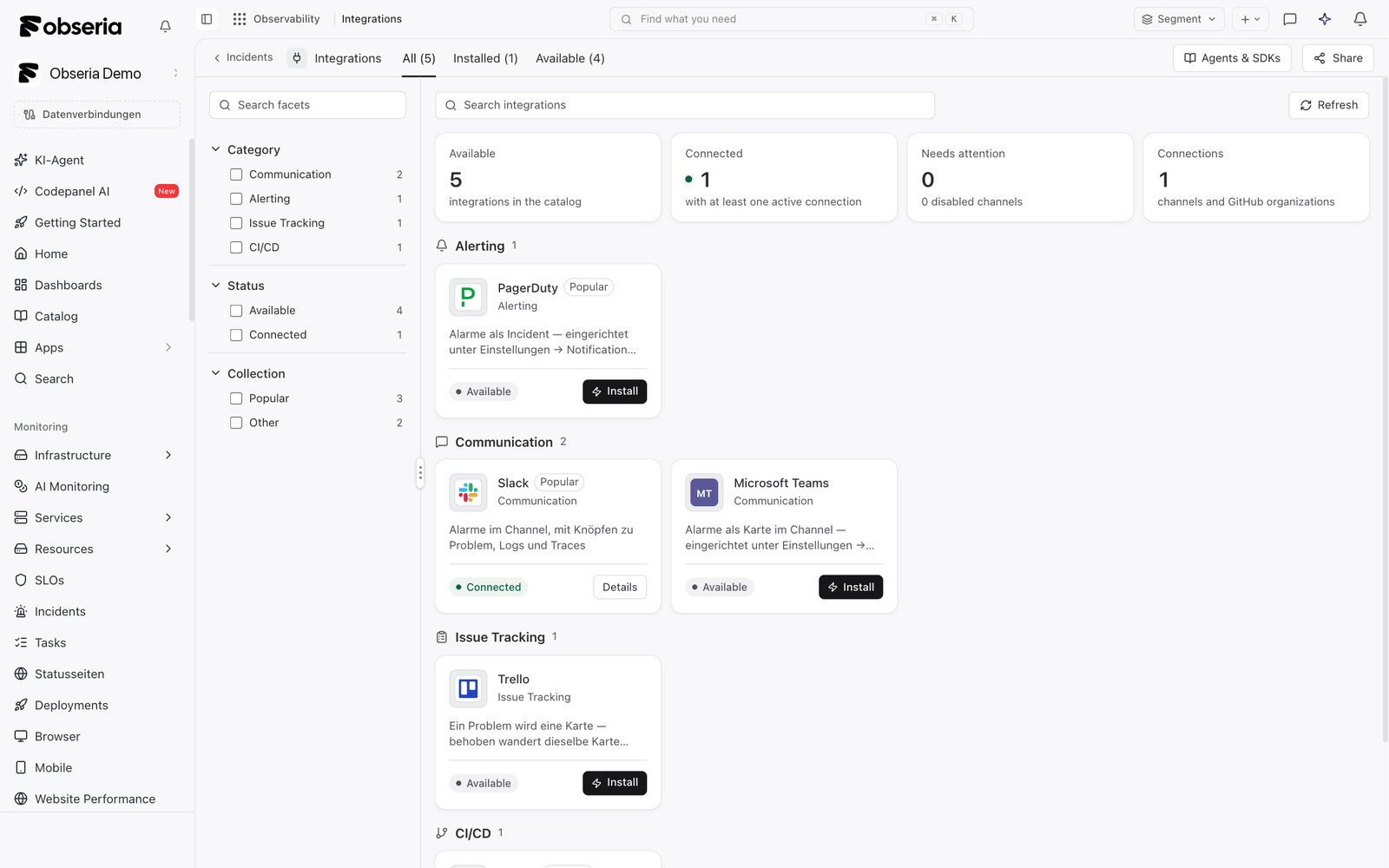
All connections, including GitHub organizations, are listed under Integrations. Once GitHub is connected, Code Security can read the repositories you choose.
A scan compares the dependencies of a repository with known vulnerabilities. Results appear in their own tab, next to secrets, IaC and the scan history.
Dependencies are only part of the picture. The AI code review checks the code your team writes, for any repository and branch, and rates findings from info to critical.
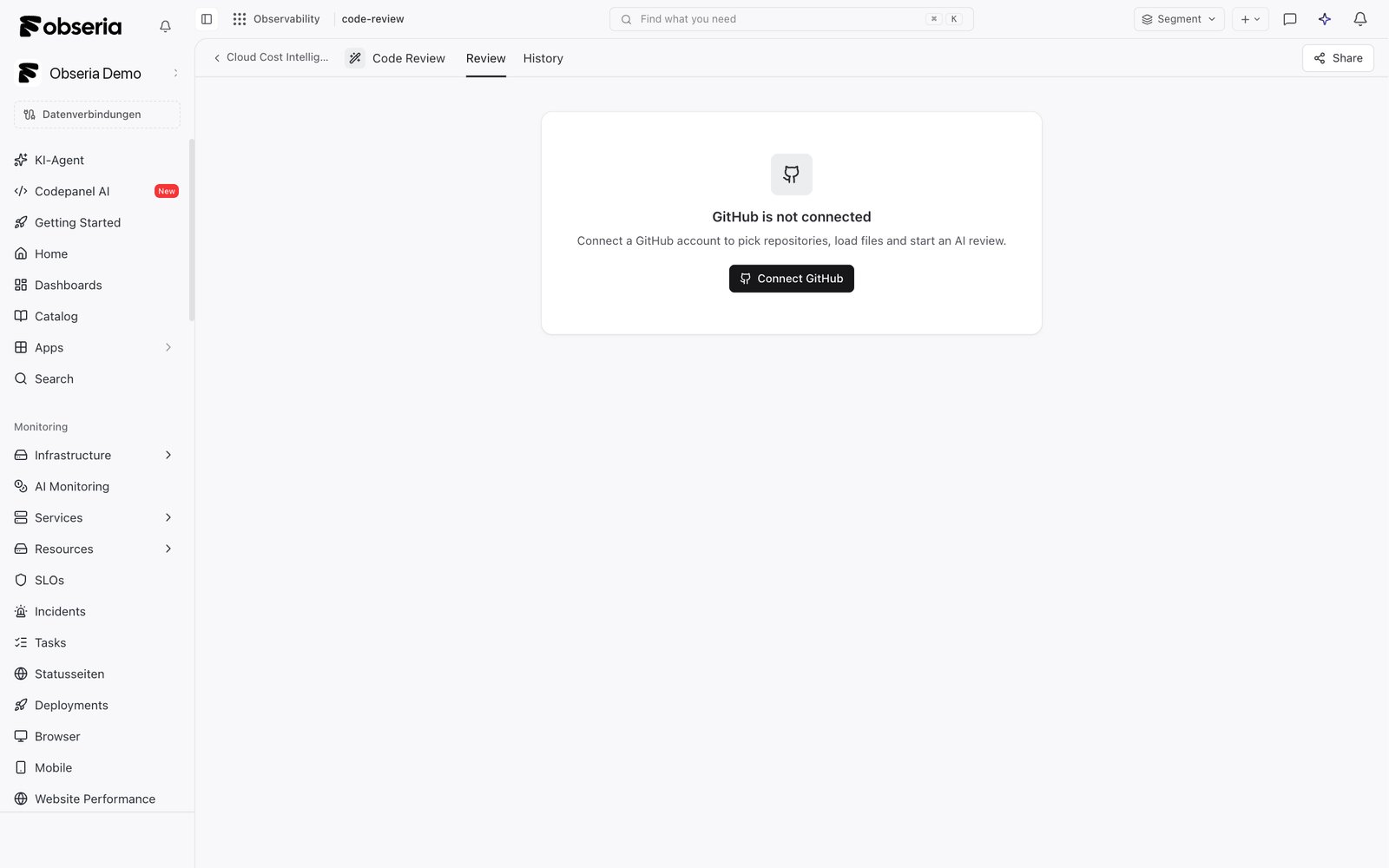
Runtime code analysis evaluates the logs and requests of your services and reports issues such as secrets in logs or SQL error signatures.
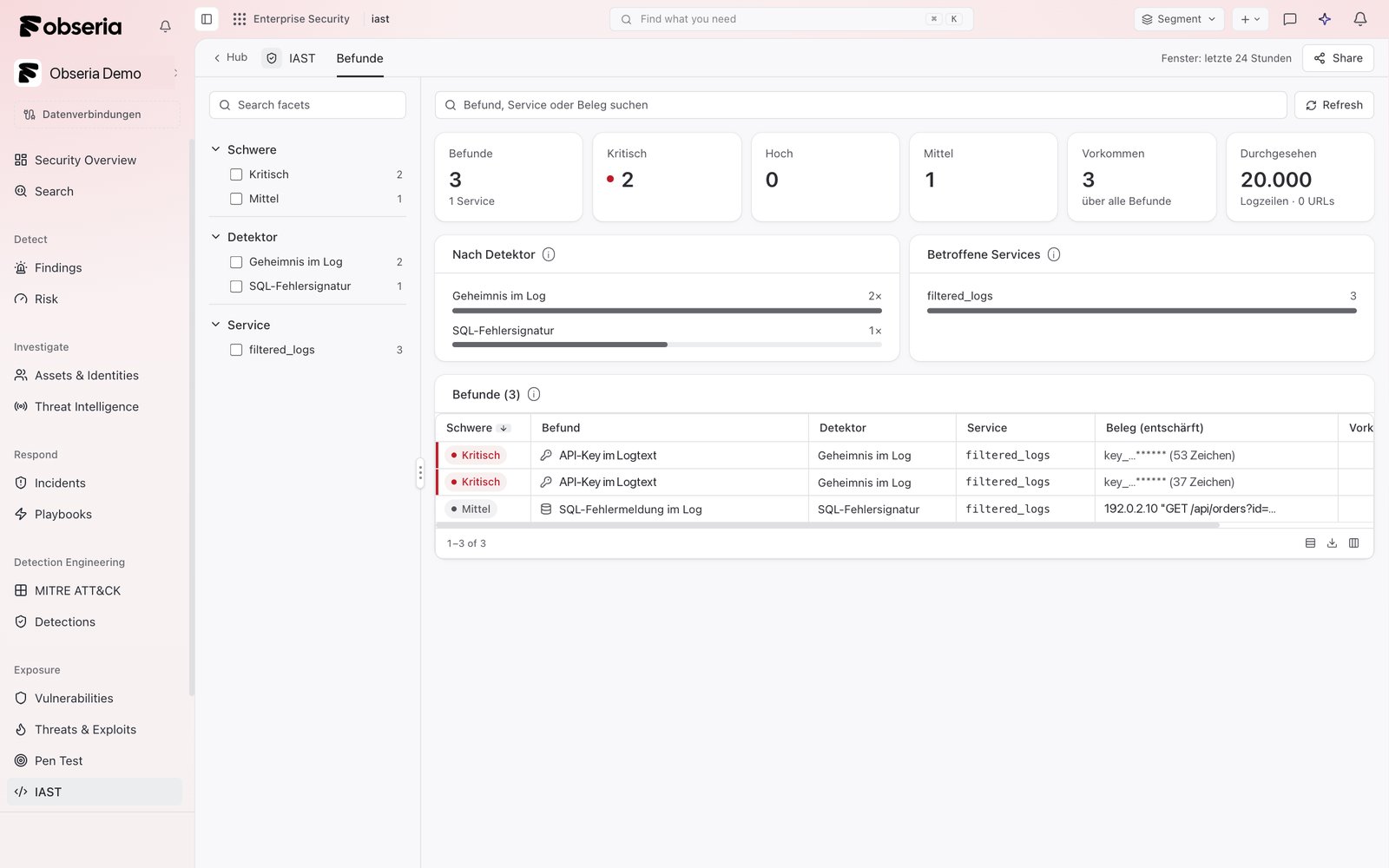
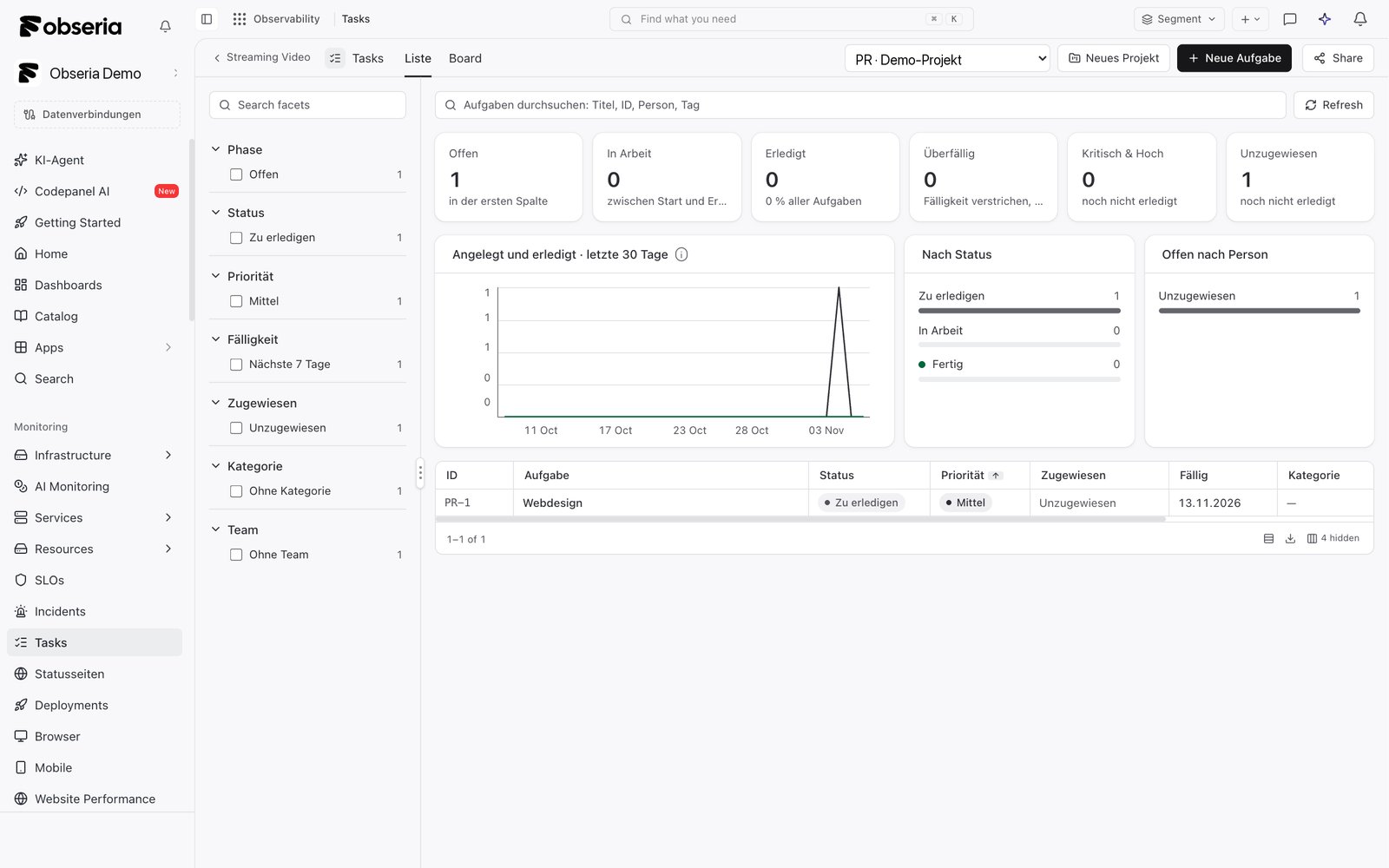
Turn important dependency findings into tasks with priority, due date and assignee and follow them as a list or on a board.
Checks the libraries you use for known vulnerabilities and licenses.
Brings source code security checks together in one place.
Detects vulnerabilities in the running application based on real calls.
Learn more →


Connect GitHub once. Code Security can then read the repositories you choose, without changes to your build.
Start a scan. It inventories the dependencies of the repository and compares their versions with published advisories.
Open the Dependencies tab: each vulnerable package with affected version, severity and the version that fixes it.
Review licence information to spot dependencies whose licence does not fit your product, and create an SBOM when needed.
Upgrade the package, track the work as a task and run the scan again to confirm the vulnerable version is gone.
Every scan starts with an inventory. Obseria reads the dependencies of a connected repository for the ecosystems npm, PyPI, Maven and Cargo and lists the packages and versions it finds. For many teams this is the first complete view of what their services actually ship.
Because the scan runs on the repositories connected through GitHub, every project is checked in the same way: the flagship application as well as internal tools and older services that rarely get attention but often carry the oldest library versions.
The same scan also looks for secrets and misconfigured infrastructure code, so you do not need separate runs or separate tools to get a full picture of a repository.
An advisory on its own often leaves the real question open: what do we have to change? For every vulnerable package, Obseria shows the affected version, the severity and, where one exists, the version that fixes the problem. The next step is therefore clear: upgrade to this version.
Severity helps to decide the order. Critical and high findings come first, and findings with a fix available are often the quickest wins, because a single version bump removes them. Findings without a fix are worth watching and documenting until the maintainers publish one.
After the upgrade, a new scan shows whether the vulnerable version is really gone. The Scans tab keeps the history, so you can see when a finding appeared and when it disappeared.
Security is not the only risk in third-party code. Obseria also checks the licence information of your dependencies, so a package with a licence that does not fit your product is noticed before it becomes a fixed part of a release.
The dependency inventory can be produced as a software bill of materials (SBOM). That helps when customers or auditors ask what your software contains, and it makes it easier to answer quickly whether a newly announced vulnerability affects you.
Obseria shows licence information; deciding which licences are acceptable for your company remains a decision for your team and, where needed, your legal advisers.
A dependency finding is only useful when someone upgrades the package. Important findings can be turned into tasks in Obseria's case management, with priority, due date and assignee, and followed as a list or on a board until they are done.
Software composition analysis is one of several checks in Code Security. The AI code review looks at your own code, and runtime code analysis evaluates the logs and requests of running services. Together they show not only which libraries are vulnerable, but also what actually happens in production.
Everything runs on the same platform as your logs, metrics and traces, so the team that fixes the dependency can also see how the service behaves after the release.
GitHubnpmPyPIMavenCargoSoftware composition analysis, usually shortened to SCA, is the practice of finding out which open-source components an application is built from and whether any of them carry known security vulnerabilities or problematic licences. Where static code analysis looks at the code your team writes, SCA looks at the code your team imports: the packages pulled in from registries such as npm, PyPI, Maven Central or crates.io.
In most modern applications, these packages make up a large part of what is actually shipped. A small web service can depend on dozens of libraries directly and on hundreds more indirectly. Every one of them is code that runs with the same permissions as your own, which is why dependency scanning has become a standard part of application security.
An SCA tool typically works in three steps:
package.json, requirements.txt, pom.xml or Cargo.toml, and builds a list of packages and versions.A distinction worth knowing is between direct dependencies, which your project declares itself, and transitive dependencies, which arrive because a direct dependency needs them. Transitive vulnerabilities are common and harder to fix, because the upgrade sometimes has to happen in the library that pulls them in.
Security is only one side of SCA. Every open-source package comes with a licence, and not every licence fits every product. Permissive licences such as MIT or Apache 2.0 rarely cause trouble, while strong copyleft licences can impose obligations on how you distribute your own software. Knowing which licences are in your dependency tree lets legal and engineering teams discuss a library before it becomes hard to remove.
The inventory that SCA builds is also the basis for a software bill of materials (SBOM): a machine-readable list of all components in a piece of software. Customers and auditors ask for SBOMs more and more often, and having one ready makes it much faster to answer the question “are we affected?” when a new vulnerability in a popular library is announced.
Dependency risk changes even when your code does not. A library that was clean at release can receive an advisory a month later. That is why SCA is most useful as a recurring check rather than a one-off audit: scan when dependencies change, for example before merging a branch that adds or upgrades packages, and scan again regularly so that newly published vulnerabilities in unchanged code are noticed as well.
When comparing tools for open source vulnerability scanning, a few questions help: Which package ecosystems does it support, and do they match your stack? Does it show the fixed version, or only the problem? Are licences covered? Can it produce an SBOM? Where do findings end up, and can they be followed up as work items? And just as important: is it clear what the tool does not do, for example opening upgrade pull requests or judging whether vulnerable code is actually reachable?
In Obseria, software composition analysis is part of Code Security. You connect GitHub once; after that, a scan of a repository checks its dependencies against known vulnerabilities, in the same run that also looks for secrets and misconfigured infrastructure code.
The analysis relies on published advisories, so vulnerabilities that are not yet known cannot be reported. Obseria shows what to upgrade; it does not change your code or open pull requests, and repositories outside GitHub cannot be connected today.
Software composition analysis (SCA) identifies the open-source packages an application uses and checks them for known vulnerabilities and licence risks. It complements static code analysis, which looks at the code your team writes itself.
Dependencies from npm, PyPI, Maven and Cargo. The repositories are read through a GitHub connection.
Yes. For each vulnerable package Obseria shows the affected version, the severity and, where one exists, the version that fixes the problem. If no fixed version has been published yet, the finding stays visible until one is available.
Yes. Licence information of the dependencies is checked, so licence risks become visible. Which licences are acceptable is a decision your team makes; Obseria provides the information.
Yes. The dependency inventory of a scan can be produced as a software bill of materials, for example to answer customer or audit questions.
Connect GitHub once, open Code Security and start a scan. The results appear in the Dependencies tab, together with the tabs for secrets, IaC and the scan history.
Software composition analysis checks the dependencies in your repositories. The vulnerability list in Security Enterprise is a separate central list for prioritisation and is currently filled from a fixed rule set, not from your repositories or live telemetry.
Obseria does not open upgrade pull requests or change code, and it does not analyse whether vulnerable code is actually reachable from your application. Only vulnerabilities that have been published can be reported. Repositories outside GitHub and package ecosystems other than npm, PyPI, Maven and Cargo are not covered today.
Repository scans, AI code review and runtime analysis in one product.
→AI code review that finds insecure patterns in your own code.
→Passwords, API keys and tokens in code and Git history.
→Unsafe settings in Terraform, Kubernetes manifests and Dockerfiles.
→Vulnerabilities in the context of the running services.
→In 30 minutes we show you how Obseria works in your environment and answer your questions on setup, privacy and pricing.
